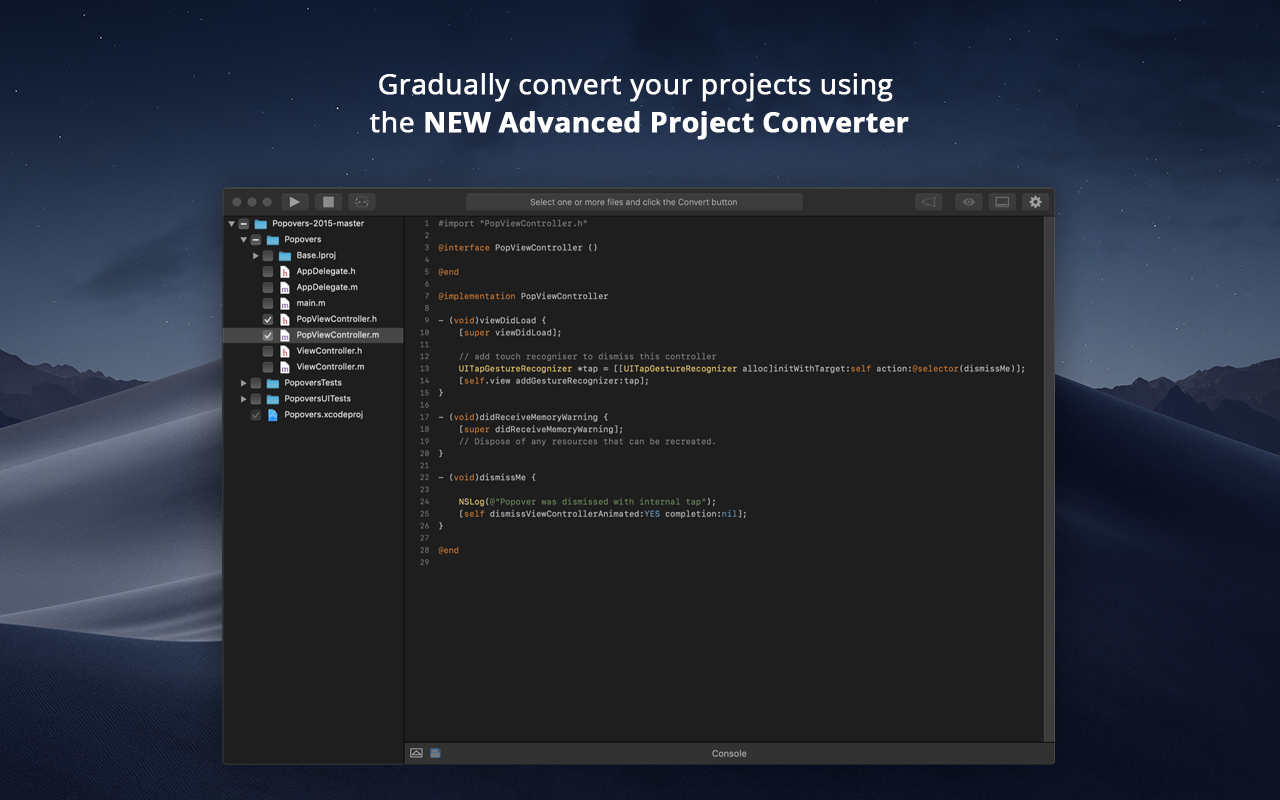
When Apple rolled out Swift back in 2014, Objective-C was set to be replaced. Even nowadays, however, there are plenty of apps and projects that still use Objective-C, and developers are faced with the prospect of either starting again from scratch or attempting to convert them to Swift. Swiftify for Xcode is designed to automate much of the conversion process, handling the task of replacing syntax while letting you focus on other aspects of migrating your project to…
It is suitable for making portable applications, with almost the same code for several platforms. You can access native features of the device or use an open source plug-in from the repository to create a local database and access the internal storage of the device. It is wonderful for the construction of a native application, through the use of standard web code. It is not recommended for enterprise applications.
It is recommended to use Swiftify in any situation that requires iOS development because even if you develop just in Swift or just in Objective-C, it could be helpful for researching and investigating purposes. Additionally, if you need to convert big quantities of code from Objective-C to Swift, this tool will optimise that work. It will not translate a whole class of 2000 lines perfectly, but after converting it you can review the code and modify the lines that have not been properly converted, making you save more than the 50% of the time in that case. I've not been able to test it properly as I only used the trial version and it is really limited.
Adobe Phone Gap has an extremely simple user interface that allows for easy learning to occur.
Adobe Phone Gap provides support for web languages and allows you to write in three of the main languages and transfer them to another language for use. This solves a common programming issue and is the greatest strength of the software.
Their desktop application allows for easy installation and programming.
Adobe provides quick support with questions about how to use the software.
The build interface notifies you of errors extremely quickly and helps identify the issue in your programming. You get an easy idea of what needs to be updated and adjusted.
Cordova app code runs inside a webview component. So, expect the performance to be a little slower as compared to the native apps. This is more noticeable on older devices though. It is hardly noticeable when it comes to newer mobile devices.
Crashes can be hard to debug since the crash logs will not point you to the culprit javascript code. This is not a limitation of Cordova alone. Any other hybrid mobile app development platform suffers the same problem.
Even with tools like Safari debugger and Chrome debugger, it can be tricky to measure graphics and animation performance. Achieving smooth animations can be a bit of a challenge sometimes with hybrid mobile apps in general.
Apache Cordova is the mother of all other frameworks. The Ionic developed framework is well suited for development but most of their features are offered by paid services. As Apache Cordova is open source and has a license to modify it, it has no legal problems to work with it. Also, most well-known IDEs recognize the Apache Cordova snippets.
There's not much to compare - we haven't found any proprietary like it. Existing OpenSource solutions are unmaintained and Swiftify supports the latest versions of Swift.
For now the impact has been small, considering that I used the trial version, it was helpful for small conversions. Summarising: Saving time on researching process