Apache Maven is an open source build automation tool.
N/A
Redgate Flyway
Score 9.0 out of 10
N/A
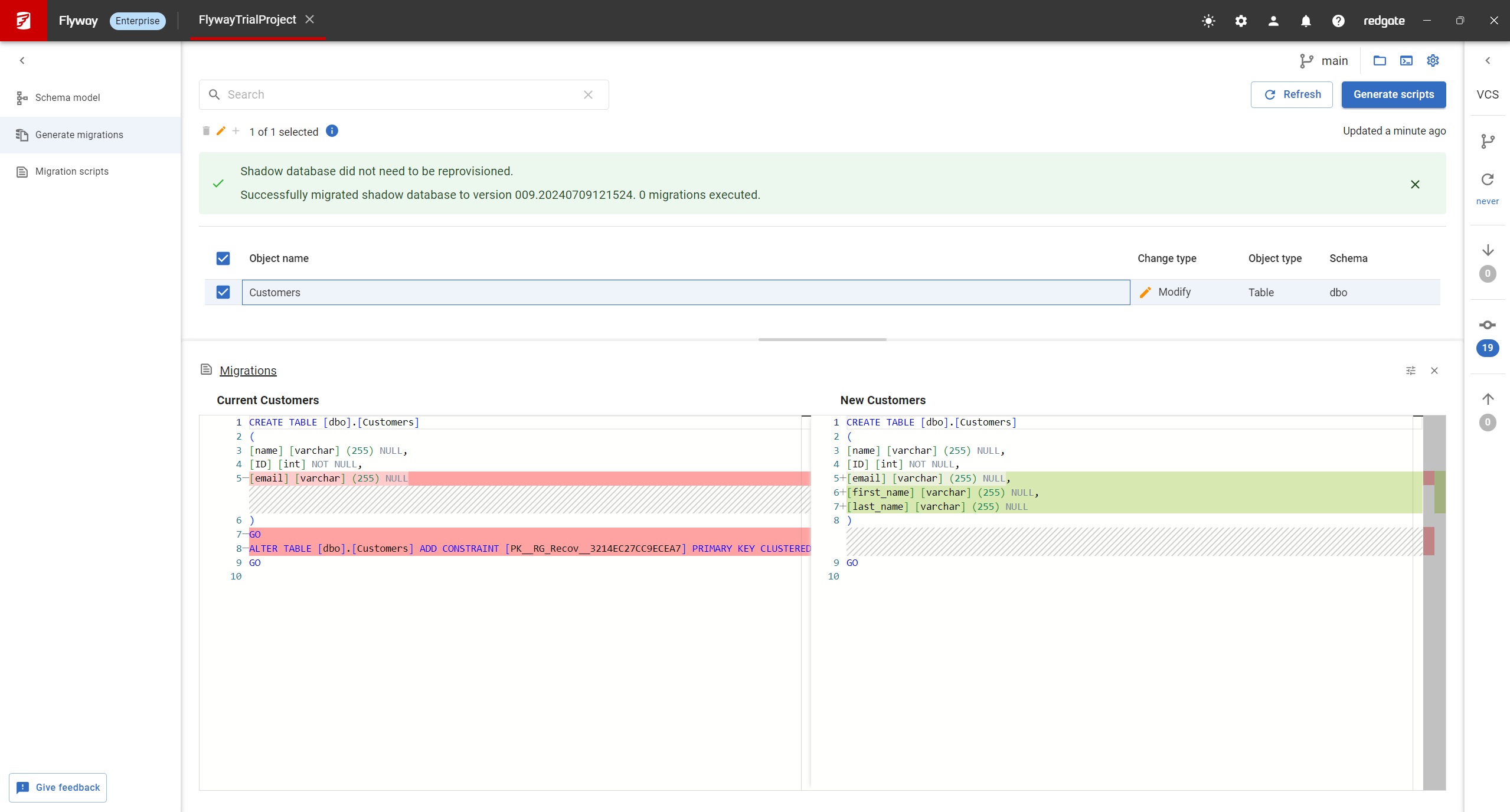
Redgate Flyway extends DevOps practices to databases to speed up software delivery while keeping business-critical data safe. From version control to continuous delivery, Redgate Flyway helps enterprises build on application delivery processes to automate database development and deployments.
$0
Redgate SQL Toolbelt Essentials
Score 9.5 out of 10
N/A
Redgate's SQL Toolbelt Essentials includes industry-standard tools for SQL Server development & deployment, enabling users to include SQL Server databases in agile processes and enabilng developers to embed robust and scalable development practices.
Maven is great if you have an application with a lot of third-party dependencies and don’t want each developer to keep track of where the dependency can be downloaded. It’s also a great way to make it easy for a new developer to be able to build the application. It’s less suitable for simple projects without any third-party dependencies.
Database Migrations on Java-based solutions. It has one of the best integrations with it as a database migration tool, you can do it with the community edition (no pricing involved) and it works flawlessly with Maven and Gradle. It's not an expensive tool in order to use the next level of features and is worth the money. I would recommend reaching that edition level as the object mapping feature gets really handy. I would not recommend it for any Microsoft-based solution (.Net) as is not compatible at all based on my experience, this is a tool only worth it with Java applications.
We use SQL Compare to troubleshoot performance problems quite a bit since our data model is more like a template and not everything is 100% in sync and customization occurs between different client databases. We continually get pulled into performance issues and the developers will say Client A is performing different than Client B, why? Using SQL Compare, we usually find that one client was tuned and had indexes altered or added that weren't deployed to all clients or other objects weren't deployed correctly during the release. On the other hand, since our data model practices allow client databases to drift I tried to create a new golden image by trying to compare multiple databases based on the same data model and found it to be a very difficult process to complete using SQL Compare. SQL Compare gave me too much information and doesn't allow enough filtering to eliminate a lot of the noise.
Simple and easy comparison of database schemas and data. Differences can be copied or synced from one database to another with a click of a button.
You can save "projects" so that you can easily rerun a previous comparison whenever you need to.
It has a very simple, easy to learn interface. I've never needed to read any documentation or watch any tutorials in order to figure out how to do something.
Maven provides a very rigid model that makes customization tedious and sometimes impossible. While this can make it easier to understand any given Maven build, as long as you don’t have any special requirements, it also makes it unsuitable for many automation problems.
Maven has few, built-in dependency scopes, which forces awkward module architectures in common scenarios like using test fixtures or code generation. There is no separation between unit and integration tests
Pricing.... I wish there was an inexpensive developer version I could buy for myself.
Portability.... I would like to use it from a flash drive so I can use it where ever I am asked to work.
Unbundled.... This may be available already but I dont' recall I can buy it cheaply as a stand-alone product. Its only part of the bundle - cost effectively.
The overall usability of Apache Maven is very good to us. We were able to incorporate it into our company's build process pretty quickly. We deployed it to multiple teams throughout the entire enterprise. We got good feedback from our developers stating that Apache Maven has simplified their build process. It also allowed to to standardize the build process for the entire enterprise, thus ensure that each development team is using the same, consistent process to build code.
It's very easy to install and use. Even someone very new to the software will have no trouble, plus the team reach out to help you and continue to offer you support throughout. Really simple interface, clean design, all you could really ask for in a tool that needs to do a job dependably
I can't speak to the support, as I've never had issues. Apache Maven "just works," and errors were user errors or local nexus errors. Apache Maven is a great build/dependency management tool. I give it a 9/10 because occasionally the error message don't immediately indicate a solution...but again, those errors were always user or configuration errors, and the Maven documentation is extensive, so I don't find fault in Maven, but in its users.
Ant, Maven's opposing framework, is often a point of comparison. Although Ant does not require formal conventions, it is procedural in the sense that you must tell Ant exactly what to do and when. It also lacks a lifecycle, along with goal definition and dependencies. Maven, on the other hand, requires less work as it knows exactly where your source code is as long as the pom.xml file is generated.
The problem with a cloud-based tool for migration services is the cloud dependency. You are restricted to use the tool along the Cloud provider. Flyway gives you the freedom to use it in any scenario as long as you are working with a compatible database engine. Even if you are working on-premise and you don't have plans to move to a cloud architecture. Or even for sandbox development scenarios where you are a developer playing around with some project ideas. And you don't have to pay anything as long as you need advanced features, and not less importantly, you are using an open-source tool.
I've used Visual Studio Database Projects for this type of work in the past with some success, but Redgate SQL Compare is faster, more transparent, and simply easier to use. Faster is self explanatory. More transparent, means that it's much easier to set up your desired options for schema change deployment scripts. Easier to use, It's really dead simple. Start a project, connect your source, connect destination, click compare.