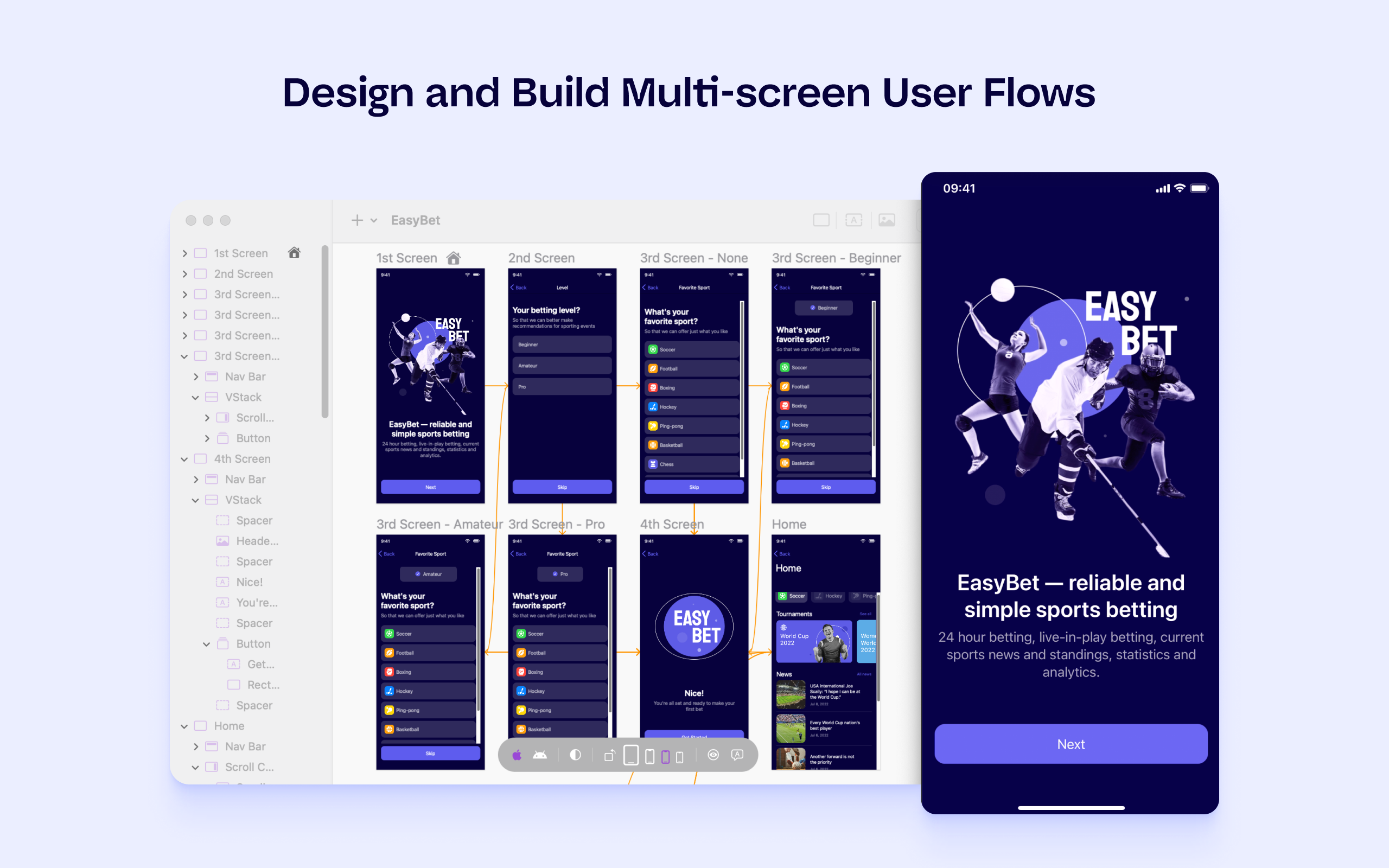
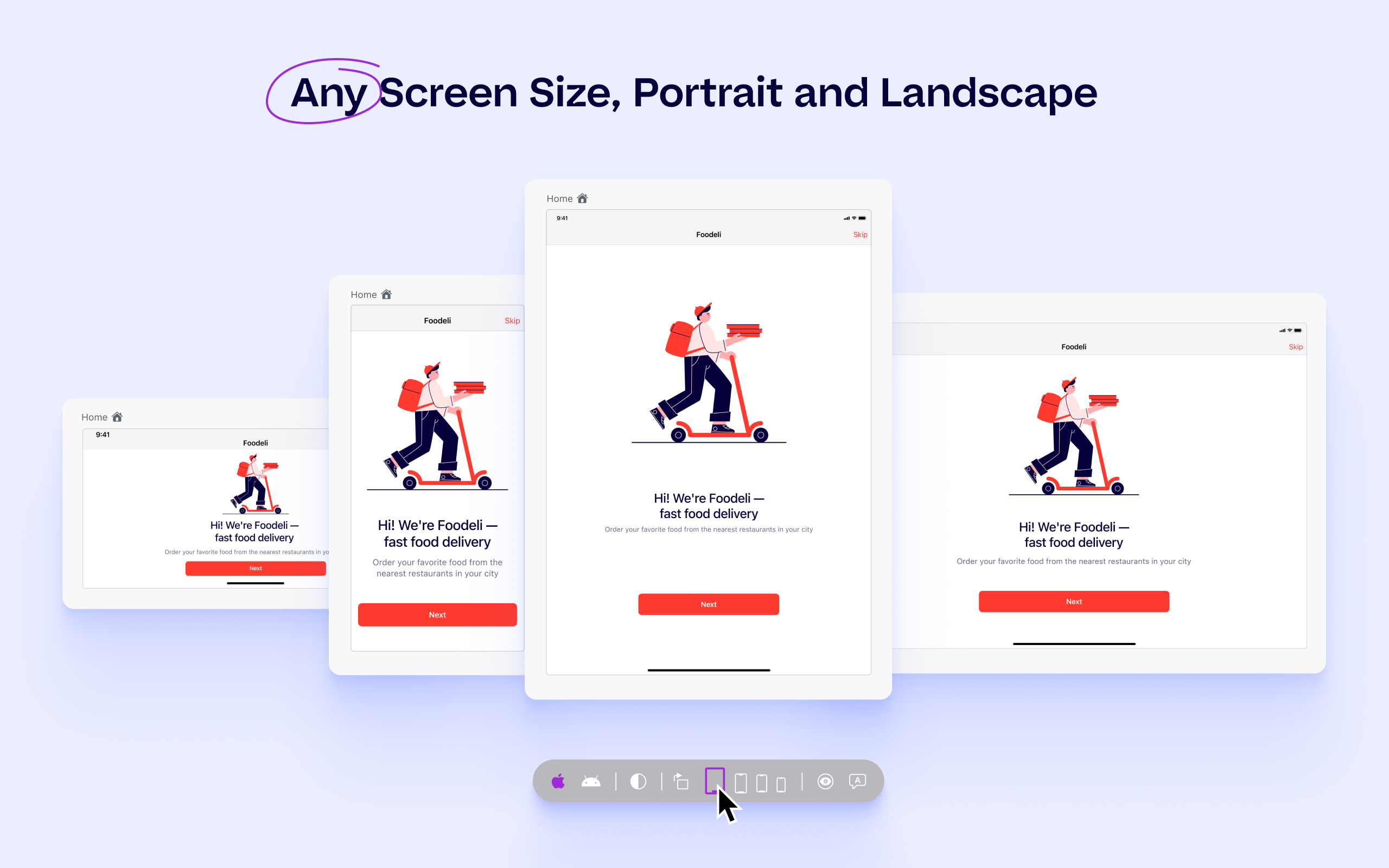
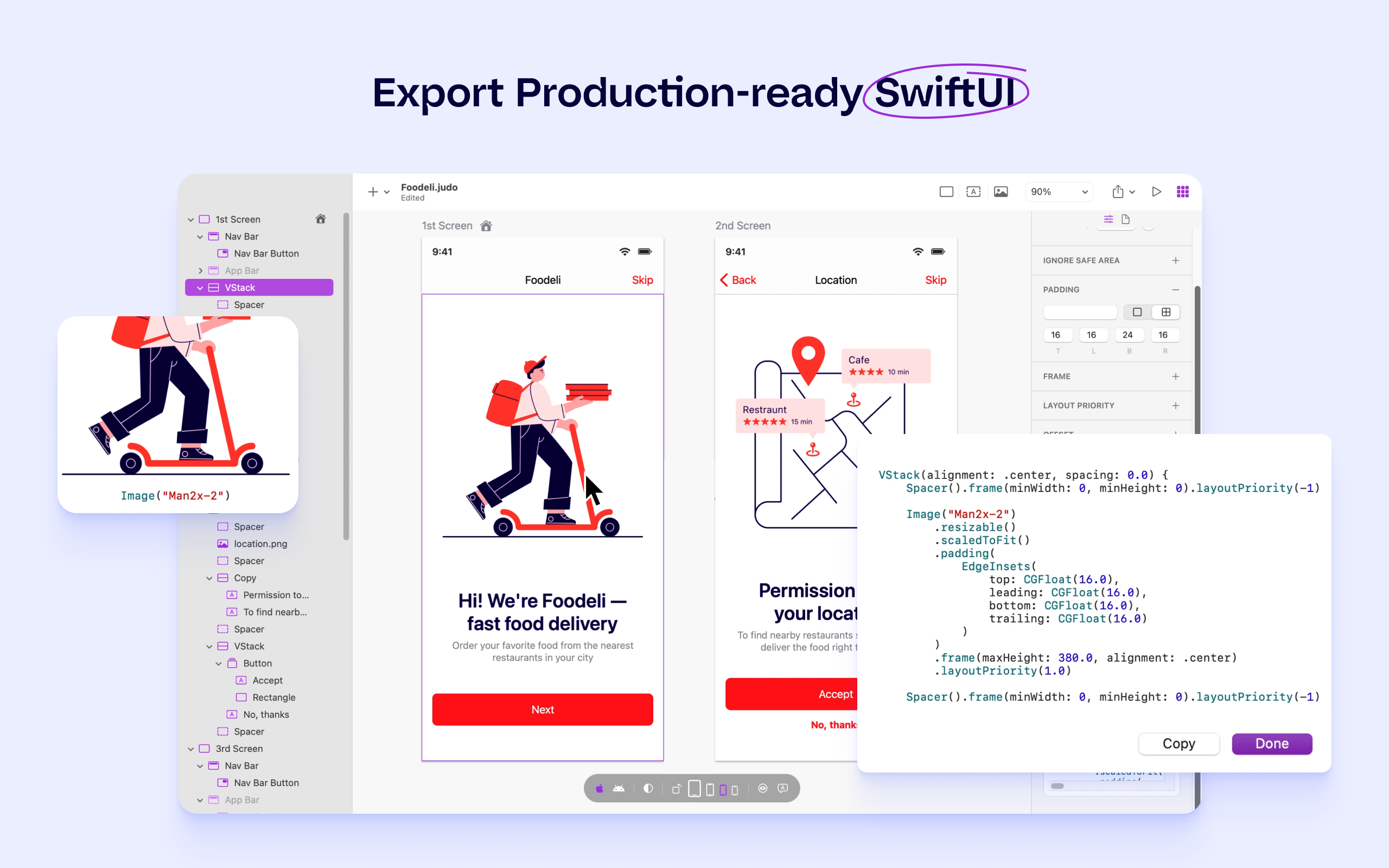
Judo is a design and build tool for SwiftUI apps that helps product teams ship faster and more efficiently. Users can build interfaces while designing in Judo's infinite canvas, avoiding unnecessary back-and-forth between design and development. Judo helps to enhance the user's workflow, reduce friction in design handoff and test fully-functioning prototypes and UI quickly, as well as make data-driven product decisions in real time and publish them instantly.
N/A
Pricing
Appium
Judo
Editions & Modules
No answers on this topic
No answers on this topic
Offerings
Pricing Offerings
Appium
Judo
Free Trial
No
Yes
Free/Freemium Version
No
No
Premium Consulting/Integration Services
No
No
Entry-level Setup Fee
No setup fee
No setup fee
Additional Details
—
—
More Pricing Information
Community Pulse
Appium
Judo
Considered Both Products
Appium
Verified User
Anonymous
Chose Appium
Most of mobile testing tools which are available in the market are paid license tools. But Appium is Open source mobile testing tool. We can create customised automation framework using Appium. It also supports various languages such as Java, Javascript etc. And also supports …
The main reason we selected Appium is that we had people experienced in WebDriver API and some framework solutions in place, so given our setup, it provided a faster and cheaper kick-off. Another reason we selected Appium was that SauceLabs had pretty good support for Appium …
Appium is a wrapper of selenium and is available for mobile based applications. It has also the similar features as selenium has for website automation. Together both provide a combined solution for automating web and mobile apps. Can provide end to end automation with a …
Appium is comparable with Calabash because it's the only cross-platform tool like appium. Espresso is only to automate Android tests and XCTest is only for iOS. We selected Appium because it solves a lot of automation situations and gestures of the mobile apps. We've used …
If you're an Apple developer, you use Xcode. It's practically a forced necessity. For system testing though, it doesn't have to be. You can have your development team focus on unit and integration tests in their platform and another team automate acceptance tests with a …
Hard to compare Appium to Xcode and Android sdk because Appium uses them, but those are the only comparisons I could come up with to compare Appium with another product. I'm sure there may be other mobile automation tools, but none are as mainstream as Appium or with the …
Appium is one of the most valuable fully featured open-source tools with good support for iOS and Android mobile automation which cannot be matched even by enterprise tools.
Appium works well for well-structured mobile applications test automation that is particularly easy to leverage when different pages of the app use similar building blocks. If it takes time for some content in the app to be rendered, ask your dev team to add progress indicators and ensure they are accessible. That might be more complicated to do with Appium, though, if there's no good contact with Dev team established so you can request accessibility IDs added quickly enough when needed. Appium supports another locator strategies as well though (such as xPath or iOS class chain on iOS) but they wouldn't work as fast so you may get really slow tests.
There are a number of expected methods that are not implemented, yet. With a similar sounding name as Selenium with similar functions, people who are familiar with Selenium try to use methods that appear to be available, but give a "not yet implemented" exception when run.
Documentation can be confusing.
Setup was a difficult process. This may not necessarily be the case once you figure everything out, but the whole figuring it out process was difficult and I ran into many, many problems when I first started.
I would like to give 9/10 rating to Appium because of it can easily integrate with popular frameworks and CI/CD tools, as well as it is reliable, flexible and easy to use. The setup can bit complex in initial step, but once on configured it's very easy to use and enables stable and scalable mobile automation for real and cloud devices.
Most of mobile testing tools which are available in the market are paid license tools. But Appium is Open source mobile testing tool. We can create customised automation framework using Appium. It also supports various languages such as Java, Javascript etc. And also supports various operating systems such as Android, IOS etc. We can easily integrate Appium frameworks with CI/CD [Jenkins, Git etc].