AutoCAD mobile (formerly AutoCAD 360) is an easy to use drawing and drafting app from Autodesk. It enables users in design, construction, and engineering industries to view, create, mark-up, edit, and share drawings on mobile devices.
$5
Per User Per Month
SubTrade Software
Score 0.0 out of 10
Small Businesses (1-50 employees)
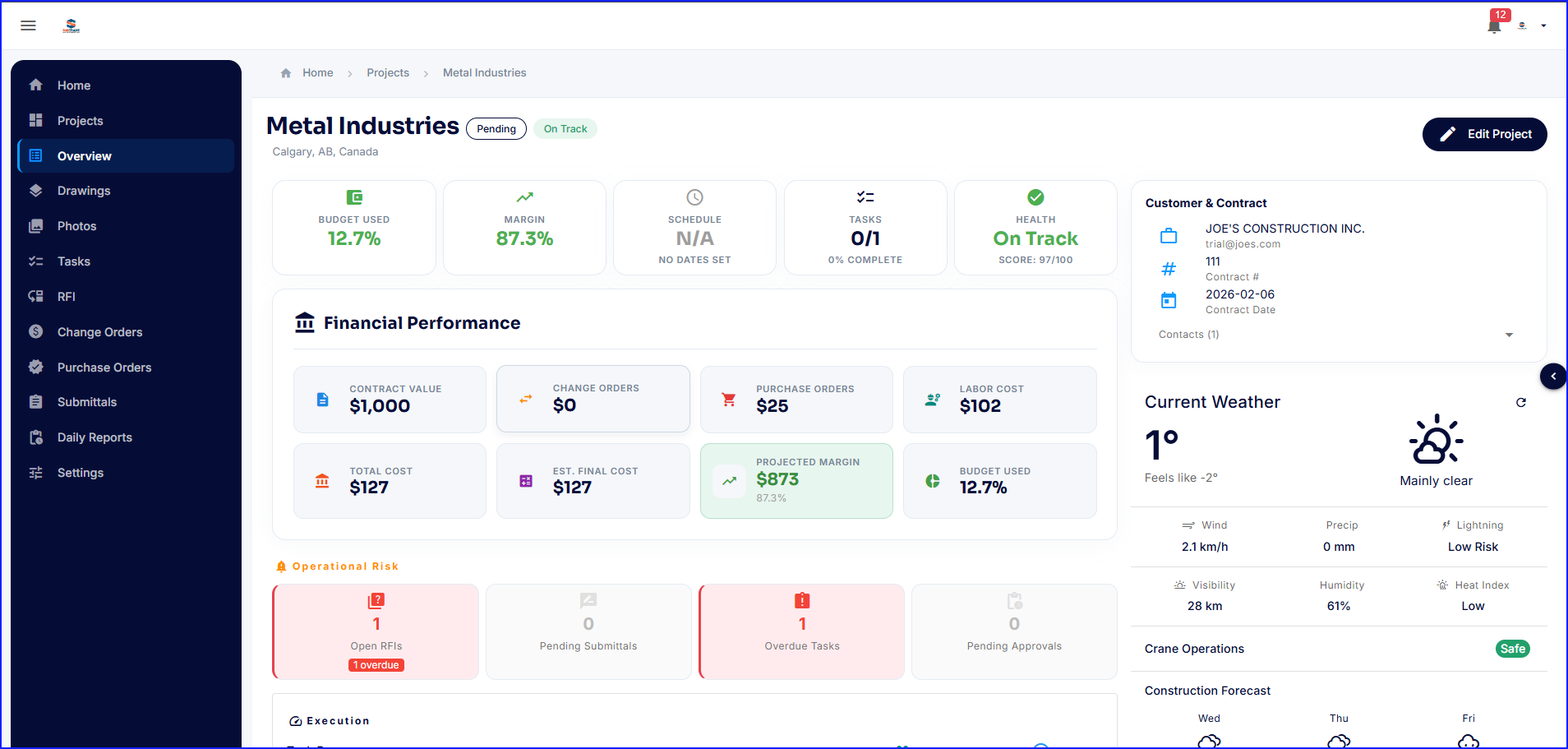
SubTrade is a construction management platform built exclusively for trade subcontractors in electrical, HVAC, plumbing, drywall, and concrete. Unlike general contractor tools, SubTrade is designed around the workflows subcontractors actually use in the field.
Core Features
SubTrade includes GPS-based time tracking with real job costing, crew scheduling across multiple active projects, digital daily logs with photo…
$299
per month per company
Pricing
AutoCAD Web
SubTrade Software
Editions & Modules
Premium
$5.00
Per User Per Month
Ultimate
$15.00
Per User Per Month
SubTrade Pro
$299
per month per company
Offerings
Pricing Offerings
AutoCAD Web
SubTrade Software
Free Trial
No
Yes
Free/Freemium Version
No
No
Premium Consulting/Integration Services
No
No
Entry-level Setup Fee
No setup fee
No setup fee
Additional Details
—
SubTrade is offered as a single all-inclusive plan at $299/month CAD or $2,870.40/year CAD (20% annual discount). The base plan includes 5 full users with access to all features — time tracking, crew scheduling, daily logs, change orders, safety forms, drawings, and submittals. Additional full users are added at tiered per-user pricing: $25/user/month for users 6–15, $20/user/month for users 16–30, and $15/user/month for 31+ users. A 14-day free trial is available with no credit card required.
More Pricing Information
Community Pulse
AutoCAD Web
SubTrade Software
Considered Both Products
AutoCAD Web
Verified User
Anonymous
Chose AutoCAD Web
Although there are lots of alternatives to AutoCAD mobile on the Google play store and the app store, many of these alternatives are not professionally developed and are associated with shady developers. So there might be a privacy or security risk with the usage these …
I selected AutoCAD 360 because I had no idea how to work on in-house designs, plans, and geographic spaces. I invested part of the time in this innovative tool and I keep using it to have a clear idea of the materials that I should use in the different projects that I evaluate.
The AutoCAD 360 can work directly from the program, making changes or indicating where changes should be made while agreements are reached for the good of the project you are working on, the other systems show you the plan, but they do not help you with the edit or modifications
Although Draftsight is free and open source, AutoCAD 360 is better than Draftsight because more people use it. AutoCAD caters more to the "big" user base. It has a rather large learning curve though, however, there are many Youtube videos on explanations of how to use the …
As far as I know, Solidworks doesn't really have any sort of software like this, and that is pretty much the other industry standard I like to use a lot. So there really isn't any other competition out there competing with AutoCAD 360 which is kind of unfortunate as having …
Revit is another step above CAD 360 as more information can be added as well as more consultants and third party designers are starting to move toward those programs. I think the cloud compatibility is headed in the right direction and Autodesk is always trying to make the …
The best thing about AutoCAD is that it can create a Universal Output for any related software, irrelevant if it was created by Autodesk. Just about any software can interface with dwg or dxf file types to name a few. AutoCAD doesn't have a direct 1:1 that's comparable in my …
We utilize the software for remote access to our projects. It has come in the handiest when an unexpected issue arises and we don't have the right project files on our laptop. We can easily access our information from the cloud. If you need to download/print to a PDF file, this software is not able to do this.
This is so useful so we would like to keep renewing as Autocad 360 does. In fact we are very optimistic about the tools that come in every renewal because we will then have even more features available.
I selected AutoCAD 360 because I had no idea how to work on in-house designs, plans, and geographic spaces. I invested part of the time in this innovative tool and I keep using it to have a clear idea of the materials that I should use in the different projects that I evaluate.
AutoCAD 360 has saved a tremendous amount of time in file sharing and reviewing files. I know I'm getting repetitive, but having such a small convenience like this honestly saves so much time, and makes life so much easier.