Autodesk Fusion vs. Vectorworks Spotlight

Overview
ProductRatingMost Used ByProduct SummaryStarting Price
Autodesk Fusion
Score 8.1 out of 10
N/A
Autodesk Fusion is a cloud-based 3D CAD, CAM, and CAE tool which integrates design, modeling, and simulation capabilities.
$70
per month
Vectorworks Spotlight
Score 10.0 out of 10
N/A
Vectorworks Spotlight is a solution used to design, document, previsualize, and produce shows and events. With an extensive suite of drawing, modeling, database, documentation, and collaboration tools, Spotlight helps users go from concept to fully created model within a single workflow. Evolved to meet the needs of entertainment industry professionals, Vectorworks Spotlight 2025 opens a new world of visual understanding and communication, delivering features implemented to address the most-used…
$153
per month per user
Pricing
Autodesk FusionVectorworks Spotlight
Editions & Modules
Fusion 360 - Paid Monthly
$70
per month per user
Fusion 360 - Paid Annually
$545
per year per user
Fusion 360 - 3 Years
$1635
3 years per user
Annual Subscription
$127.50
per month per user
Monthly Subscription
$153
per month per user
Offerings
Pricing Offerings
Autodesk FusionVectorworks Spotlight
Free Trial
YesYes
Free/Freemium Version
YesNo
Premium Consulting/Integration Services
NoNo
Entry-level Setup FeeNo setup feeOptional
Additional Details$153/M: Monthly, 2 GB of cloud storage, Basic tech support, Immediate access to new versions $128/M: $1530 billed annually | Saves $306 over monthly billing, 2 GB of cloud storage, Basic tech support, Immediate access to new versions
More Pricing Information
Community Pulse
Autodesk FusionVectorworks Spotlight
Features
Autodesk FusionVectorworks Spotlight
Computer-Aided Design Software
Comparison of Computer-Aided Design Software features of Product A and Product B
Autodesk Fusion
7.5
2 Ratings
2% above category average
Vectorworks Spotlight
-
Ratings
3D Modeling9.62 Ratings00 Ratings
2D Drafting8.32 Ratings00 Ratings
Rendering and Visualization7.82 Ratings00 Ratings
Parametric Design5.42 Ratings00 Ratings
Collaboration and Sharing9.12 Ratings00 Ratings
Compatibility with other software and formats9.62 Ratings00 Ratings
Assembly Design5.02 Ratings00 Ratings
Simulation and Analysis4.12 Ratings00 Ratings
Documentation and Annotation8.02 Ratings00 Ratings
Customization and Extensions7.62 Ratings00 Ratings
Best Alternatives
Autodesk FusionVectorworks Spotlight
Small Businesses
Onshape
Onshape
Score 7.4 out of 10
Onshape
Onshape
Score 7.4 out of 10
Medium-sized Companies
Onshape
Onshape
Score 7.4 out of 10
Onshape
Onshape
Score 7.4 out of 10
Enterprises
Rhino
Rhino
Score 8.3 out of 10
Rhino
Rhino
Score 8.3 out of 10
All AlternativesView all alternativesView all alternatives
User Ratings
Autodesk FusionVectorworks Spotlight
Likelihood to Recommend
8.4
(17 ratings)
-
(0 ratings)
Likelihood to Renew
10.0
(1 ratings)
-
(0 ratings)
Usability
7.9
(3 ratings)
-
(0 ratings)
Availability
9.0
(1 ratings)
-
(0 ratings)
Performance
8.0
(1 ratings)
-
(0 ratings)
Support Rating
7.9
(2 ratings)
-
(0 ratings)
Implementation Rating
10.0
(1 ratings)
-
(0 ratings)
Configurability
10.0
(1 ratings)
-
(0 ratings)
Ease of integration
10.0
(1 ratings)
-
(0 ratings)
Product Scalability
9.0
(1 ratings)
-
(0 ratings)
Vendor post-sale
9.0
(1 ratings)
-
(0 ratings)
Vendor pre-sale
9.0
(1 ratings)
-
(0 ratings)
User Testimonials
Autodesk FusionVectorworks Spotlight
Likelihood to Recommend
Autodesk
This software has been so easy to use from day one! I couldn't be more thrilled with it. Being an SME, it is offered on an annual basis free of charge. My network of engineers are amazed I am able to accomplish what I have using this software when the companies they come from are paying thousands for licensing. I also would like to note that Autodesk offer an incredible specialization to really round out your skills via Coursera.
Read full review
Vectorworks, Inc.
No answers on this topic
Pros
Autodesk
  • The first PRO of Fusion 360 that always comes to mind is how versatile it is. Fusion 360 is the first CAD/CAM software that also includes other key features that CAD programs of this size don't have.
  • Fusion 360 has a generous licensing structure that gives those just starting out a place to start with a professional level CAD program. As a result, this has helped build up a huge community and user base around Fusion 360.
  • Fusion 360 is updated on a monthly basis. This has proven to be a huge advantage over Solidworks (something else I use) which is only updated once a year. The nice thing about monthly updates, other than regular bug fixes, is that the team can adapt quickly and no one is taken by storm with a big overhaul of the UI or features at the beginning of the year.
Read full review
Vectorworks, Inc.
No answers on this topic
Cons
Autodesk
  • Fusion 360 is a very simple program, so once you begin to draw more complex 3D models, the software gets sluggish and loses its fluidity.
  • It would be really nice if Fusion 360 could output a model as a SolidWorks file so I can begin to draw something out in Fusion 360 and then pick it up in SolidWorks when I need to do some more advanced functions.
  • Because Fusion 360 is a simpler program, there are a few functions such as 3D sketches that are not intuitive like all the rest of the functions are.
Read full review
Vectorworks, Inc.
No answers on this topic
Likelihood to Renew
Autodesk
It does everything I need for great value.
Read full review
Vectorworks, Inc.
No answers on this topic
Usability
Autodesk
Because the tool is very useful and easy to access, it provides very basic and useful tools to start in the modeling part despite being basic processing aspects. It is also very easy to get a free, temporary, or student license, which makes it a very good CAD tool.
Read full review
Vectorworks, Inc.
No answers on this topic
Reliability and Availability
Autodesk
Sometimes I like using it on Saturday nights. Unfortunately, they usually do their updates at this time and it isn't available to use.
Read full review
Vectorworks, Inc.
No answers on this topic
Performance
Autodesk
It can freeze sometimes while doing heavy tasks.
Read full review
Vectorworks, Inc.
No answers on this topic
Support Rating
Autodesk
Support is conducted via internet Q&A boards; newcomers to 3D modeling may find that articulating their questions in the language of CAD software is the tricky part — once they find the right technical term for what they're trying to accomplish, answers come quickly. Autodesk also provides a large library of educational tutorial videos that make the initial process of learning Fusion 360's interface much easier.
Read full review
Vectorworks, Inc.
No answers on this topic
Implementation Rating
Autodesk
No. It is basic and straightforward.
Read full review
Vectorworks, Inc.
No answers on this topic
Alternatives Considered
Autodesk
Autodesk Inventor excels at daily core engineering tasks. When integrated with Vault management systems and part libraries, Autodesk Inventor is tough to beat when you need a mechanical design solution. When Inventor and Vault are setup properly it allows for a very efficient design workflow. I think it would be difficult to achieve the same amount of workflow efficiency with Autodesk Fusion 360, that said, Autodesk Fusion 360 offers a very good toolset at a much lower cost. I can maintain a yearly subscription of Autodesk Fusion 360 and get about 85% of the functionality that is available via the Inventor design suite for the cost of about 2 months of an Inventor subscription. I then also get access to manufacturing plugins with Autodesk Fusion 360 but lose a lot in the drawing environment. Inventor beats Autodesk Fusion 360 hands down when it comes to documentation.
Read full review
Vectorworks, Inc.
No answers on this topic
Scalability
Autodesk
It offers so much already, and the reason being is that it showed promise early on.
Read full review
Vectorworks, Inc.
No answers on this topic
Return on Investment
Autodesk
  • It gives me totally positive impacts. Its zero cost eliminates the need to search for other software to use.
  • Fusion 360's Autodesk cloud solution enables me to use 3d files generated via other Autodesk design software that are widely used by my customers.
Read full review
Vectorworks, Inc.
No answers on this topic
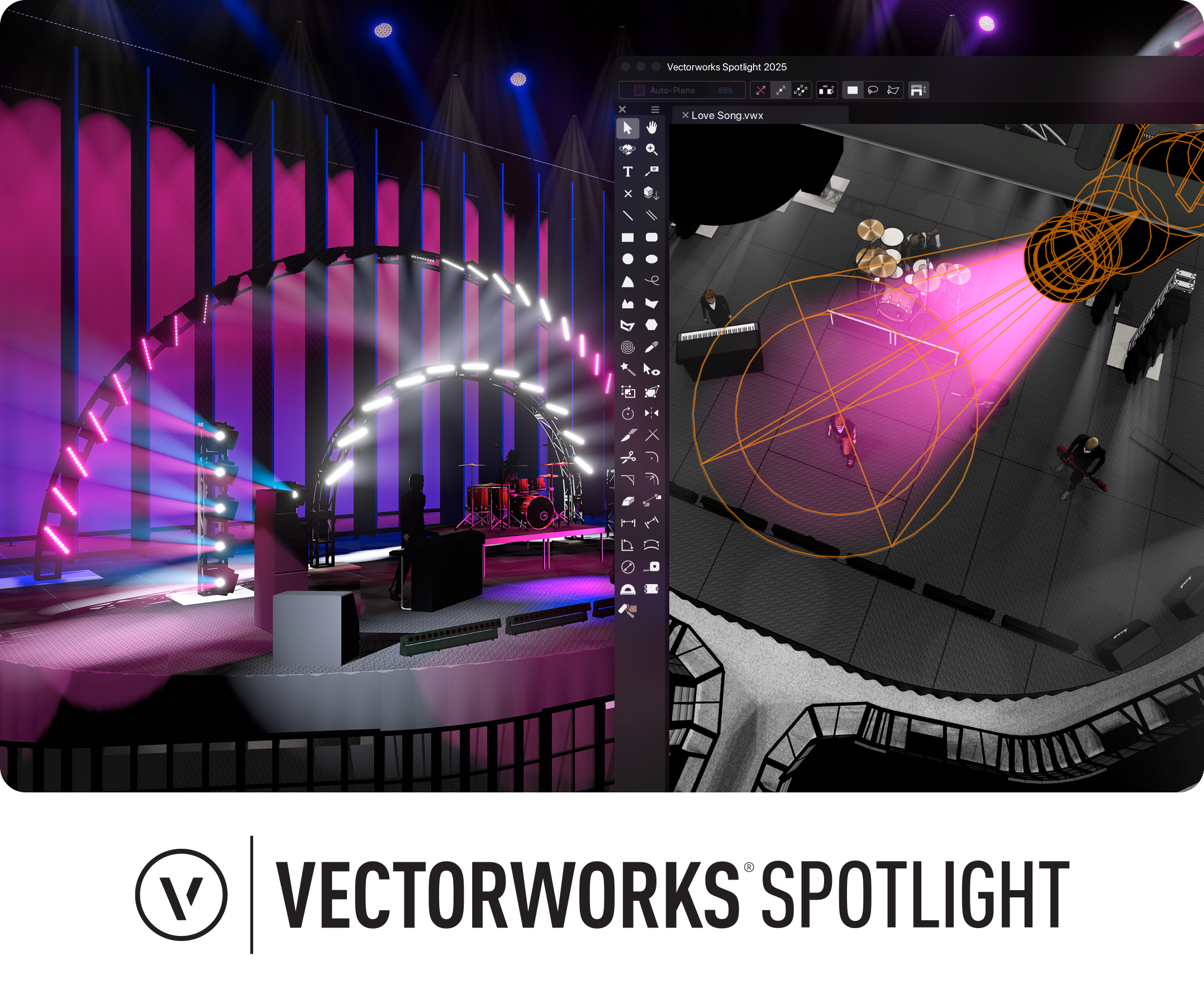
ScreenShots

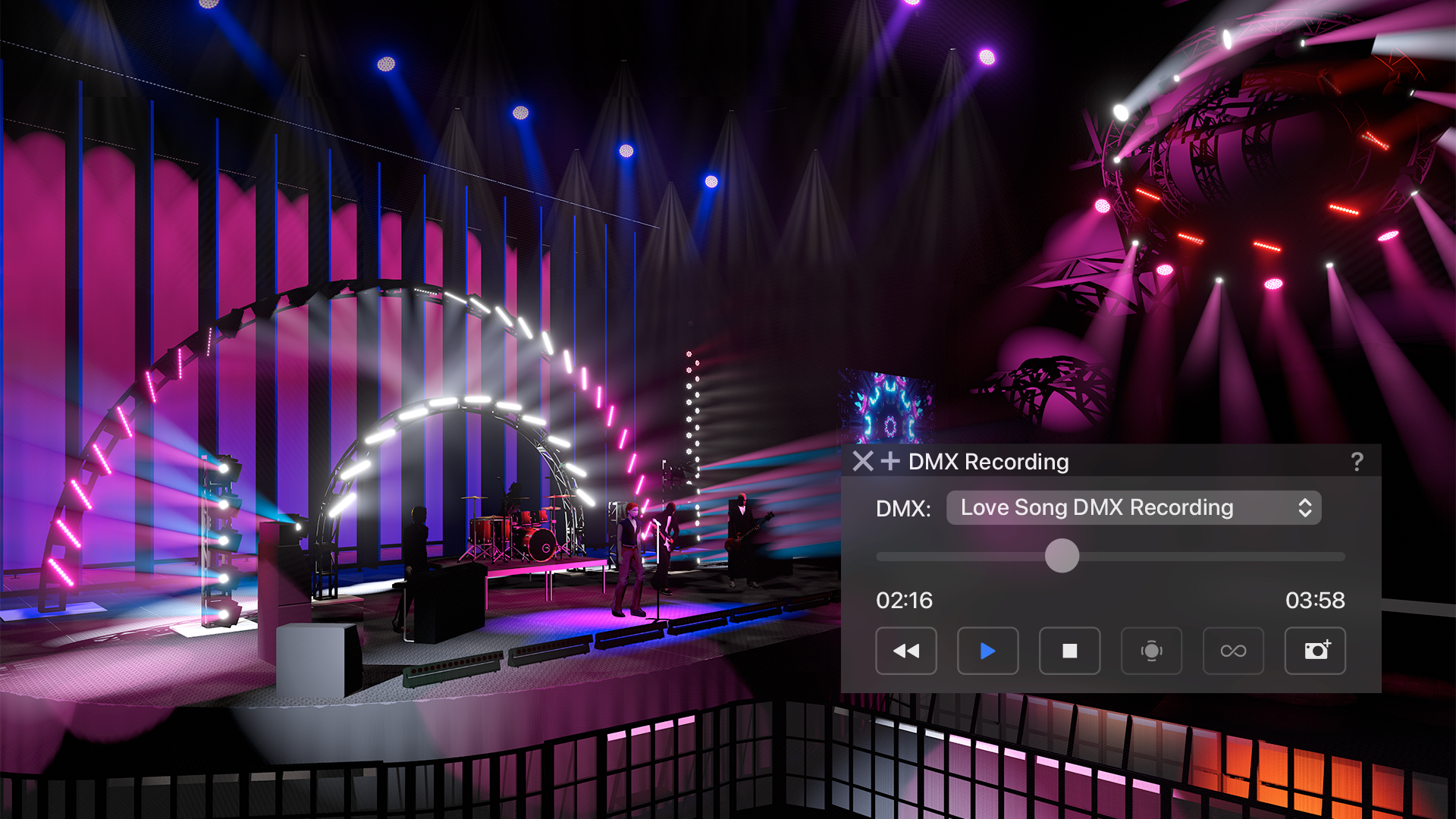
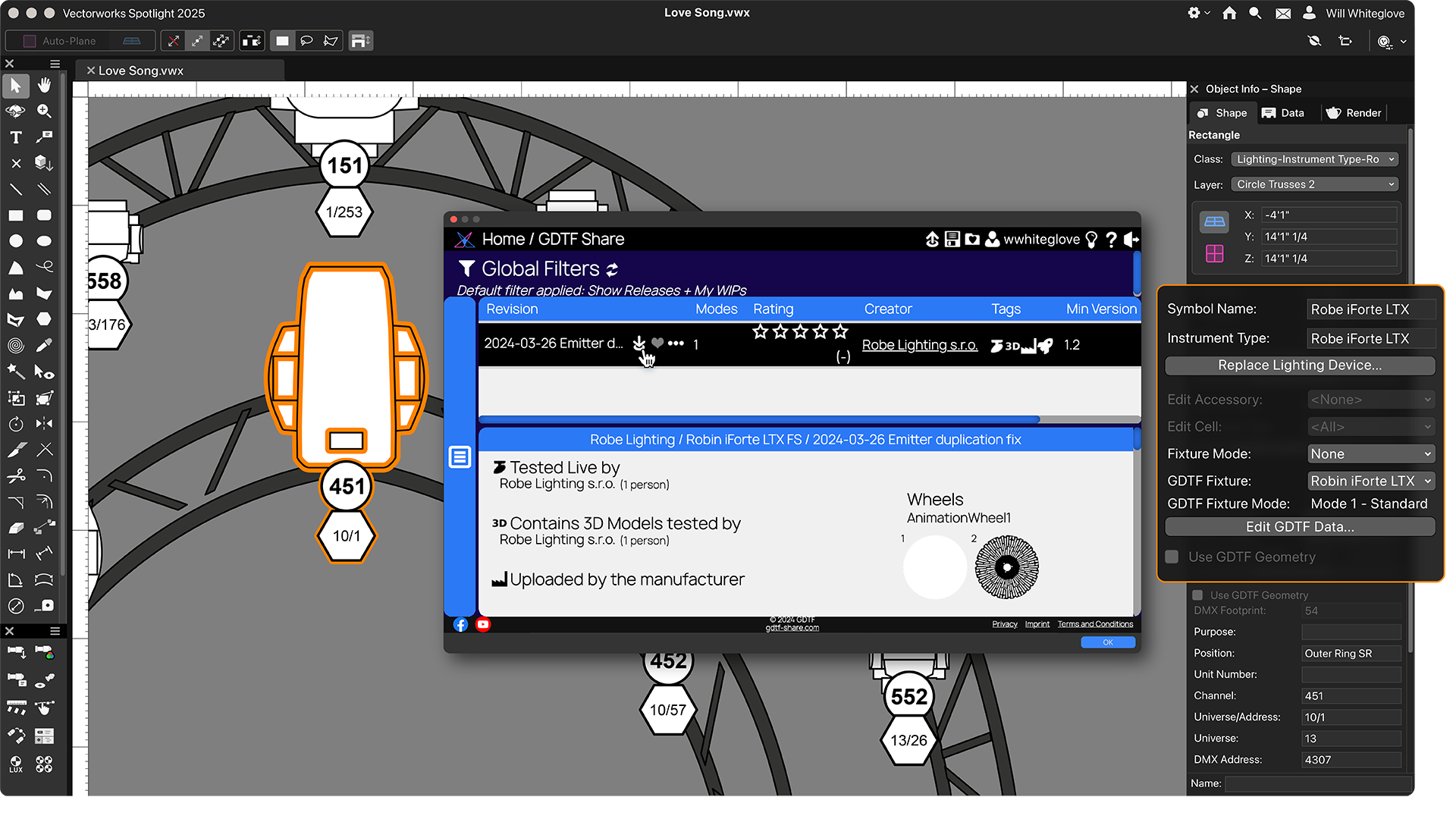
Vectorworks Spotlight Screenshots

Screenshot of Vectorworks Spotlight 2025Screenshot of a real-time previsualization, available directly inside Vectorworks to bring live control of lighting fixtures and the ability to test run a show without leaving the model. Users can explore countless lighting and scenic possibilities and then experiment, edit, and adjust to based on any previsualization.Screenshot of GDTF Mapping, which gives users accurate fixture information to avoid errors. Map GDTF files to fixtures with direct access to GDTF-Share to download and import the files in one action from within Vectorworks. Automatically update all GDTF profiles with one command and store assigned GDTFs within their lighting devices