Autosphere vs. Fortra’s Automate

Overview
ProductRatingMost Used ByProduct SummaryStarting Price
Autosphere
Score 0.0 out of 10
N/A
N/AN/A
Fortra’s Automate
Score 8.0 out of 10
N/A
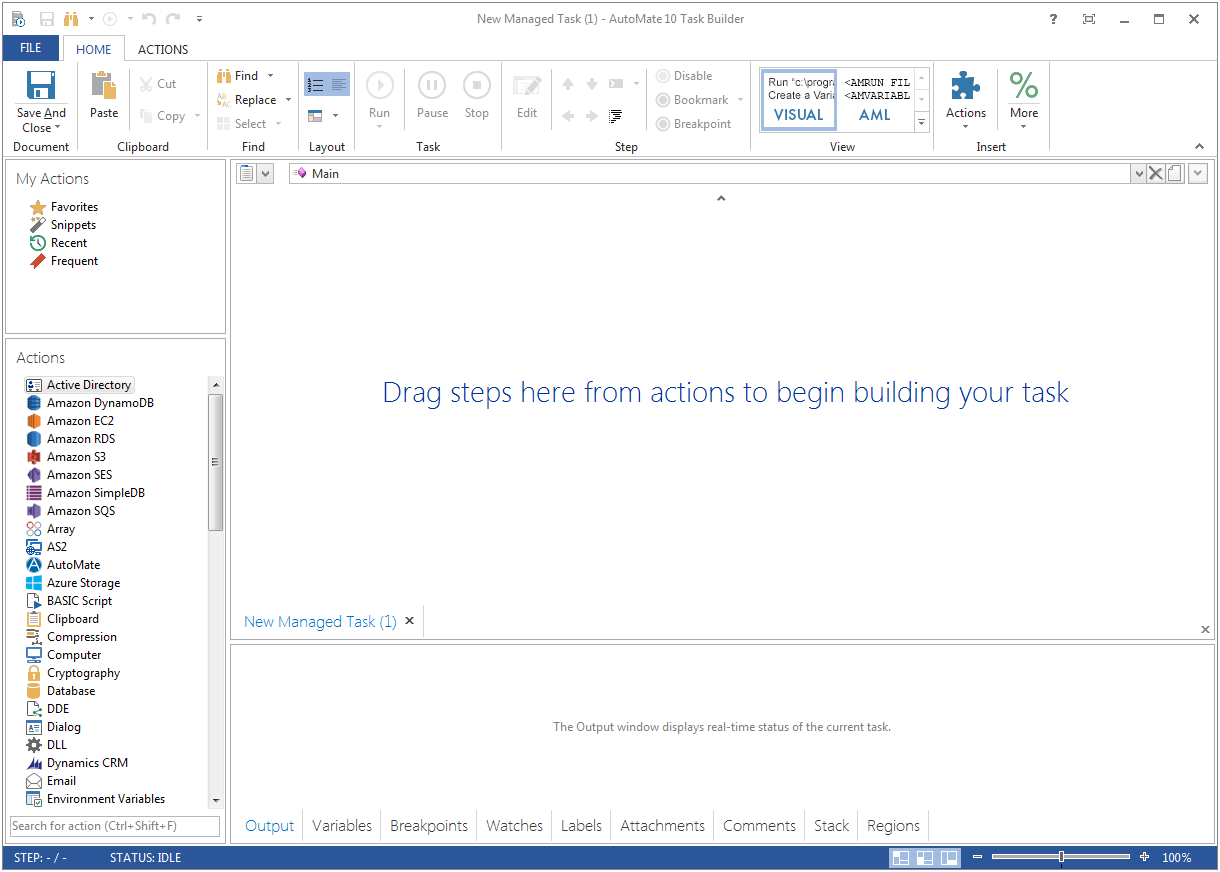
Fortra's Automate (formerly HelpSystems Automate) is a robotic process automation platform for desktop applications. According to the vendor, it offers the ability to automate almost any business process, and no technical expertise is required—IT and business users alike can understand the drag-and-drop interface.N/A
Pricing
AutosphereFortra’s Automate
Editions & Modules
No answers on this topic
Offerings
Pricing Offerings
AutosphereFortra’s Automate
Free Trial
NoYes
Free/Freemium Version
NoNo
Premium Consulting/Integration Services
NoNo
Entry-level Setup FeeNo setup feeOptional
Additional Details
More Pricing Information
Community Pulse
AutosphereFortra’s Automate
Considered Both Products
Autosphere

No answer on this topic

Fortra’s Automate
Chose Fortra’s Automate
It has similar usage cases and functions. However, many tools are stuck behind paywalls and always try to upsell you to the next version. It's very upsetting. Even if it's cheaper, whenever I try to replicate the functionality, I get that annoying message, "not available in …
Chose Fortra’s Automate
At an older job we used to use SSIS as kind of an automation tool as well as it could also be used to connect to FTP sources, read files, etc. AutoMate is simply centrally designed to be true automation software. It is much more robust, can work with a variety of software …
Best Alternatives
AutosphereFortra’s Automate
Small Businesses
airSlate WorkFlow
airSlate WorkFlow
Score 10.0 out of 10
airSlate WorkFlow
airSlate WorkFlow
Score 10.0 out of 10
Medium-sized Companies
SAP Extension Suite (discontinued)
Score 8.4 out of 10
SAP Extension Suite (discontinued)
Score 8.4 out of 10
Enterprises
UiPath Automation Platform
Score 8.5 out of 10
UiPath Automation Platform
Score 8.5 out of 10
All AlternativesView all alternativesView all alternatives
User Ratings
AutosphereFortra’s Automate
Likelihood to Recommend
-
(0 ratings)
10.0
(0 ratings)
Usability
-
(0 ratings)
10.0
(0 ratings)
Support Rating
-
(0 ratings)
10.0
(0 ratings)
User Testimonials
AutosphereFortra’s Automate
Likelihood to Recommend
No answers on this topic
Anything where automation would be helpful, I'd recommend. If you're doing a task over and over again, Automate can likely work and do it for you. It helps to keep things running exactly the same so that when failures occur, they can easily be traced to their source.
Read full review
Pros
No answers on this topic
  • Wiki pages
  • Blogs
  • Articles
  • Triggers
  • Building crons
  • Automating daily tasks
Read full review
Cons
No answers on this topic
  • There should be more tools around system stability and recovery.
  • Better ways to manage resources to prevent OS crashes.
  • Automate backups internally without tasks.
  • System failure alerts if the machine crashes or reboots.
Read full review
Usability
No answers on this topic
It's just very easy to use, extremely versatile, and very reliable. It's hard to find use cases where it won't work.
Read full review
Support Rating
No answers on this topic
Support is very helpful and responsive, although using the tool is very user-friendly, so I hardly use the service.
Read full review
Alternatives Considered
No answers on this topic
It has similar usage cases and functions. However, many tools are stuck behind paywalls and always try to upsell you to the next version. It's very upsetting. Even if it's cheaper, whenever I try to replicate the functionality, I get that annoying message, "not available in this version." As an IT professional who needs approval for every purchase, I can't keep asking for upgrades to existing tools.
Read full review
Return on Investment
No answers on this topic
  • Positive: Reliability on FTP jobs - really important on bank files.
  • Negative - annual support a little pricey - but not unusual for this level of software.
  • Positive: Does not require a dedicated administrator, especially after the jobs are created and tested. I perform other job duties and this rarely interferes with them.
  • Positive - Since it is easy to learn and use it makes it easy to have a back up administrator
Read full review
ScreenShots

Fortra’s Automate Screenshots

Screenshot of Screenshot of