
Ayoa vs. MindMap AI
| Product | Rating | Most Used By | Product Summary | Starting Price |
|---|---|---|---|---|
 Ayoa | Score4 out of 10 | N/A | Ayoa is presented as a collaborative whiteboard software where users can brainstorm ideas, work together & get things done, from OpenGenius in Wales. Ayoa is available free, and paid plans add task assignment, Gantt view, file storage, and integrations with Zoom and Google Calendar. | $120 per year per user |
 MindMap AI | N/A | N/A | MindMap AI is a visual information organization and knowledge synthesis platform. The solution is designed to ingest unstructured data from various media formats and convert it into structured, editable visual models such as mind maps, logic charts, and outlines. Key Capabilities Multi-Modal Data Ingestion: The platform supports the ingestion of PDF files, documents, webpages, images, and CSV data. It also features the ability to process audio and video files,… | $9.99 per month per user |
| Ayoa | MindMap AI | |||||||||||||||
|---|---|---|---|---|---|---|---|---|---|---|---|---|---|---|---|---|
| Editions & Modules |
|
| ||||||||||||||
| Offerings |
| |||||||||||||||
| Entry-level Setup Fee | No setup fee | No setup fee | ||||||||||||||
| Additional Details | — | MindMap AI offers a Free plan as well as paid yearly and lifetime options. The Free plan includes 50 AI credits per month, unlimited projects, AI-assisted mind mapping, manual edits, 25+ language support, multiple layouts, themes, sharing, and exports to project file, PNG, and PDF. Yearly paid plans are discounted compared with monthly billing. Basic is priced at $4.99 per user per month, billed yearly, and includes 2,000 AI credits per month, file summarization, private sharing by email, additional export formats, and basic email support. Pro is priced at $7.99 per user per month, billed yearly, and includes 5,000 AI credits per month, higher file-size limits for PDF, audio, and video summarization, professional exports, priority access to new features, and priority email support. Add-on credits are available for paid plans. Basic users can purchase 2,000 additional credits for $4.99, and Pro users can purchase 5,000 additional credits for $4.99. MindMap AI also offers lifetime plans as one-time purchases, with pricing and availability varying by promotion. | ||||||||||||||
| More Pricing Information | ||||||||||||||||
| Ayoa | MindMap AI | |
|---|---|---|
| Small Businesses |  Xmind Score8.8 out of 10 | Xmind Score8.8 out of 10 |
| Medium-sized Companies |  MindManager Score7.8 out of 10 | MindManager Score7.8 out of 10 |
| Enterprises | MindManager Score7.8 out of 10 | MindManager Score7.8 out of 10 |
| All Alternatives | View all alternatives | View all alternatives |
| Ayoa | MindMap AI | |
|---|---|---|
| Likelihood to Recommend | 5.0 | - |
| Ayoa | MindMap AI | |
|---|---|---|
| Likelihood to Recommend |
| No answers on this topic |
| Pros |
| No answers on this topic |
| Cons |
| No answers on this topic |
| Alternatives Considered |
| No answers on this topic |
| Return on Investment |
| No answers on this topic |
| ScreenShots | MindMap AI Screenshots    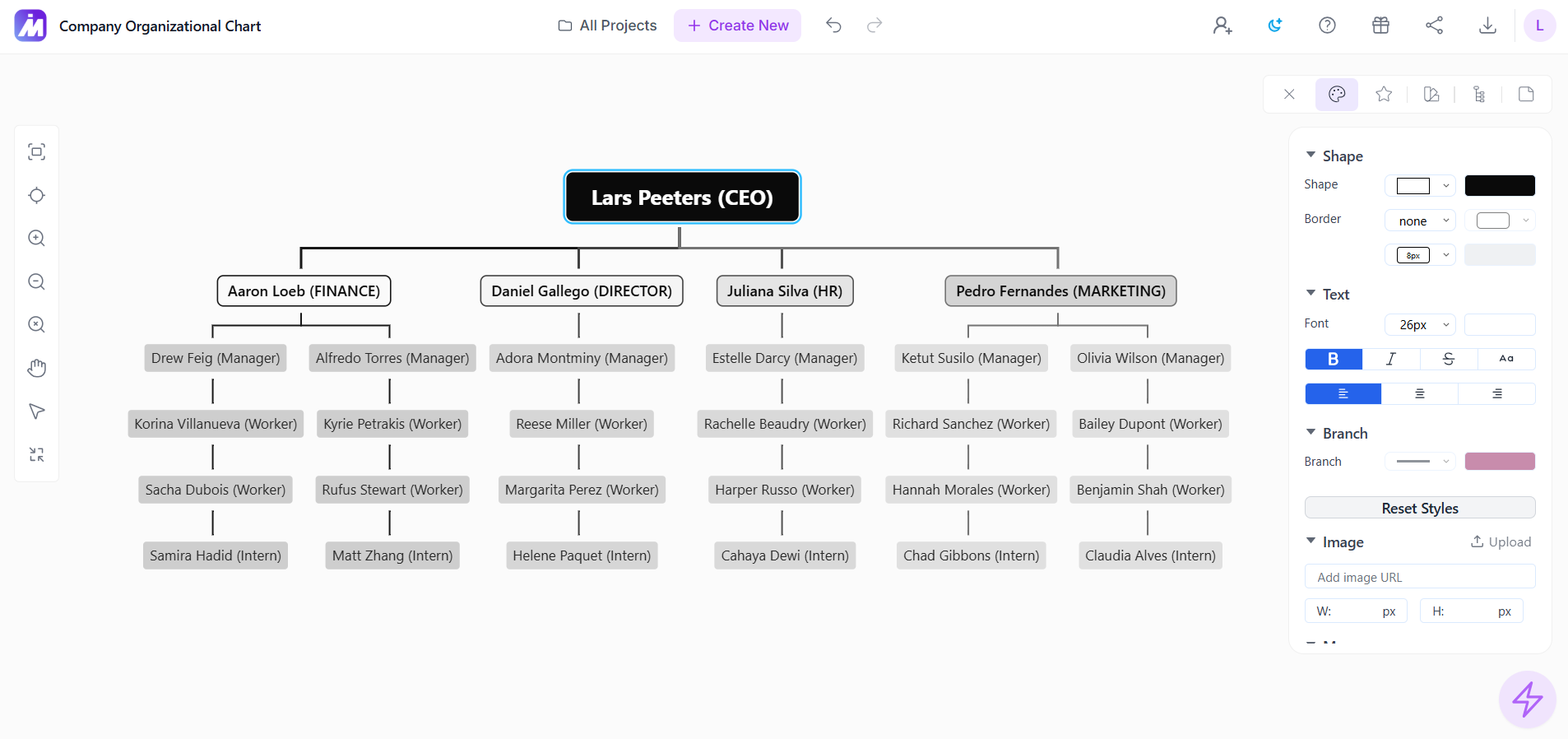  |
