
Bautomate vs. Rossum
Bautomate vs. Rossum
| Product | Rating | Most Used By | Product Summary | Starting Price |
|---|---|---|---|---|
 Bautomate | N/A | Bautomate is an intelligent automation platform for streamlining and automating business processes in a variety of industries. Cloud-based Bautomate is built on Artificial Intelligence (AI), Machine Learning (ML), and Natural Language Processing (NLP) technologies. Bautomate combines Robotic Process Automation (RPA) , Business Process Management (BPM), Document Management System (DMS) and Contextual Content Extraction to automate business processes. Building blocks are: BPM… | $29 per month per user | |
 Rossum | N/A | Rossum, from the company of the same name in London, allows businesses to automate data extraction from documents with Artificial Intelligence. The Rossum Data Capture tool allows the user to automatically capture invoice data. | N/A |
| Bautomate | Rossum | |||||||||||||||
|---|---|---|---|---|---|---|---|---|---|---|---|---|---|---|---|---|
| Editions & Modules | No answers on this topic | No answers on this topic | ||||||||||||||
| Offerings |
| |||||||||||||||
| Entry-level Setup Fee | No setup fee | Optional | ||||||||||||||
| Additional Details | — | — | ||||||||||||||
| More Pricing Information | ||||||||||||||||
| Bautomate | Rossum | |
|---|---|---|
| Small Businesses |  CMW Platform Score 9.4 out of 10 |  Square 9 Softworks Score 9.3 out of 10 |
| Medium-sized Companies |  Quixy Score 9.9 out of 10 | Square 9 Softworks Score 9.3 out of 10 |
| Enterprises | CMW Platform Score 9.4 out of 10 |  IBM Cloud Pak for Business Automation Score 9.0 out of 10 |
| All Alternatives | View all alternatives | View all alternatives |
| Bautomate | Rossum | |
|---|---|---|
| ScreenShots | Bautomate Screenshots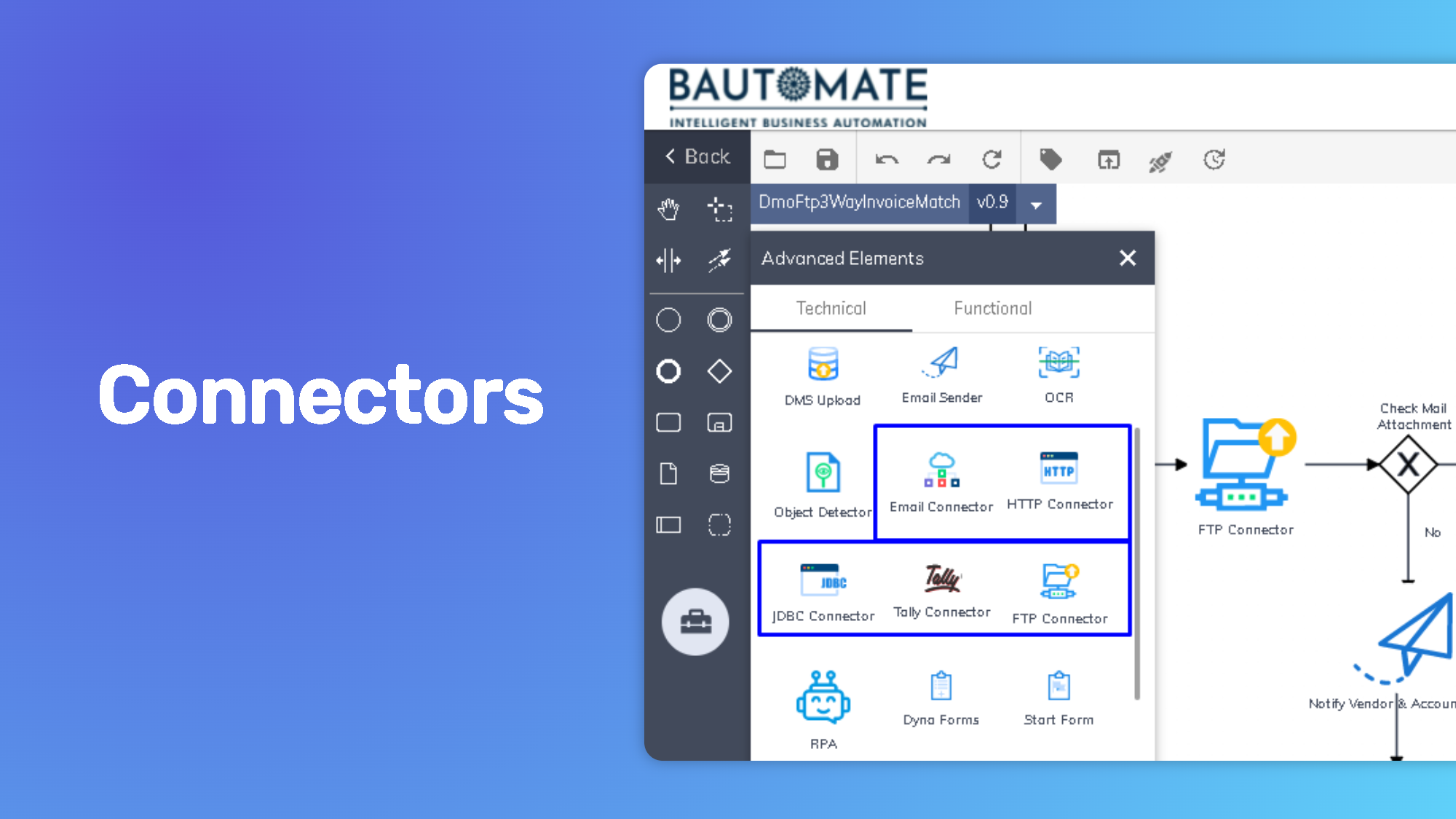 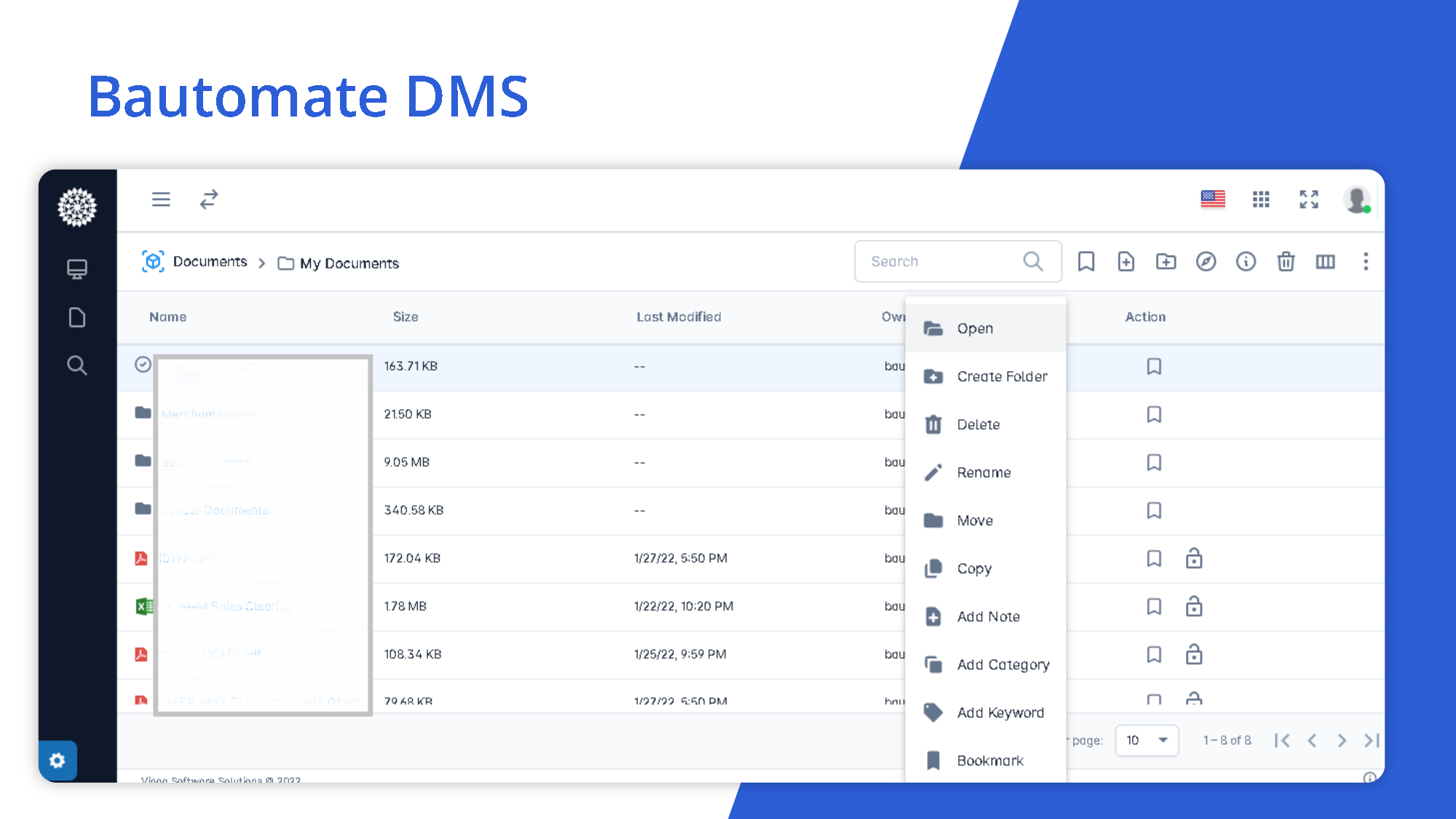 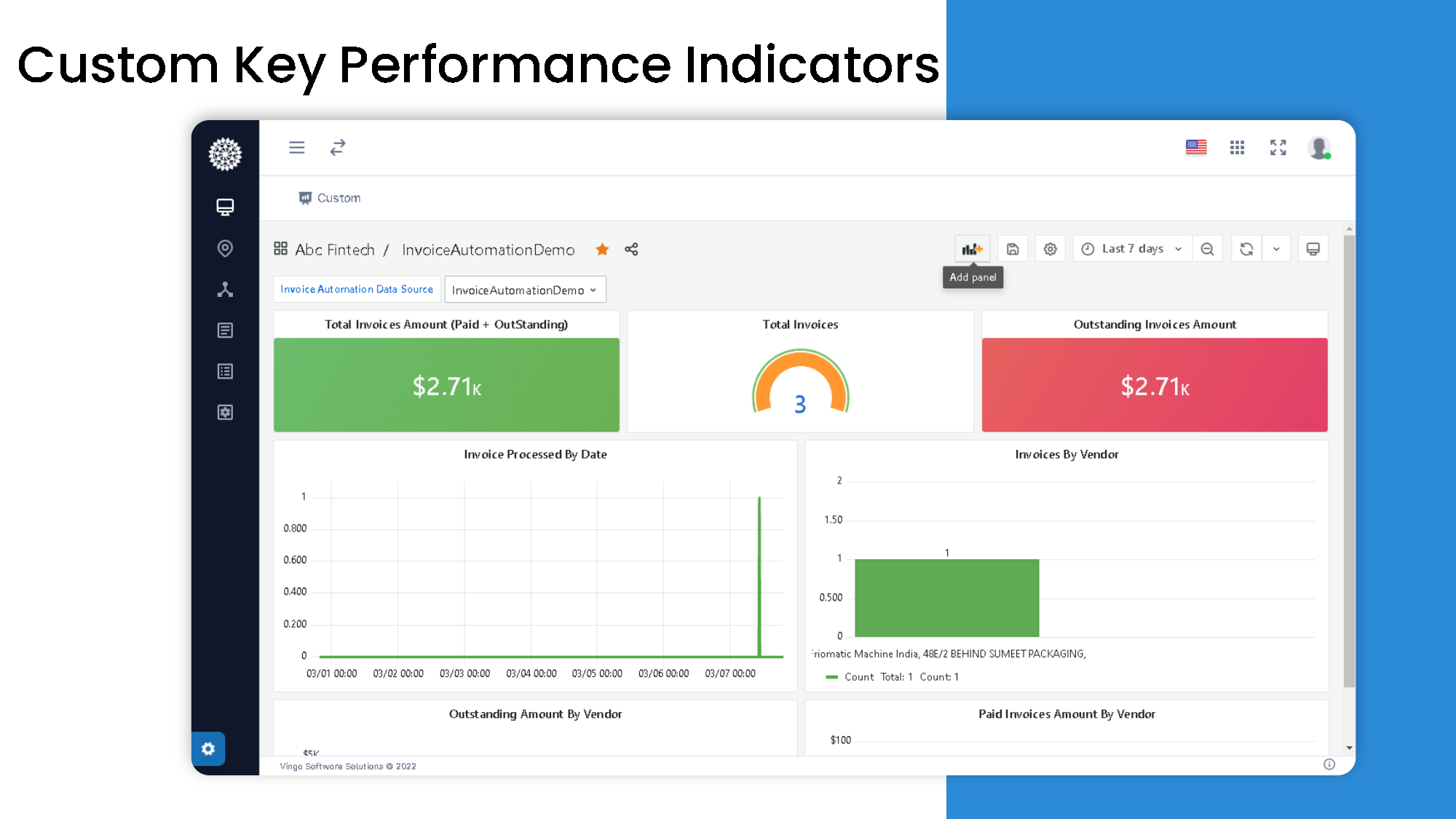 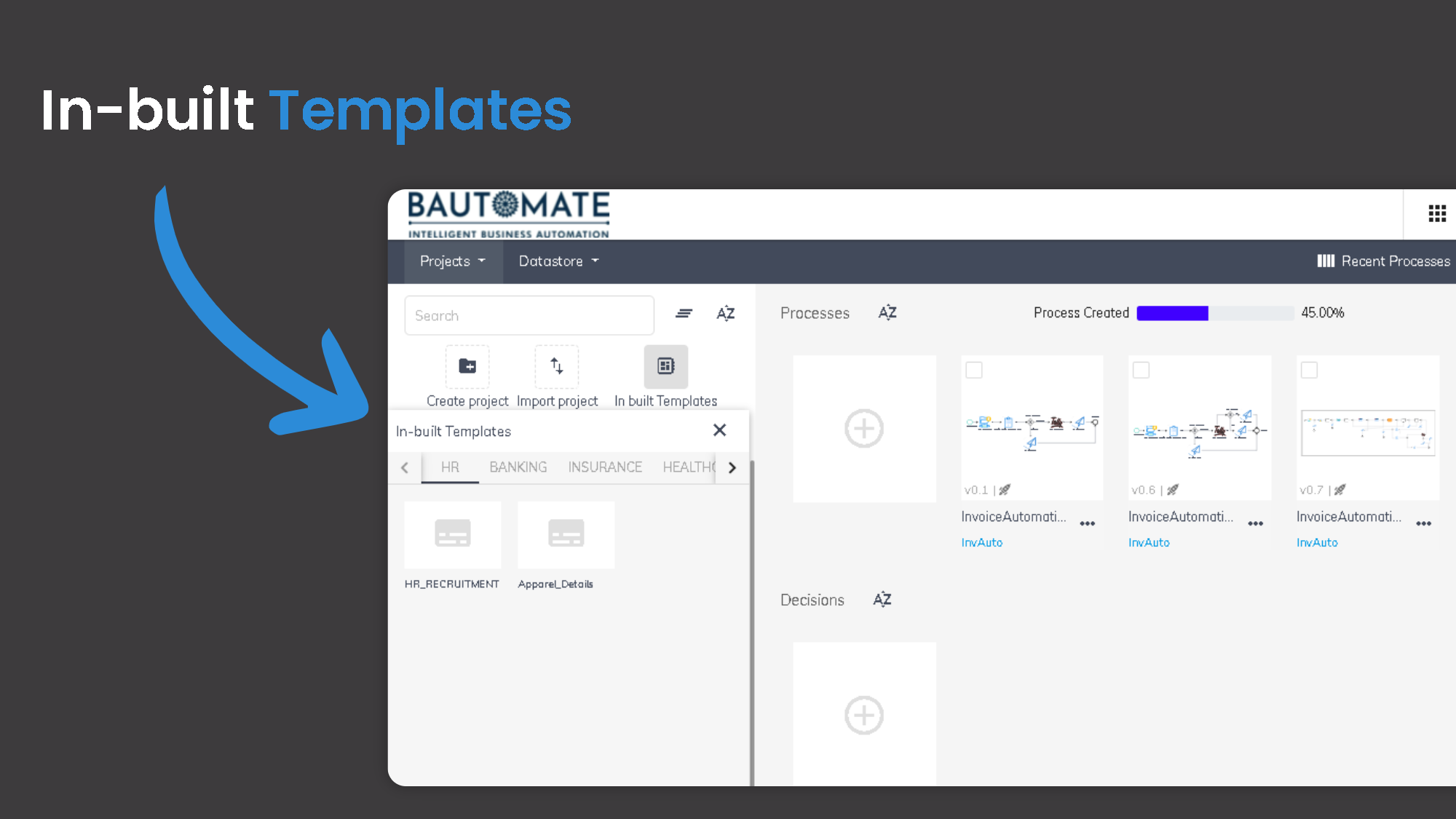 | Rossum Screenshots     |