
BrowseControl by CurrentWare vs. Websense TRITON (Discontinued)
BrowseControl by CurrentWare vs. Websense TRITON (Discontinued)
| Product | Rating | Most Used By | Product Summary | Starting Price |
|---|---|---|---|---|
 BrowseControl by CurrentWare | N/A | BrowseControl is a content filtering software for configuring content access to websites and Windows applications based on user, device, department, or other Organizational Unit (OU). BrowseControl's content filtering features allow administrators to configure the internet and application usage permissions of the students, employees, and patrons that use computers within their network. Content filtering policies for websites, applications, and files can be… | $72 per year per user | |
 Websense TRITON (Discontinued) | N/A | TRITON from the former Websense was the company's brand for the Internet security platform and web security gateway from that company. Since Websense was merged to form Forcepoint, the TRITON line of products have been discontinued. | N/A |
| BrowseControl by CurrentWare | Websense TRITON (Discontinued) | |||||||||||||||
|---|---|---|---|---|---|---|---|---|---|---|---|---|---|---|---|---|
| Editions & Modules |
| No answers on this topic | ||||||||||||||
| Offerings |
| |||||||||||||||
| Entry-level Setup Fee | No setup fee | No setup fee | ||||||||||||||
| Additional Details | Price per license is based on purchase volume. There are additional discounts available for educational organizations, non-profits, managed services providers, and for businesses that pre-purchase multiple year plans. | — | ||||||||||||||
| More Pricing Information | ||||||||||||||||
| BrowseControl by CurrentWare | Websense TRITON (Discontinued) |
|---|
| BrowseControl by CurrentWare | Websense TRITON (Discontinued) | |
|---|---|---|
| Small Businesses | No answers on this topic |  1Password Score 9.2 out of 10 |
| Medium-sized Companies |  Quantum Firewalls and Security Gateways Score 9.3 out of 10 | 1Password Score 9.2 out of 10 |
| Enterprises | Quantum Firewalls and Security Gateways Score 9.3 out of 10 |  Norton 360 Score 7.1 out of 10 |
| All Alternatives | View all alternatives | View all alternatives |
| BrowseControl by CurrentWare | Websense TRITON (Discontinued) | |
|---|---|---|
| Likelihood to Recommend | - (0 ratings) | 8.0 (1 ratings) |
| BrowseControl by CurrentWare | Websense TRITON (Discontinued) | |
|---|---|---|
| Likelihood to Recommend | CurrentWare Inc. No answers on this topic |  Discontinued Products
|
| Pros | CurrentWare Inc. No answers on this topic | Discontinued Products
|
| Cons | CurrentWare Inc. No answers on this topic | Discontinued Products
|
| Alternatives Considered | CurrentWare Inc. No answers on this topic | Discontinued Products
|
| Return on Investment | CurrentWare Inc. No answers on this topic | Discontinued Products
|
| ScreenShots | BrowseControl by CurrentWare Screenshots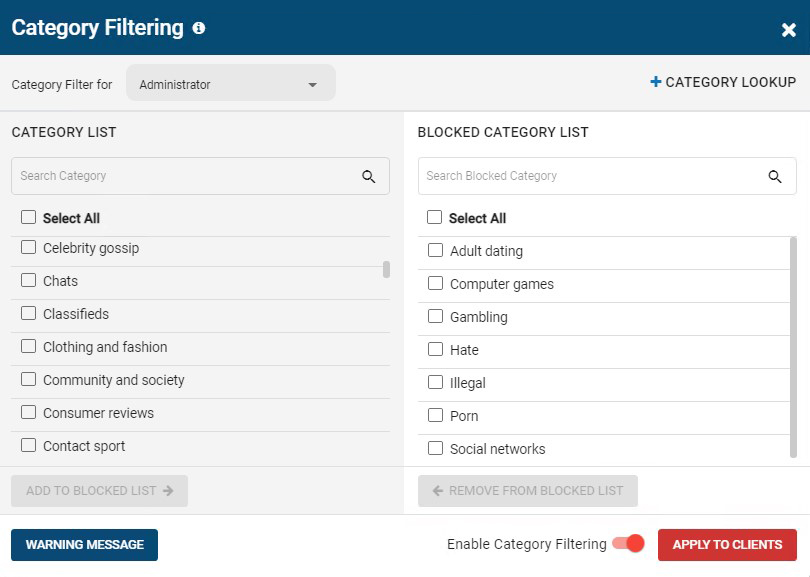 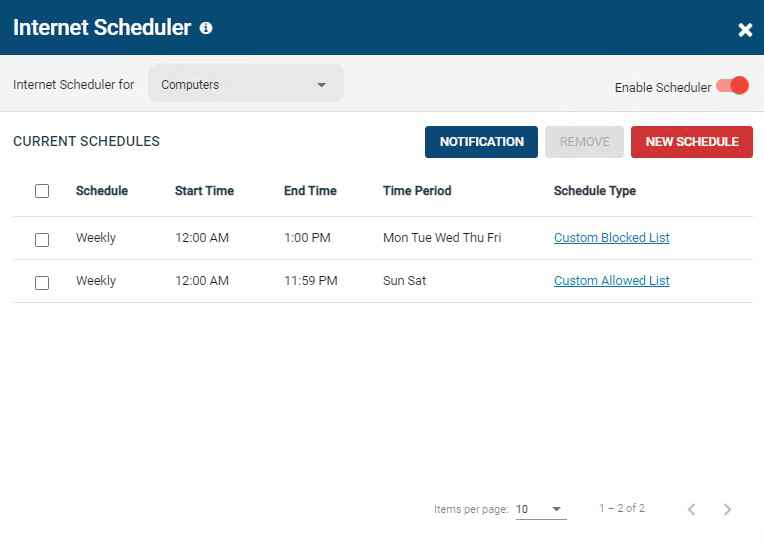 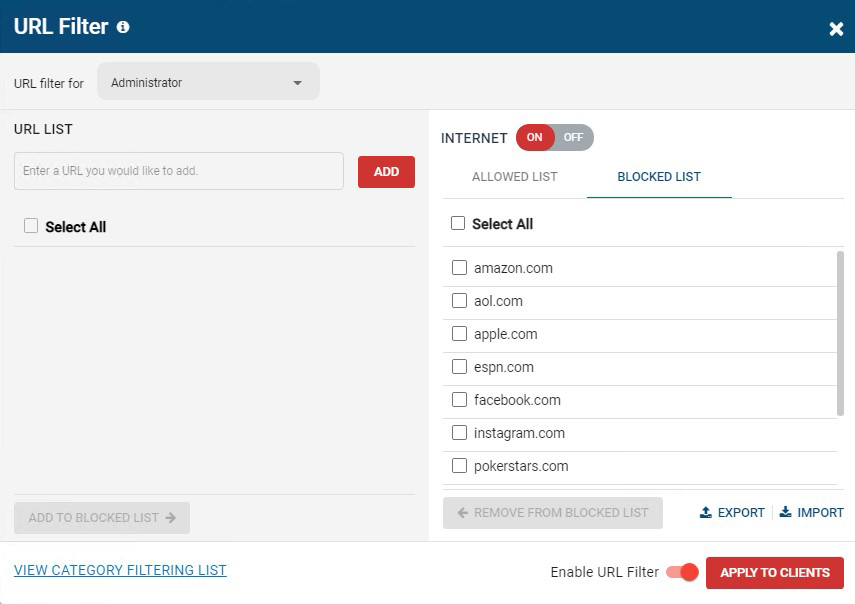 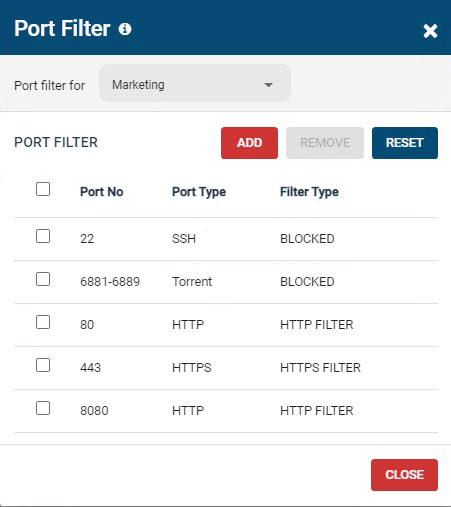 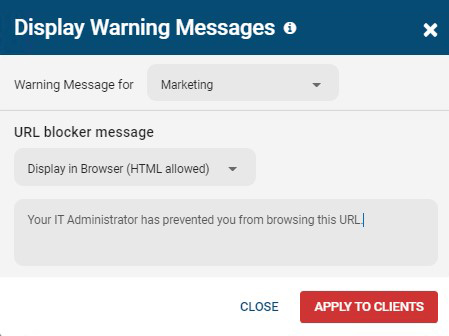 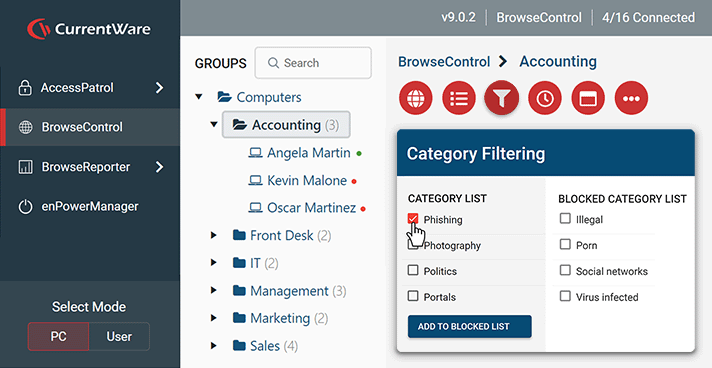 |