
Centurion Setup vs. IBM DevOps Code ClearCase
Centurion Setup vs. IBM DevOps Code ClearCase
| Product | Rating | Most Used By | Product Summary | Starting Price |
|---|---|---|---|---|
 Centurion Setup | Small Businesses (1-50 employees) | Centurion Setup is presented as an easy to use professional installation program installer. The installer is self-contained in a single compressed executable file, and runs on all versions of Windows. The vendor describes Centurion Setup as simple to learn, but also feature rich, with support for uninstallation, multiple languages, interface customization, license agreements, readme files, file associations, DOS batch operations, DLL installation, automated installations, device drivers,… | $149 one-time fee 5 activations | |
 IBM DevOps Code ClearCase | N/A | An enterprise-grade configuration management system that provides controlled access to software assets. | N/A |
| Centurion Setup | IBM DevOps Code ClearCase | |||||||||||||||
|---|---|---|---|---|---|---|---|---|---|---|---|---|---|---|---|---|
| Editions & Modules |
| No answers on this topic | ||||||||||||||
| Offerings |
| |||||||||||||||
| Entry-level Setup Fee | $149 one-time fee 5 activations | No setup fee | ||||||||||||||
| Additional Details | A license entitles the user to 5 activations. Once activated, the software will remain activated indefinitely unless it is moved to a different drive, or if a major upgrade (such as 1.0 to 2.0) is installed. Minor upgrades (such as 1.0 to 1.1) are free. The 5 activations are not restricted to one machine or user. | — | ||||||||||||||
| More Pricing Information | ||||||||||||||||
| Centurion Setup | IBM DevOps Code ClearCase |
|---|
| Centurion Setup | IBM DevOps Code ClearCase | |
|---|---|---|
| Small Businesses |  Action1 Score 9.5 out of 10 |  Salt Score 6.2 out of 10 |
| Medium-sized Companies | Action1 Score 9.5 out of 10 | Salt Score 6.2 out of 10 |
| Enterprises |  GitLab Score 8.8 out of 10 |  Perforce P4 Score 7.2 out of 10 |
| All Alternatives | View all alternatives | View all alternatives |
| Centurion Setup | IBM DevOps Code ClearCase | |
|---|---|---|
| Likelihood to Recommend | - (0 ratings) | 3.3 (2 ratings) |
| Centurion Setup | IBM DevOps Code ClearCase | |
|---|---|---|
| Likelihood to Recommend | Gammadyne Corporation No answers on this topic |  IBM
|
| Pros | Gammadyne Corporation No answers on this topic | IBM
|
| Cons | Gammadyne Corporation No answers on this topic | IBM
|
| Alternatives Considered | Gammadyne Corporation No answers on this topic | IBM
|
| Return on Investment | Gammadyne Corporation No answers on this topic | IBM
|
| ScreenShots | Centurion Setup Screenshots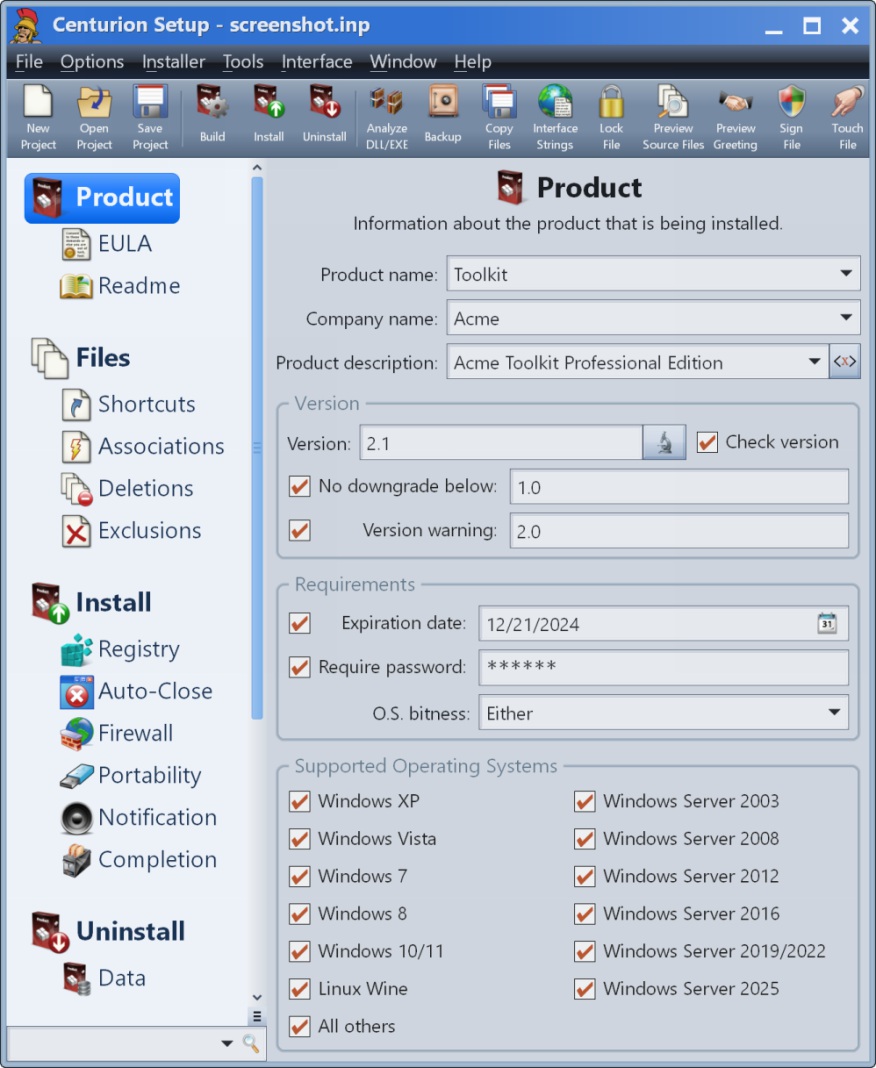 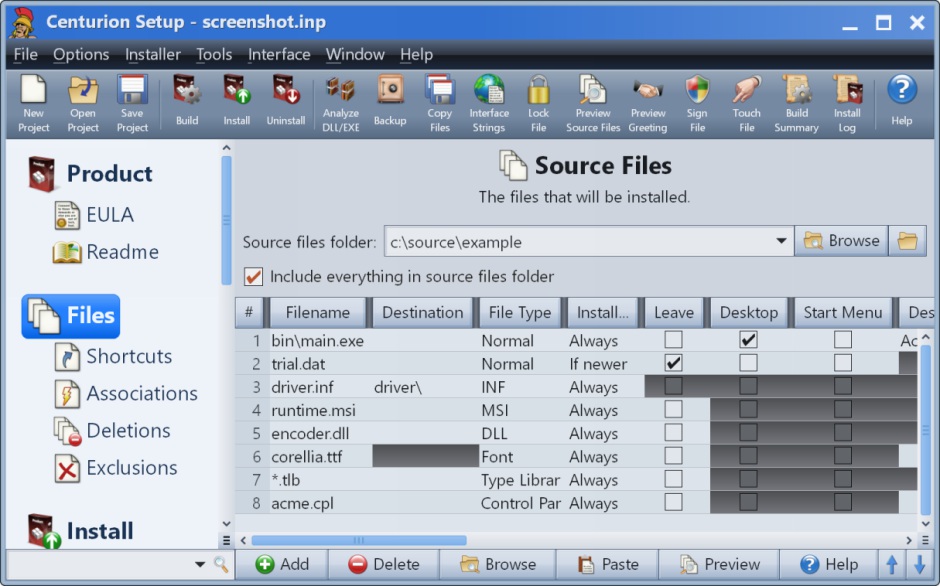 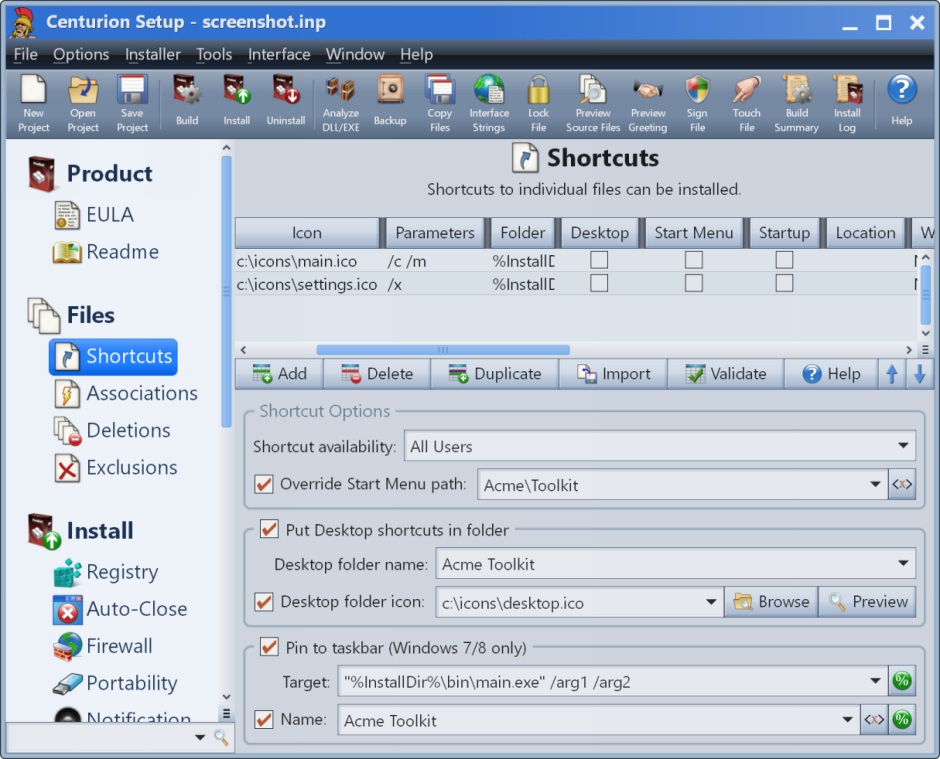 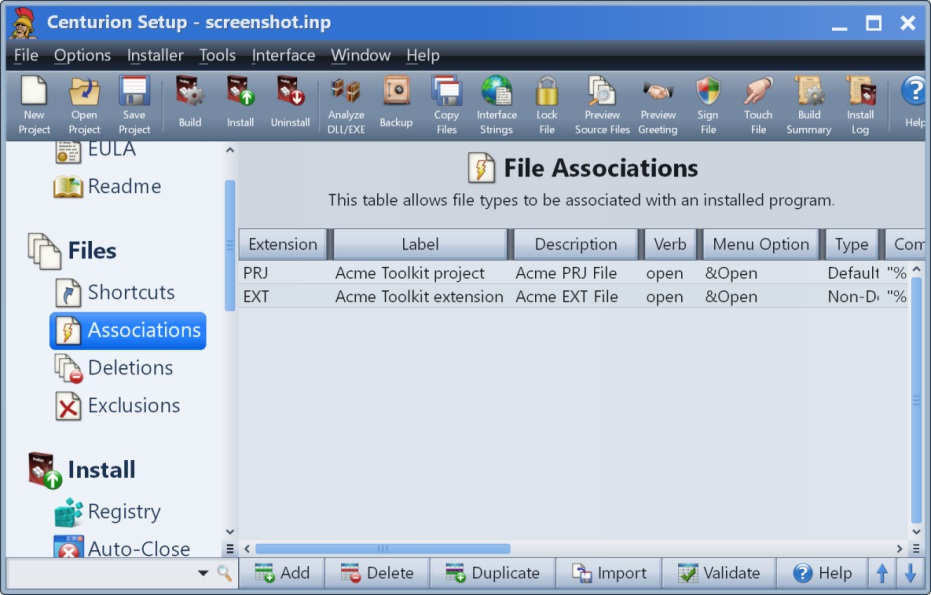 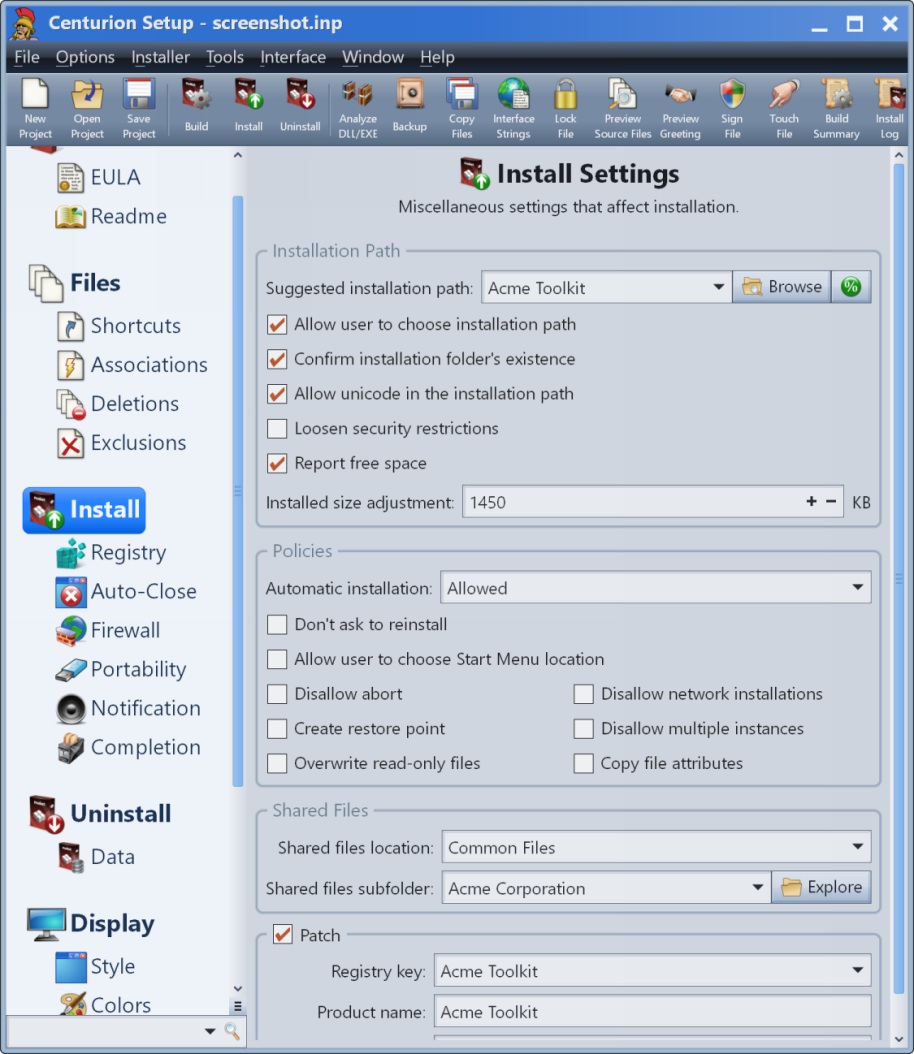 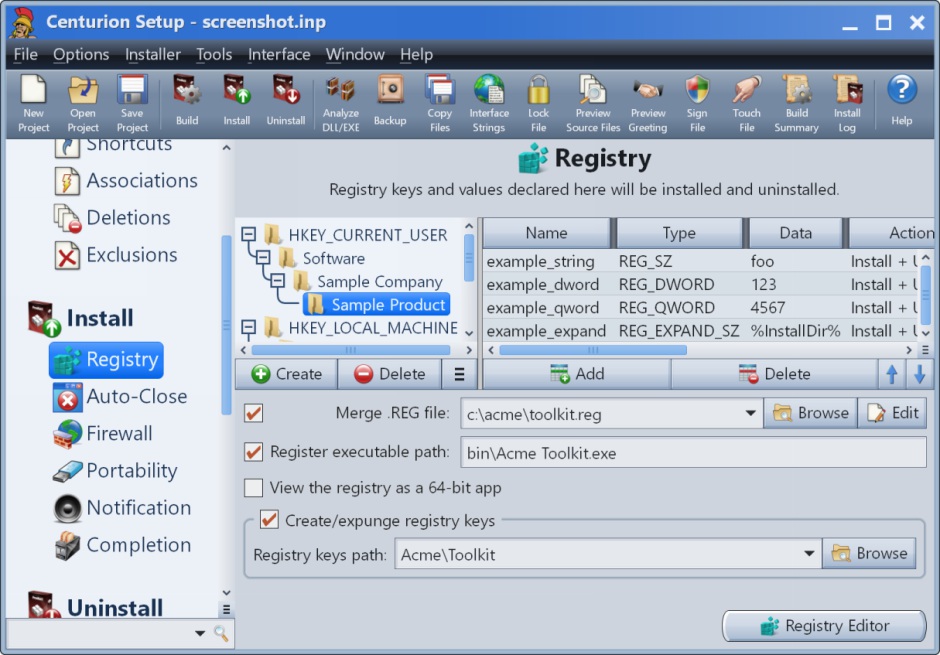 |