
CheckMark Online Payroll vs. Quickbooks Workforce
| Product | Rating | Most Used By | Product Summary | Starting Price |
|---|---|---|---|---|
 CheckMark Online Payroll | N/A | N/A | CheckMark Online Payroll is a cloud-based payroll solution designed for businesses of all sizes. It offers a platform for business owners and CPAs to manage their payroll processes. With CheckMark Online Payroll, users can streamline tasks such as calculating wages, deducting taxes, generating pay stubs, and handling ACH direct deposits. It also helps automate tax filing and reporting, ensuring compliance with IRS regulations. Additionally, it provides features like ESS Portal, time-tracking… | $20 per month |
 Quickbooks Workforce | Score8.6 out of 10 | N/A | QuickBooks Workforce is a Payroll and Human Capital Management (HCM) solution designed to manage Payroll Processing, Tax Compliance, Time Tracking, HR Operations, and Talent Management. It is available in three functional tiers to support organizational growth. | $50 per month +$6/employee/mo |
| CheckMark Online Payroll | Quickbooks Workforce | |||||||||||||||
|---|---|---|---|---|---|---|---|---|---|---|---|---|---|---|---|---|
| Editions & Modules | No answers on this topic |
| ||||||||||||||
| Offerings |
| |||||||||||||||
| Entry-level Setup Fee | No setup fee | No setup fee | ||||||||||||||
| Additional Details | The cost of CheckMark Online Payroll is $20/mo as a base fee and an additional $4 per employee/mo. For example, for 10 employees, the total monthly cost of running the payroll would be $60. Currently, CheckMark is running an introductory offer with a discount of 50% off for the first three months' subscription. | 50% off for the first three months. | ||||||||||||||
| More Pricing Information | ||||||||||||||||
| CheckMark Online Payroll | Quickbooks Workforce | |||||||||||||||||||||||||
|---|---|---|---|---|---|---|---|---|---|---|---|---|---|---|---|---|---|---|---|---|---|---|---|---|---|---|
| Payroll Management |
| |||||||||||||||||||||||||
| CheckMark Online Payroll | Quickbooks Workforce | |
|---|---|---|
| Small Businesses |  Patriot Payroll Score8.6 out of 10 | Patriot Payroll Score8.6 out of 10 |
| Medium-sized Companies |  APS Score5.7 out of 10 | APS Score5.7 out of 10 |
| Enterprises |  ADP Streamline Payroll Score6.1 out of 10 | ADP Streamline Payroll Score6.1 out of 10 |
| All Alternatives | View all alternatives | View all alternatives |
| CheckMark Online Payroll | Quickbooks Workforce | |
|---|---|---|
| Likelihood to Recommend | - | 10.0 |
| Usability | - | 9.3 |
| CheckMark Online Payroll | Quickbooks Workforce | |
|---|---|---|
| Likelihood to Recommend | No answers on this topic |
|
| Pros | No answers on this topic |
|
| Cons | No answers on this topic |
|
| Usability | No answers on this topic |
|
| Alternatives Considered | No answers on this topic |
|
| Return on Investment | No answers on this topic |
|
| ScreenShots | CheckMark Online Payroll Screenshots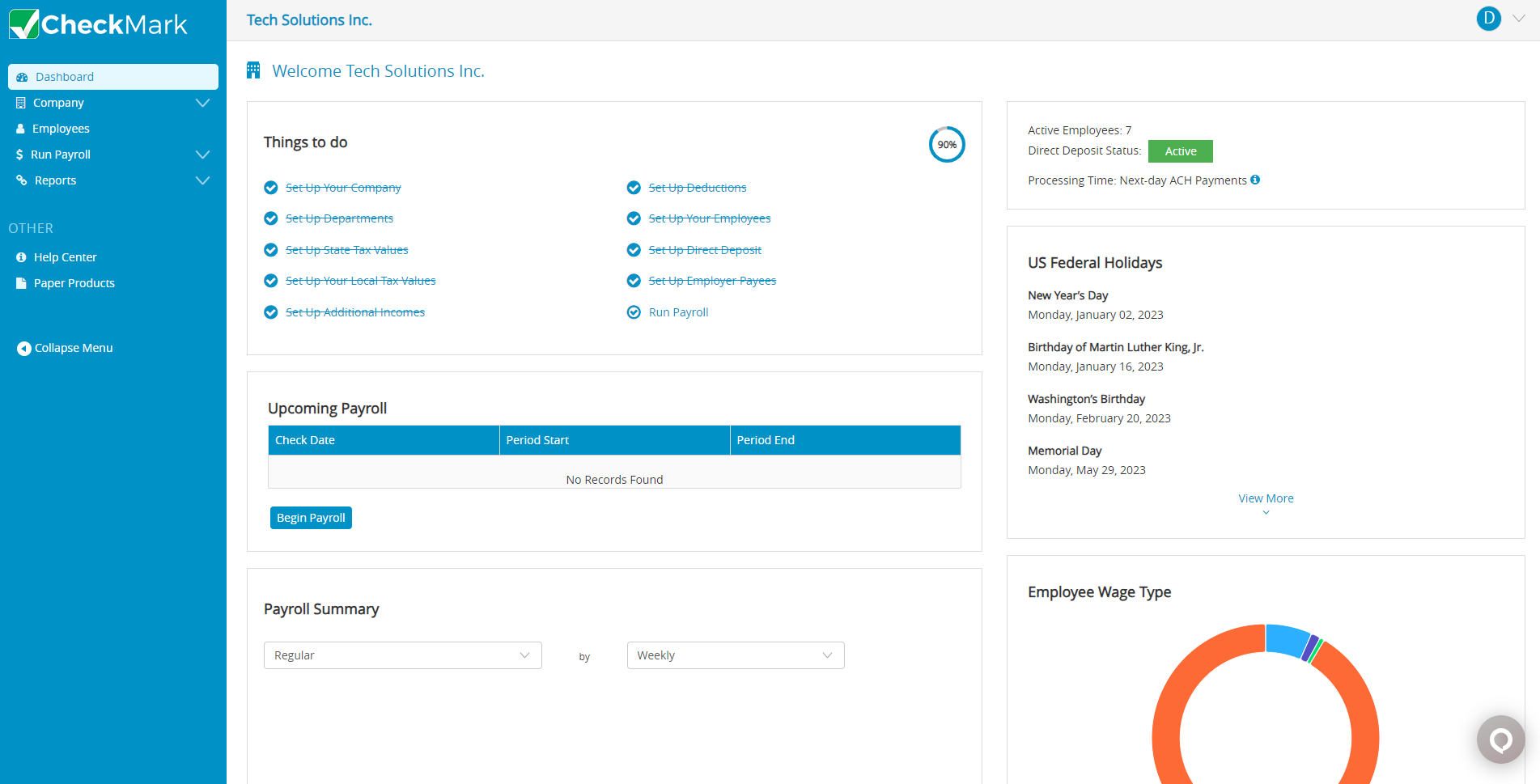 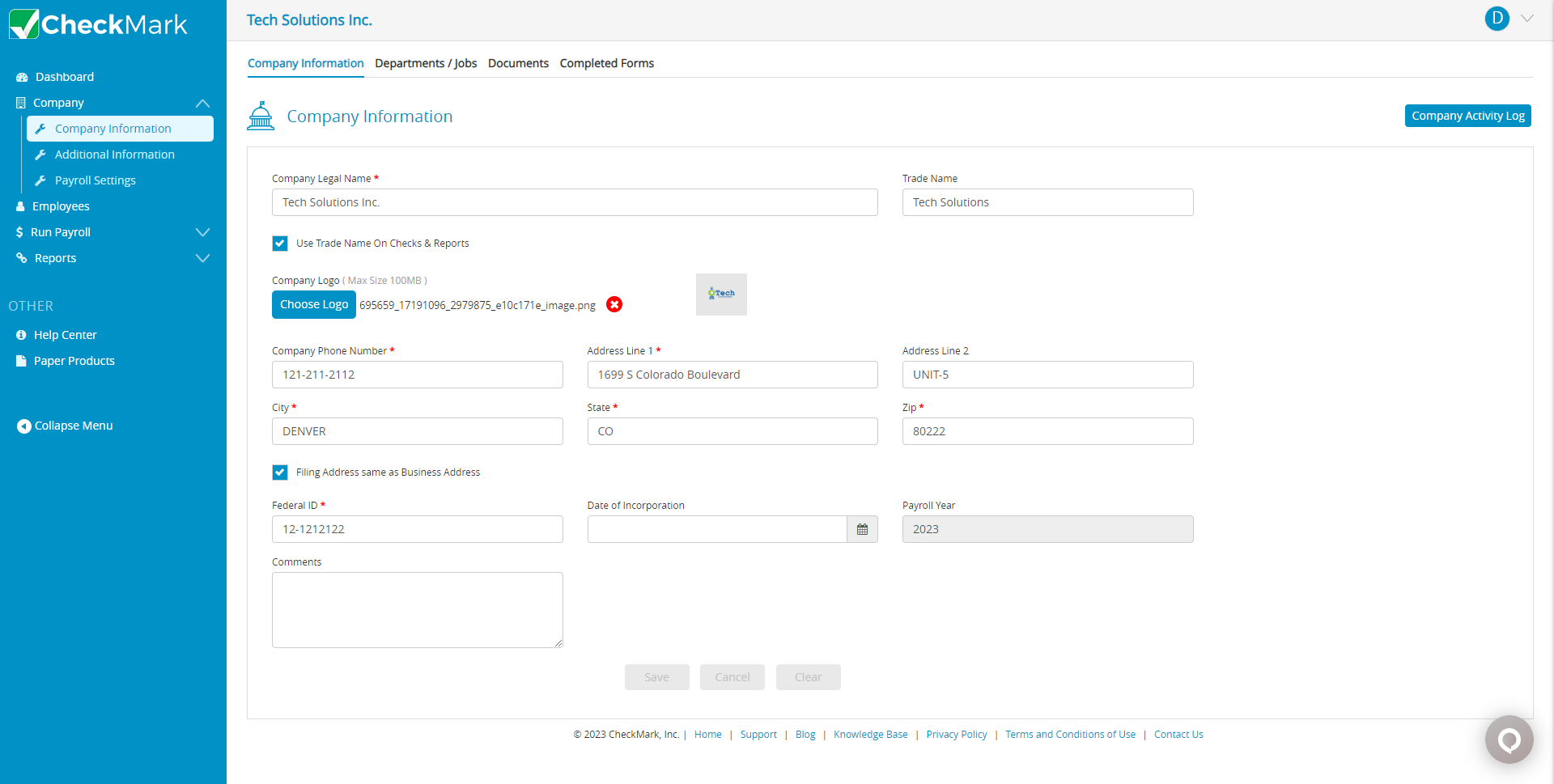 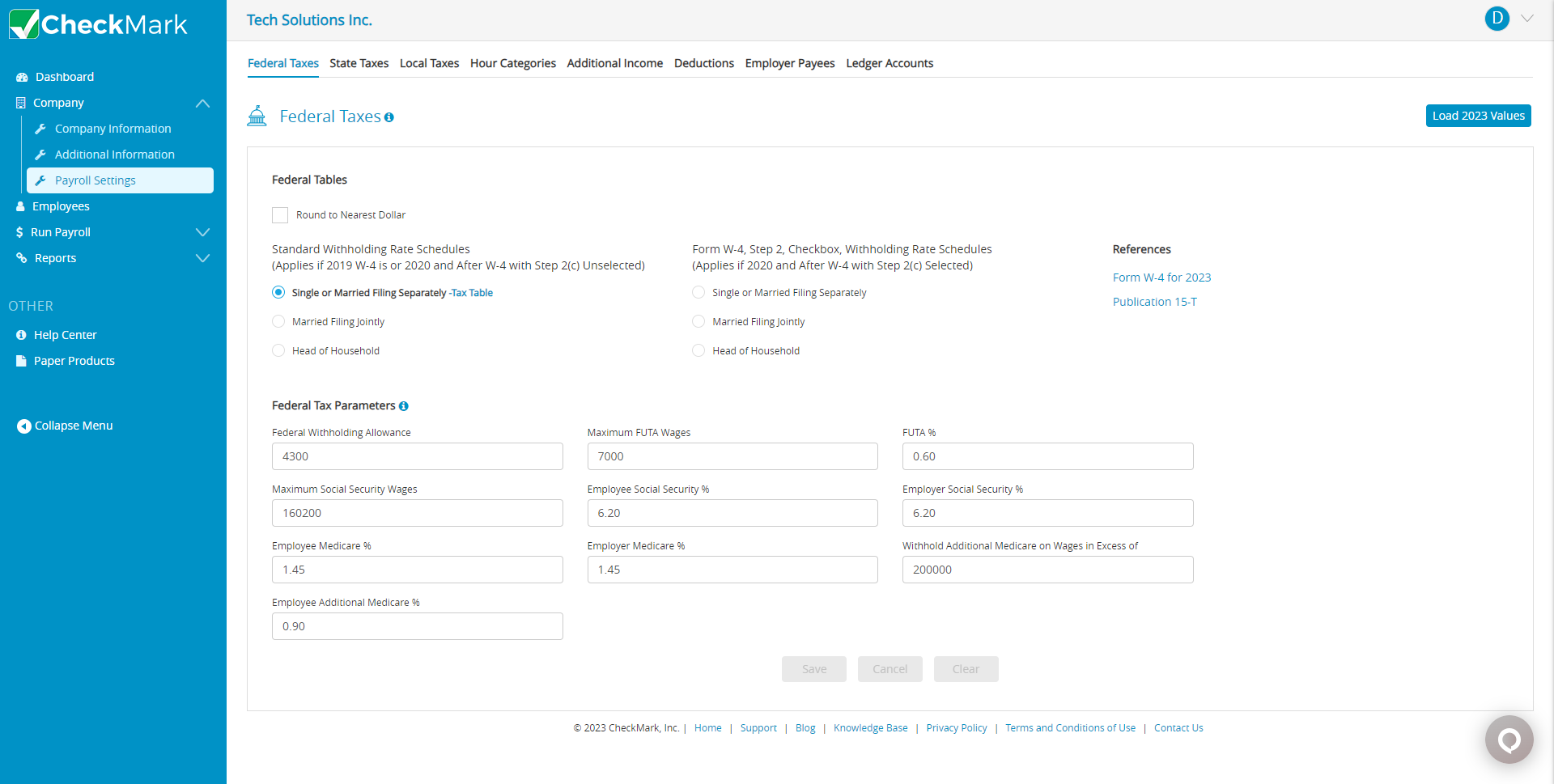  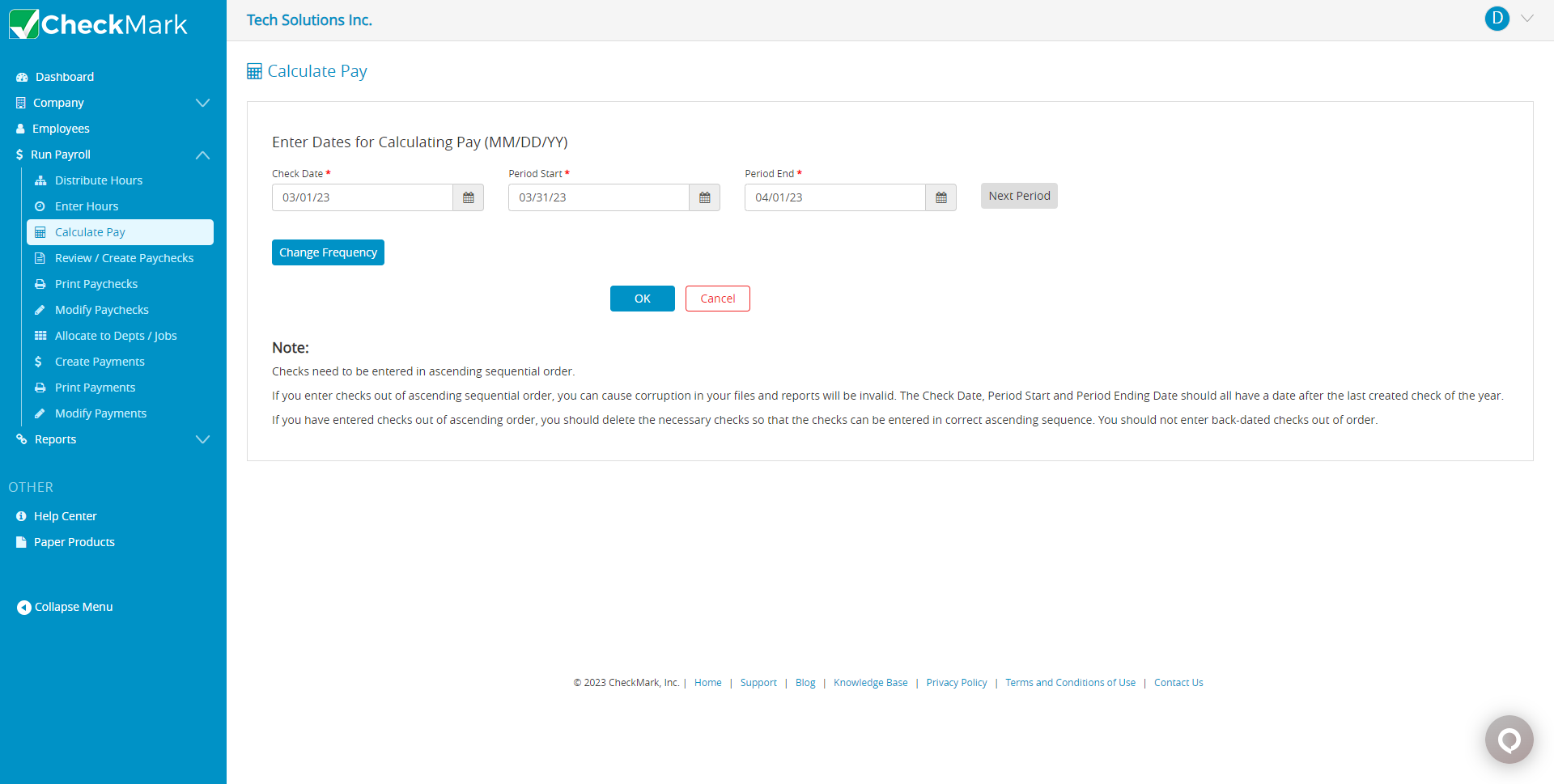  |
