Chrome DevTools vs. JAWS Inspect

Overview
ProductRatingMost Used ByProduct SummaryStarting Price
Chrome DevTools
Score 9.5 out of 10
N/A
Chrome DevTools is a set of authoring, debugging, and profiling tools built into Google Chrome.N/A
JAWS Inspect
Score 7.0 out of 10
N/A
JAWS Inspect is a screen reader testing tool that creates a text version of JAWS speech, to help QA testers to work faster and more efficiently.
$2,000
per year per user
Pricing
Chrome DevToolsJAWS Inspect
Editions & Modules
No answers on this topic
Offerings
Pricing Offerings
Chrome DevToolsJAWS Inspect
Free Trial
NoNo
Free/Freemium Version
NoNo
Premium Consulting/Integration Services
NoYes
Entry-level Setup FeeNo setup feeNo setup fee
Additional DetailsInquire about pricing for more than one user.
More Pricing Information
Community Pulse
Chrome DevToolsJAWS Inspect
Best Alternatives
Chrome DevToolsJAWS Inspect
Small Businesses
Microsoft Visual Studio Code
Score 9.3 out of 10
BrowserStack
BrowserStack
Score 8.5 out of 10
Medium-sized Companies
Microsoft Visual Studio Code
Score 9.3 out of 10
Siteimprove
Siteimprove
Score 9.1 out of 10
Enterprises
Microsoft Visual Studio Code
Score 9.3 out of 10
BrowserStack
BrowserStack
Score 8.5 out of 10
All AlternativesView all alternativesView all alternatives
User Ratings
Chrome DevToolsJAWS Inspect
Likelihood to Recommend
9.3
(28 ratings)
-
(0 ratings)
Usability
8.8
(5 ratings)
-
(0 ratings)
Support Rating
7.4
(2 ratings)
-
(0 ratings)
User Testimonials
Chrome DevToolsJAWS Inspect
Likelihood to Recommend
Google
Chrome DevTools are great for troubleshooting bugs, broken elements on pages, styling issues, responsiveness, identifying performance issues, third-party connections for data privacy, reviewing cookies and local storage, screenshots in different dimensions. Chrome DevTools are for technical users, so you do need to have a decent understanding of some basics like HTML and CSS to get started using them.
Read full review
TPGi
No answers on this topic
Pros
Google
  • The Elements panel is usually our first port of call to inspect and modify HTML and CSS in real-time.
  • The Issues panel helps us to identify and resolve problems like cookie issues etc.
  • The console panel allows developers to see the log output created by their website in real-time.
  • Lighthouse helps us identify any issues with accessibility
Read full review
TPGi
No answers on this topic
Cons
Google
  • As one delves into DevTools, one encounters a gradually steeper learning curve. You can do a lot very quickly, but to fully utilize DevTools takes time as one explores what it can do.
  • With many new updates, tools and items are moved, and a comfortable workflow becomes a frustrating search. This often happens when following only slightly outdated tutorials on a given feature, even in Google's own documentation.
  • The experimental flags, settings, and options are scattered about and a little clunky to configure when one has to make changes in multiple places.
Read full review
TPGi
No answers on this topic
Usability
Google
While Chrome DevTools are very powerful, it's not the easiest thing to use, as there are so many different tools built in. It takes some exploring to discover all the options possible within DevTools, but with a little exploring, the DevTools become a very powerful asset. Accessing the basic HTML and CSS inspection is very easy though, and that's the most common usage for the DevTools.
Read full review
TPGi
No answers on this topic
Support Rating
Google
I'm not entirely sure what to rate the support for DevTools, because I don't have any experience dealing with official customer support for DevTools. I would guess the primary support for DevTools would be in a Chrome forum. Typically if I have a question or issue, I am able to find an answer from doing a quick Google search. It's pretty widely used, so it's not difficult to find answers.
Read full review
TPGi
No answers on this topic
Alternatives Considered
Google
I find them pretty much the same, they have the same tools except Firefox doesn't provide the lighthouse functionality. I do prefer firefox's dark theme and colour palette. But I use Chrome Dev tools because of the Light house functionality that analyzes the page load and scores the website on desktop and mobile experience.
Read full review
TPGi
No answers on this topic
Return on Investment
Google
  • All positive, the tool is free so there's no need to spend money on it. Every return is positive.
  • A lot, their tools increases productivity due because it helps developers to create and test websites inside the browser.
  • Tools are intuitive so there's no need to invest in education on developers to learn these tools.
Read full review
TPGi
No answers on this topic
ScreenShots

JAWS Inspect Screenshots

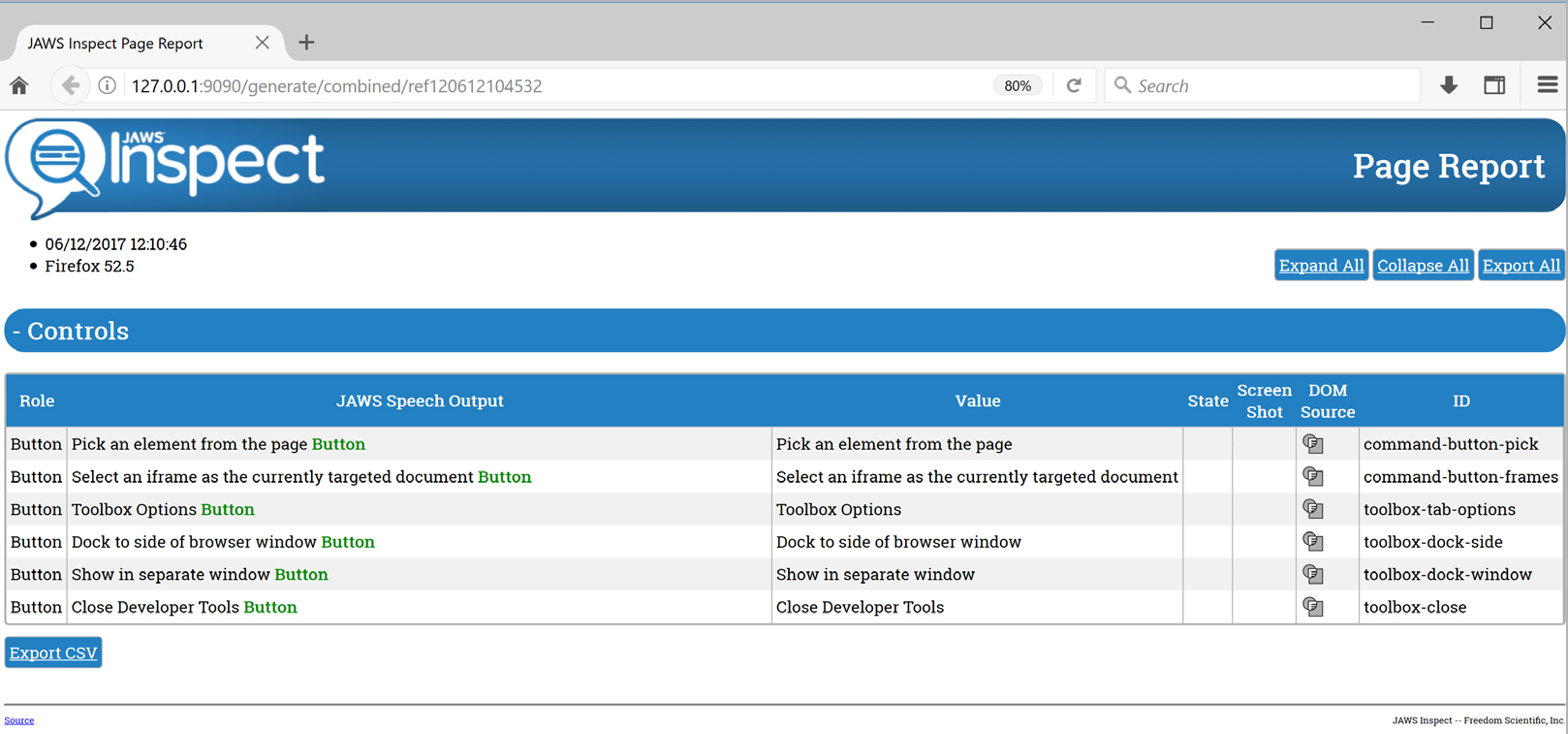
Screenshot of Home screen of JAWS Inspect displaying a list of the text of several JAWS speech outputs