TrustRadius: an HG Insights company

Click Maint vs. Fiix by Rockwell Automation

Save this comparison

Save this comparison

Add Product

Recommended Comparisons

    Overview
    ProductRatingMost Used ByProduct SummaryStarting Price

    Click Maint

    N/AN/AClick Maint is a CMMS software for facilities and maintenance operations. The software's features help maintenance and facilities professionals streamline processes.

    $35

    per month per user

    Fiix by Rockwell Automation

    Score5.9 out of 10
    N/AFiix, from Rockwell Automation since the January 2021, is a cloud-based computerized maintenance management system (CMMS) that aims to help users improve their maintenance activities. Fiix provides a customizable dashboard & reports, work order tracking, automated maintenance scheduling, parts & supplies tracking, offline mobile app, API integrations & preventive maintenance.

    $45

    per month per user

    Pricing
    Click MaintFiix by Rockwell Automation
    Editions & Modules
    No answers on this topic
    Basic
    $45
    per month per user
    Professional
    $75
    per month per user
    Free
    Free
    Enterprise
    Contact for quote
    Offerings
    Pricing Offerings
    Click MaintFiix by Rockwell Automation
    Free Trial
    YesNo
    Free/Freemium Version
    NoYes
    Premium Consulting/Integration Services
    YesYes
    Entry-level Setup Fee$500 one-time fee$40 per user, per month
    Additional Details—Custom pricing available for Enterprise and Performance plans.
    More Pricing Information
    User Ratings
    Click MaintFiix by Rockwell Automation
    Likelihood to Recommend
    -
    (0 ratings)
    7.0
    (1 ratings)
    Usability
    -
    (0 ratings)
    4.0
    (1 ratings)
    User Testimonials
    Click MaintFiix by Rockwell Automation
    Likelihood to Recommend
    Click Maint
    No answers on this topic
    Rockwell Automation
    - Well suited for tracking what work needs to be done that day/week - Well suited to also see what assets need to be maintained - Good for being able to see how often items need to be checked - Not well suited for including pictures into the work order
    Incentivized
    Read full review
    Pros
    Click Maint
    No answers on this topic
    Rockwell Automation
    • Create Work Orders
    • Creates what tasks are overdue
    • Dashboards on where you are with work orders
    Incentivized
    Read full review
    Cons
    Click Maint
    No answers on this topic
    Rockwell Automation
    • The UI can be easier to navigate
    • Include new instructional videos
    • Make it more intuitive
    Incentivized
    Read full review
    Usability
    Click Maint
    No answers on this topic
    Rockwell Automation
    The UI is a bit dated. Also would be nice if able to include pictures into work orders in a better way. We use Fiix by Rockwell Automations as a way to also include instructions on repeating tasks, making it easier to add step by step instructions would help a lot and with the addition of pictures within the steps.
    Incentivized
    Read full review
    Alternatives Considered
    Click Maint
    No answers on this topic
    Rockwell Automation
    I haven't used other solutions, so not sure how it stacks up.
    Incentivized
    Read full review
    Return on Investment
    Click Maint
    No answers on this topic
    Rockwell Automation
    • Help ensured system is well maintained
    • Prevented items from not being tracked
    • Track hours spent on tasks to better determine headcount
    Incentivized
    Read full review
    ScreenShots

    Click Maint Screenshots

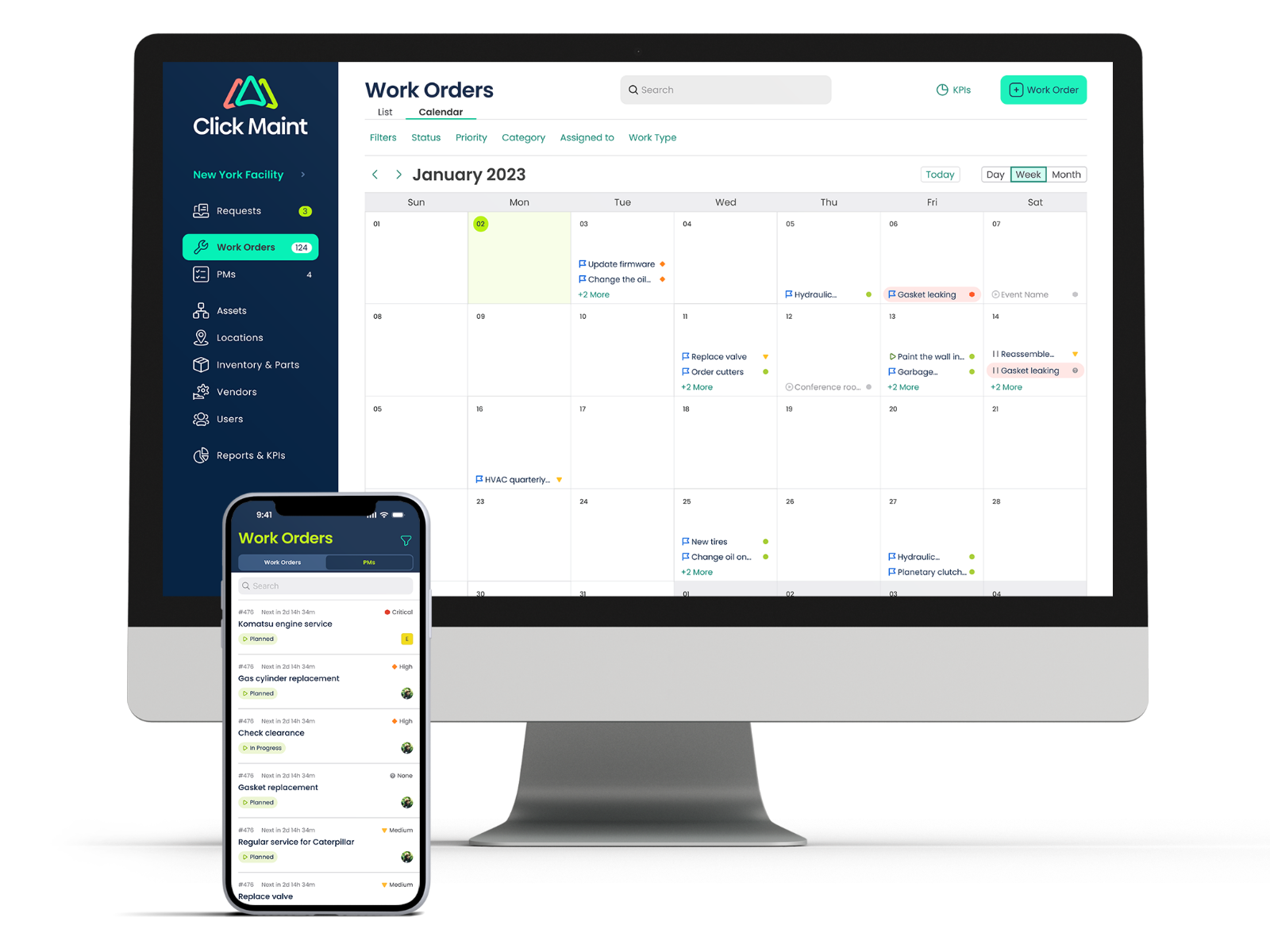
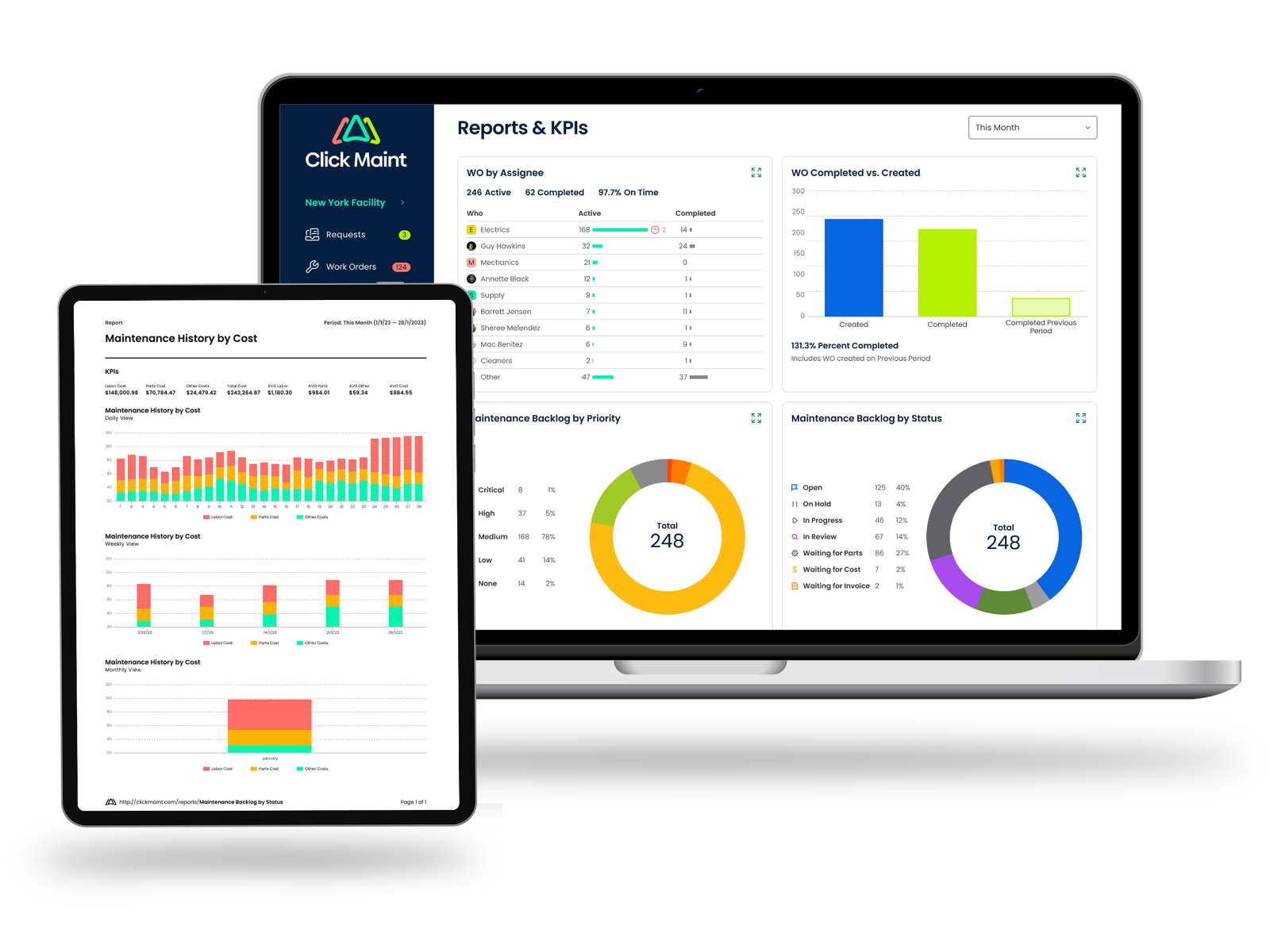
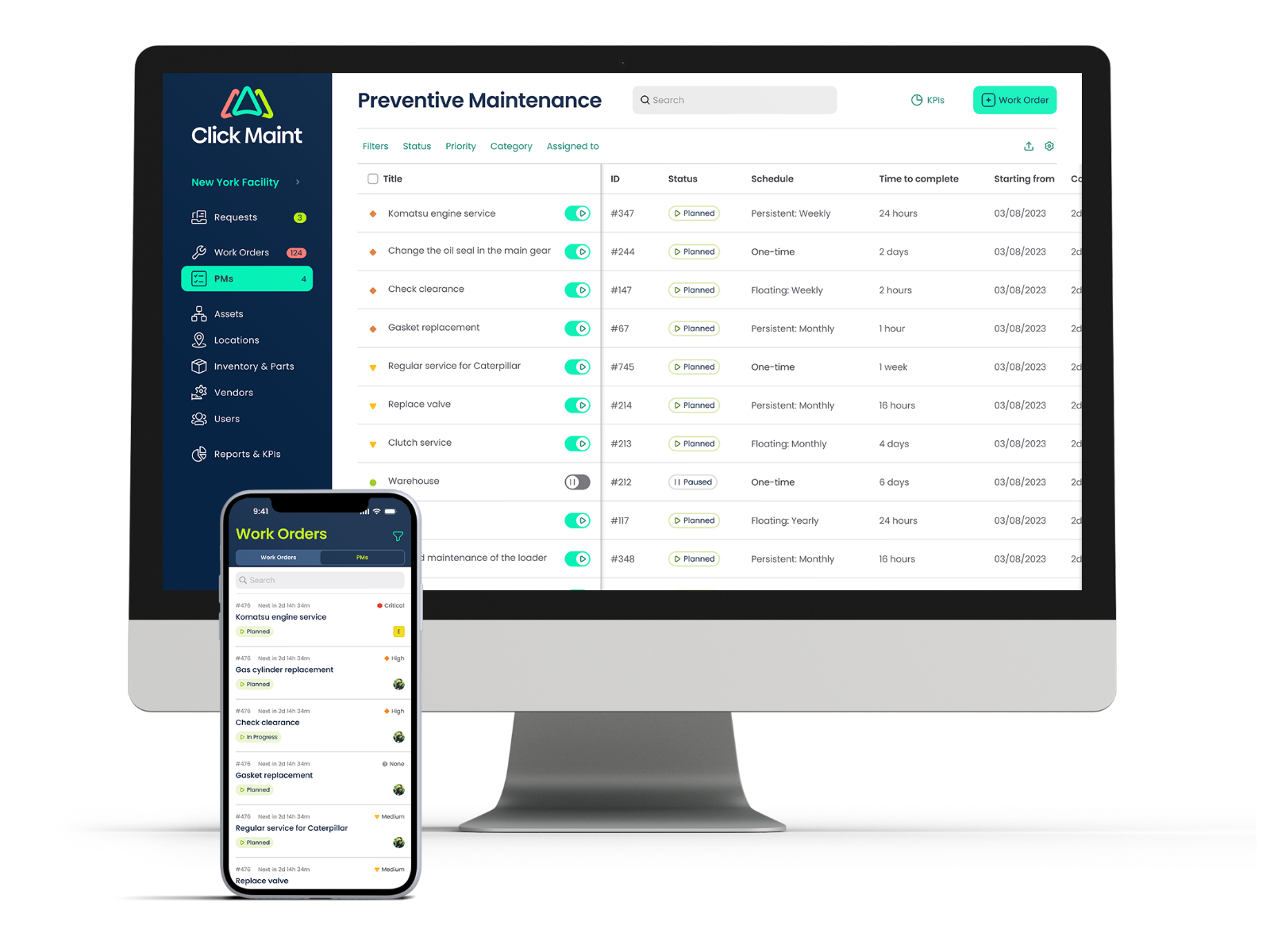
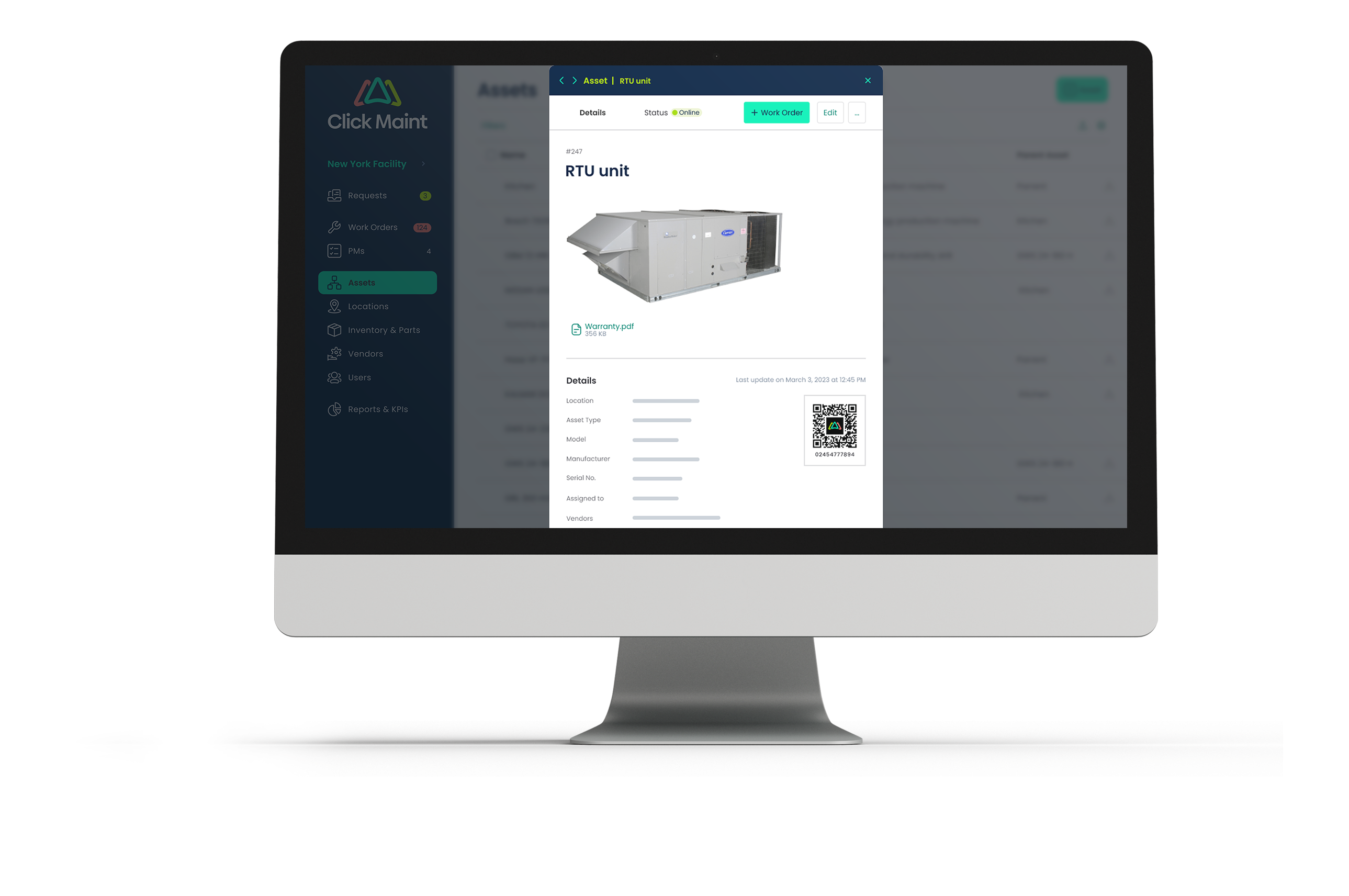
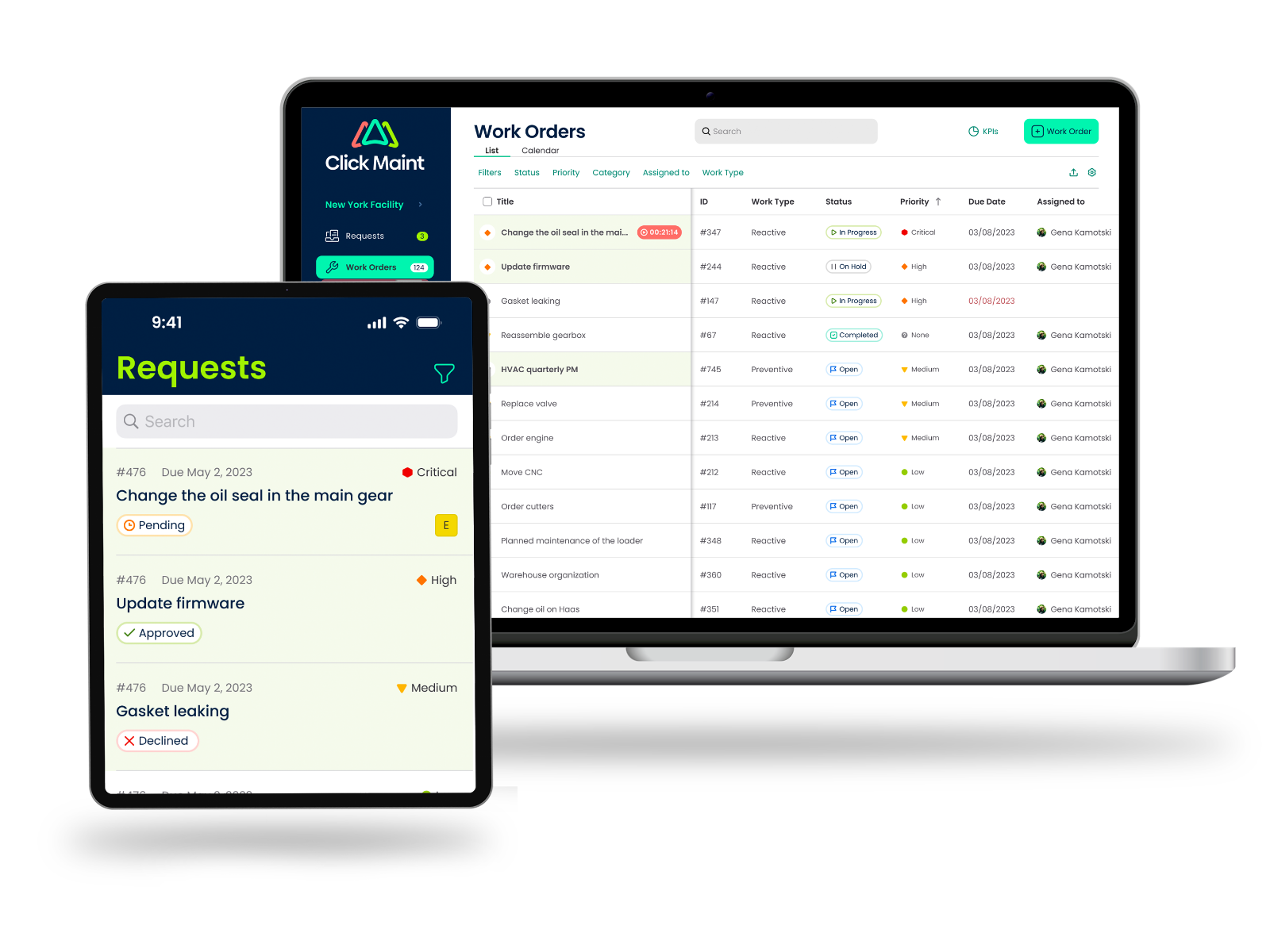
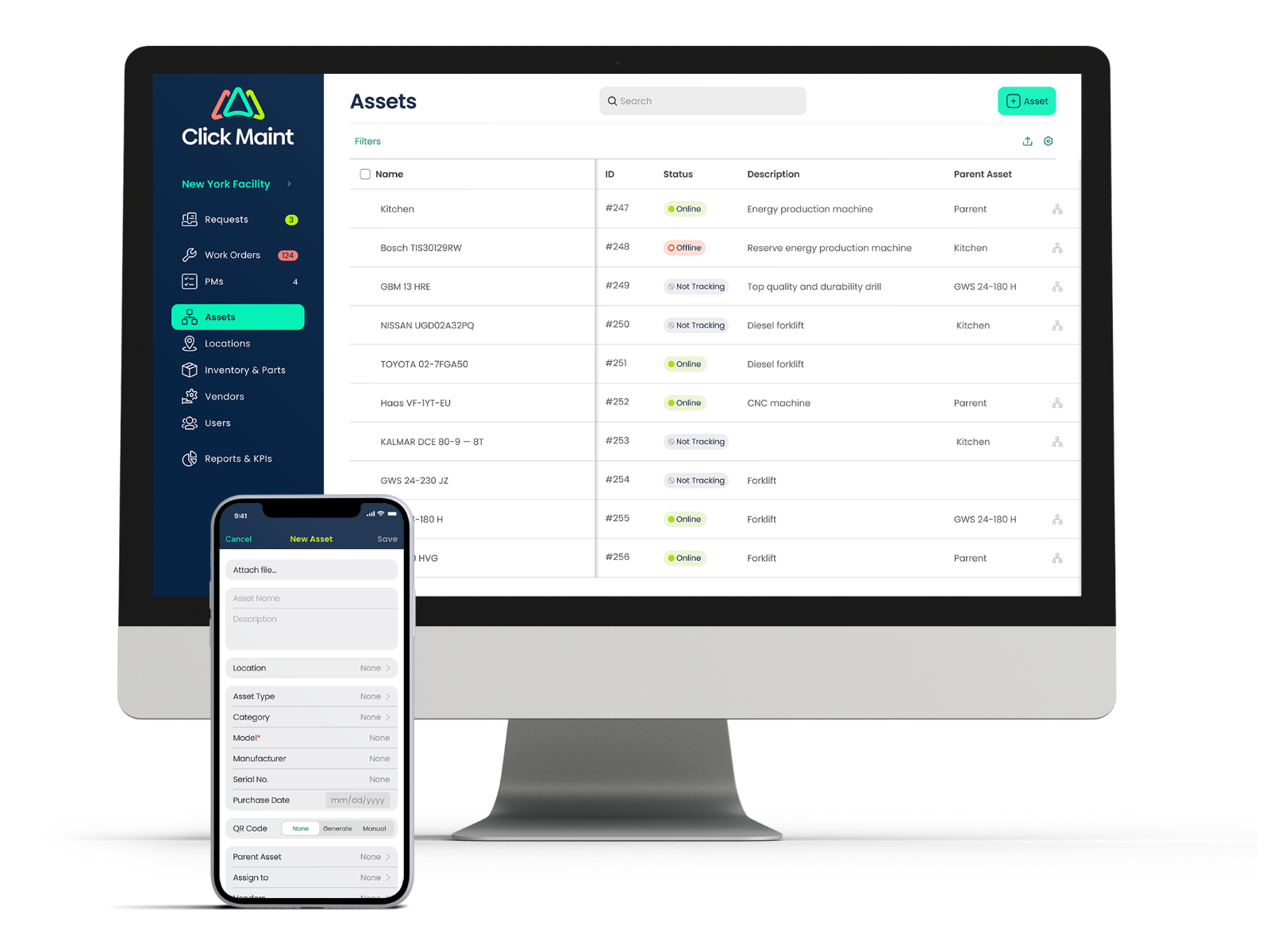
    Screenshot of the calendar view, used to manage work orders and schedulesScreenshot of the KPI dashboard with key insights and analyticsScreenshot of the interface to schedule and automate preventive maintenanceScreenshot of a display of asset detailsScreenshot of the interface for maintenance requests and work ordersScreenshot of a display of all assets, from the desktop web app or mobile app