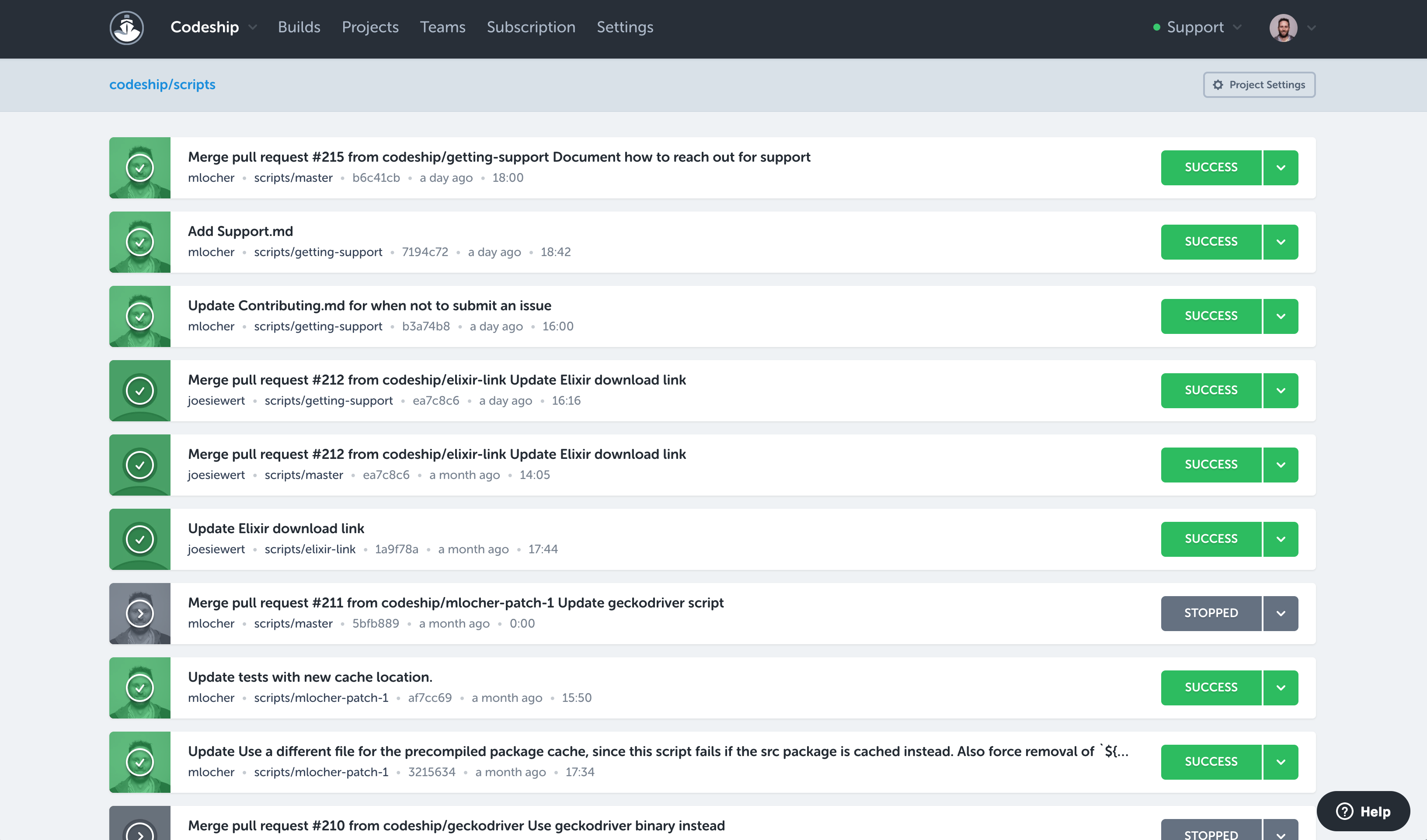
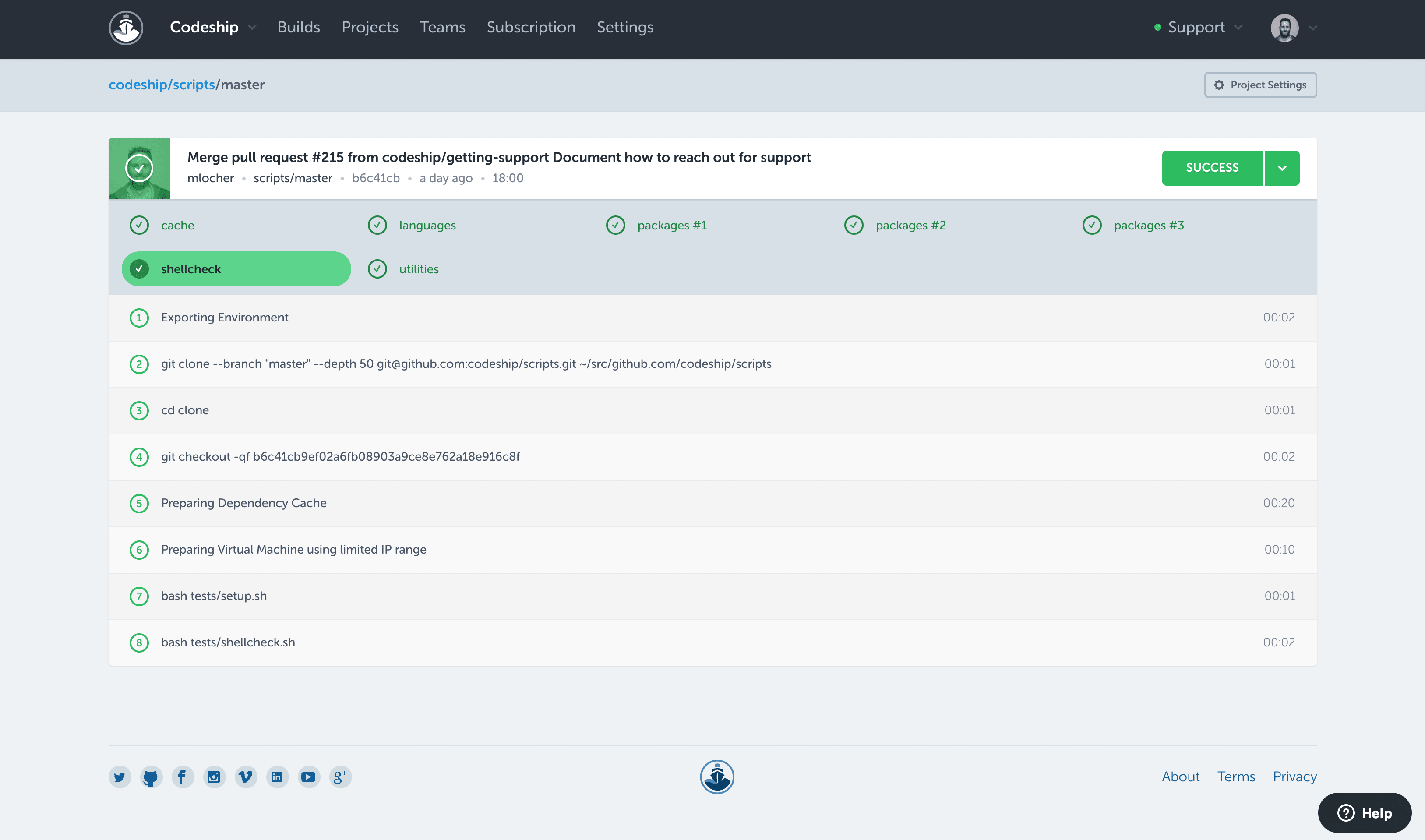
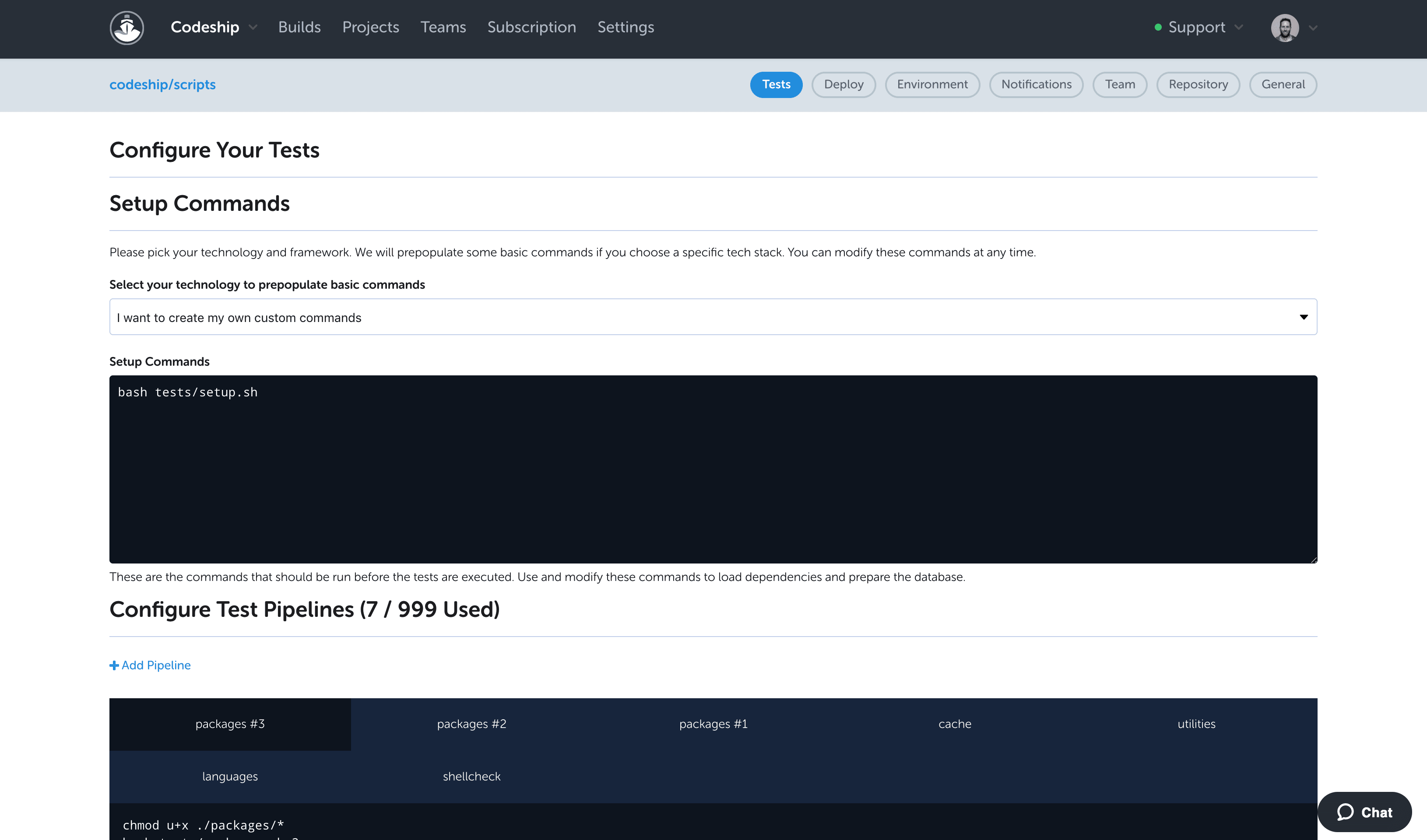
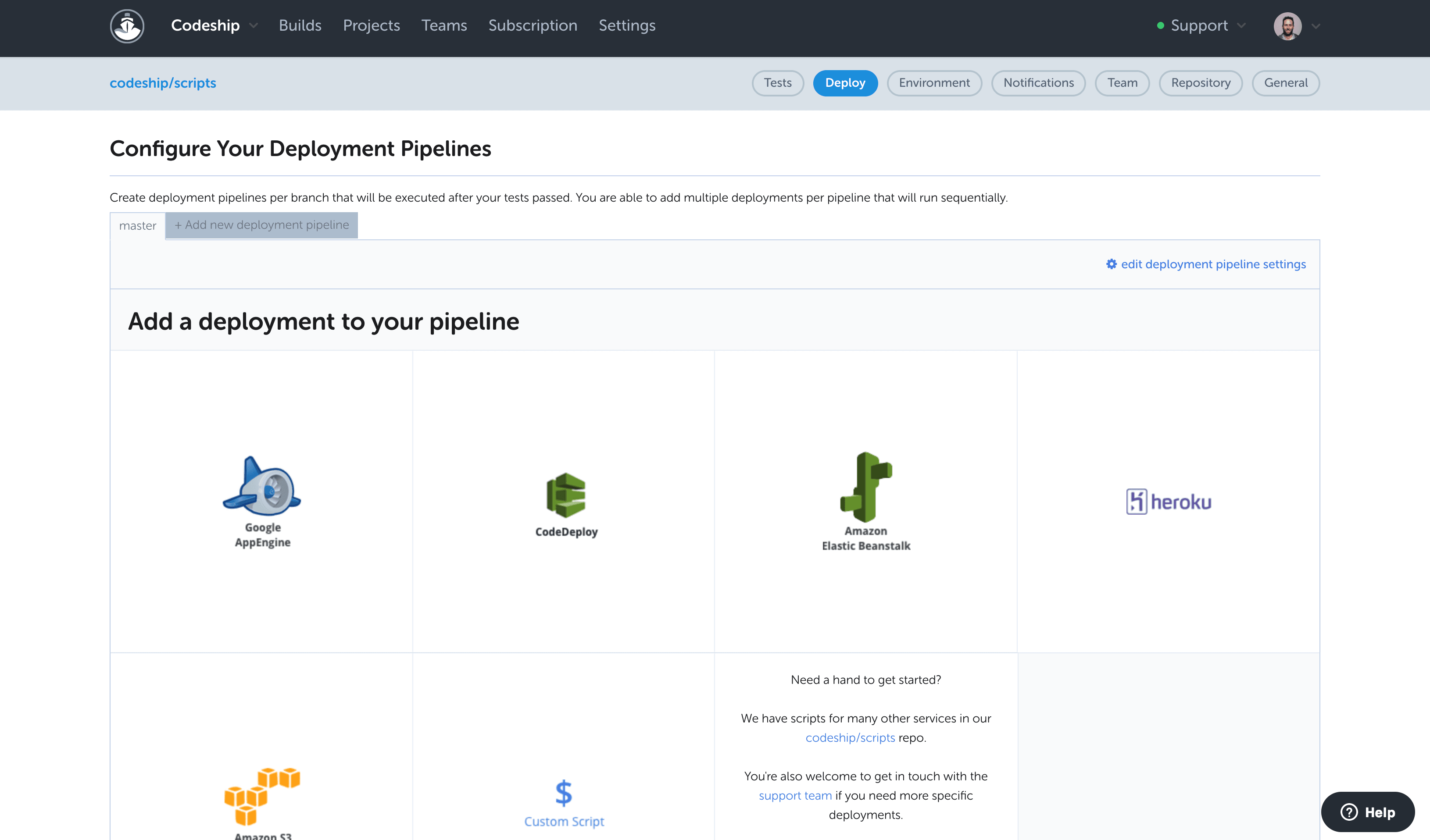
Codeship is extremely well suited for projects that are version controlled on public hosting such as Github or Bitbucket, and for situations where you need to pick up code from these systems and deploy it to different cloud environments. For example, we had two projects for the same client that were hosted on Github and needed to be deployed to AWS and Heroku. The native CI/CD tools of these cloud environments could not provide a holistic solution to deploy to both environments the way Codeship did.
A de minimis incentive was given to thank the reviewer for their time. The incentive was not used to bias or drive a particular response, nor was the incentive contingent on a positive endorsement. More Info
Mostly it is very suitable for any product based company who wants to add a CI system for their products. This tool is perfectly suitable for a company which releases builds very frequently. By using this tool they can reduce a tremendous amount of manual effort. If company's budget is not high and if they can not afford the premium plan then this tool won't be suitable for them because the basic version of this tool won't provide much functionality
A de minimis incentive was given to thank the reviewer for their time. The incentive was not used to bias or drive a particular response, nor was the incentive contingent on a positive endorsement. More Info
Codeship provides a set of tools for quickly creating and building our deployment artifacts and push them to the designated servers.
Codeship's hooks allows our developers to simply push tags from our git repositories to initiate a deployment of code to a server. No one outside of the devops team needs any expertise to get our code packages delivered.
Codeship allows us to tie in behat and unit tests easily to prevent delivery of buggy code.
A de minimis incentive was given to thank the reviewer for their time. The incentive was not used to bias or drive a particular response, nor was the incentive contingent on a positive endorsement. More Info
First thing is this tool is scalable which is the biggest advantage of this tool. It won't take much time in setup and making it ready. It has a very good user interface.
This tool has almost every source code repository support like Git, SVN, Microsoft Foundation Server etc. Moreover, it has very good support for various build tools like Visual Studio, MSBuild etc., which makes it even batter.
We can trigger multiple builds at a time with the Premier subscription.
It allows users to apply many deep levels of configurations which make the whole system even easier.
A de minimis incentive was given to thank the reviewer for their time. The incentive was not used to bias or drive a particular response, nor was the incentive contingent on a positive endorsement. More Info
I would like to see a little bit more than the green/red status. If there are tests, it would be good to see how many have failed on a red build.
To improve build times (and reduce feedback times), it would be good to see how long build, tests, and deployment take over time. An overview like that could very easily point to potential areas of improvement. I think Codeship users do not want to bother with the build process, but, if there is anything to improve and increase productivity it's very unlikely that users wouldn't want to do this.
Mostly I don't have much more recommendation for improvement because this tool provides almost everything which would be required in any continuous integration system. But still I would suggest improvement in the reporting system. The build report is a field where they can make improvement by adding more information if they want.
A de minimis incentive was given to thank the reviewer for their time. The incentive was not used to bias or drive a particular response, nor was the incentive contingent on a positive endorsement. More Info
Our company uses Jenkins for all internal deployment processes for one very important reason - it's hosted internally. But Codeship is great for personal use - it has intuitive UI, easy setup and tons of integrations.
A de minimis incentive was given to thank the reviewer for their time. The incentive was not used to bias or drive a particular response, nor was the incentive contingent on a positive endorsement. More Info
In my previous company I have used Jenkins for maintaining their CI system. Even this tool is also very good. The good thing about this tool is it’s an open source project. So in terms of pricing, we can consider this tool as an alternative to continua CI. One has to compare both of the products before going to use any one because both have their own benefits and drawbacks.
A de minimis incentive was given to thank the reviewer for their time. The incentive was not used to bias or drive a particular response, nor was the incentive contingent on a positive endorsement. More Info
Having the code tested thoroughly. While it's obviously a part of the job that still requires the developer to sit down and to actually have some decent and thorough tests implemented, by using codeship we were able to guarantee 100% that our code was being tested each and every time it got commited and pushed onto our repositories. Leading to a faster, shorter and sure implementation iterative cycle.
Fewer 'man in the middle' processes which required more steps and people involved just to get the code shipped onto our deployment servers.
Almost inexistent learning curve. Codeship is simple to use and very intuitive. Nobody in our development department had a hard time figuring out how to have it properly configured for each new project created there.
A de minimis incentive was given to thank the reviewer for their time. The incentive was not used to bias or drive a particular response, nor was the incentive contingent on a positive endorsement. More Info
Basically, this tool will reduce manual effort of creating, deploying and testing software products. So ultimately it will reduce manpower which would otherwise be required for such things.
It is time saving and improves the overall performance of the entire team and system.
A de minimis incentive was given to thank the reviewer for their time. The incentive was not used to bias or drive a particular response, nor was the incentive contingent on a positive endorsement. More Info