
Curtain LogTrace vs. Ideagen Risk Management
Curtain LogTrace vs. Ideagen Risk Management
| Product | Rating | Most Used By | Product Summary | Starting Price |
|---|---|---|---|---|
 Curtain LogTrace | Mid-Size Companies (51-1,000 employees) | Curtain LogTrace is a file activity monitoring and auditing solution used to enhance organizational security and accountability. By providing detailed insights into file-related actions, including access, modifications, and deletions, Curtain LogTrace enables organizations to maintain clear audit trails and meet compliance requirements. The solution is presented as ideal for compliance audits, activity reviews, and operational transparency, Curtain LogTrace empowers businesses to… | $50.75 per year 5 users (minimum) | |
 Ideagen Risk Management | N/A | Ideagen's Enterprise Risk Management (ERM) software solution (formerly known as Pentana Risk) fully integrates risk management processes, from identifying and assessing risk business-wide, to assigning and monitoring mitigation plans, all the way through to reporting and defining a long-term strategy for enhanced performance. | N/A |
| Curtain LogTrace | Ideagen Risk Management | |||||||||||||||
|---|---|---|---|---|---|---|---|---|---|---|---|---|---|---|---|---|
| Editions & Modules | No answers on this topic | No answers on this topic | ||||||||||||||
| Offerings |
| |||||||||||||||
| Entry-level Setup Fee | $4,500 one-time fee per installation | Optional | ||||||||||||||
| Additional Details | — | — | ||||||||||||||
| More Pricing Information | ||||||||||||||||
| Curtain LogTrace | Ideagen Risk Management |
|---|
| Curtain LogTrace | Ideagen Risk Management | |||||||||
|---|---|---|---|---|---|---|---|---|---|---|
| Governance, Risk & Compliance |
|
| Curtain LogTrace | Ideagen Risk Management | |
|---|---|---|
| Small Businesses |  Paubox Email Suite Score 9.0 out of 10 |  Egnyte Score 9.5 out of 10 |
| Medium-sized Companies |  Druva Security Cloud Score 9.5 out of 10 |  Forcepoint DLP Score 7.9 out of 10 |
| Enterprises | Druva Security Cloud Score 9.5 out of 10 | Forcepoint DLP Score 7.9 out of 10 |
| All Alternatives | View all alternatives | View all alternatives |
| Curtain LogTrace | Ideagen Risk Management | |
|---|---|---|
| Likelihood to Recommend | - (0 ratings) | 7.3 (1 ratings) |
| Usability | - (0 ratings) | 6.4 (1 ratings) |
| Support Rating | - (0 ratings) | 9.1 (1 ratings) |
| Curtain LogTrace | Ideagen Risk Management | |
|---|---|---|
| Likelihood to Recommend | OptimaTech Limited No answers on this topic |  Ideagen
|
| Pros | OptimaTech Limited No answers on this topic | Ideagen
|
| Cons | OptimaTech Limited No answers on this topic | Ideagen
|
| Usability | OptimaTech Limited No answers on this topic | Ideagen
|
| Support Rating | OptimaTech Limited No answers on this topic | Ideagen
|
| Alternatives Considered | OptimaTech Limited No answers on this topic | Ideagen
|
| Return on Investment | OptimaTech Limited No answers on this topic | Ideagen
|
| ScreenShots | Curtain LogTrace Screenshots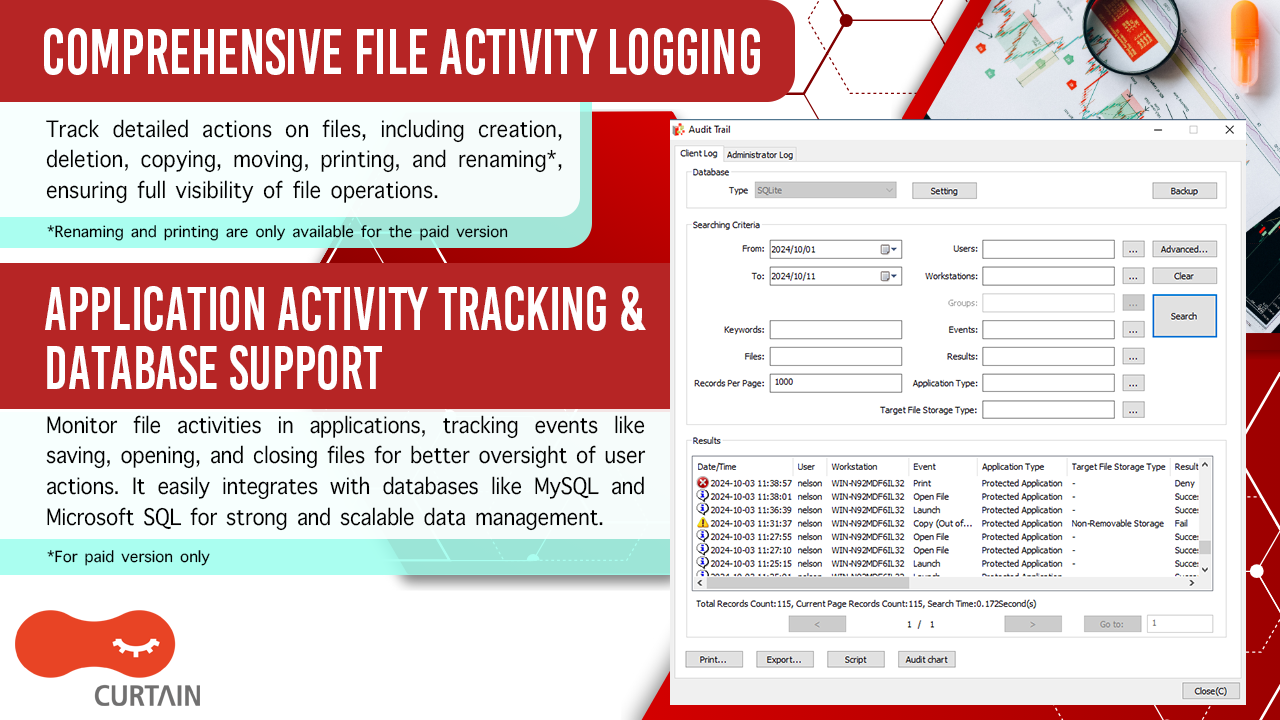 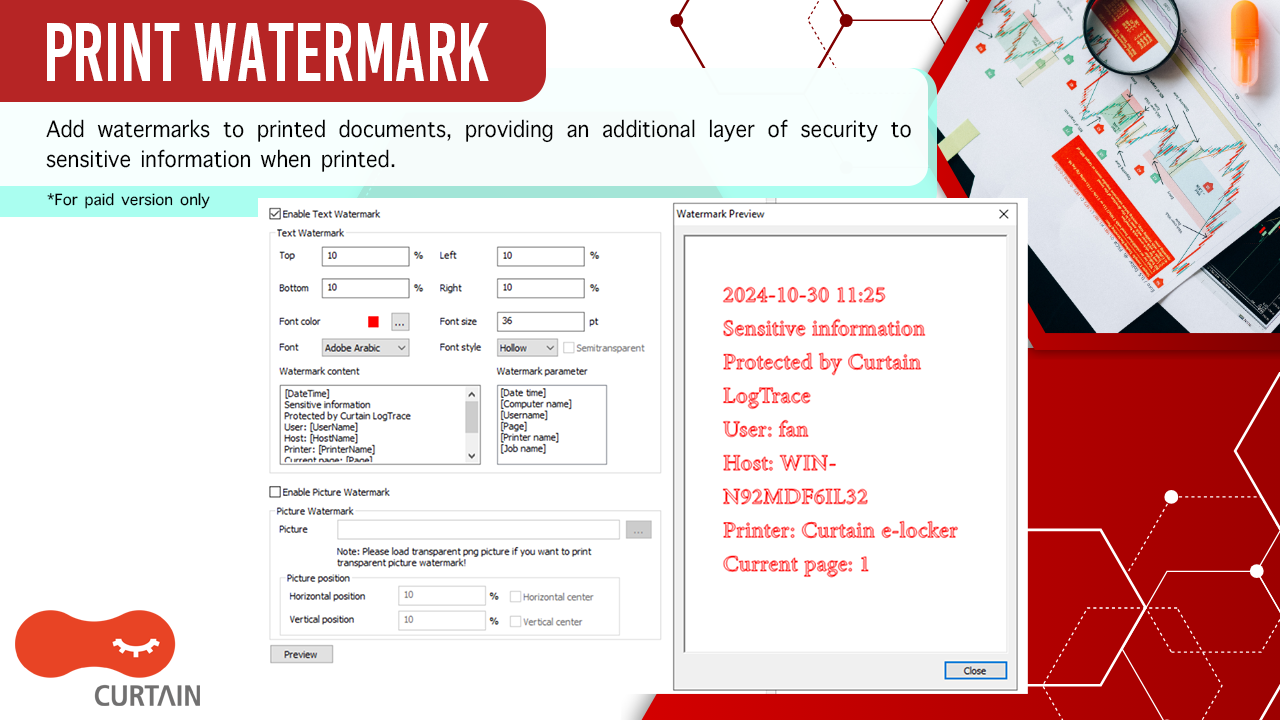 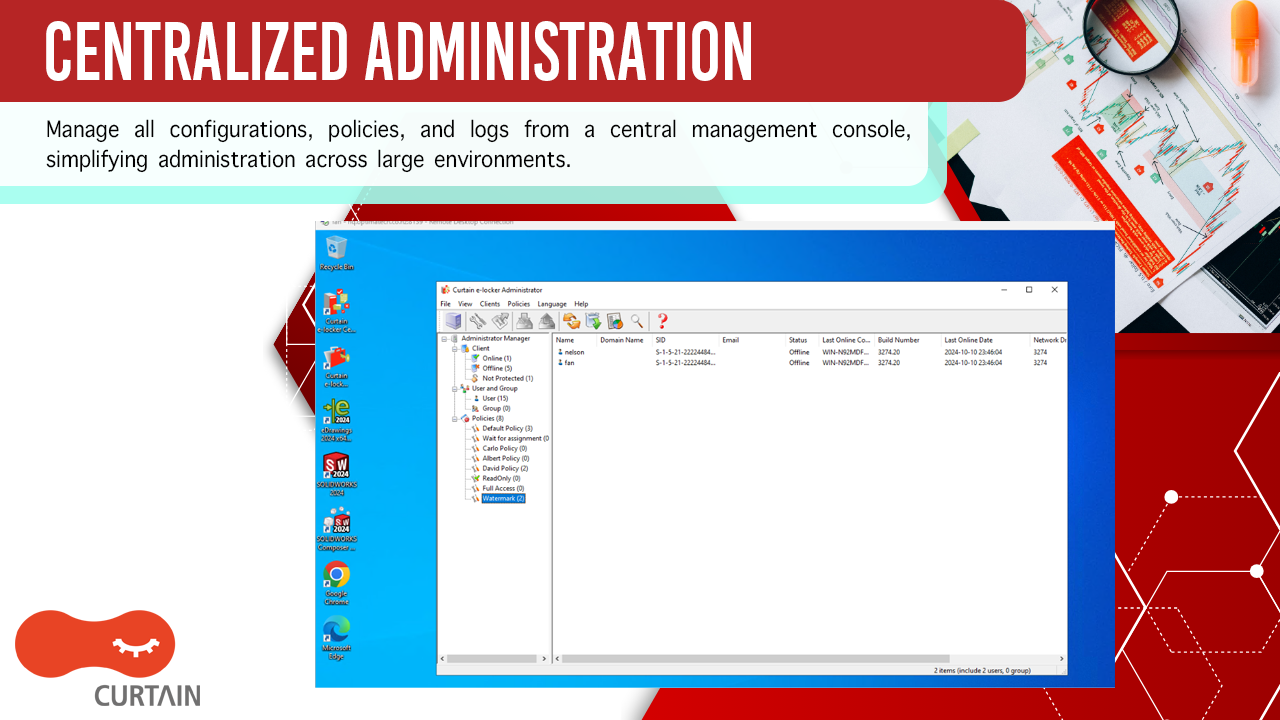  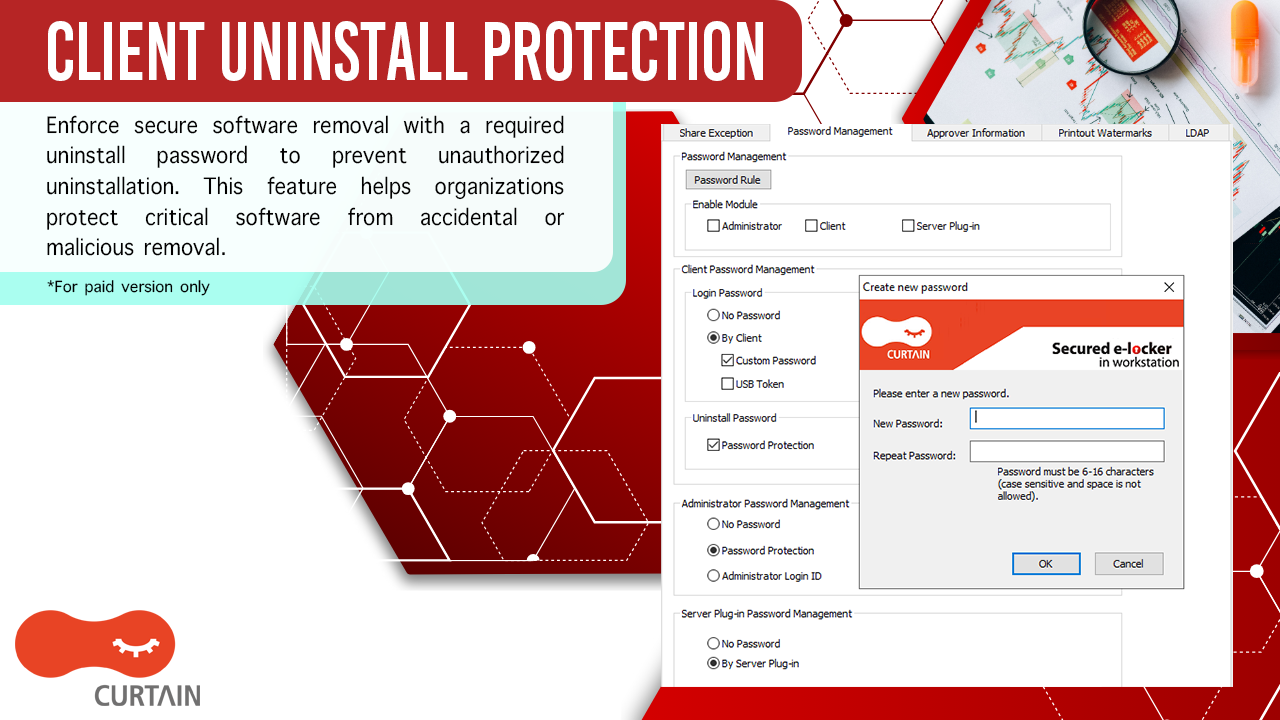 | Ideagen Risk Management Screenshots   |