DataSnipper vs. ISO+™

Overview
ProductRatingMost Used ByProduct SummaryStarting Price
DataSnipper
Score 9.4 out of 10
N/A
DataSnipper is an Intelligent Automation Platform within Excel that accelerates the speed and quality of audit and finance procedures. DataSnipper can be used to automatically extract, cross-reference, and validate source documents of any audit and finance procedure. Active in 85+ countries and used by over 500.000 audit and finance professionals.N/A
ISO+™
Score 8.7 out of 10
N/A
ISO+™: A Comprehensive Compliance Management Solution ISO+™, developed by ISO Consulting Services, stands as a cloud-based compliance management software engineered to streamline the path to ISO certification and adherence to diverse regulatory frameworks. Tailored for compliance officers, operations managers, business owners, and team leaders, this platform transforms the complexity of compliance into a structured, efficient process. Supporting standards such as ISO 9001, ISO…
$10
per month per user
Pricing
DataSnipperISO+™
Editions & Modules
No answers on this topic
Offerings
Pricing Offerings
DataSnipperISO+™
Free Trial
NoNo
Free/Freemium Version
NoNo
Premium Consulting/Integration Services
NoYes
Entry-level Setup FeeNo setup feeRequired
Additional DetailsISO+™'s pricing model includes: A. Customised Platform Pricing The base cost of ISO+™ is determined by a one-time configuration fee, which varies based on: - The compliance standard(s) to be implemented (e.g. ISO 9001, ISO 27001, NDIS, Aged Care) - The scope of certification (number of sites, business units, or departments) - The modules and functionality required (e.g. Product Design, Job Management, CRM, etc.) B. Subscription In Addition to the A. Customised Platform Pricing, it is $10 per active user per month. This can be discounted according to the number of users. Active users are defined as team members who require login access to the system (e.g. administrators, managers, workers). ISO+™ includes unlimited free external users who interact with the system via secure external links—such as clients, contractors, suppliers, or external auditors—do not require login credentials and are always free. This is to make collaboration easy and cost-effective, especially for businesses that work with multiple third-party stakeholders.
More Pricing Information
Features
DataSnipperISO+™
Monitoring Tasks
Comparison of Monitoring Tasks features of Product A and Product B
DataSnipper
10.0
1 Ratings
13% above category average
ISO+™
8.2
1 Ratings
7% below category average
Multi-device monitoring10.01 Ratings00 Ratings
Automated alerts and notifications00 Ratings8.21 Ratings
Management Tasks
Comparison of Management Tasks features of Product A and Product B
DataSnipper
10.0
1 Ratings
18% above category average
ISO+™
7.3
1 Ratings
13% below category average
Patch Management10.01 Ratings00 Ratings
Policy-based automation00 Ratings7.31 Ratings
Reporting
Comparison of Reporting features of Product A and Product B
DataSnipper
9.8
2 Ratings
15% above category average
ISO+™
8.0
2 Ratings
5% below category average
Performance data reports10.02 Ratings00 Ratings
Customizable reporting9.01 Ratings7.31 Ratings
Data visualization10.02 Ratings8.21 Ratings
Risk analysis10.01 Ratings8.72 Ratings
Security
Comparison of Security features of Product A and Product B
DataSnipper
10.0
2 Ratings
20% above category average
ISO+™
8.2
2 Ratings
0% above category average
Data backup and recovery10.02 Ratings00 Ratings
Administrator access control10.01 Ratings8.22 Ratings
Best Alternatives
DataSnipperISO+™
Small Businesses

No answers on this topic

No answers on this topic

Medium-sized Companies
ManageEngine ADAudit Plus
Score 9.0 out of 10
ManageEngine ADAudit Plus
Score 9.0 out of 10
Enterprises
ManageEngine ADAudit Plus
Score 9.0 out of 10
ManageEngine ADAudit Plus
Score 9.0 out of 10
All AlternativesView all alternativesView all alternatives
User Ratings
DataSnipperISO+™
Likelihood to Recommend
10.0
(2 ratings)
8.7
(2 ratings)
Usability
10.0
(2 ratings)
8.7
(2 ratings)
User Testimonials
DataSnipperISO+™
Likelihood to Recommend
DataSnipper
DataSnipper stands out for its ease of use and the extensive knowledge available through DataSnipper Academy. The onboarding experience was fantastic, thanks to dedicated representatives who guided us through the process. Additionally, the support for the product was readily available, providing prompt responses and fixes whenever needed. This combination has made our experience seamless and efficient.
Read full review
ISO Consulting Services
It is everything we need in one system, with a user friendly app to use on the go.
Read full review
Pros
DataSnipper
  • Snip data from images and PDFs
  • Snip data from Tables into Excel Files
  • Attach PDF files to excel as supporting documents to validate numbers on tax workpapers.
Read full review
ISO Consulting Services
  • User friendly
  • Document storage/log
  • Document creation
Read full review
Cons
DataSnipper
  • Being able to use DataSnipper on other tools like MS Word and Adobe Acrobat
  • Be better able to work with low resolution files
  • Enable AI tools for better snipping and summarizing snipped data
Read full review
ISO Consulting Services
  • Project management
  • Timesheets
Read full review
Usability
DataSnipper
DataSnipper stands out for its ease of use and the extensive knowledge available through DataSnipper Academy. The onboarding experience was fantastic, thanks to dedicated representatives who guided us through the process. Additionally, the support for the product was readily available, providing prompt responses and fixes whenever needed. This combination has made our experience seamless and efficient.
Read full review
ISO Consulting Services
The layout is easy to navigate. The app runs quite similar to the desktop version.
Read full review
Return on Investment
DataSnipper
  • DataSnipper primarily saves a lot of time when it comes to snipping data
  • It bring a lot of accuracy to our tax workpapers
Read full review
ISO Consulting Services
  • Saves us large amount of hours have all documents ready to go at a click of a button
  • Allowing the guys in the field to have everything there at a touch of a button
Read full review
ScreenShots

ISO+™ Screenshots

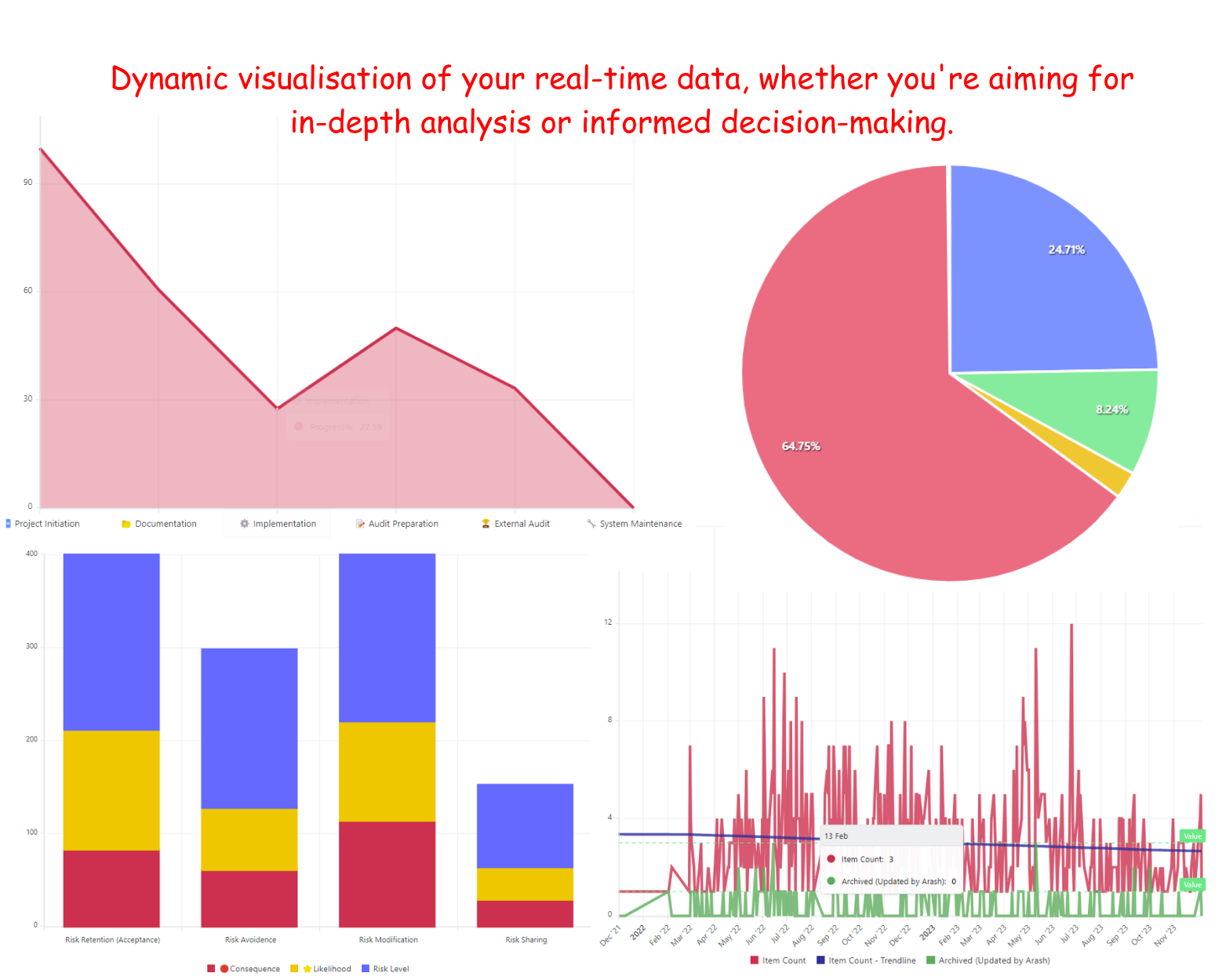
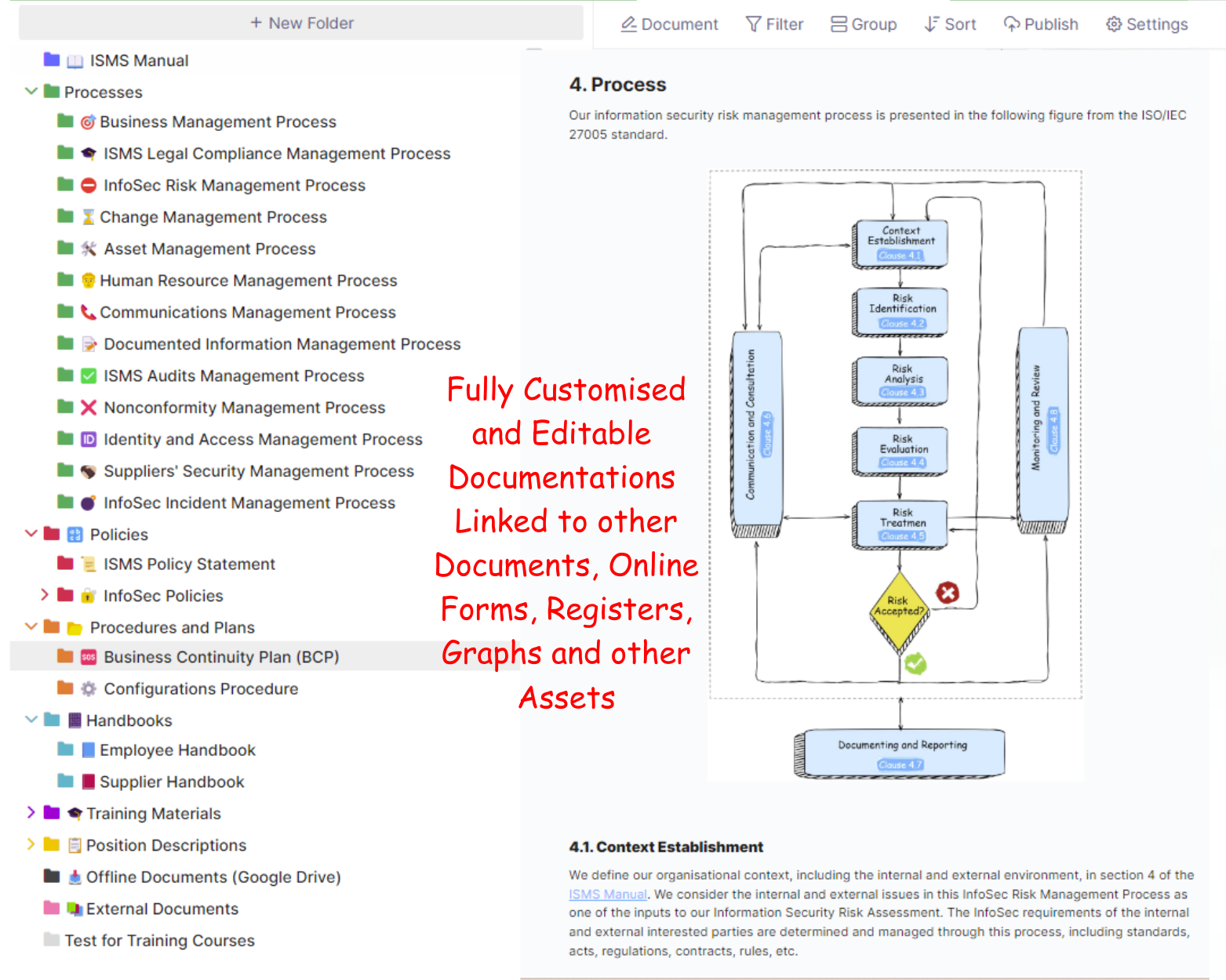
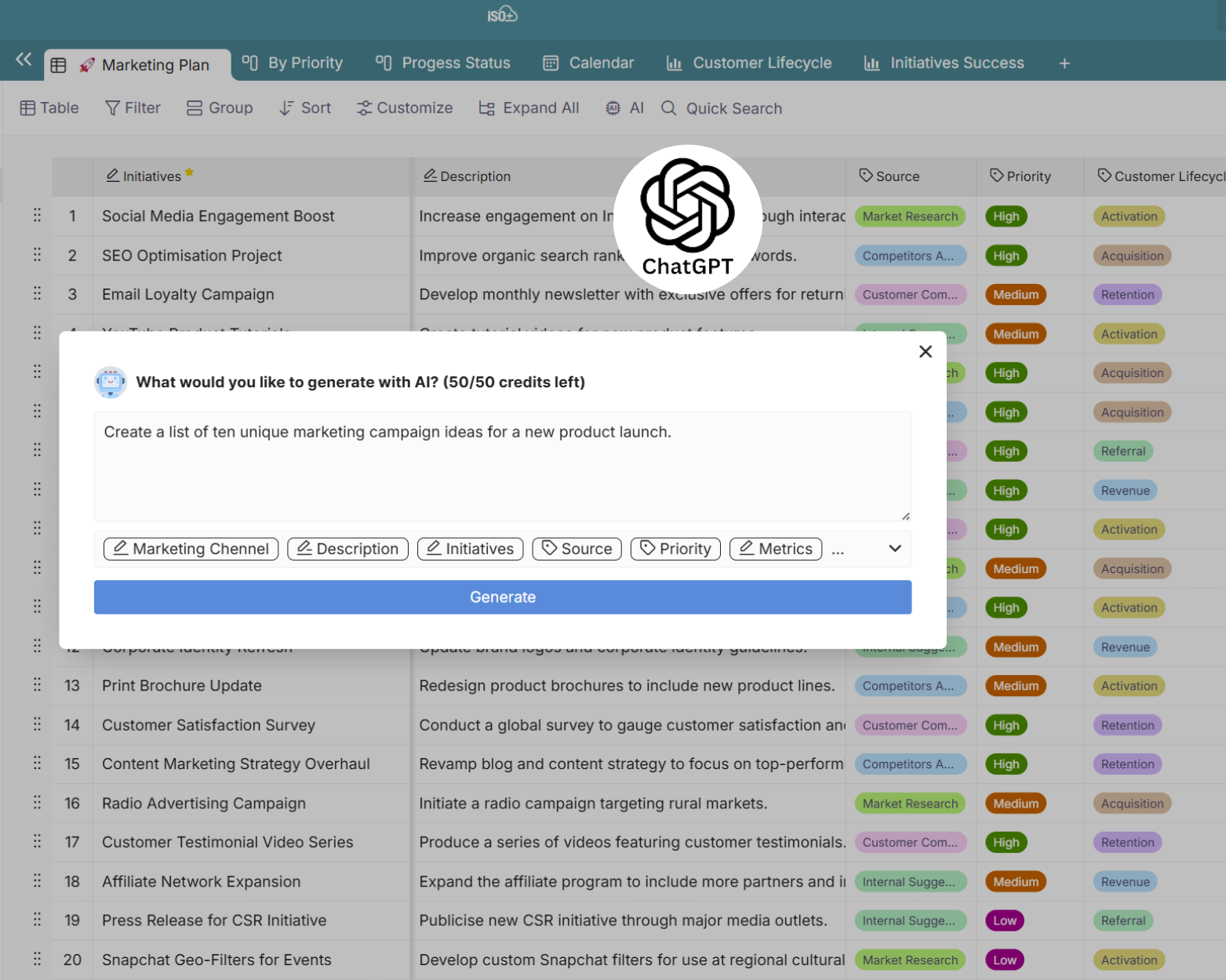
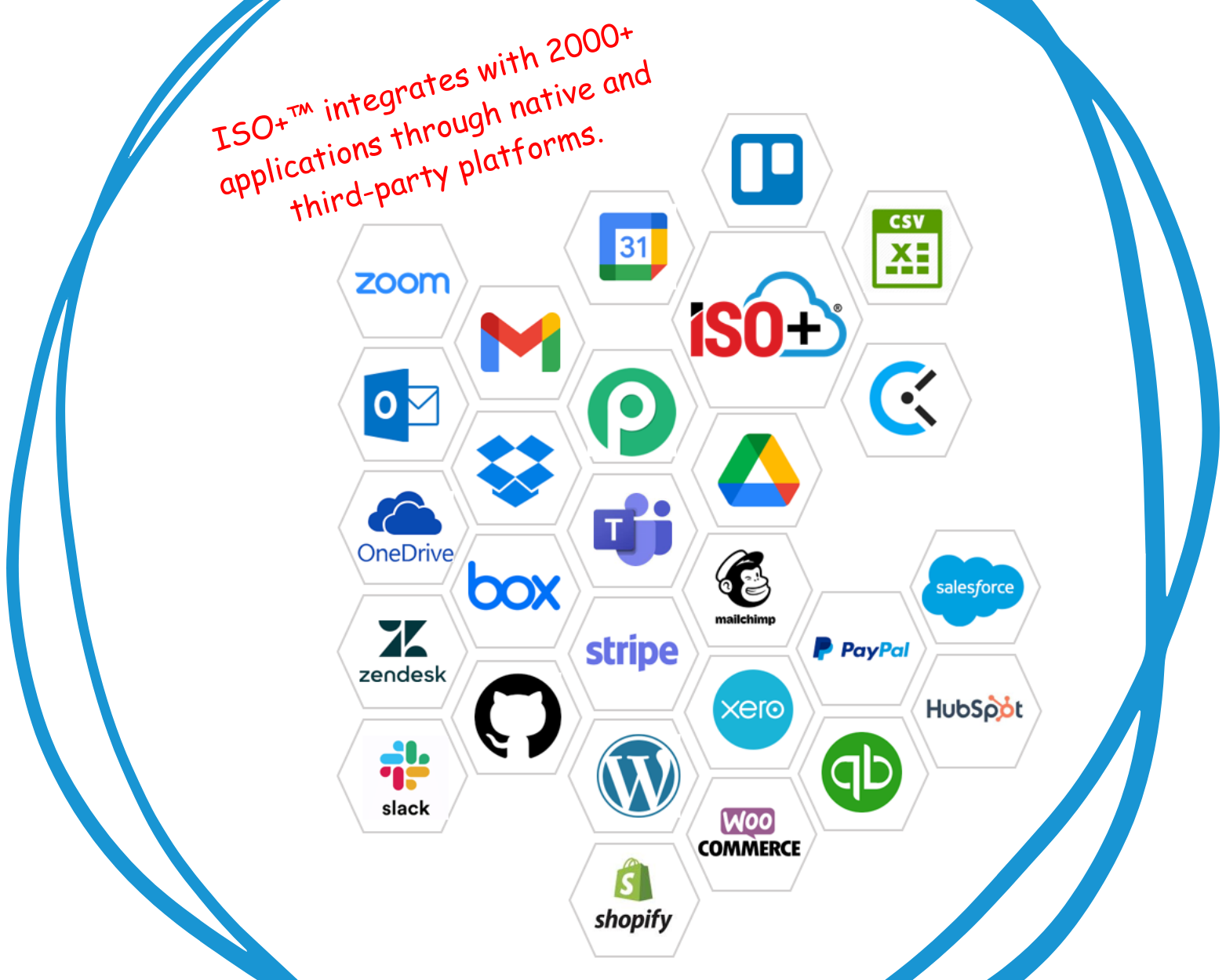
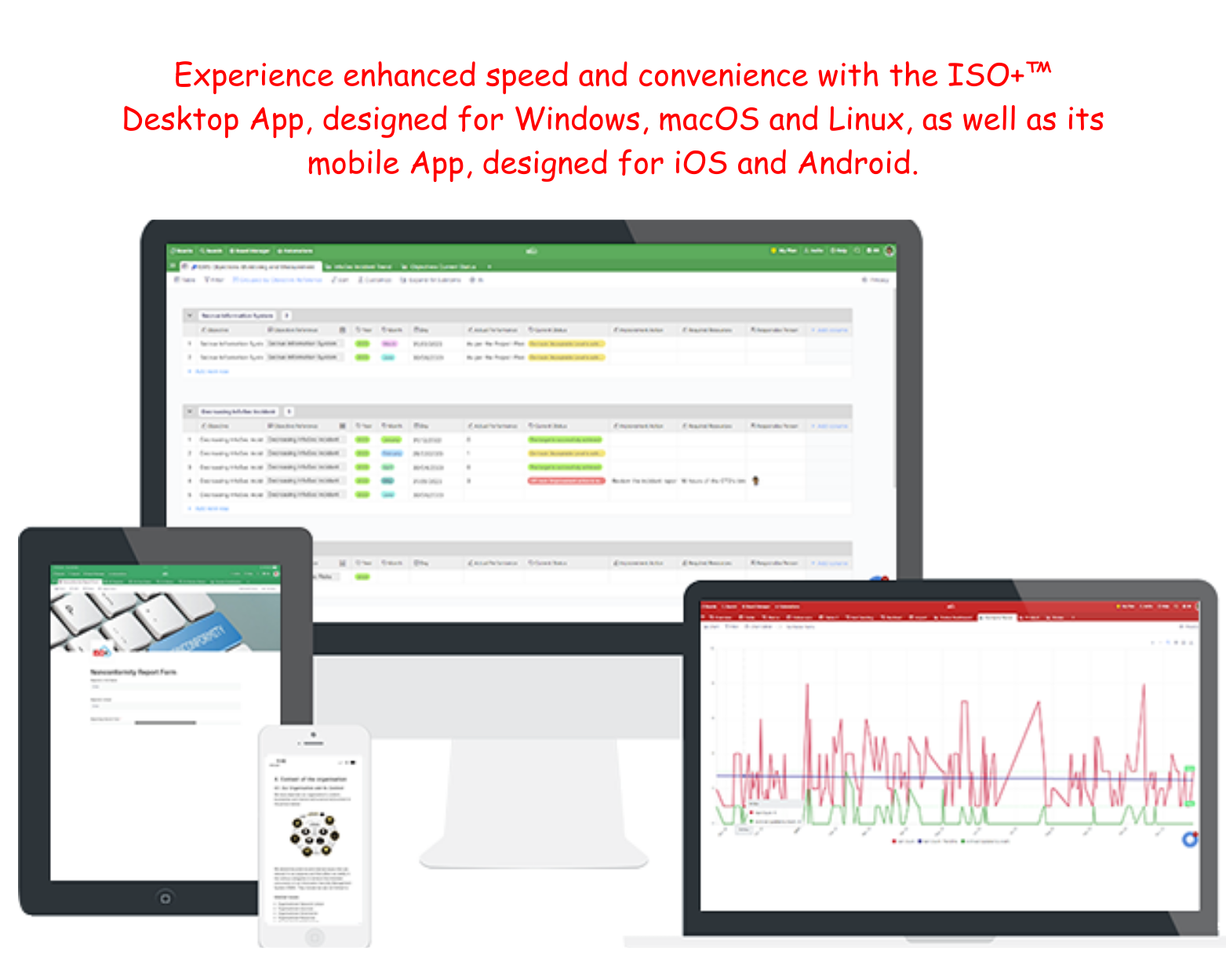
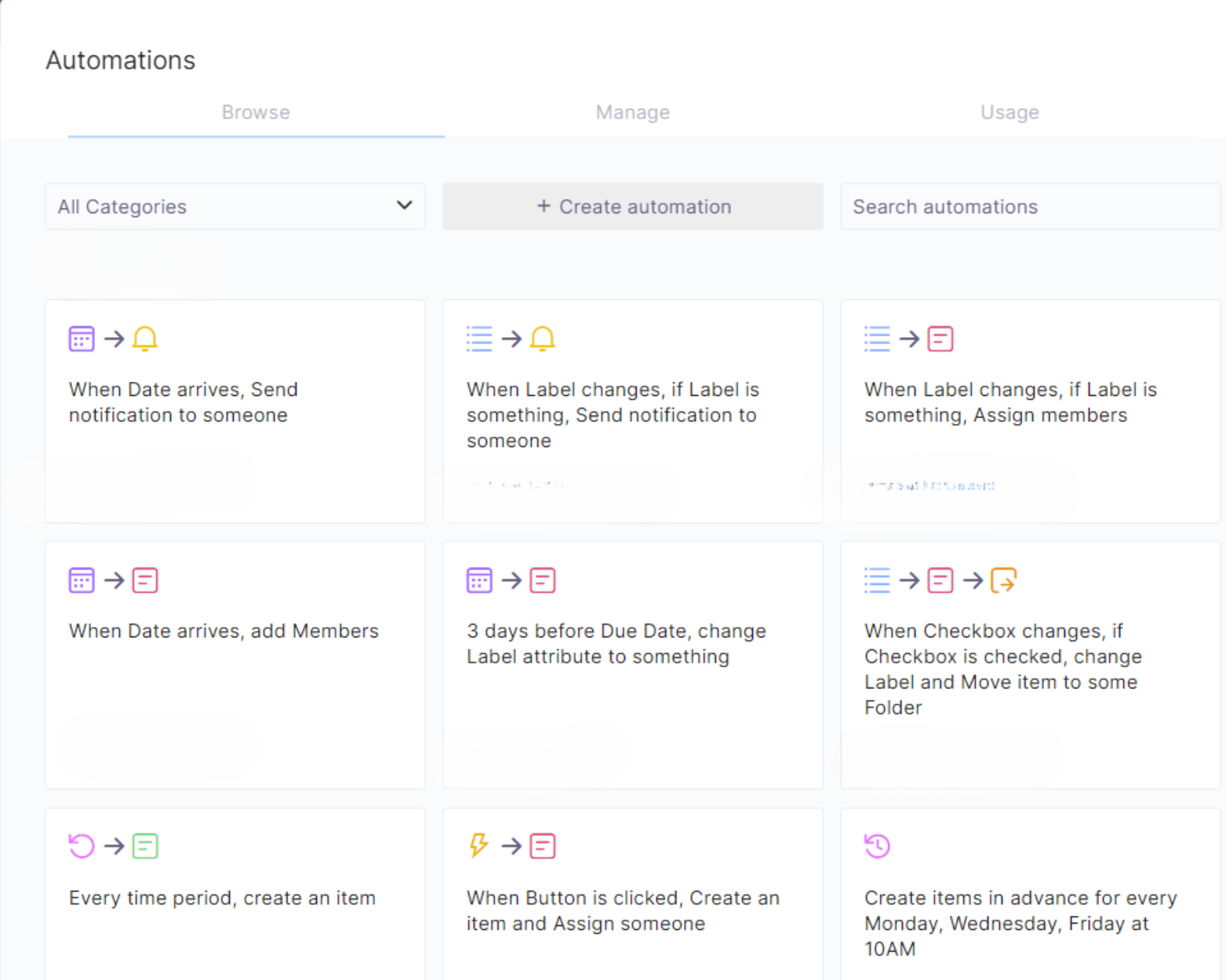
Screenshot of the Chart View for Intuitive Data Representation and Analysis in ISO+™. Whether visualising real-time data or diving into detailed analysis, Chart View empowers smarter decision-making.Screenshot of a search across manuals, and policies. This can be edited with rich features like tables, media, and emojis. Users can link documents, then print, share, publish, or collaborate in the dynamic and connected experience.Screenshot of ISO+™ AI, powered by OpenAI’s GPT. This tool generates ideas, enhances decisions, and saves time. It blends advanced AI with various functionalities.Screenshot of ISO+™'s integrations with ChatGPT, Google Drive, Google Calendar, iCalendar, and 2000+ apps via Pabbly Connect. These sync data and tasks across platforms.Screenshot of the ISO+™ Desktop App for Windows, macOS, and Linux, as well as mobile apps for iOS and Android. The app offers fast startup, taskbar access, push notifications, and sync across all devices.Screenshot of ISO+™ automations, used to set reminders, send emails, and automate tasks. This helps to streamline workflows, boost efficiency, and empower teams to achieve faster, more consistent outcomes.