DHTMLX vs. Retool

Overview
ProductRatingMost Used ByProduct SummaryStarting Price
DHTMLX
Score 8.9 out of 10
N/A
DHTMLX delivers JavaScript/HTML5 libraries and UI widgets designed for building enterprise web apps of any complexity. With these out-of-the-box components, web developers can streamline their coding processes and integrate advanced functionality, to reduce development time. The actual DHTMLX product lineup comprises a range of web-based tools that can cover most of the contemporary business needs. DHTMLX
$799
one-time fee for 1 developer
Retool
Score 8.5 out of 10
N/A
Retool is a UI software component library presenting a fast way to build custom internal tools, from the company of the same name in San Francisco, California.
$10
per month per user
Pricing
DHTMLXRetool
Editions & Modules
DHTMLX Gantt Individual - Professional Functionality with Standard Support
$799
one-time fee for 1 developer
DHTMLX Gantt Commercial - Professional Functionality with Premium Support
$1599
one-time fee for 5 developers
DHTMLX Gantt Enterprise - Professional Functionality with Premium Support
$2999
one-time fee for 20 developers
DHTMLX Gantt Ultimate - Professional Functionality with Ultimate Support
$5999
one-time fee for an unlimited number of developers
Team
$10
per month per user
Business
$50
per month per user
Enterprise
Custom Quote
Offerings
Pricing Offerings
DHTMLXRetool
Free Trial
YesYes
Free/Freemium Version
YesYes
Premium Consulting/Integration Services
NoNo
Entry-level Setup FeeNo setup feeNo setup fee
Additional DetailsUI widgets are available standalone or "a la carte," or as part of bundles built around a theme (e.g. complete edition, scheduling components, planning components, etc.).
More Pricing Information
Community Pulse
DHTMLXRetool
Considered Both Products
DHTMLX
Chose DHTMLX
We have evaluated several Open Source solutions for Gantt and Spreadsheets, but none of them was comparable to the DHTMLX components.
Chose DHTMLX
Compared with from scratch development of a graphical modeler or even a tabular representation in JS, using DHTMLX saved us a significant amount of precious time. By relying on this actively maintained product, we've been able to concentrate on the business aspects that are …
Chose DHTMLX
We looked at Kendo UI for ASP.Net Core as it has a Gantt chart but it was not as close a fit to our requirements as the DHTMLX Gantt Resource Management component. We'd have had to do much more work to make this fit.
Chose DHTMLX
DHTMLX offers a package of specialized components which is difficult to find in other libraries - specifically rich functional components like Gantt chart and scheduler
Chose DHTMLX
DHTMLX surpasses other solutions with its extensive features and strong maintenance support. It offers a wide range of capabilities, including advanced data manipulation, sophisticated visualizations, and intricate user interface controls. DHTMLX stands out in its commitment to …
Chose DHTMLX
DHTMLX library boasts lots of readily available components that can be easily integrated into web applications. Each feature is equipped with a multitude of events and methods that provide developers with complete control over data manipulation and management. DHTMLX is more …
Chose DHTMLX
We have tried few other options also which are not exactly tools and they are not listed here. The brief documentation along with the features samples makes DHTMLX better when compared with other options.
Retool
Chose Retool
We selected Retool because it offers the best balance of usability and power compared to alternatives like Appsmith, ToolJet, and OutSystems. It allows us to build much faster, with broad integrations and strong enterprise features like permissions and environment management. …
Features
DHTMLXRetool
Low-Code Development
Comparison of Low-Code Development features of Product A and Product B
DHTMLX
-
Ratings
Retool
6.8
Ratings
21% below category average
Drag-and-drop Interfaces00 Ratings5.00 Ratings
Platform Security00 Ratings6.90 Ratings
Platform User Management00 Ratings8.00 Ratings
Reusability00 Ratings6.00 Ratings
Platform Scalability00 Ratings8.20 Ratings
Best Alternatives
DHTMLXRetool
Small Businesses
Syncfusion Essential Studio
Score 7.0 out of 10
Creatio
Creatio
Score 9.3 out of 10
Medium-sized Companies
React (React.js)
React (React.js)
Score 8.9 out of 10
Quixy
Quixy
Score 9.9 out of 10
Enterprises
React (React.js)
React (React.js)
Score 8.9 out of 10
Creatio
Creatio
Score 9.3 out of 10
All AlternativesView all alternativesView all alternatives
User Ratings
DHTMLXRetool
Likelihood to Recommend
8.9
(0 ratings)
8.4
(0 ratings)
Usability
8.1
(0 ratings)
7.8
(0 ratings)
User Testimonials
DHTMLXRetool
Likelihood to Recommend
DHTMLX is an excellent choice for incorporating complex components into your website or platform. Its versatility and customization options make it suitable for various industries and use cases. With DHTMLX, you can seamlessly integrate sophisticated data grids, interactive charts, customizable UI controls, and dynamic calendars into your existing infrastructure. These components can be tailored to match your branding and design requirements, ensuring a seamless integration with your platform's aesthetics. Additionally, DHTMLX provides comprehensive documentation and responsive support, making it easy for developers to utilize the full potential of the components. In summary, DHTMLX offers the flexibility and functionality needed to enhance your software applications with powerful and visually appealing features.
Read full review
If you need to build an admin panel or any other backend system, Retool is the right tool for you.
Read full review
Pros
  • Gantt: Moving tasks or entire projects
  • Gantt: A linked grid to display resource load
  • Gantt: Full control allowing you to decide how to implement
  • Pricing was reasonable and we can upgrade to Enterprise by paying the difference if required.
Read full review
  • Ease of use - someone with small amount of experience can use it.
  • Adaptability - you can build a lot of things with it.
  • Reliability - works quite well.
Read full review
Cons
  • We would like to have more cell controls (like a Date Time Picker, Date Range Picker)
  • In the cell editing mode we would like to have a better integration into the Angular world
Read full review
  • Some Retool apps can become slow to load or refresh.
  • When multiple team members work on the same app, changes can overwrite each other or break functionality.
  • The UI/UX is pretty basic.
Read full review
Usability
With regard to the two major components we used, namely the tabular representation and the graphical modeler, we were able to effectively replace the existing building blocks of our applications by integrating them. We were able to retain existing functionalities and benefit from a significant enhancement with what DHTMLX offers natively. This made it easy for us to get our end-users to adopt the change.
Read full review
Because even though it is quite intuitive it is not the best tool I have ever seen.
Read full review
Alternatives Considered
DHTMLX library boasts lots of readily available components that can be easily integrated into web applications. Each feature is equipped with a multitude of events and methods that provide developers with complete control over data manipulation and management. DHTMLX is more easy for building enterprise-level applications that require complex UI elements and data visualization.
Read full review
We selected Retool because it offers the best balance of usability and power compared to alternatives like Appsmith, ToolJet, and OutSystems. It allows us to build much faster, with broad integrations and strong enterprise features like permissions and environment management. Competing tools were either too limited, required more engineering effort. Overall, retool support has been decent too.
Read full review
Return on Investment
  • Users appreciate the Spreadsheet like way of working with data
  • Gantt charts are widely known and people like to work with them
Read full review
  • Good ROI to give our teams the data they need.
  • Some dashboards can be slow so it can take more time/ bandwidth.
  • As apps grow more complex, troubleshooting logic or query dependencies can be time-consuming.
Read full review
ScreenShots

DHTMLX Screenshots

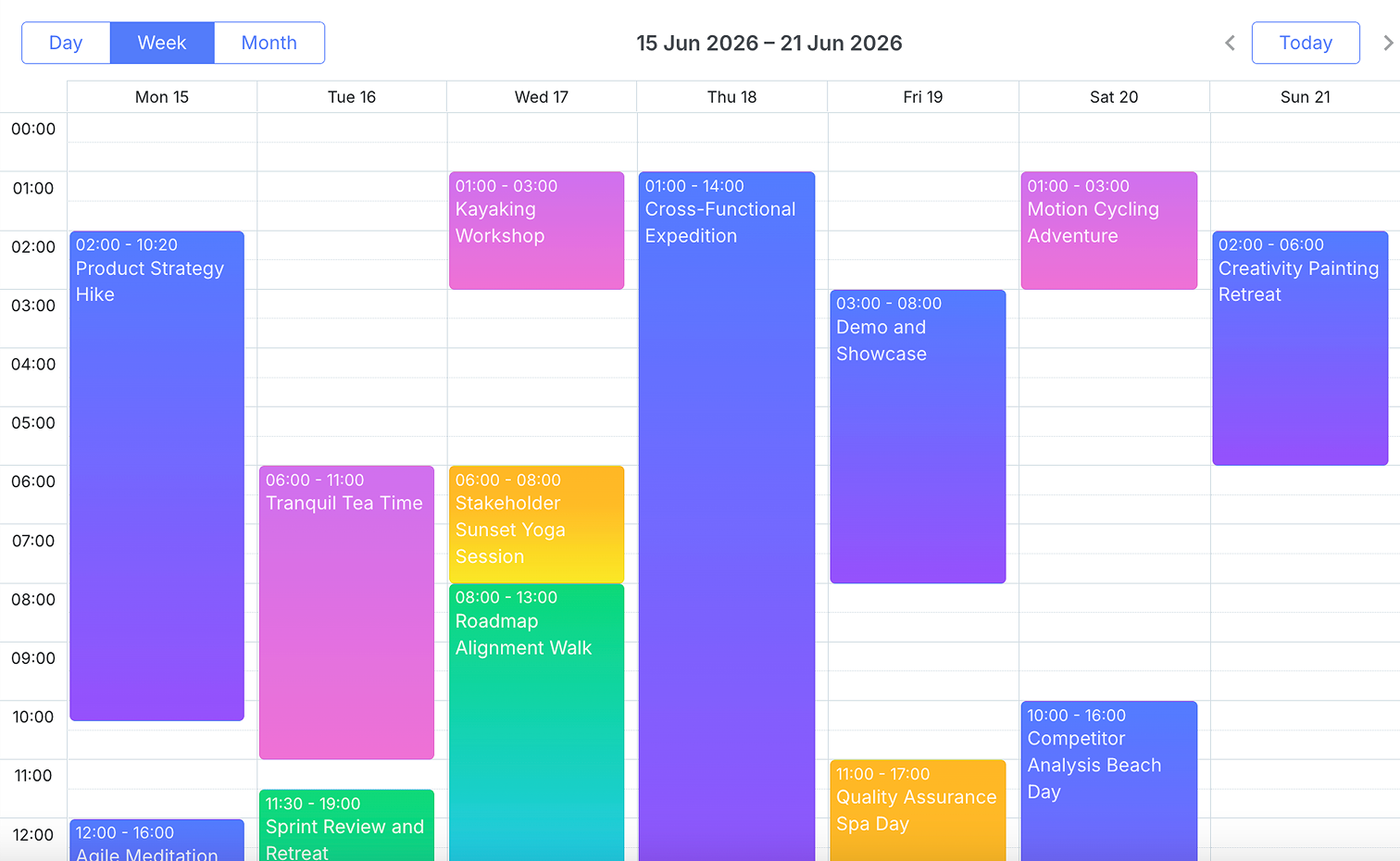
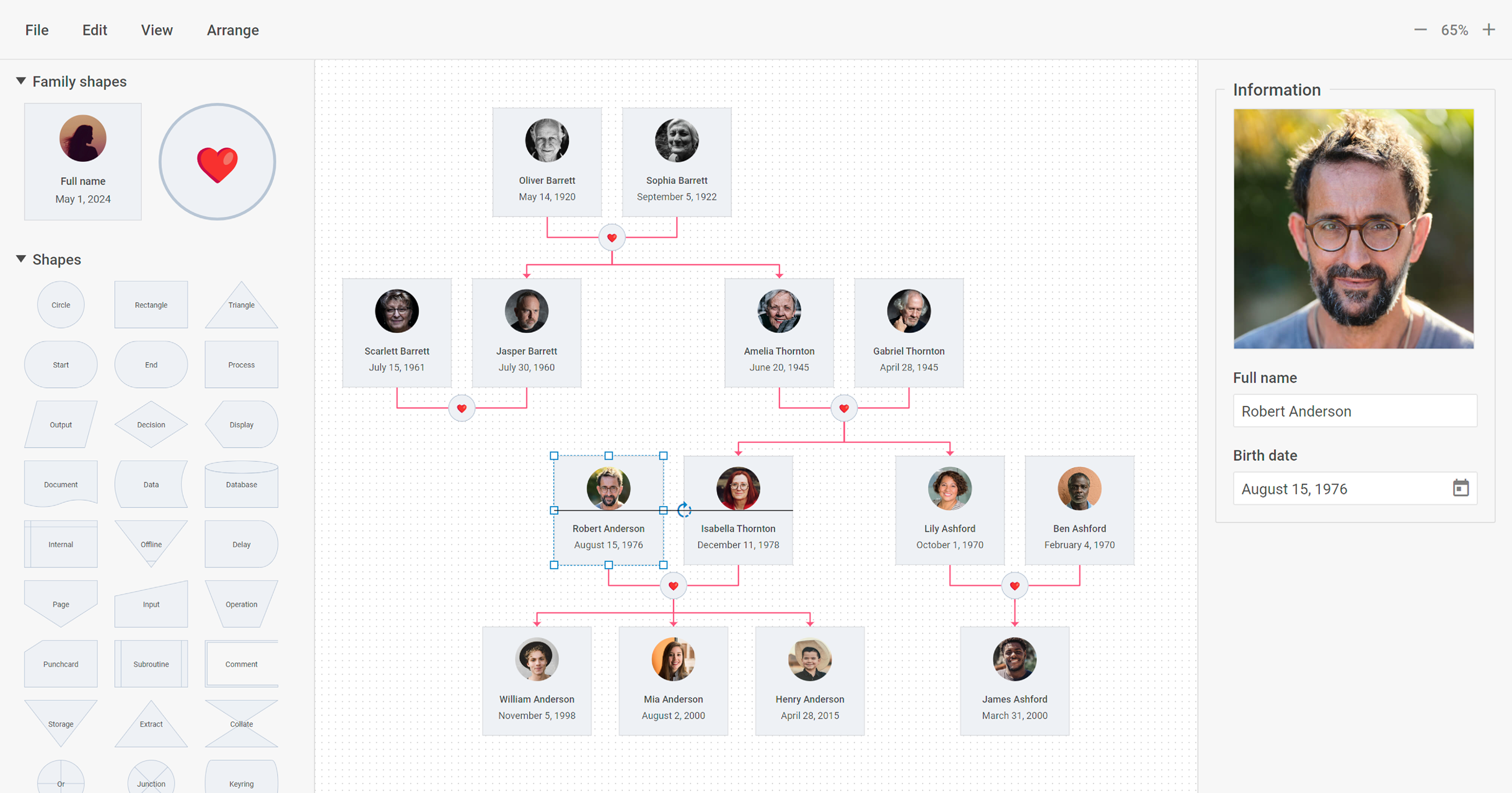
Screenshot of DHTMLX Gantt ChartScreenshot of DHTMLX SchedulerScreenshot of DHTMLX Diagram LibraryScreenshot of DHTMLX Kanban BoardScreenshot of DHTMLX Suite UI LibraryScreenshot of DHTMLX Grid Widget