
Escreen vs. OptiSigns vs. Rise Vision
Escreen vs. OptiSigns vs. Rise Vision
| Product | Rating | Most Used By | Product Summary | Starting Price |
|---|---|---|---|---|
 Escreen | Enterprise companies (1,001+ employees) | Escreen is a Cloud-based Digital Signage Solution that aims to transform all potential customers into permanent ones. Escreen's customers are ranging from small to large businesses across the different industries that are thriving around the globe. The solution helps users to engage and retain customers through digital signage, designed to present impressive, colorful and visually appealing texts, moving images and videos displayed. It is a cloud-based digital signage solution that… | $10 per month per user | |
 OptiSigns | N/A | OptiSigns offers Digital Signage content for in-store screen projection. Content can be assigned and screens can be managed remotely, while playlists can be assigned to individual screens. OptiSigns recommends setting up this software with Amazon Fire TV Stick. | $10 per month | |
 Rise Vision | Small Businesses (1-50 employees) | Rise Vision in Shawnee, Kansas offers their digital signage platform in multiple tiers, providing small DIY business owners with a free platform for managing signs, to an Enterprise plan for larger businesses simultaneously sending dynamic content to many signs at once. Rise Vision also offers content via a template library with design assistance, and potentially unlimited file storage for higher tiered plans. | N/A |
| Escreen | OptiSigns | Rise Vision | ||||||||||||||||||||||
|---|---|---|---|---|---|---|---|---|---|---|---|---|---|---|---|---|---|---|---|---|---|---|---|---|
| Editions & Modules |
| No answers on this topic | No answers on this topic | |||||||||||||||||||||
| Offerings |
| |||||||||||||||||||||||
| Entry-level Setup Fee | No setup fee | No setup fee | No setup fee | |||||||||||||||||||||
| Additional Details | — | Starting prices run from $10 to $15 on the monthly plan, and $108 to $162 on yearly subscriptions. Customized Enterprise plans are also available. An Audience Intelligence AI add-on is available for $5 per month or $54 per year (per screen). | Rise Vision's pricing is on a per-display basis. Schools and non-profit organizations receive a 10% discount. | |||||||||||||||||||||
| More Pricing Information | ||||||||||||||||||||||||
| Escreen | OptiSigns | Rise Vision |
|---|
| Escreen | OptiSigns | Rise Vision | |
|---|---|---|---|
| Small Businesses | No answers on this topic | No answers on this topic | No answers on this topic |
| Medium-sized Companies |  Zoom Rooms Score 8.5 out of 10 | Zoom Rooms Score 8.5 out of 10 | Zoom Rooms Score 8.5 out of 10 |
| Enterprises | No answers on this topic | No answers on this topic | No answers on this topic |
| All Alternatives | View all alternatives | View all alternatives | View all alternatives |
| Escreen | OptiSigns | Rise Vision | |
|---|---|---|---|
| Likelihood to Recommend | - (0 ratings) | 7.0 (2 ratings) | 7.1 (2 ratings) |
| Escreen | OptiSigns | Rise Vision | |
|---|---|---|---|
| Likelihood to Recommend | Escreen No answers on this topic | OptiSigns
 Qaisar Shakoor Research Assistant Intern |  Rise Vision
 John Dezember Web & New Media Specialist |
| Pros | Escreen No answers on this topic | OptiSigns
| Rise Vision
 Chani Loeb Administrative Assistant |
| Cons | Escreen No answers on this topic | OptiSigns
Qaisar Shakoor Research Assistant Intern | Rise Vision
John Dezember Web & New Media Specialist |
| Alternatives Considered | Escreen No answers on this topic | OptiSigns
Qaisar Shakoor Research Assistant Intern | Rise Vision
Chani Loeb Administrative Assistant |
| Return on Investment | Escreen No answers on this topic | OptiSigns
| Rise Vision
John Dezember Web & New Media Specialist |
| ScreenShots | Escreen Screenshots  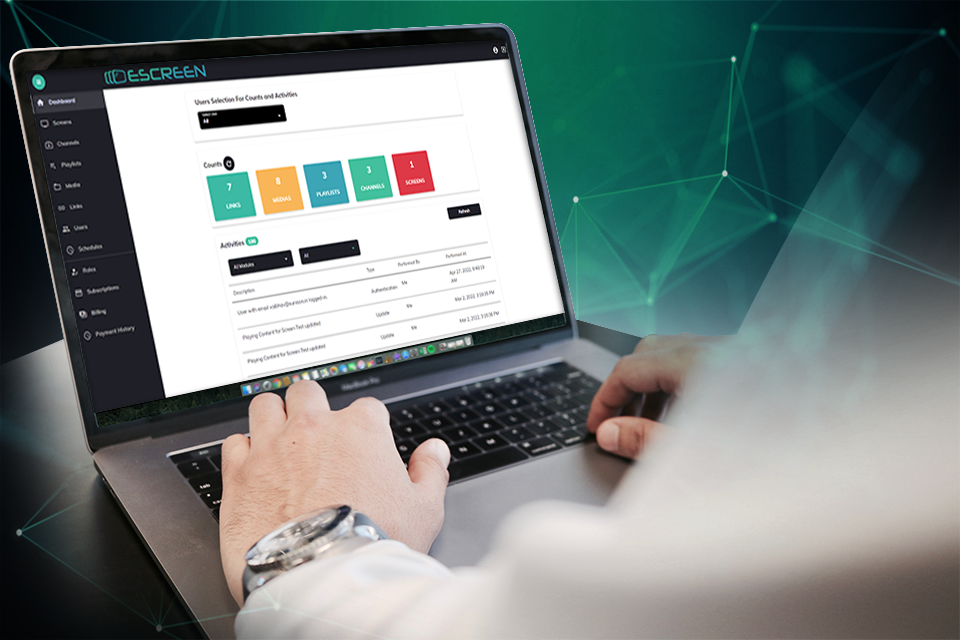  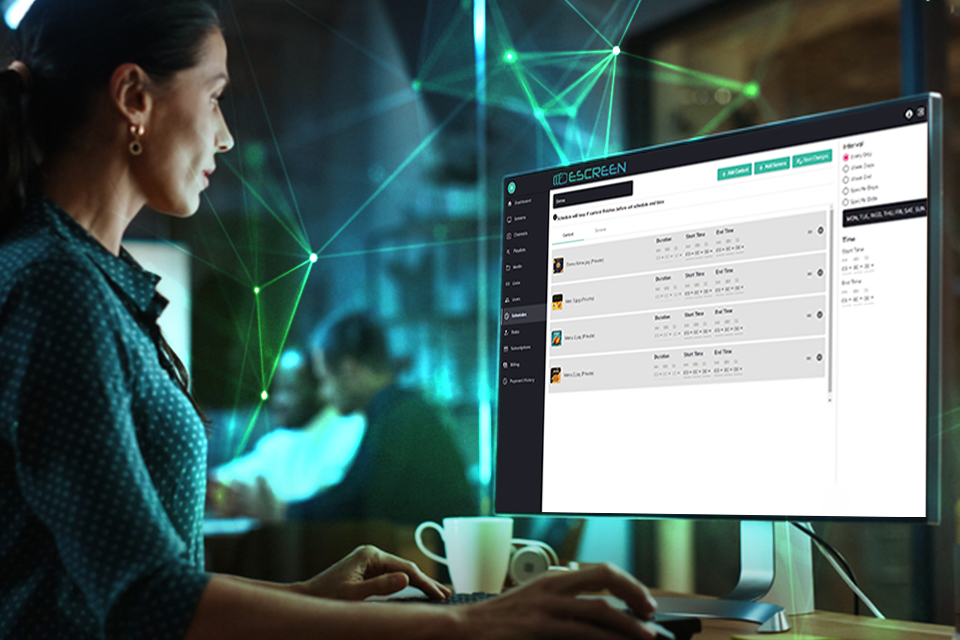 | Rise Vision Screenshots     |