TrustRadius: an HG Insights company

Save this comparison

Save this comparison

Add Product

Recommended Comparisons

    Overview
    ProductRatingMost Used ByProduct SummaryStarting Price

    Everlaw

    Score8.4 out of 10
    N/AEverlaw is a collaborative, cloud-based litigation platform for corporate counsels, litigators and government attorneys from the company of the same name in Oakland. It enables teams to discover, illuminate, and act on information to better drive internal investigations and positively impact the outcome of litigation.N/A

    Genially

    Score7.6 out of 10
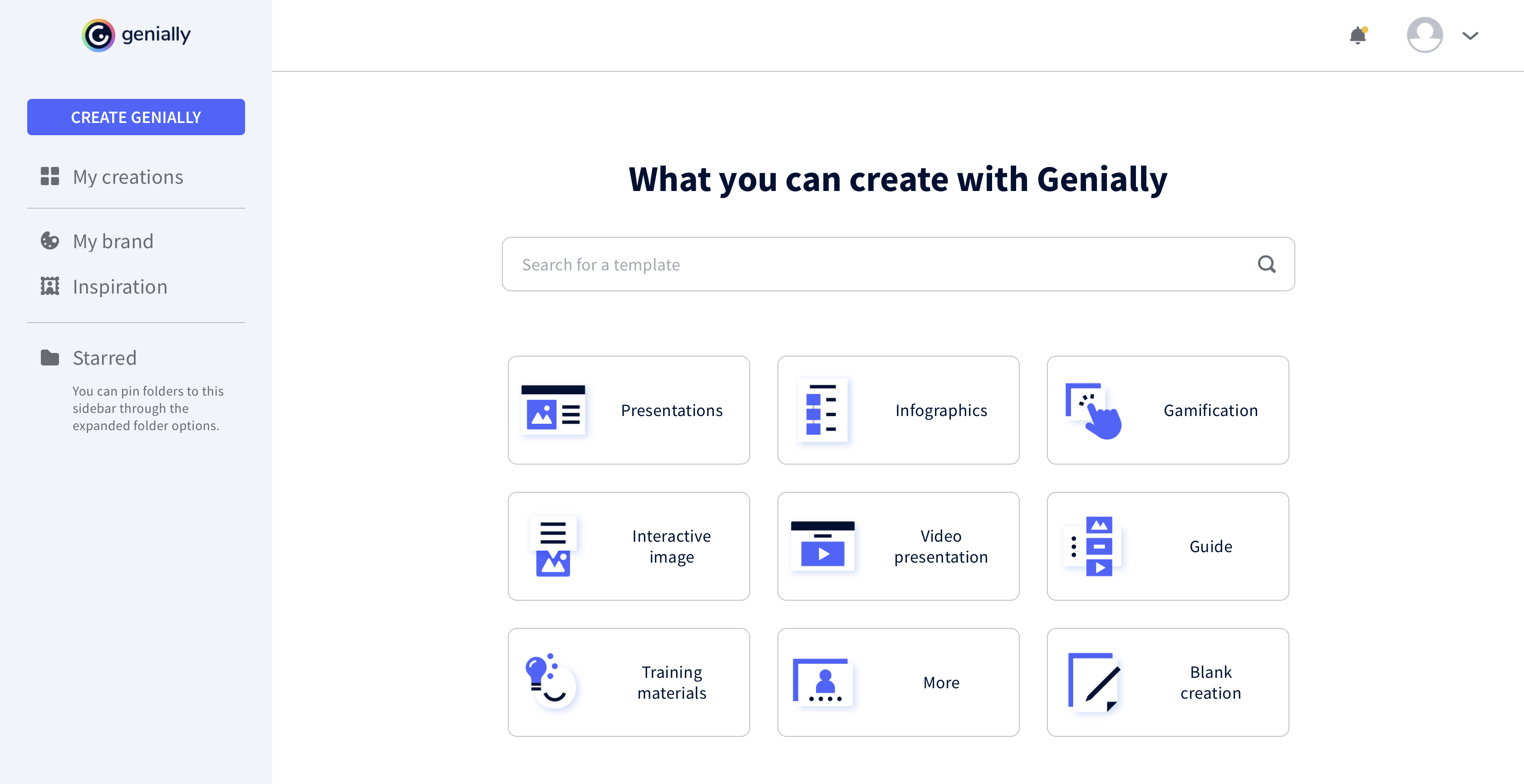
    N/AGenially is a provider of interactive visual communication and an online tool to create presentations, interactive images, infographics, dossiers, quizzes, resumes, etc. and enrich them with interactivity and animation effects. Without needing a team of designers and programmers, Genially is designed to allow enterprises to make an impact with striking, visual communication in a flash. It includes interactive and animated effects to distribute…

    $7.49

    per month (billed annually)

    Pricing
    EverlawGenially
    Editions & Modules
    No answers on this topic
    Pro
    $7.49
    per month (billed annually)
    Master
    $20.82
    per month (billed annually) 5 members
    Team
    $70.79
    per month (billed annually)
    Offerings
    Pricing Offerings
    EverlawGenially
    Free Trial
    NoNo
    Free/Freemium Version
    NoYes
    Premium Consulting/Integration Services
    NoYes
    Entry-level Setup FeeNo setup feeNo setup fee
    Additional Details——
    More Pricing Information
    Community Pulse
    EverlawGenially
    Considered Both Products
    Everlaw
    No answer on this topic
    Genially
    No answer on this topic
    Key User Insights
    Would buy again
    No answers on this topic
    80%
    Would buy again
    4 Answers
    Delivers good value for the price
    No answers on this topic
    No answers on this topic
    Happy with the feature set
    No answers on this topic
    100%
    Happy with the feature set
    5 Answers
    Lived up to sales and marketing promises
    No answers on this topic
    No answers on this topic
    Implementation went as expected
    No answers on this topic
    No answers on this topic
    Best Alternatives
    EverlawGenially
    Small Businesses
    No answers on this topic
    GIMP
    Score8 out of 10
    Medium-sized Companies
    No answers on this topic
    Adobe Illustrator
    Score9.4 out of 10
    Enterprises
    No answers on this topic
    Adobe PhotoShop
    Score9.2 out of 10
    All AlternativesView all alternativesView all alternatives
    User Ratings
    EverlawGenially
    Likelihood to Recommend
    8.4
    (2 ratings)
    7.3
    (5 ratings)
    Usability
    -
    (0 ratings)
    8.3
    (3 ratings)
    User Testimonials
    EverlawGenially
    Likelihood to Recommend
    Everlaw
    I think Everlaw is very well suited for any project where you want to organize your documents, produce documents or review documents produced to you. It's "word processing" features are pretty awful and that makes the Storybuilder functionality less useful. The best workflow for me is as follows: On Screen 1 you have Everlaw browser open. You tag those documents you may use in your story, they show up on the right panel. Then, you open up your word processor on Screen 2 and get writing. If you need to refer to an exhibit in your word processed document, use the #idenitication number from Screen 1 and type it in your document. If you want to review the document, you click the "eye" icon in the right panel on Screen 1 and read it as you are doing your typing on Screen 2. When done with the document, you cut and paste it into the Everlaw Storybuilder "body". You may have to manually search for the #'s to have the documents tagged in your story - You need to have them tagged in the story body so that when you click on "exhibits" you can export all of the exhibits referenced if that is something you want to have done (for example, to upload for e-filing).
    Incentivized
    Read full review
    Genially
    The main use of Genially is the creation of interactive multimedia learning modules: we start from an online linear course consisting of PowerPoint Slides, usually poorly designed, and the audio recording of the lecturer commenting these slides. We reorganise these contents to make a truly interactive experience for the learner, using interactive windows to reveal contents. Interactive questions and branching structures are used to allow learners to navigate through our content according to their own pace
    Incentivized
    Read full review
    Pros
    Everlaw
    • Organization
    • Flagging and keywords of important points in documents
    • Making document review easier
    Incentivized
    Read full review
    Genially
    • Lets you build interactive presentations.
    • Helps you design good-looking presentations easily.
    • Lets you easily collaborate with teammates on projects.
    Incentivized
    Read full review
    Cons
    Everlaw
    • Not everything is as I would like it to be. For example, while it is easy to copy work product (highlights, issue tags, comments) from one project to another, for some reason they don't allow you to copy "storybuilder" objects. It would be nice if they allowed this. What this means is if you have the same set of documents in two projects, you can carry over the issue tags, highlighting, etc., if you want. But, if you created a deposition outline in "Storybuilder" in Project A, you can't copy that deposition (with exhibits) over to Project B.
    • The Storybuilder "outline" function is not easy to use and does not export well to word. That said, once you get the hang of it, it really works beautifully for organizing exhibits.
    Incentivized
    Read full review
    Genially
    • It would be nice to be able to save images and have them available on Genially.
    • More free templates.
    • Figure out a way to make editing less time consuming.
    Incentivized
    Read full review
    Usability
    Everlaw
    No answers on this topic
    Genially
    It took a minute for me to understand how to use the product. Normally, I can just click around and figure things out. I had more questions on if the interactive element was accessible or not.
    Incentivized
    Read full review
    Alternatives Considered
    Everlaw
    I've used something called blade.acorn in a different mass tort case. I did not like it as much as Everlaw. Maybe it was because I used Everlaw first and was used to it. But Everlaw does have a great and organized platform that I think is better and is well-suited for mass tort cases' discovery process.
    Incentivized
    Read full review
    Genially
    This web tool is designed to be broad and wide-reaching because it can be used in several ways such as attracting customers, circulating news, and teaching skills. You don't have to be a programmer to create stunning digital projects that are both unique and stunning.
    Incentivized
    Read full review
    Return on Investment
    Everlaw
    • Unfortunately, I do not have any hard numbers to share. The platform costs what it costs and you either eat that cost or pass it on to the client. The platform certainly makes you a more efficient attorney and saves a lot of time, so even if the monthly fee is kind of high, the client gets a lot of value out of it.
    Incentivized
    Read full review
    Genially
    • We unfortunately don't measure this.
    Incentivized
    Read full review
    ScreenShots

    Genially Screenshots

    Product screenshotProduct screenshotProduct screenshotProduct screenshot