
EZ File Drop vs. FileInvite
| Product | Rating | Most Used By | Product Summary | Starting Price |
|---|---|---|---|---|
 EZ File Drop | N/A | N/A | EZ File Drop is a file collection tool for teams that receive files from people outside their organization. Users build a branded upload form, share it as a link, QR code, or website embed, and every submission is delivered into the account owner's own cloud storage: Google Drive, Dropbox, OneDrive, SharePoint, Box, or FTP/SFTP. The people sending files do not need an account, an app, or a sign-in. What it replaces: EZ File Drop is positioned against three common… | $12 per month |
 FileInvite | Score1.1 out of 10 | N/A | FileInvite automates the process of collecting information and documents from your clients. The vendor says the process is simple, and the interface is secure. All you have to do is create and send a FileInvite with the information you require. The client then uploads the files to a secure portal where you can approve or decline the information that has been submitted. FileInvite also allows you to set up reminders, templates and sync with your cloud storage like Google… | N/A |
| EZ File Drop | FileInvite | |||||||||||||||
|---|---|---|---|---|---|---|---|---|---|---|---|---|---|---|---|---|
| Editions & Modules |
| No answers on this topic | ||||||||||||||
| Offerings |
| |||||||||||||||
| Entry-level Setup Fee | No setup fee | No setup fee | ||||||||||||||
| Additional Details | Prices shown are for monthly billing. Annual billing is available at two months free: Starter $120/year, Business $490/year, Premium $1,490/year. Plans differ mainly by monthly upload allowance (5 GB, 100 GB, or 1 TB) and by feature set. Starter is limited to one user and a 5 GB cap per submission. Business and Premium include up to 20 users with no per-seat fees, a 25 GB cap per submission, and features such as dynamic subfolders, file renaming, conditional logic, white-label branding, website embedding, and Zapier and webhook integrations. Premium adds 1 TB of monthly bandwidth, custom domains for share links and notification emails, and priority email support. Pricing is based on bandwidth used rather than storage or seats. Files are delivered into the customer's own cloud storage, so there is no separate storage charge. Every plan includes unlimited forms and all six cloud destinations. The 25 GB per-submission cap can be raised on request. Every account begins with a 7-day trial of the Business plan with no credit card required. | — | ||||||||||||||
| More Pricing Information | ||||||||||||||||
| EZ File Drop | FileInvite | |
|---|---|---|
| Considered Both Products | No answer on this topic | No answer on this topic |
| Key User Insights | ||
| Would buy again | ||
No answers on this topic | 40% Would buy again 2 Answers | |
| Delivers good value for the price | ||
No answers on this topic | No answers on this topic | |
| Happy with the feature set | ||
No answers on this topic | 60% Happy with the feature set 3 Answers | |
| Lived up to sales and marketing promises | ||
No answers on this topic | No answers on this topic | |
| Implementation went as expected | ||
No answers on this topic | No answers on this topic | |
| EZ File Drop | FileInvite | |
|---|---|---|
| Small Businesses |  Dropbox DocSend Score8.3 out of 10 |  M‑Files Score8.9 out of 10 |
| Medium-sized Companies | Dropbox DocSend Score8.3 out of 10 |  Esker Score7.4 out of 10 |
| Enterprises | No answers on this topic |  Tungsten Capture Score9.5 out of 10 |
| All Alternatives | View all alternatives | View all alternatives |
| EZ File Drop | FileInvite | |
|---|---|---|
| Likelihood to Recommend | - | 1.0 |
| Usability | - | 7.0 |
| Performance | - | 10.0 |
| Ease of integration | - | 10.0 |
| EZ File Drop | FileInvite | |
|---|---|---|
| Likelihood to Recommend | No answers on this topic |
|
| Pros | No answers on this topic |
|
| Cons | No answers on this topic |
|
| Usability | No answers on this topic |
|
| Performance | No answers on this topic |
|
| Alternatives Considered | No answers on this topic |
|
| Return on Investment | No answers on this topic |
|
| ScreenShots | EZ File Drop Screenshots 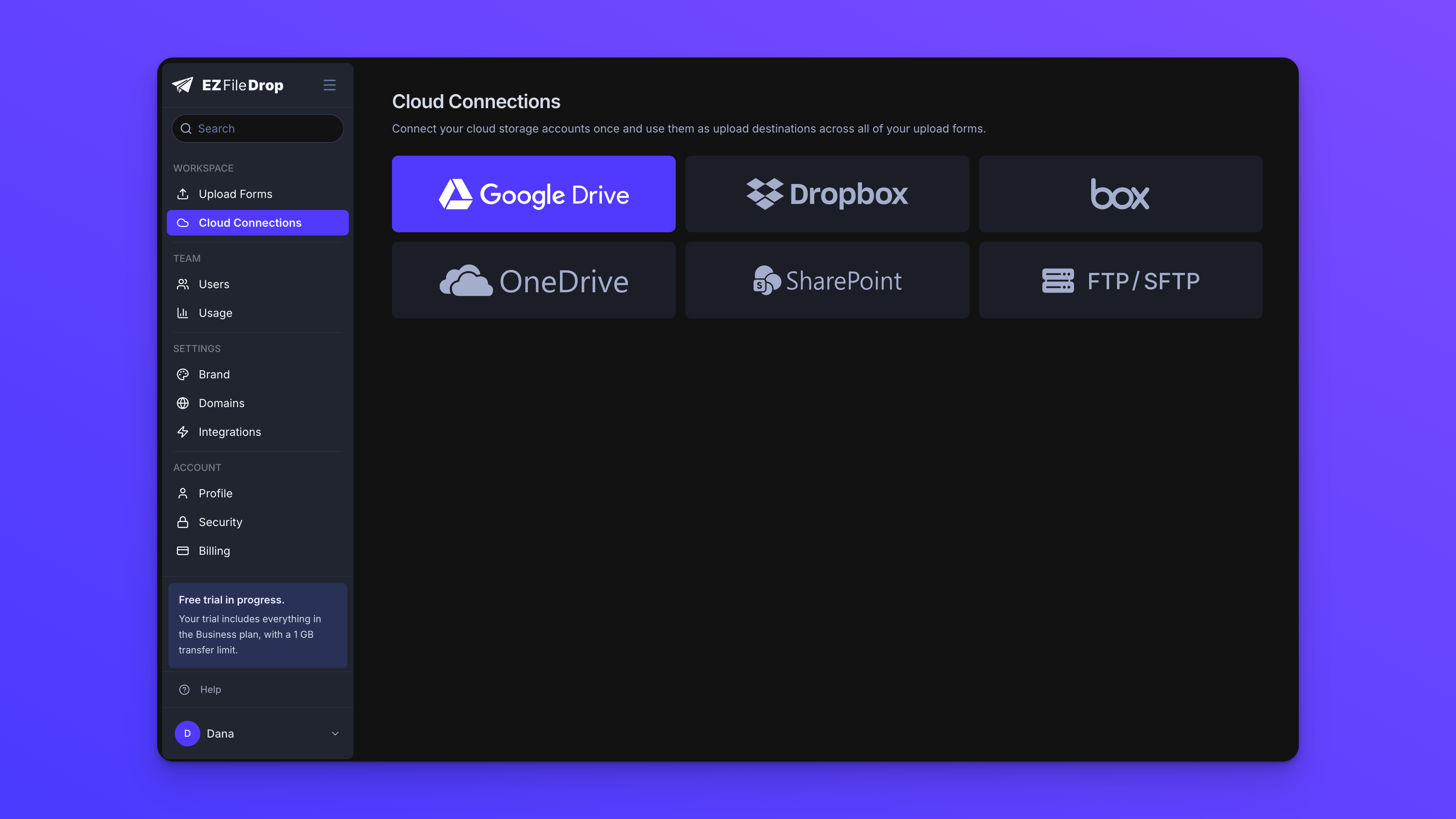 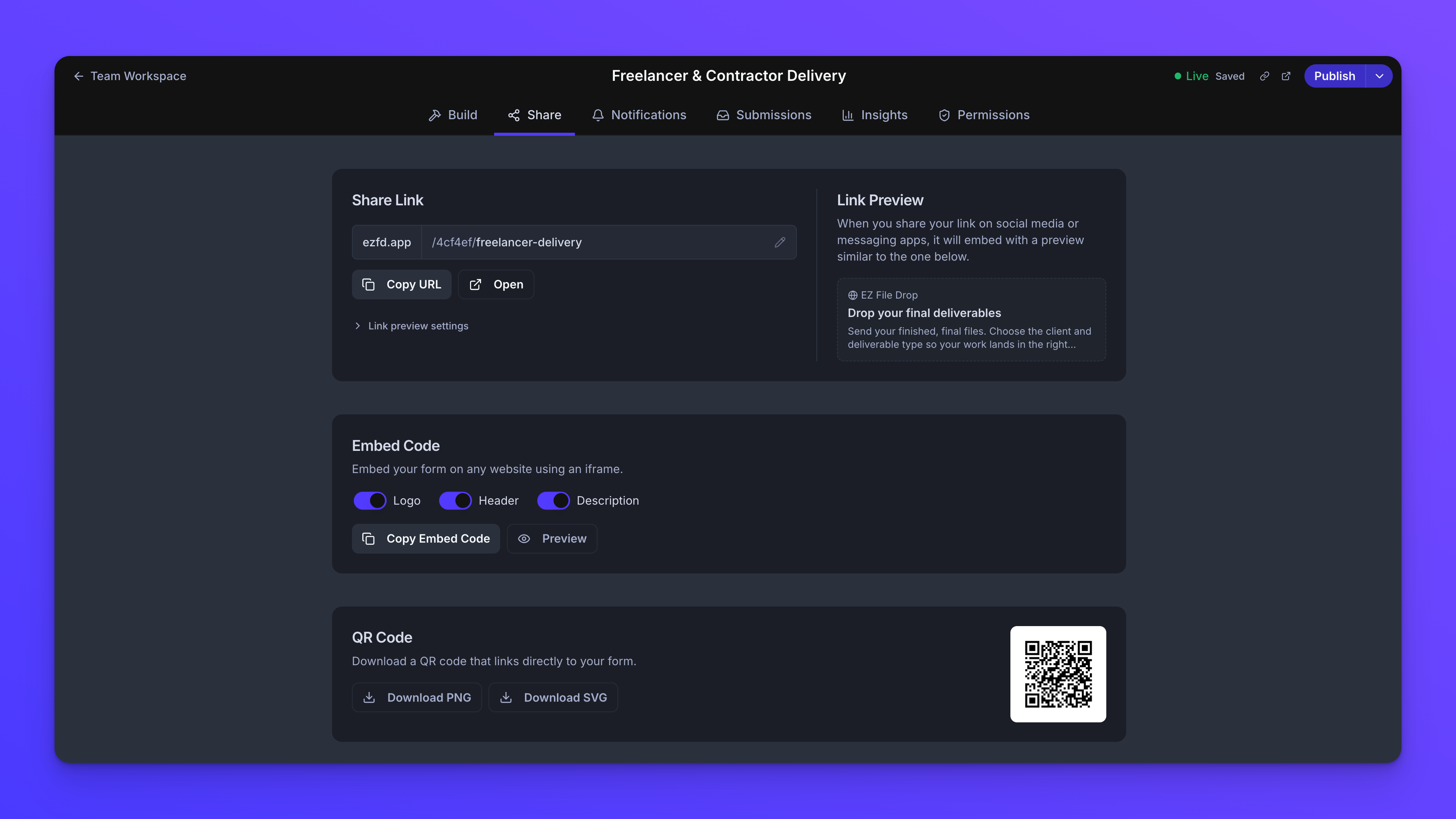   | FileInvite Screenshots 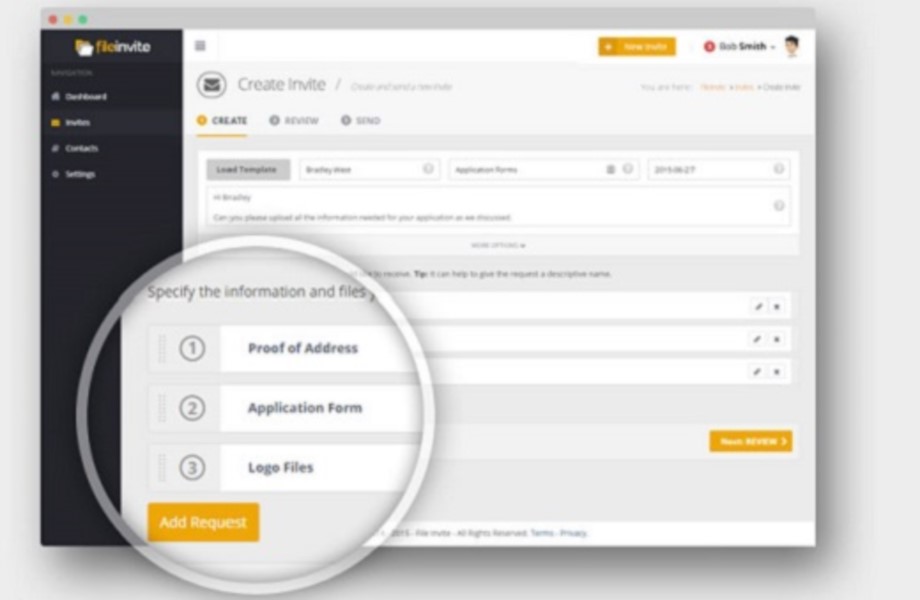  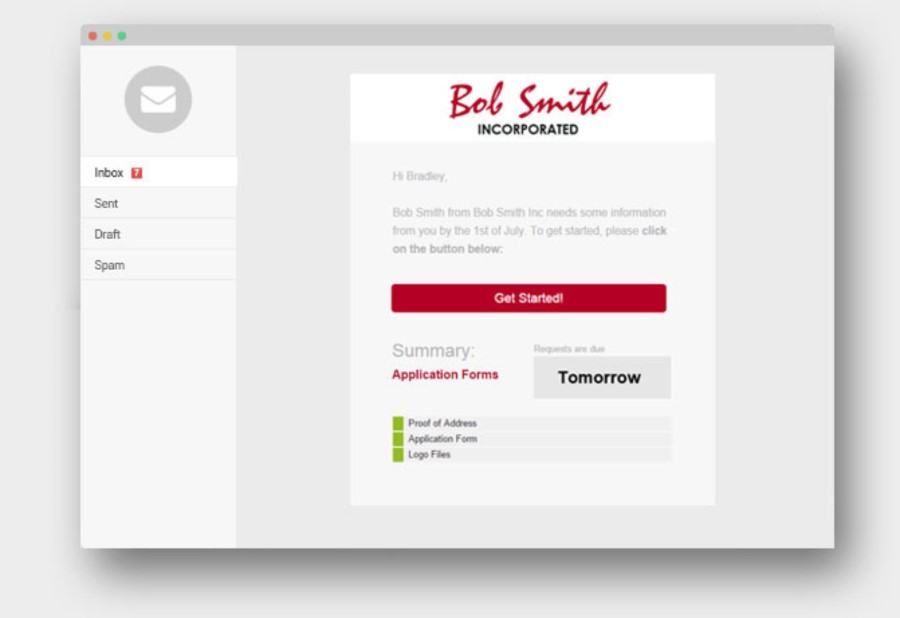   |

