
Fenêtre Capture Tool vs. Videolink
Fenêtre Capture Tool vs. Videolink
| Product | Rating | Most Used By | Product Summary | Starting Price |
|---|---|---|---|---|
 Fenêtre Capture Tool | N/A | The Fenêtre Capture Tool offers features to use in making professional screenshots and screen recordings. It is presented as ideal for anyone, but especially for people who are looking for an advanced function oriented Capture Tool, and because it can be connected with Microsoft Teams it is also functional in the office as well. Features of the Fenêtre Capture Tool include: Screenshot annotation Precise recording areas by pixels Arrow with text… | $0 | |
 Videolink | N/A | Videolink brings clarity and collaboration to team conversations through video recording, sharing and instant playback. It can be used to record a screen or camera in seconds, send a link, and add visual context to information – whether it’s customer feedback, internal updates, or product walkthroughs. Instead of chasing down details in chat logs or ambiguous tickets, Videolink lets teams share ideas that are clear, direct, and… | $0 per active video |
| Fenêtre Capture Tool | Videolink | |||||||||||||||
|---|---|---|---|---|---|---|---|---|---|---|---|---|---|---|---|---|
| Editions & Modules | No answers on this topic |
| ||||||||||||||
| Offerings |
| |||||||||||||||
| Entry-level Setup Fee | No setup fee | Optional | ||||||||||||||
| Additional Details | The Capture Tool is free to use software | Only saved videos are counted. If a video is deleted, it only counts for the month it was active — never after. Videolink has no per-seat usage fees. You’re only billed for videos your team actually keeps. | ||||||||||||||
| More Pricing Information | ||||||||||||||||
| Fenêtre Capture Tool | Videolink | |
|---|---|---|
| Small Businesses |  Sendspark Score 10.0 out of 10 | Sendspark Score 10.0 out of 10 |
| Medium-sized Companies |  Snagit Score 9.6 out of 10 | Snagit Score 9.6 out of 10 |
| Enterprises | Snagit Score 9.6 out of 10 | Snagit Score 9.6 out of 10 |
| All Alternatives | View all alternatives | View all alternatives |
| Fenêtre Capture Tool | Videolink | |
|---|---|---|
| Likelihood to Recommend | - (0 ratings) | 9.1 (2 ratings) |
| Usability | - (0 ratings) | 9.1 (2 ratings) |
| Fenêtre Capture Tool | Videolink | |
|---|---|---|
| Likelihood to Recommend | Fenêtre Online Solutions No answers on this topic | Videolink
|
| Pros | Fenêtre Online Solutions No answers on this topic | Videolink
|
| Cons | Fenêtre Online Solutions No answers on this topic | Videolink
|
| Usability | Fenêtre Online Solutions No answers on this topic | Videolink
|
| Return on Investment | Fenêtre Online Solutions No answers on this topic | Videolink
|
| ScreenShots | Fenêtre Capture Tool Screenshots 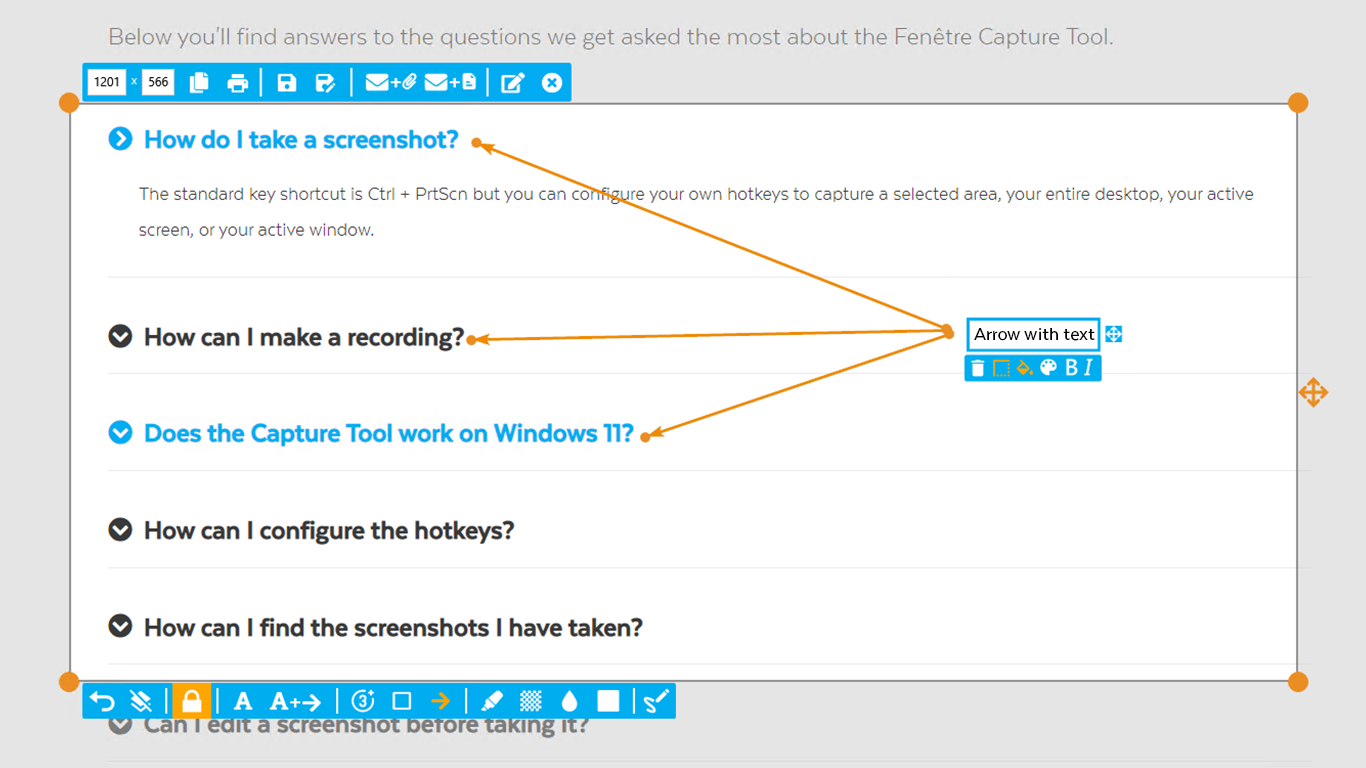 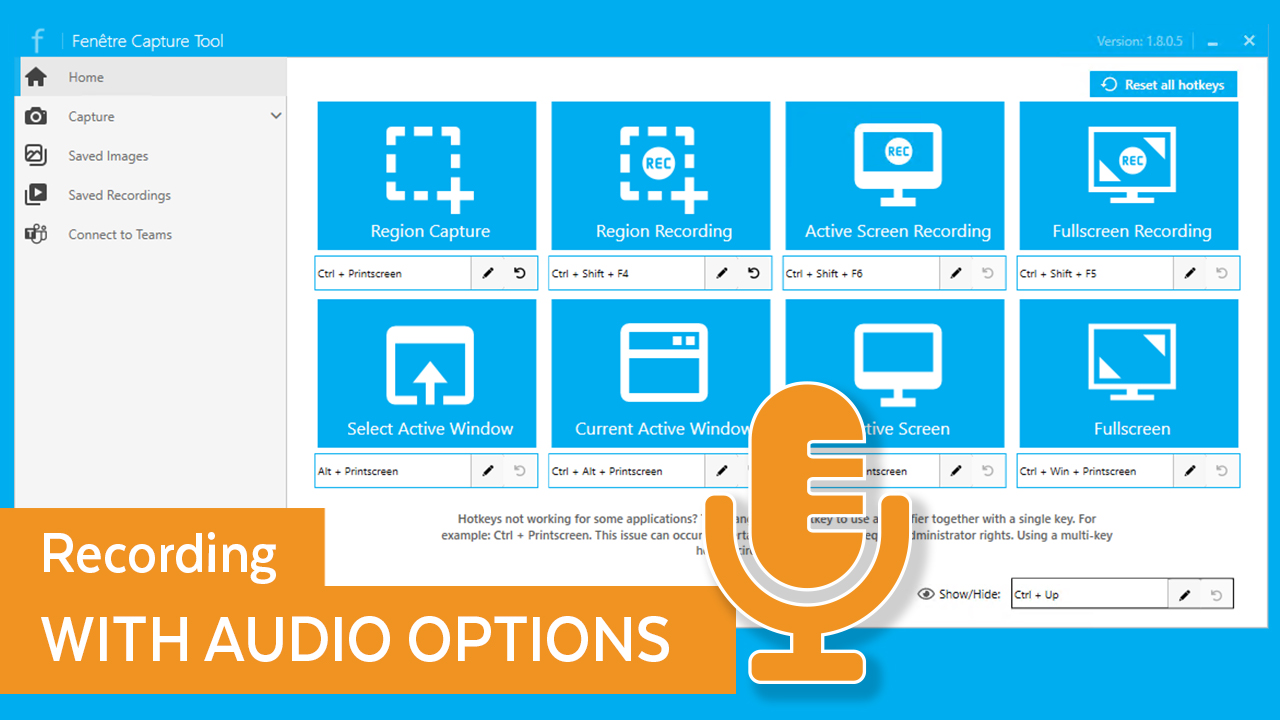 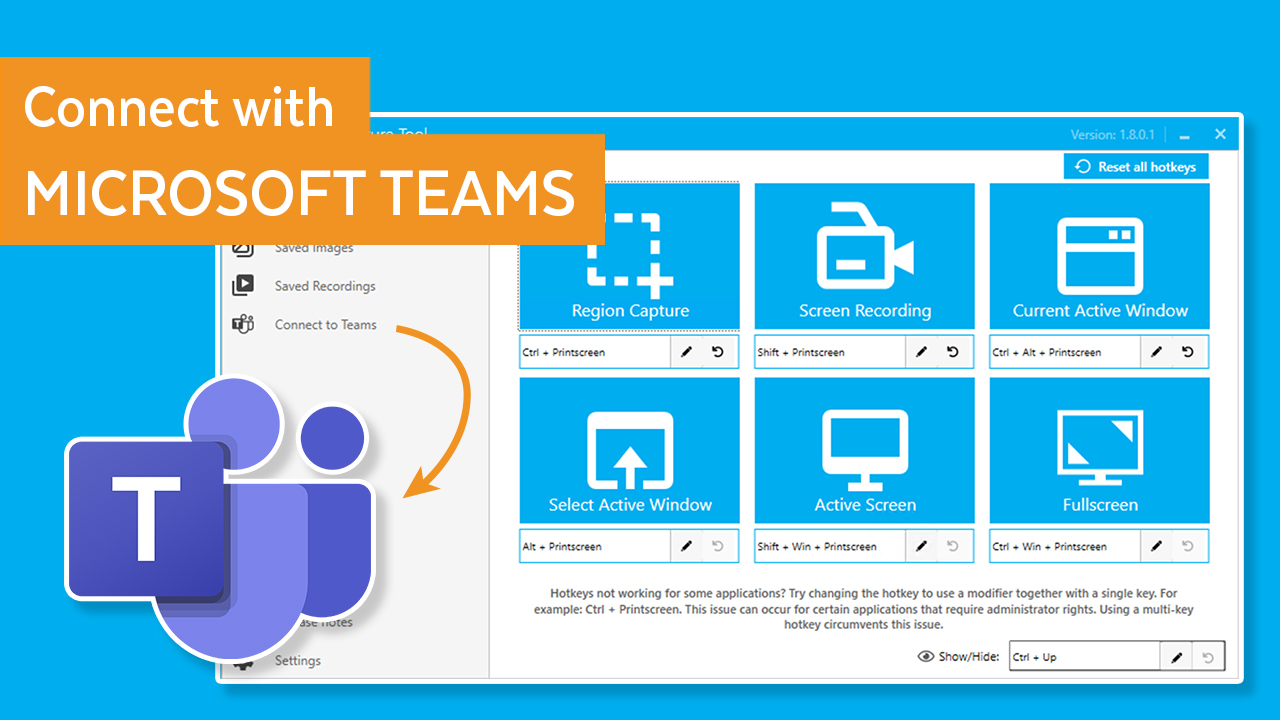  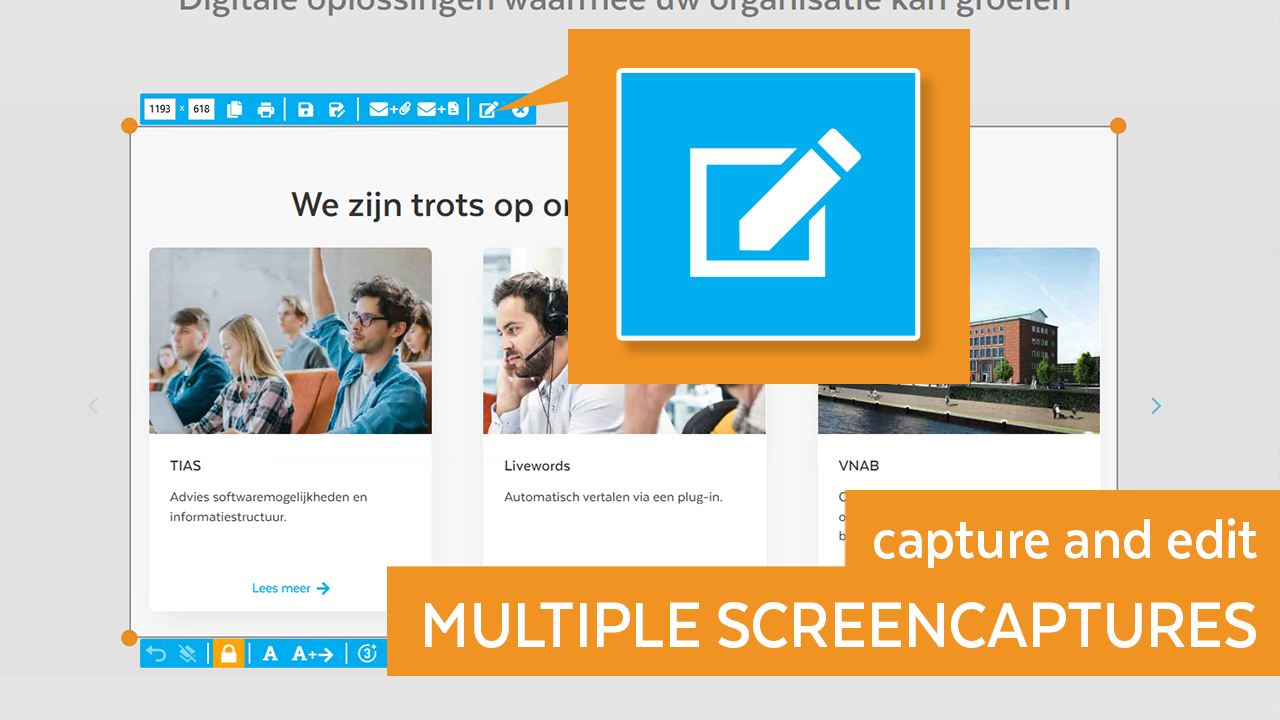 | Videolink Screenshots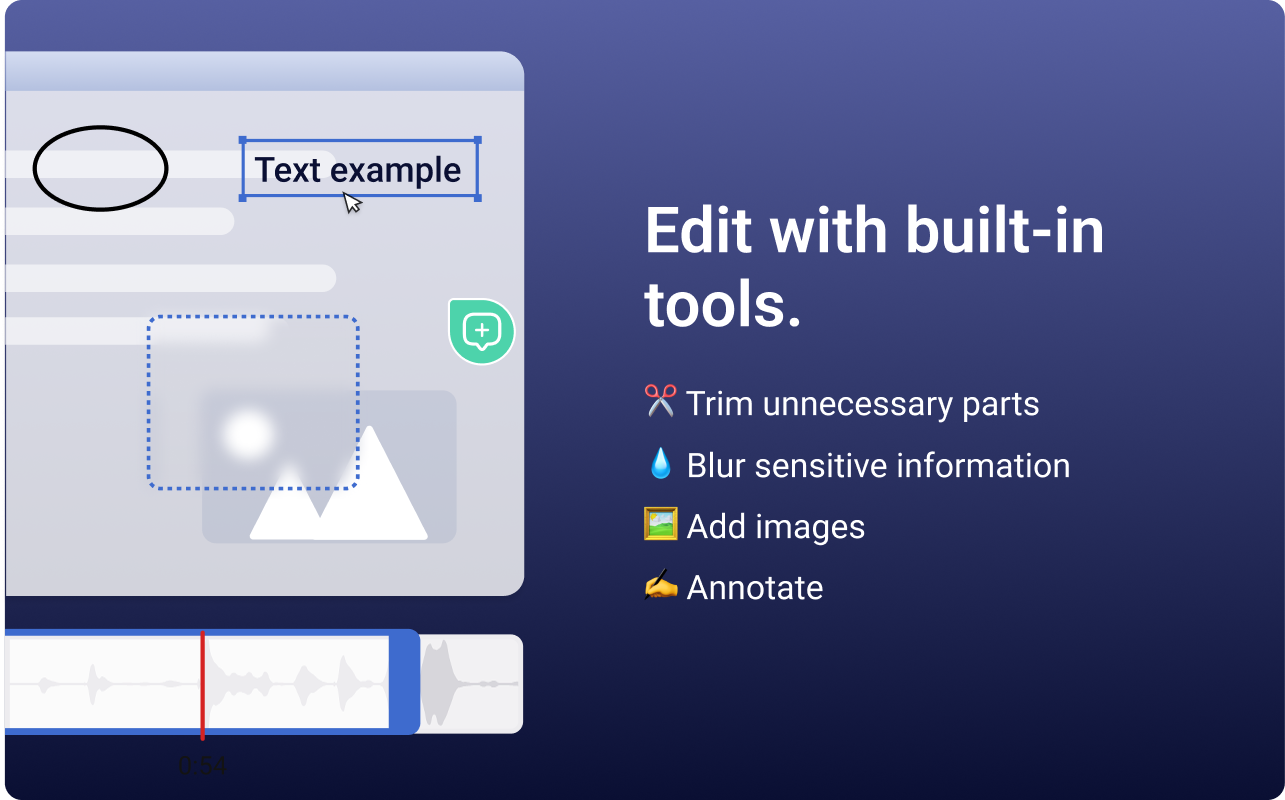   |