TrustRadius: an HG Insights company

Save this comparison

Save this comparison

Add Product

Recommended Comparisons

    Overview
    ProductRatingMost Used ByProduct SummaryStarting Price

    Genially

    Score7.6 out of 10
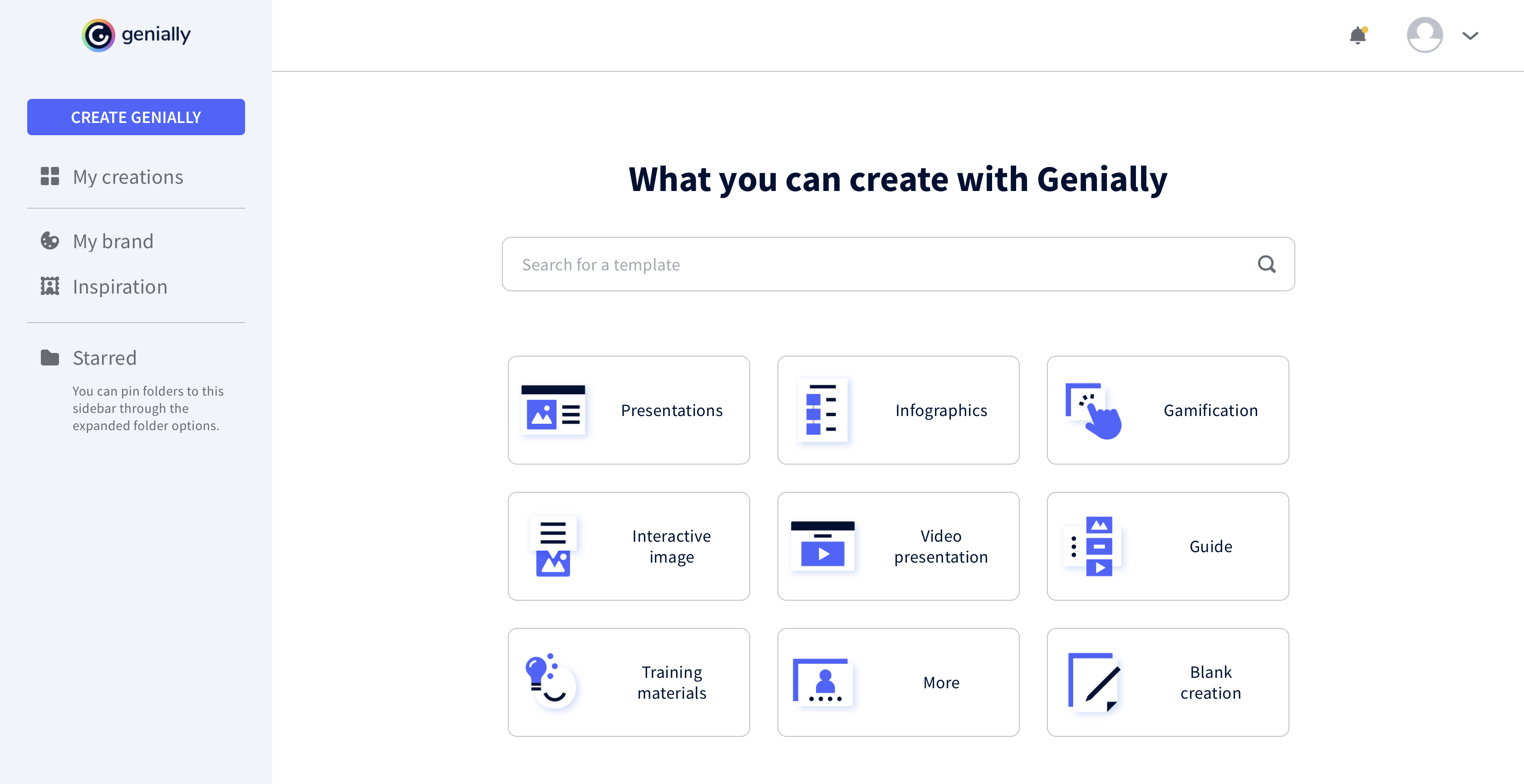
    N/AGenially is a provider of interactive visual communication and an online tool to create presentations, interactive images, infographics, dossiers, quizzes, resumes, etc. and enrich them with interactivity and animation effects. Without needing a team of designers and programmers, Genially is designed to allow enterprises to make an impact with striking, visual communication in a flash. It includes interactive and animated effects to distribute…

    $7.49

    per month (billed annually)

    Krita

    Score9 out of 10
    N/AKrita is a professional free and open source painting program, available under the GPLv3 license. An art tool, it aims to support users with: -concept art -texture and matte painters -illustrations and comicsN/A
    Pricing
    GeniallyKrita
    Editions & Modules
    Pro
    $7.49
    per month (billed annually)
    Master
    $20.82
    per month (billed annually) 5 members
    Team
    $70.79
    per month (billed annually)
    No answers on this topic
    Offerings
    Pricing Offerings
    GeniallyKrita
    Free Trial
    NoNo
    Free/Freemium Version
    YesYes
    Premium Consulting/Integration Services
    YesNo
    Entry-level Setup FeeNo setup feeNo setup fee
    Additional Details——
    More Pricing Information
    Community Pulse
    GeniallyKrita
    Considered Both Products
    Genially
    No answer on this topic
    Open Source
    No answer on this topic
    Key User Insights
    Would buy again
    80%
    Would buy again
    4 Answers
    No answers on this topic
    Delivers good value for the price
    No answers on this topic
    No answers on this topic
    Happy with the feature set
    100%
    Happy with the feature set
    5 Answers
    No answers on this topic
    Lived up to sales and marketing promises
    No answers on this topic
    No answers on this topic
    Implementation went as expected
    No answers on this topic
    No answers on this topic
    Best Alternatives
    GeniallyKrita
    Small Businesses
    GIMP
    Score8 out of 10
    GIMP
    Score8 out of 10
    Medium-sized Companies
    Adobe Illustrator
    Score9.4 out of 10
    Adobe Illustrator
    Score9.4 out of 10
    Enterprises
    Adobe PhotoShop
    Score9.2 out of 10
    Adobe PhotoShop
    Score9.2 out of 10
    All AlternativesView all alternativesView all alternatives
    User Ratings
    GeniallyKrita
    Likelihood to Recommend
    7.3
    (5 ratings)
    9.0
    (1 ratings)
    Usability
    8.3
    (3 ratings)
    -
    (0 ratings)
    User Testimonials
    GeniallyKrita
    Likelihood to Recommend
    Genially
    The main use of Genially is the creation of interactive multimedia learning modules: we start from an online linear course consisting of PowerPoint Slides, usually poorly designed, and the audio recording of the lecturer commenting these slides. We reorganise these contents to make a truly interactive experience for the learner, using interactive windows to reveal contents. Interactive questions and branching structures are used to allow learners to navigate through our content according to their own pace
    Incentivized
    Read full review
    Open Source
    Krita is well suited for digital painting and drawing. It has a wide variety of brushes and tools that allow for a lot of flexibility and control when creating artwork. Krita is also good for creating textures and patterns. It has a wide variety of filters that can be applied to images to create interesting effects. Krita is also good for retouching photos and for creating digital illustrations.
    Incentivized
    Read full review
    Pros
    Genially
    • Lets you build interactive presentations.
    • Helps you design good-looking presentations easily.
    • Lets you easily collaborate with teammates on projects.
    Incentivized
    Read full review
    Open Source
    • A wide variety of brushes
    • A lot of customizations, for making a lot of textures and effects
    • A number of filters and tools you can easy use
    • Free
    Incentivized
    Read full review
    Cons
    Genially
    • It would be nice to be able to save images and have them available on Genially.
    • More free templates.
    • Figure out a way to make editing less time consuming.
    Incentivized
    Read full review
    Open Source
    • The brushes could be made more realistic and responsive
    • The user interface is not always intuitive, and it can be difficult to find the tools you need
    • The software can be quite resource-intensive, and it can sometimes be slow to respond to input
    Incentivized
    Read full review
    Usability
    Genially
    It took a minute for me to understand how to use the product. Normally, I can just click around and figure things out. I had more questions on if the interactive element was accessible or not.
    Incentivized
    Read full review
    Open Source
    No answers on this topic
    Alternatives Considered
    Genially
    This web tool is designed to be broad and wide-reaching because it can be used in several ways such as attracting customers, circulating news, and teaching skills. You don't have to be a programmer to create stunning digital projects that are both unique and stunning.
    Incentivized
    Read full review
    Open Source
    I will not compare it with Adobe of Affinity Photo. This is more for photo editing and is a paid tool. The better comparison would be PaintTool SAI (still a paid one.) Krita and PaintTool SAI are both digital painting applications. Krita is free and open source, while PaintTool SAI is a paid application. Both applications have their strengths and weaknesses. Krita has a wide variety of features, including support for layers, filters, and brushes. It also has a wide selection of brush presets, and users can create their brushes. Krita is available for Windows, macOS, and Linux. PaintTool SAI is a simpler application with fewer features than Krita. It does not support layers or filters and has a more limited selection of brushes. However, it is faster and more lightweight than Krita. PaintTool SAI is available only for Windows. So even for a free tool, Krita would win in my book.
    Incentivized
    Read full review
    Return on Investment
    Genially
    • We unfortunately don't measure this.
    Incentivized
    Read full review
    Open Source
    • Its low cost and wide range of features make it an excellent value for the money.
    • Its ease of use means that even non-artists can produce high-quality art assets. This has saved me time and money in producing assets for my games, resulting in a higher return on investment.
    Incentivized
    Read full review
    ScreenShots

    Genially Screenshots

    Product screenshotProduct screenshotProduct screenshotProduct screenshot