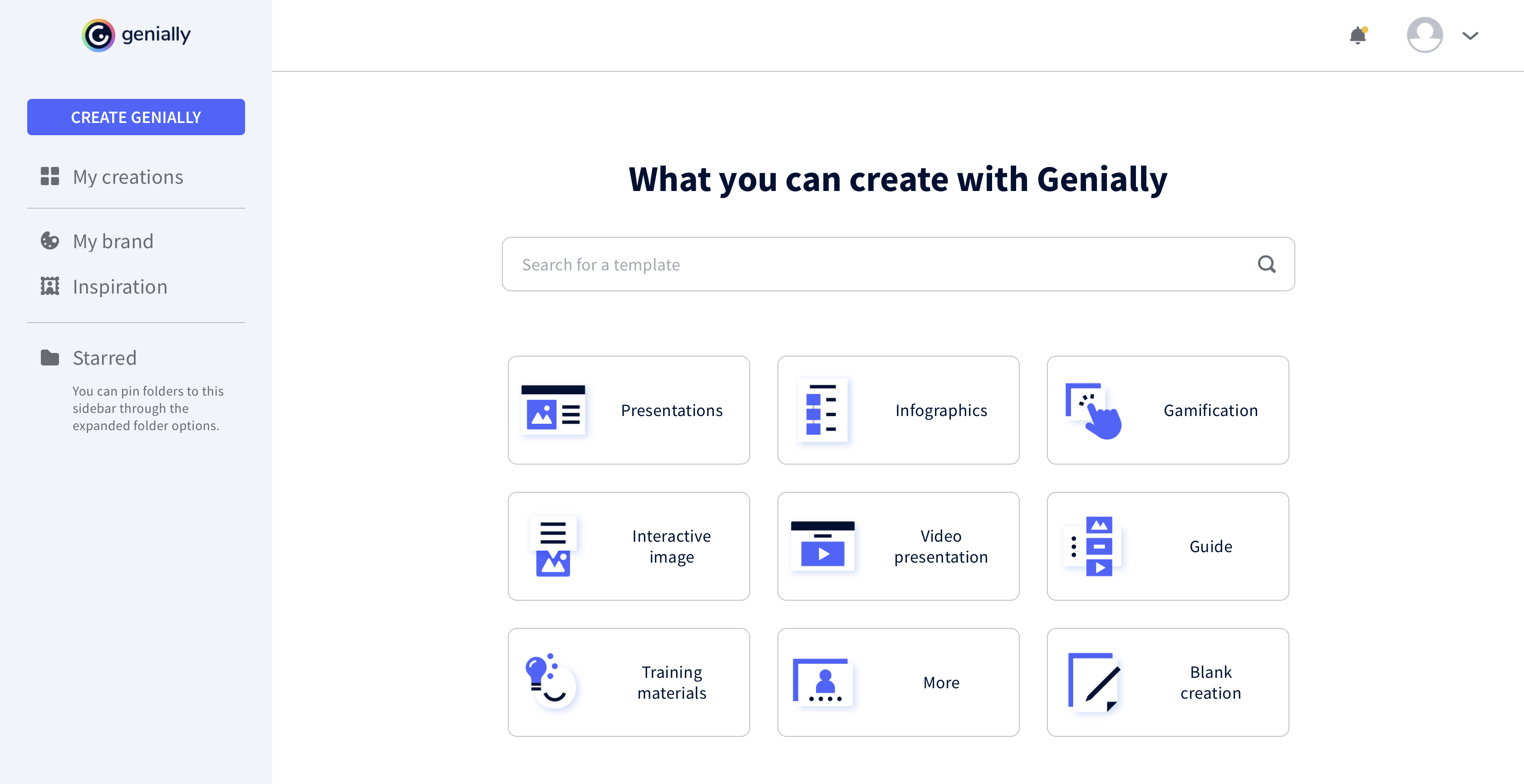
Genially is a provider of interactive visual communication and an online tool to create presentations, interactive images, infographics, dossiers, quizzes, resumes, etc. and enrich them with interactivity and animation effects. Without needing a team of designers and programmers, Genially is designed to allow enterprises to make an impact with striking, visual communication in a flash. It includes interactive and animated effects to distribute…
$7.49
per month (billed annually)
simpleshow video maker
Score 9.0 out of 10
N/A
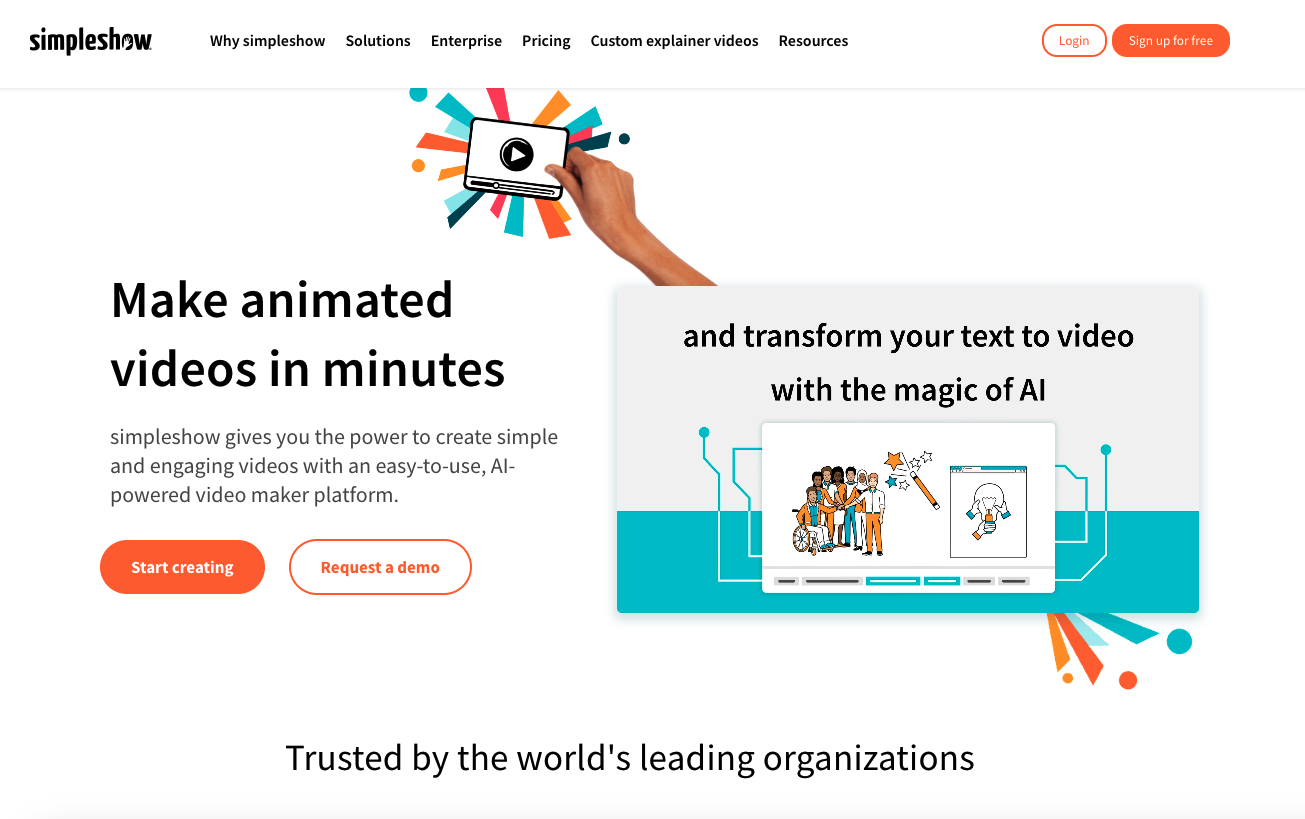
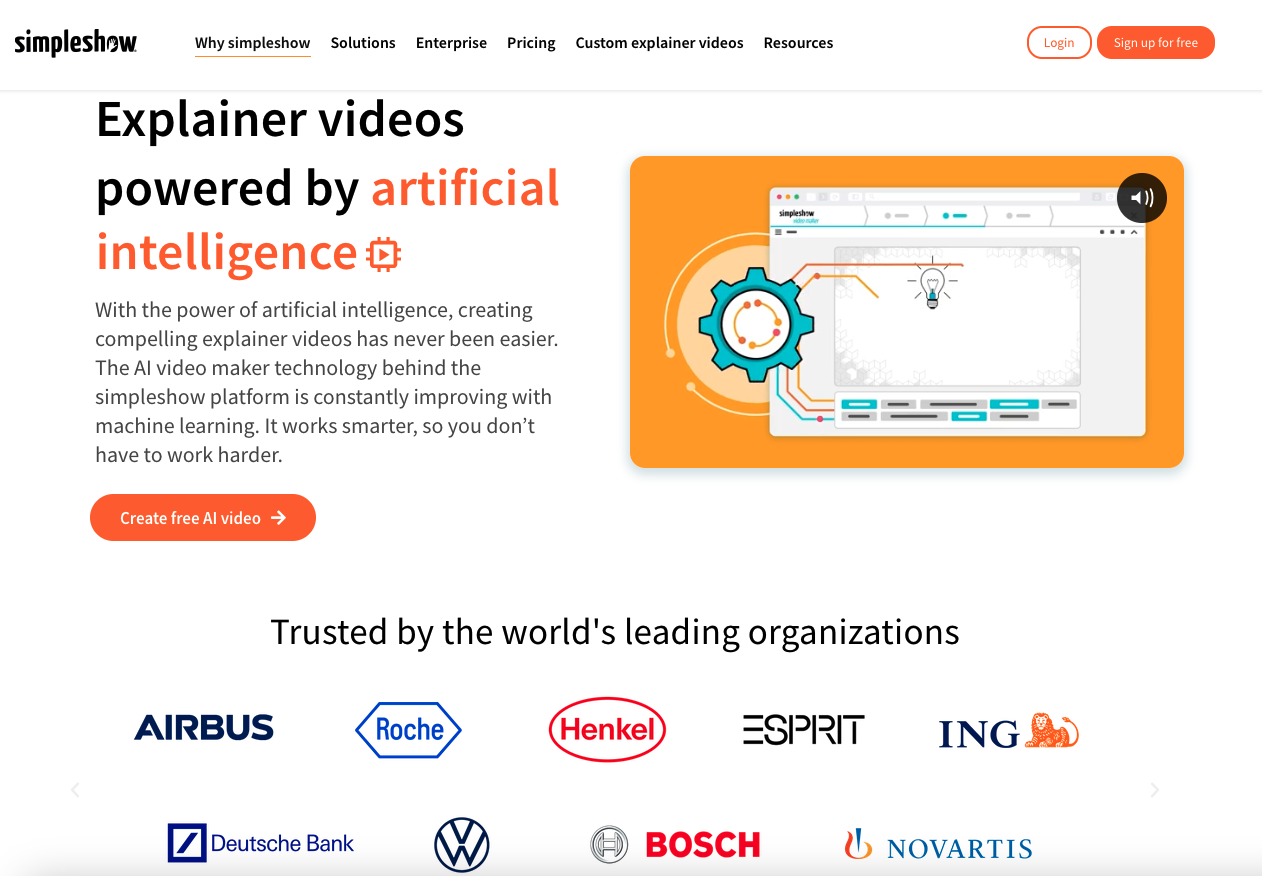
simpleshow is a platform for digital products and services around explainer videos. Guided by the mission to make modern communication simple and concise, the solution helps users explain a complex topic very simply. The artificial intelligence of the SaaS solution simpleshow video maker supports the user in creating a professional explainer video with just a few clicks - in more than 20 languages. The simpleshow team boasts experience with building tens of thousands of video and…
$129
per month
Pricing
Genially
simpleshow video maker
Editions & Modules
Pro
$7.49
per month (billed annually)
Master
$20.82
per month (billed annually) 5 members
Team
$70.79
per month (billed annually)
Business
$129
per month
Pro
$499
per month
Enterprise
Custom Pricing
Offerings
Pricing Offerings
Genially
simpleshow video maker
Free Trial
No
Yes
Free/Freemium Version
Yes
Yes
Premium Consulting/Integration Services
No
No
Entry-level Setup Fee
No setup fee
No setup fee
Additional Details
—
Discount available for annual pricing. A free Classroom edition is available for teachers in educational institutions for classrooms of up to 50 students.
The price is the number one difference. Genially is not expensive and the licence has no limitations regarding the number of learners. The ease of use: the interface of Genially is intuitive and does not require a tedious learning. The integration of multiple media is smooth, …
I prefer Genially if I need to make it interactive but use Canva when I'm more in a rush and need a nice design. Also, if I know I need to use different images I usually prefer to use Canva because you can save them there and it has more templates for me to choose from. Having …
This web tool is designed to be broad and wide-reaching because it can be used in several ways such as attracting customers, circulating news, and teaching skills. You don't have to be a programmer to create stunning digital projects that are both unique and stunning.
I think it's very well suited for creating collateral for internal team enablement, as well as conceptual external customer education. I also often turn to Genially (rather than Canva) to create quick graphics on the fly. This is not a stand-in for more complex e-learning needs that would require a tool like Articulate.
It took a minute for me to understand how to use the product. Normally, I can just click around and figure things out. I had more questions on if the interactive element was accessible or not.
The price is the number one difference. Genially is not expensive and the licence has no limitations regarding the number of learners. The ease of use: the interface of Genially is intuitive and does not require a tedious learning. The integration of multiple media is smooth, except for PDFs. The compatibility with various LMS.