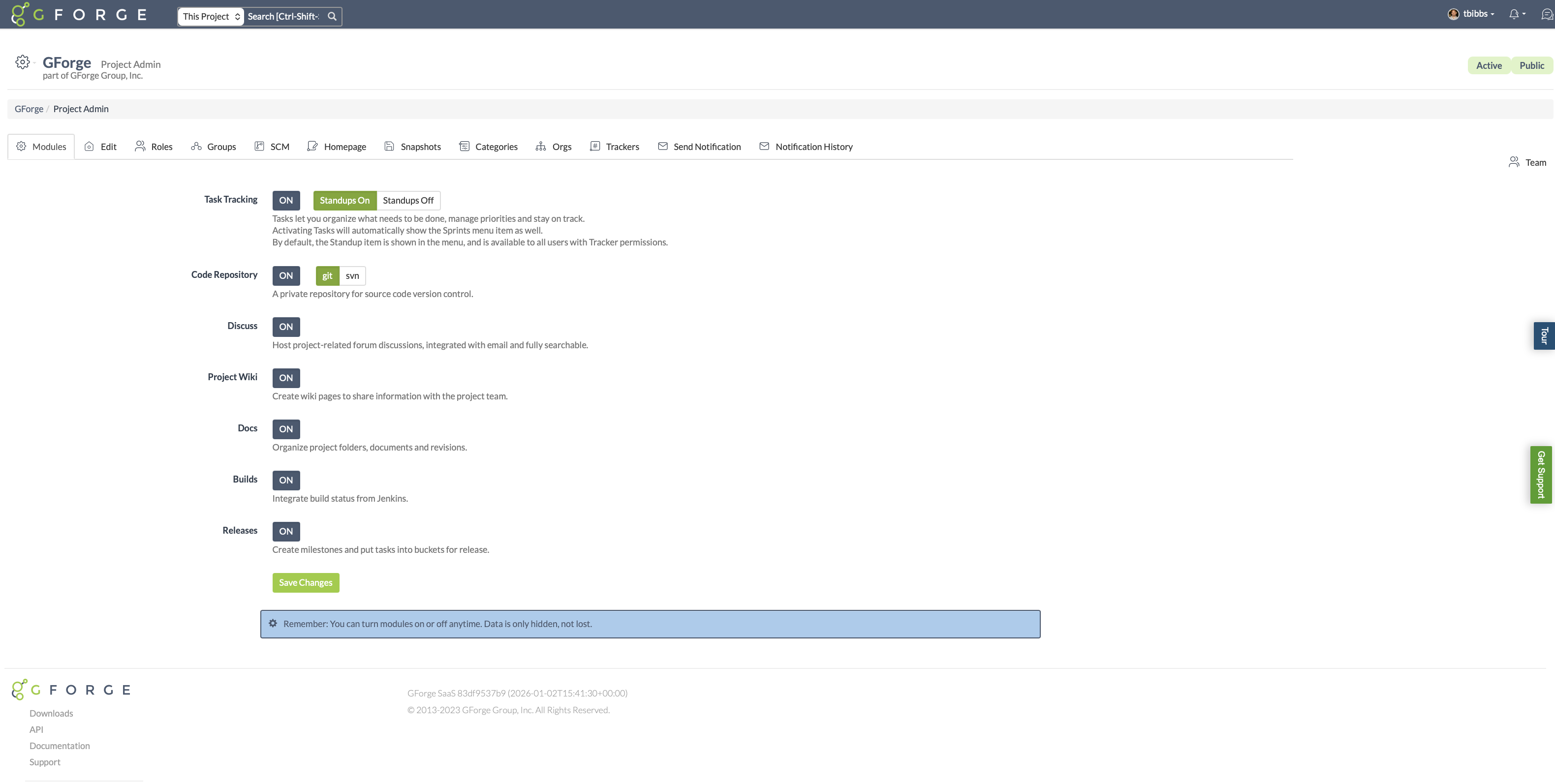
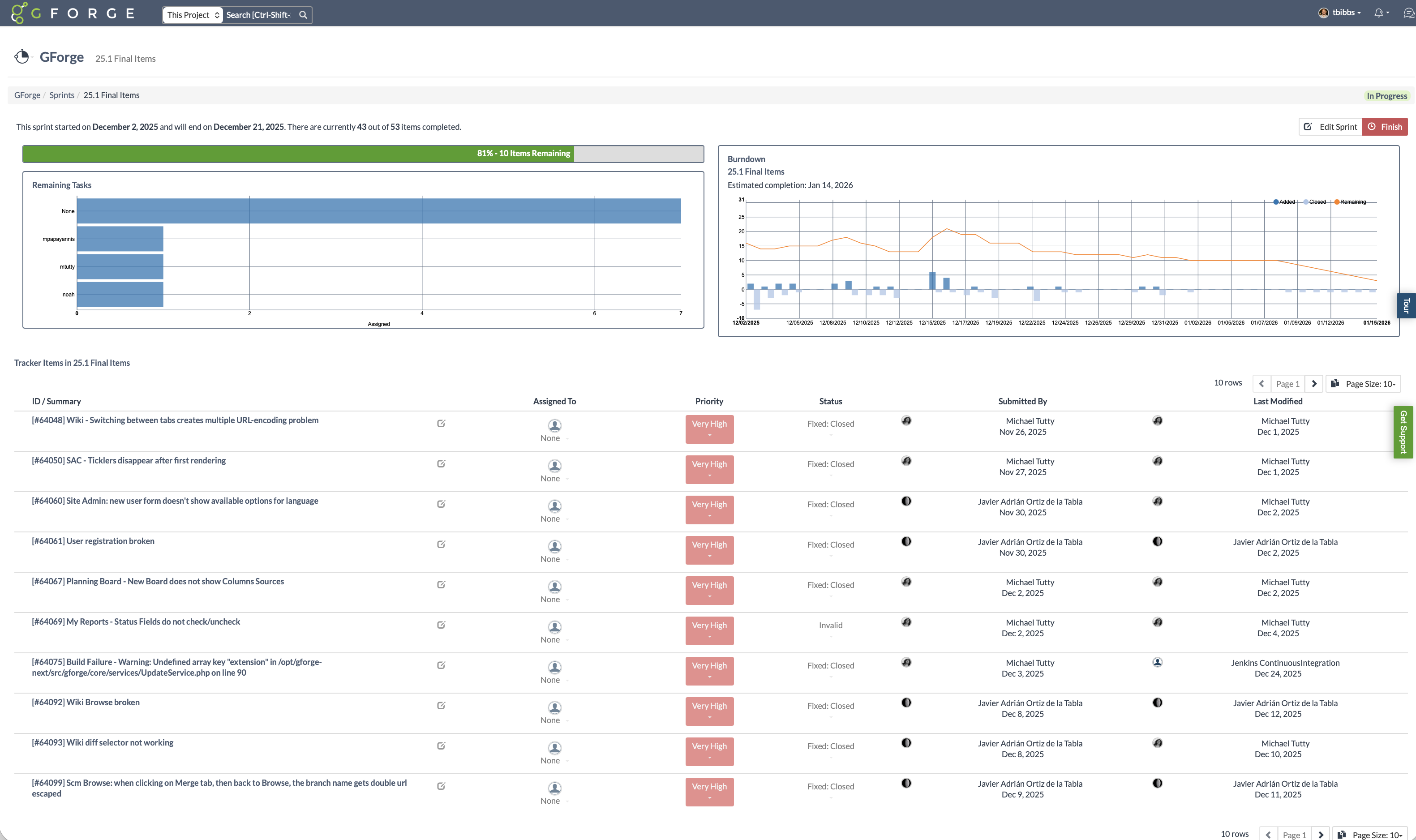
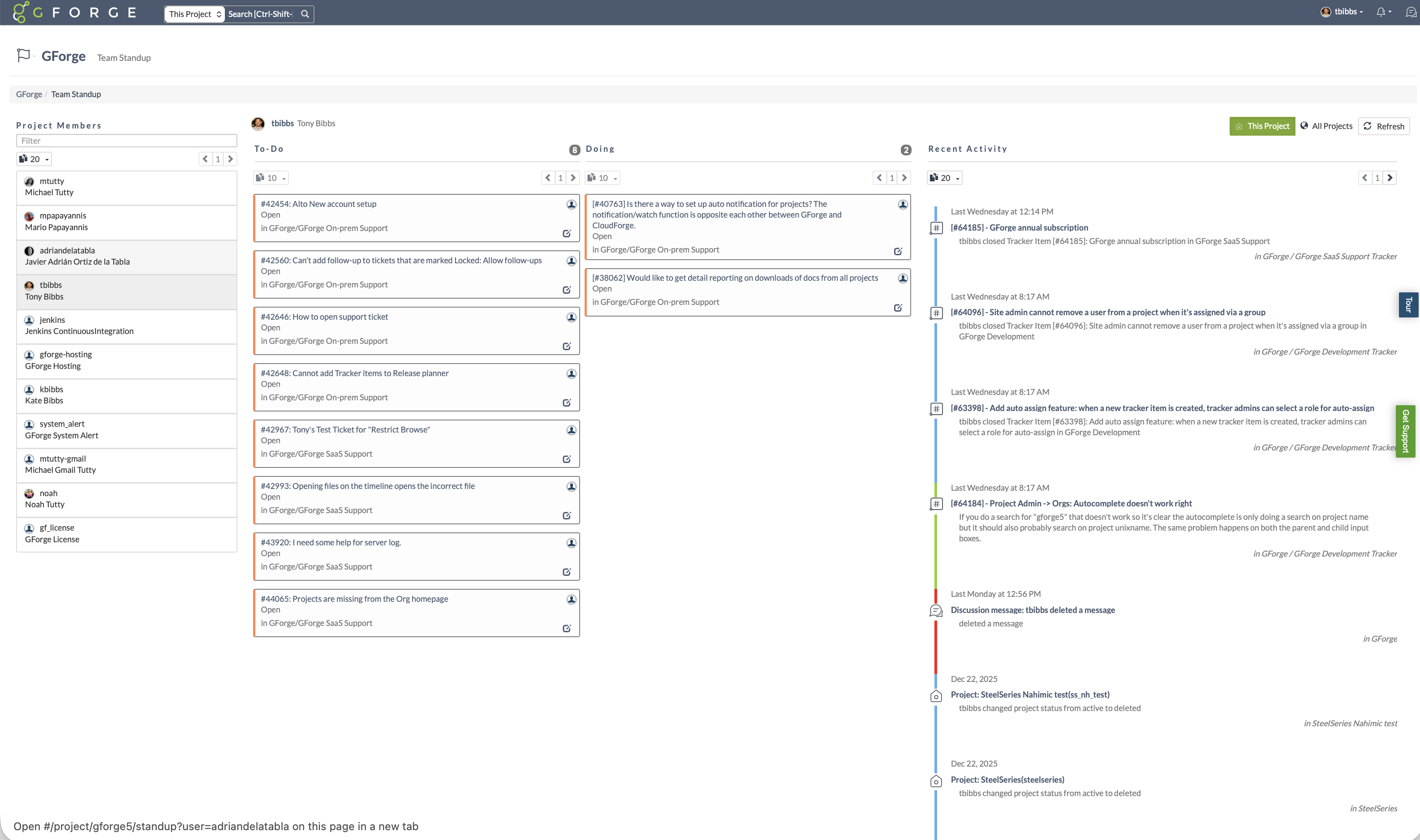
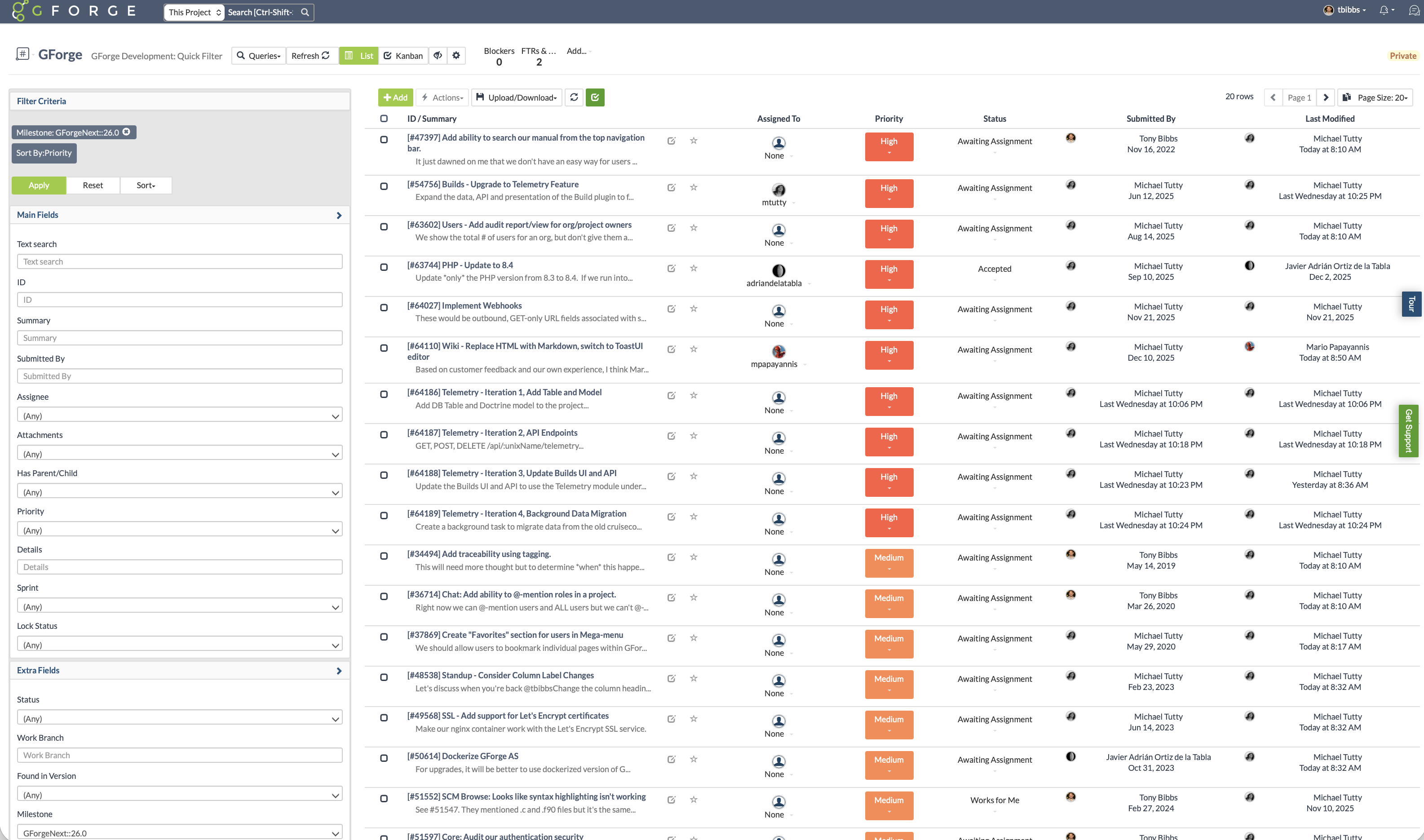
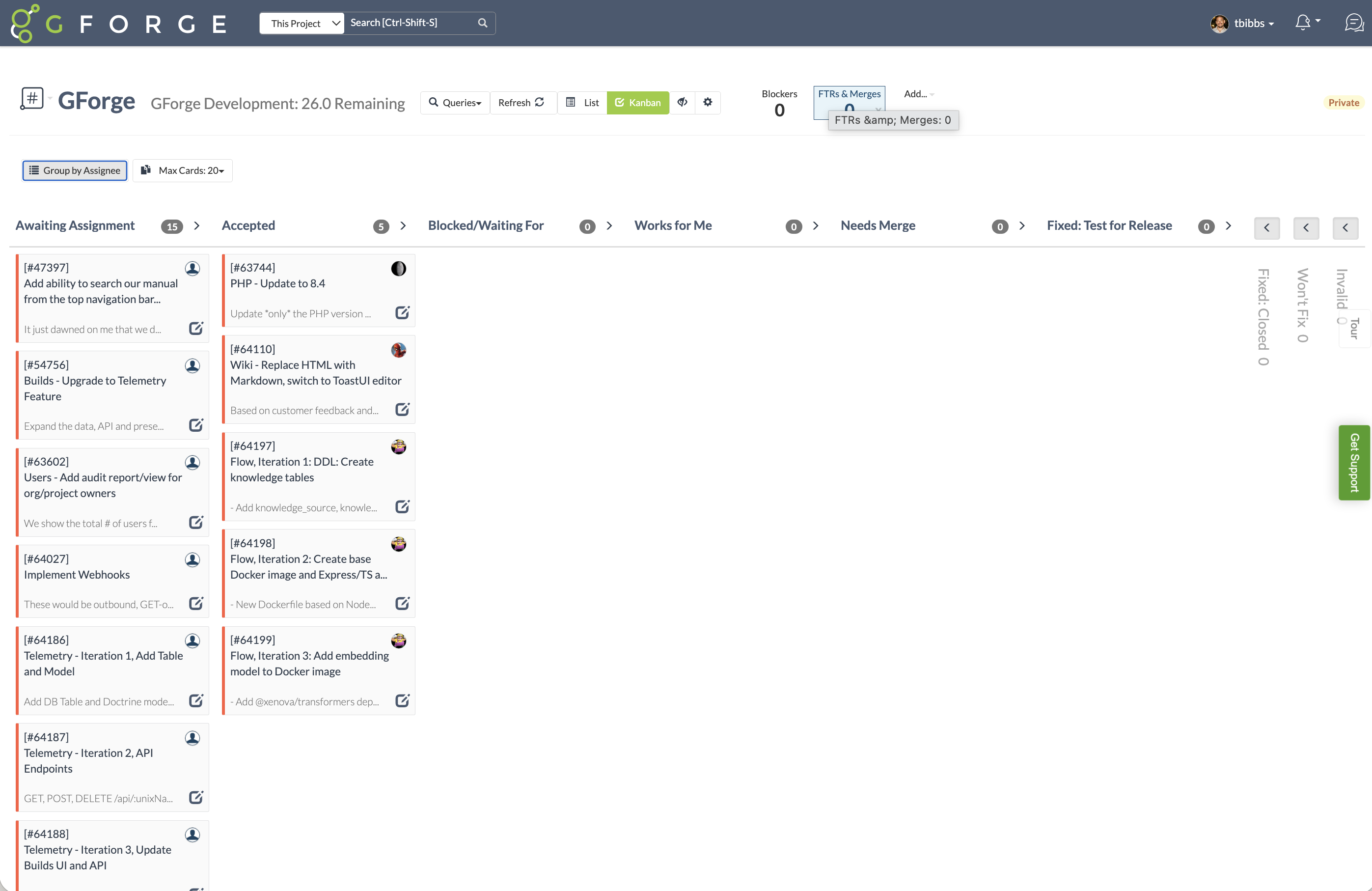
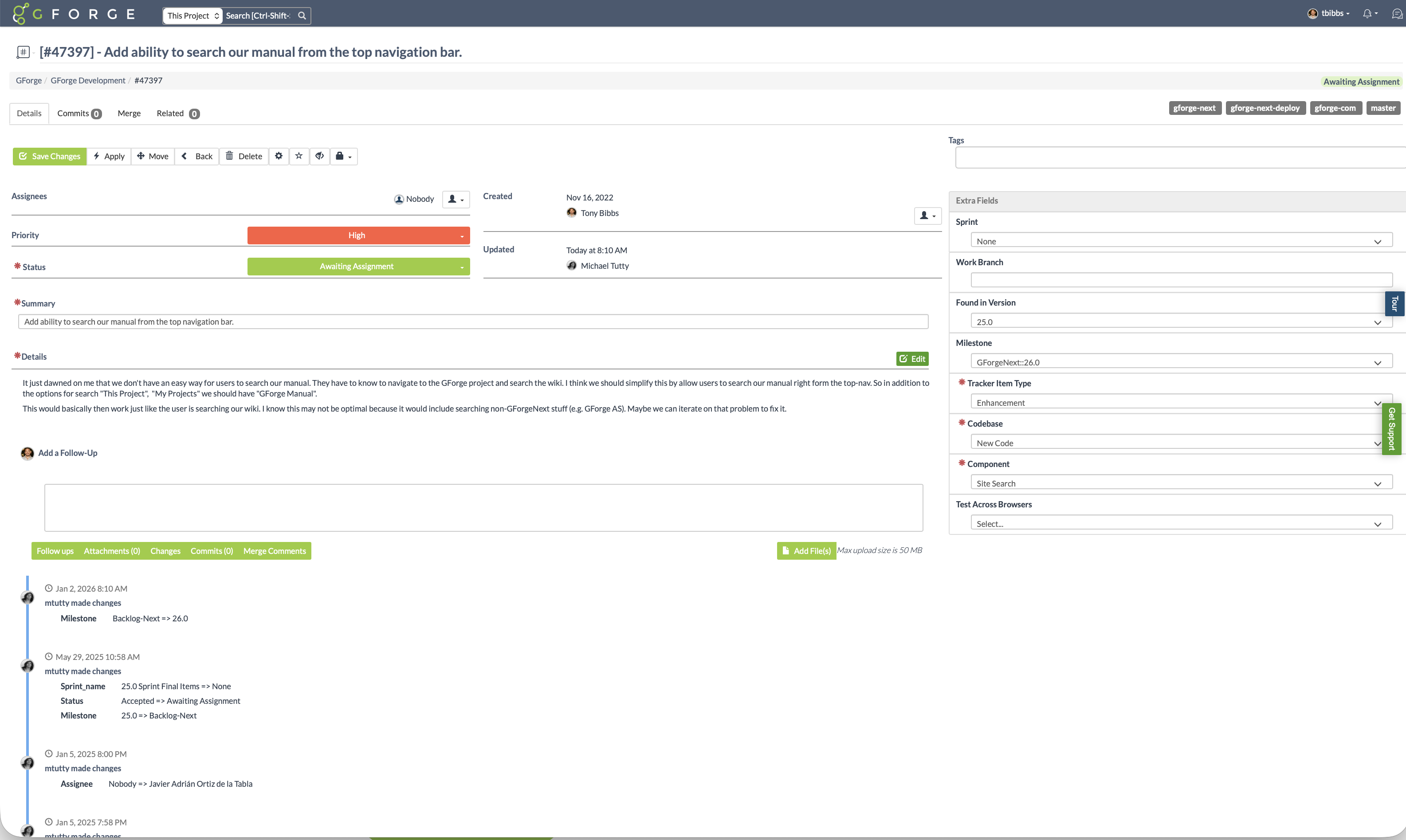
GForge is a DevOps and project management platform offering tools for tickets, code, documentation, and collaboration. Available as both cloud-hosted SaaS and on-premise installation, GForge supports air-gapped networks and offline deployment - making it a fit for defense contractors, aerospace companies, and other organizations with strict security or compliance requirements. Core Capabilities Project Management: Customizable trackers…
$6
per month per user
Linear
Score 9.3 out of 10
N/A
Linear is a purpose-built issue tracking and project management system designed for software engineering teams. It prioritizes high-performance synchronization and keyboard-driven workflows to streamline the product development lifecycle from initial triage to feature release.
$12
per month per user
Pricing
GForge
Linear
Editions & Modules
Standard
$6
per month per user
Basic
$12
per month per user
Business
$18
per month per user
Enterprise
Custom
Offerings
Pricing Offerings
GForge
Linear
Free Trial
Yes
No
Free/Freemium Version
Yes
Yes
Premium Consulting/Integration Services
No
No
Entry-level Setup Fee
$2,000 one-time fee per installation
No setup fee
Additional Details
All features are included at every pricing level - there are no add-on modules or tiered feature gates. The first 5 users are free on both SaaS and on-premise deployments.
Enterprise licensing is available for organizations that need to deploy multiple on-premise instances without separate procurement for each installation. Contact GForge Group for enterprise pricing.
I like these other projects as also, but I've gravitated more toward Jira in recent years since I now work at smaller organizations with simpler needs and Linear is more simple and easy to use. These other tools are also fine but Linear feels the most modern and accessible for …
When we are using jira it felt light the application itself is very heavy usage and the UI feel like boring and features were not good as compared to Linear. As QA when shifted to Linear i felt huge difference in process of ticket creation and tracking compared to jira and …
The function is similar, and we originally switched for price. Now that we've used Linear for a few years, I don't see us switching back. The integrations have worked well, and Linear Agent is now our first line of triage for all engineering requests. Additionally, our team …
Linear is better in many ways because it's a simple and easy-to-use interface that involves AI to speed up workflows. Jira was complicated, hard to navigate, and difficult to integrate with other technologies. With Linear, I can easily connect it to Slack and see updates as …
Simpler, smoother. I wasn't in chargge of setting up either, but I do know that Linear was set up faster and with all the features we needed than Jira was.
Even though platforms like Clickup are pretty flexible, Linear is fast, simple, has a lot of keyboard shortcuts, better UI/UX, modern product development concepts built into it, listens to user feedback
Linear is well suited for engineering planning, keeping track of capacity and timelines, and retro-ing how sprints went. It is not well suited for high level multi-project planning or project planning outside of the scope of engineering.
I already spoke to this in a previous question but, if you've ever used Jira, Linear should feel quite natural. It is a project management tool rooted in issues/tickets to which you can also add sub-tasks and various details. There is some customization but Linear has attempted to shape its offering as the most essential features necessary for this type of work.
The function is similar, and we originally switched for price. Now that we've used Linear for a few years, I don't see us switching back. The integrations have worked well, and Linear Agent is now our first line of triage for all engineering requests. Additionally, our team uses it for the product roadmap, so all internal users can see the status of upcoming features without having to use another software or page.