Hover vs. On-Screen Takeoff®

Overview
ProductRatingMost Used ByProduct SummaryStarting Price
Hover
Score 0.0 out of 10
N/A
Hover’s platform is a solution for measuring, designing, estimating, and bidding, powered by a proprietary 3D property technology and a spatial database of over 10 million homes, offering access to its features through a single, end-to-end, visual workflow.
$29
one-time fee per job
On-Screen Takeoff®
Score 7.3 out of 10
N/A
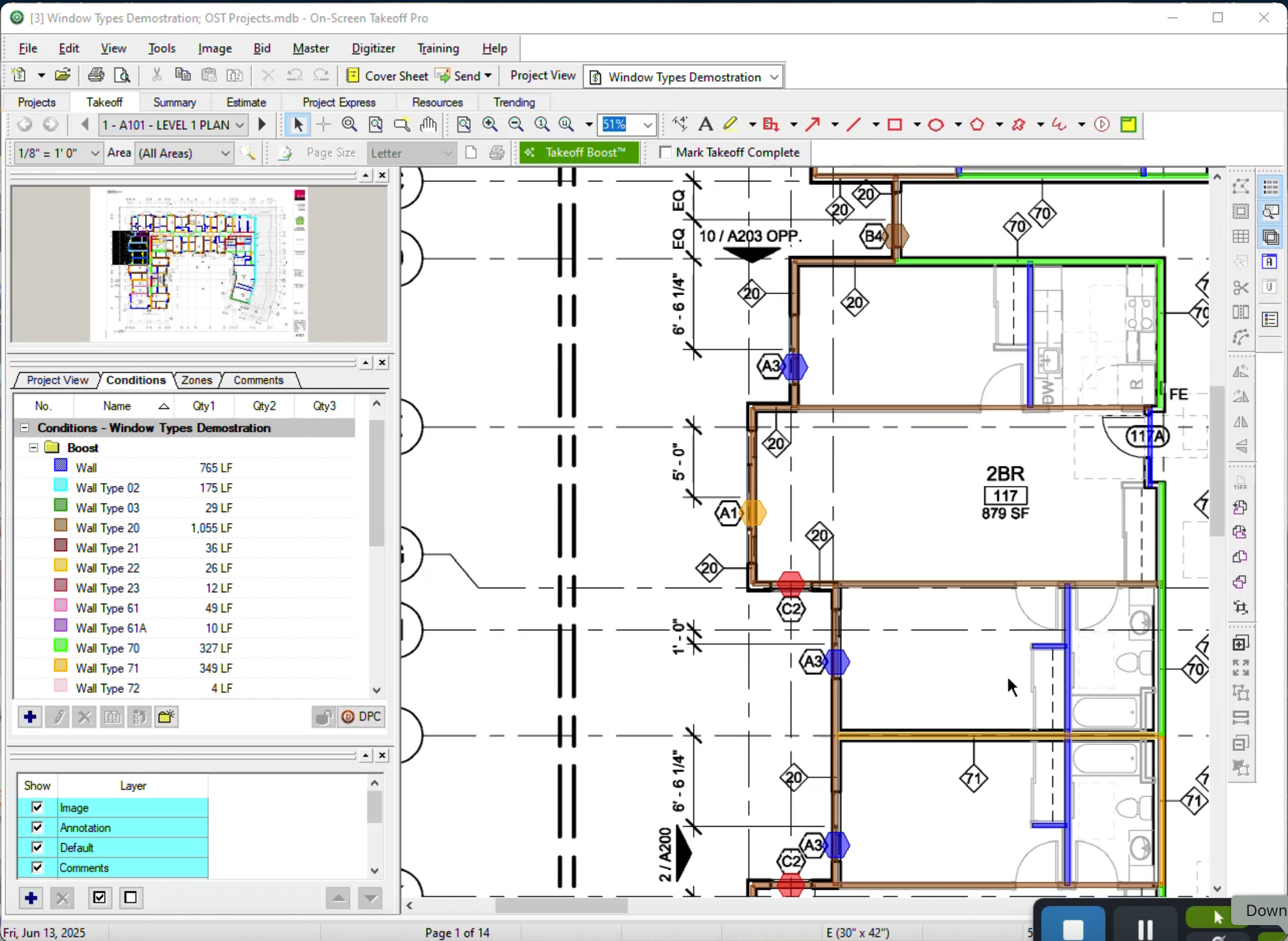
On-Screen Takeoff is a construction takeoff and estimating solution. It is intended to streamline takeoff, RFI, and bidding processes.N/A
Pricing
HoverOn-Screen Takeoff®
Editions & Modules
Starter
$29
one-time fee per job
Pro
$999
per year
Enterprise
Custom plan
per year per job
No answers on this topic
Offerings
Pricing Offerings
HoverOn-Screen Takeoff®
Free Trial
YesYes
Free/Freemium Version
NoNo
Premium Consulting/Integration Services
NoNo
Entry-level Setup FeeNo setup feeNo setup fee
Additional DetailsOn-Screen Takeoff® pricing varies based on licensing options and specific business needs. The annual subscription plans are designed to scale with project and team size. Available Subscription Options: •On-Screen Takeoff •On-Screen Takeoff with Takeoff Boost™ •On-Screen Takeoff and Quick Bid® •On-Screen Takeoff with Takeoff Boost and Quick Bid Each subscription is customized to match the subscriber's workflow requirements. A 14-day free trial is available.
More Pricing Information
Community Pulse
HoverOn-Screen Takeoff®
Best Alternatives
HoverOn-Screen Takeoff®
Small Businesses
Bluebeam
Bluebeam
Score 9.3 out of 10
Bluebeam
Bluebeam
Score 9.3 out of 10
Medium-sized Companies
InEight
InEight
Score 8.5 out of 10
InEight
InEight
Score 8.5 out of 10
Enterprises
InEight
InEight
Score 8.5 out of 10
InEight
InEight
Score 8.5 out of 10
All AlternativesView all alternativesView all alternatives
User Ratings
HoverOn-Screen Takeoff®
Likelihood to Recommend
-
(0 ratings)
9.0
(15 ratings)
Likelihood to Renew
-
(0 ratings)
10.0
(1 ratings)
Usability
-
(0 ratings)
6.0
(1 ratings)
Support Rating
-
(0 ratings)
8.2
(5 ratings)
Implementation Rating
-
(0 ratings)
7.0
(1 ratings)
User Testimonials
HoverOn-Screen Takeoff®
Likelihood to Recommend
Hover, Inc
No answers on this topic
ConstructConnect
I think most of the reasoning was just provided on the previous pros and cons questions. On-Screen Takeoff (OST) is well suited for doing either quick takeoffs or getting into an elaborate, detailed takeoff. All though the viewing tools are quick and easy, I would still very much prefer using BlueBeam for looking through an overall set of drawings. With all of the hyperlink and bookmark functions of BlueBeam, OST doesn't compare and I rarely use OST unless I'm actually doing a takeoff.
Read full review
Pros
Hover, Inc
No answers on this topic
ConstructConnect
  • The biggest thing for me is that it is so easy to use, which allows it to be used widely throughout our organization without a lot of intense training.
  • Another great thing is that it does not matter how big or little the scope of the take off may be, it works just as well for a whole 12 story building take off as it does for a stretch of sidewalk.
Read full review
Cons
Hover, Inc
No answers on this topic
ConstructConnect
  • It would be nice if you could select an object that occurs on multiple sheets, copy, and paste it into change orders or alternates.
  • If you could search for where a certain condition is being used (which sheet) and go directly to that page or pages, that would be cool.
Read full review
Likelihood to Renew
Hover, Inc
No answers on this topic
ConstructConnect
It provides invaluable communication, organization, and flexibility to generate a project overview both visually and by the numbers. In addition to the overview it makes getting into the project details easy and quick, so our takeoff is accurate and correct every time
Read full review
Usability
Hover, Inc
No answers on this topic
ConstructConnect
On Screen Takeoff is a valuable tool for what it does. Across the board it can keep track of the critical data and corresponding values without extra legwork. While powerful, it is prone to user error, and the problem can compound quickly if not realized up front. Overall a great project tool, but not without limitations
Read full review
Support Rating
Hover, Inc
No answers on this topic
ConstructConnect
I have had very few issues with the software which is probably the first sign that there is a good customer support team, since I am sure they are working and fixing problems for everyone when they get a report from somewhere. The few times I have had to reach out to support they have been knowledgeable and on top of helping me quickly get my issues resolved.
Read full review
Implementation Rating
Hover, Inc
No answers on this topic
ConstructConnect
Implementation was as simple as setting up the program and creating databases. Everything else was already in use and this was a supplement to the final organization of the system
Read full review
Alternatives Considered
Hover, Inc
No answers on this topic
ConstructConnect
Being able to train individuals in a single afternoon on the program and trusting them to get you something usable as soon as possible is quite invaluable. It is also something that I feel is unique to this program. It is just easier.
Read full review
Return on Investment
Hover, Inc
No answers on this topic
ConstructConnect
  • The software has more than paid for itself because the company has been able to save lots of money when awarding to subs since it is easy to verify quantities to qualify their bids.
  • Less of a chance of under-ordering products since the visible audit trail improves accuracy. Also you spend less since you aren't ordering more than you should be.
Read full review
ScreenShots

Hover Screenshots

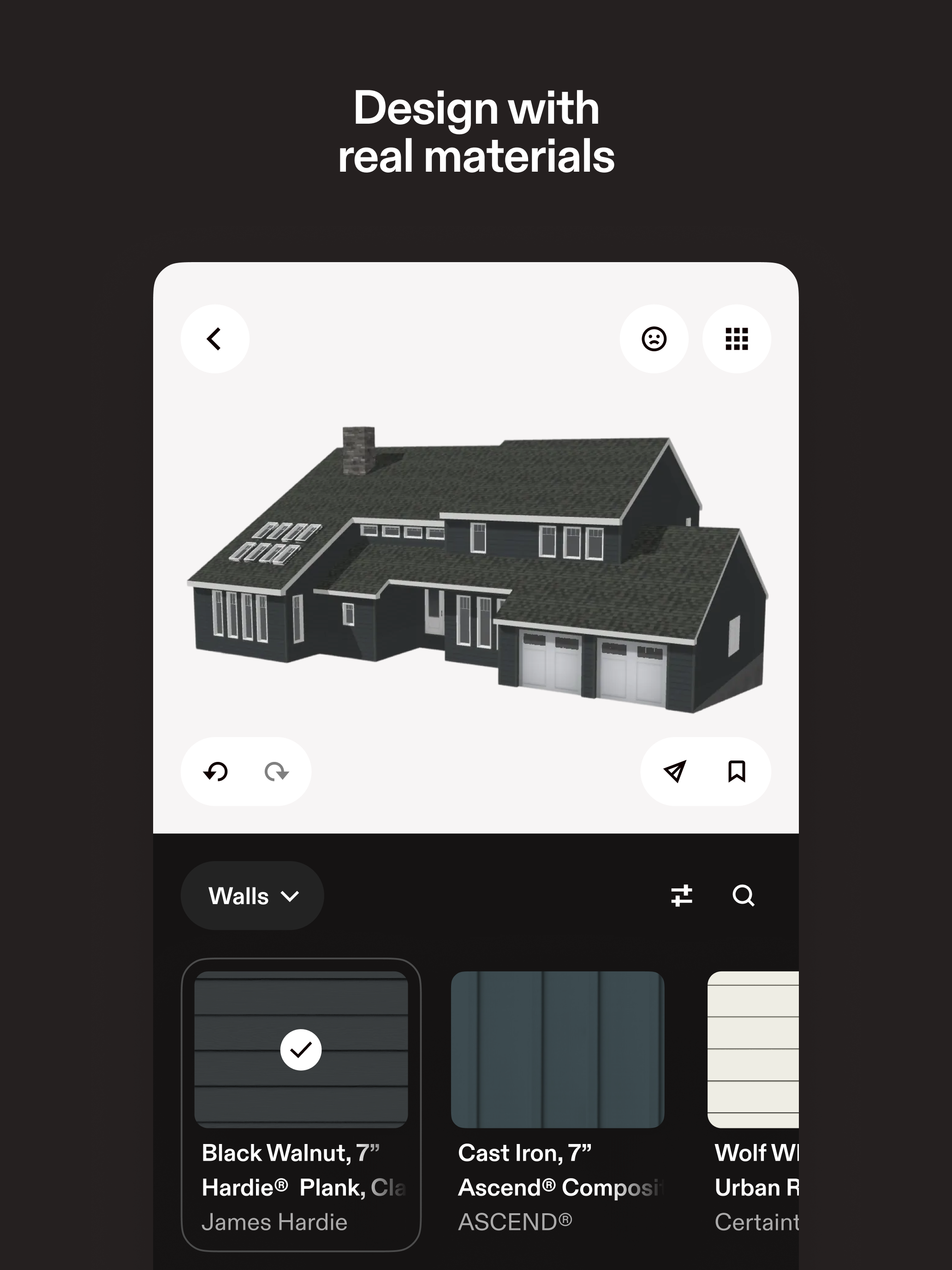
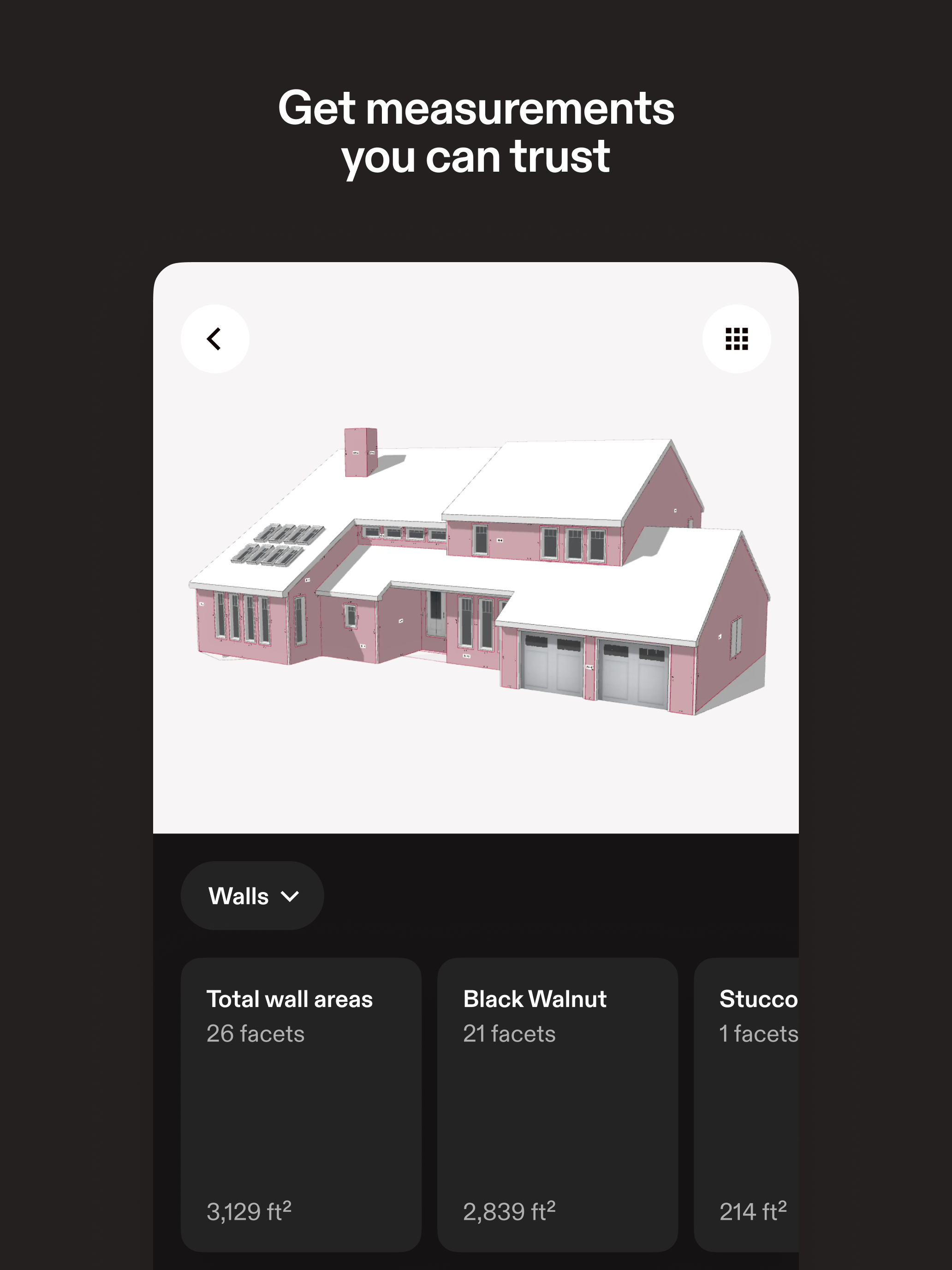
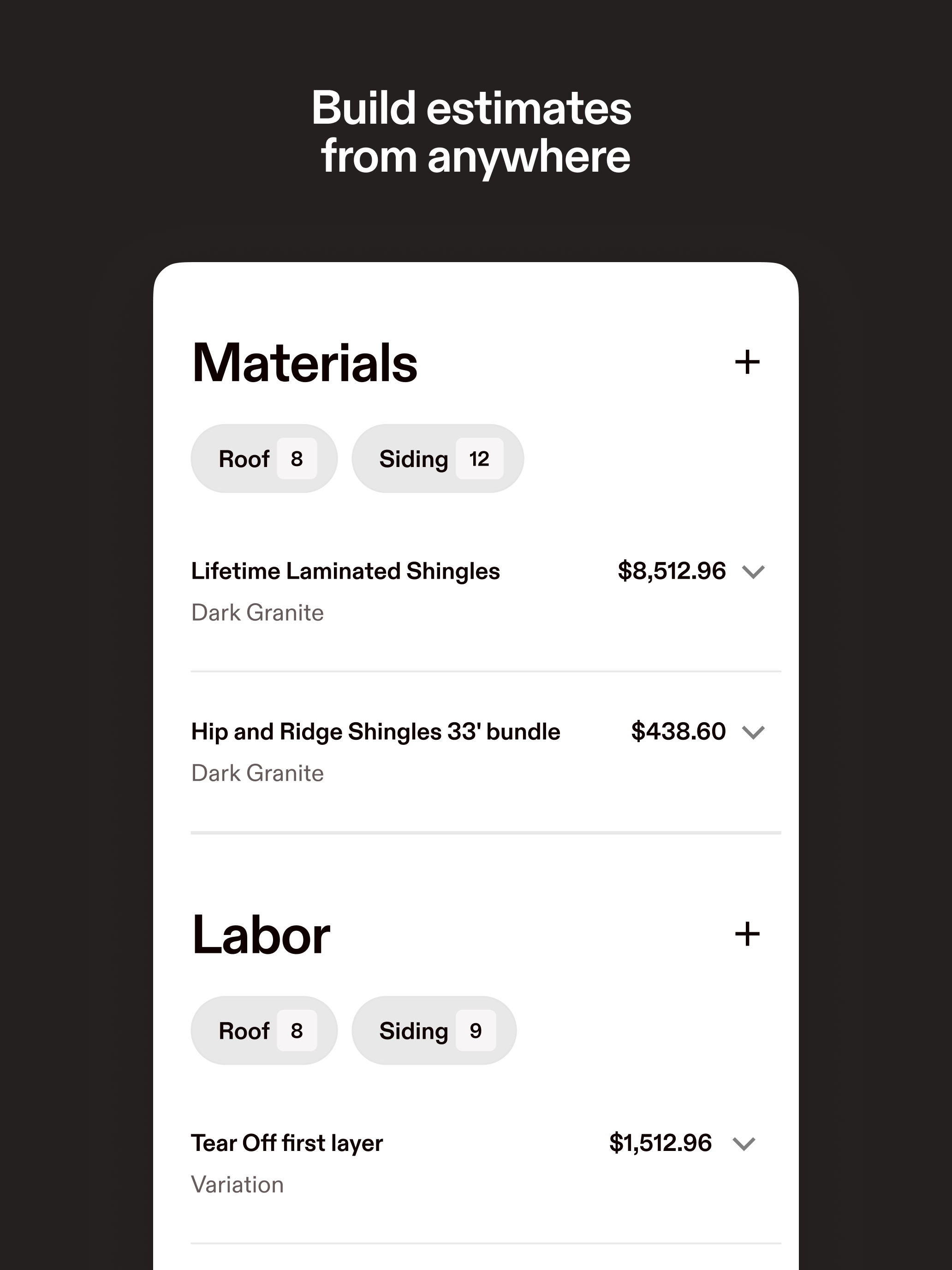
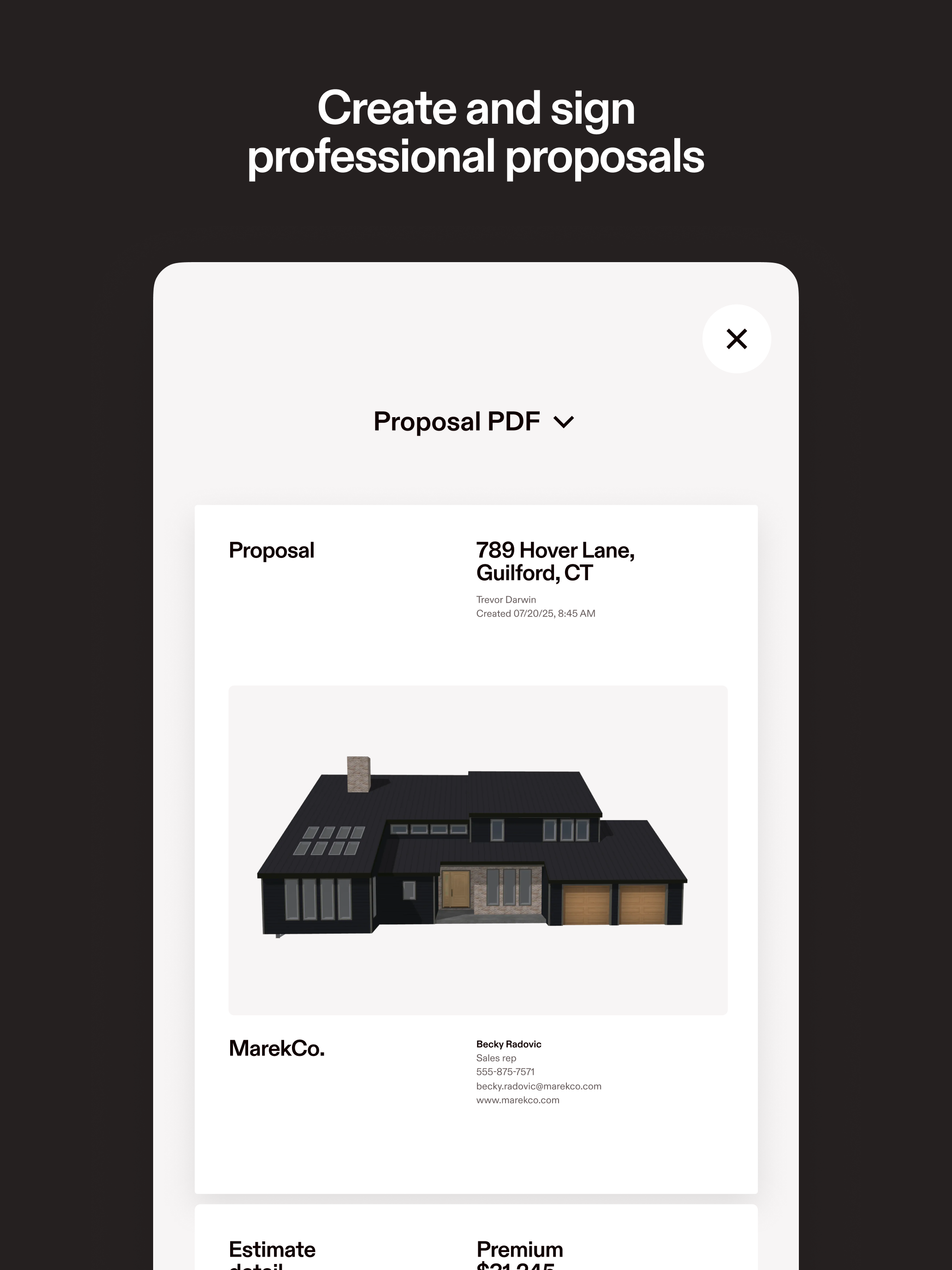
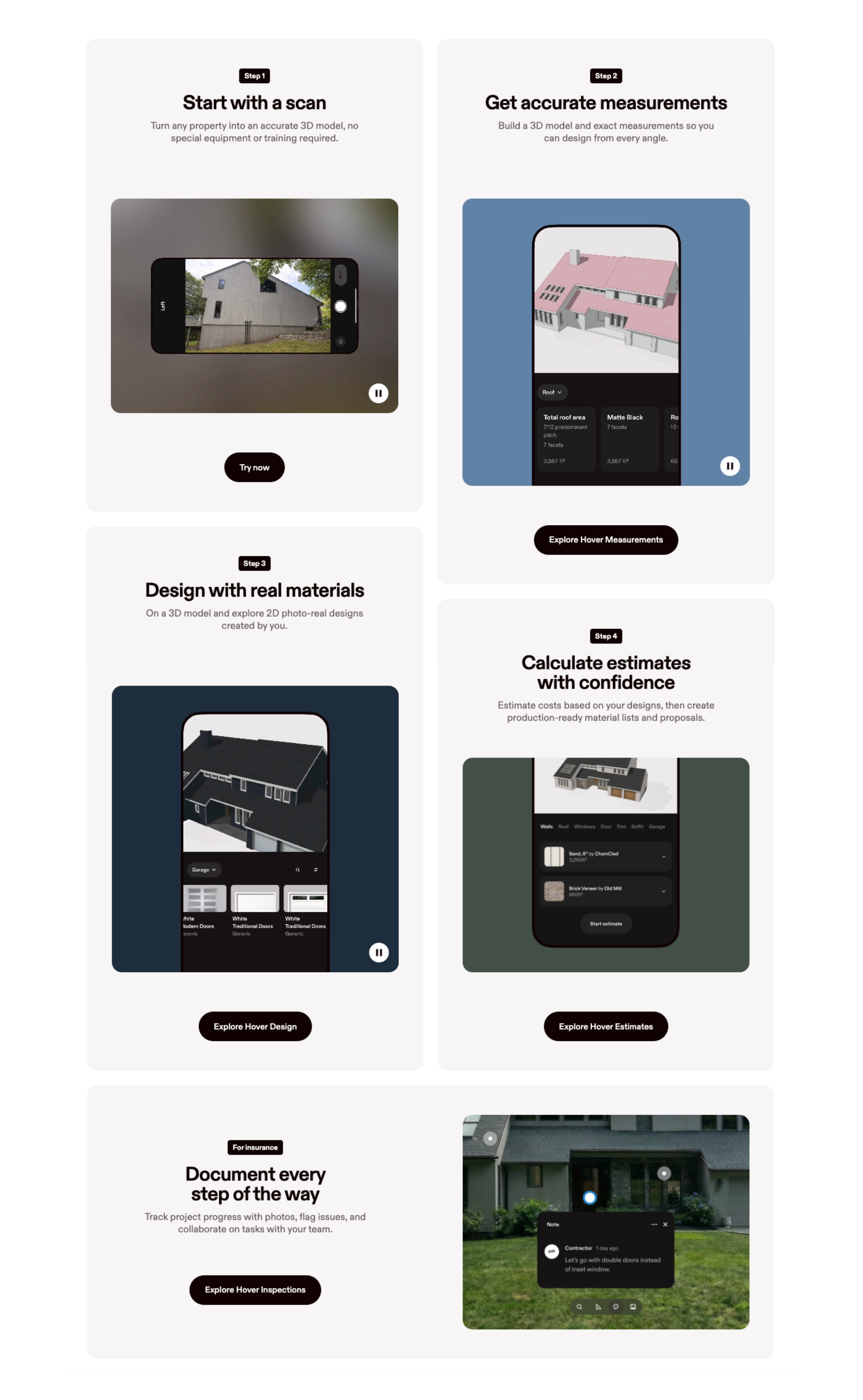
Screenshot of the design interface, which can be used to visualize home renovations in 2D and 3D using real materials.Screenshot of measurements, available from every angle.Screenshot of the interface to generate estimates. This can turn 3D designs into visual estimates and help teams close faster and hand off from sales reps to production.Screenshot of a proposal, ready to sign.Screenshot of a step-by-step on how to get the most out of Hover.

On-Screen Takeoff® Screenshots

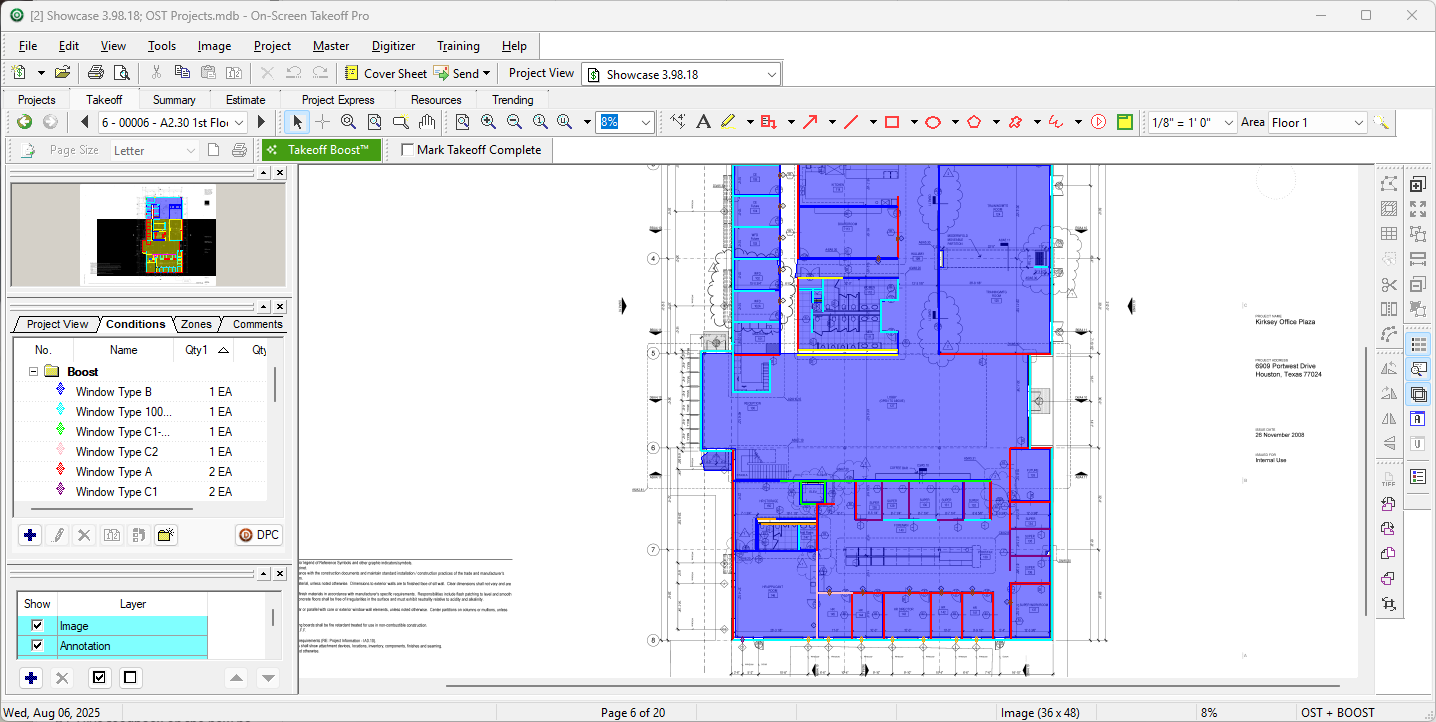
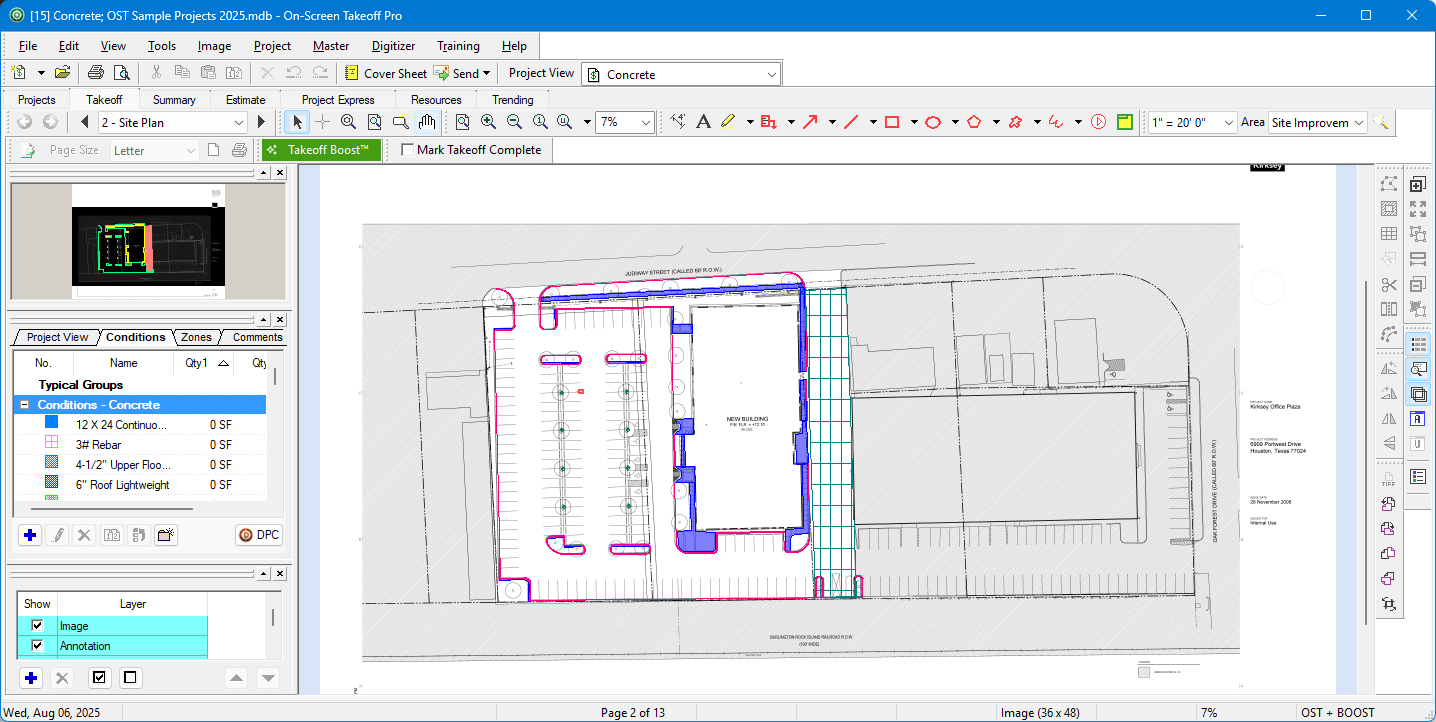
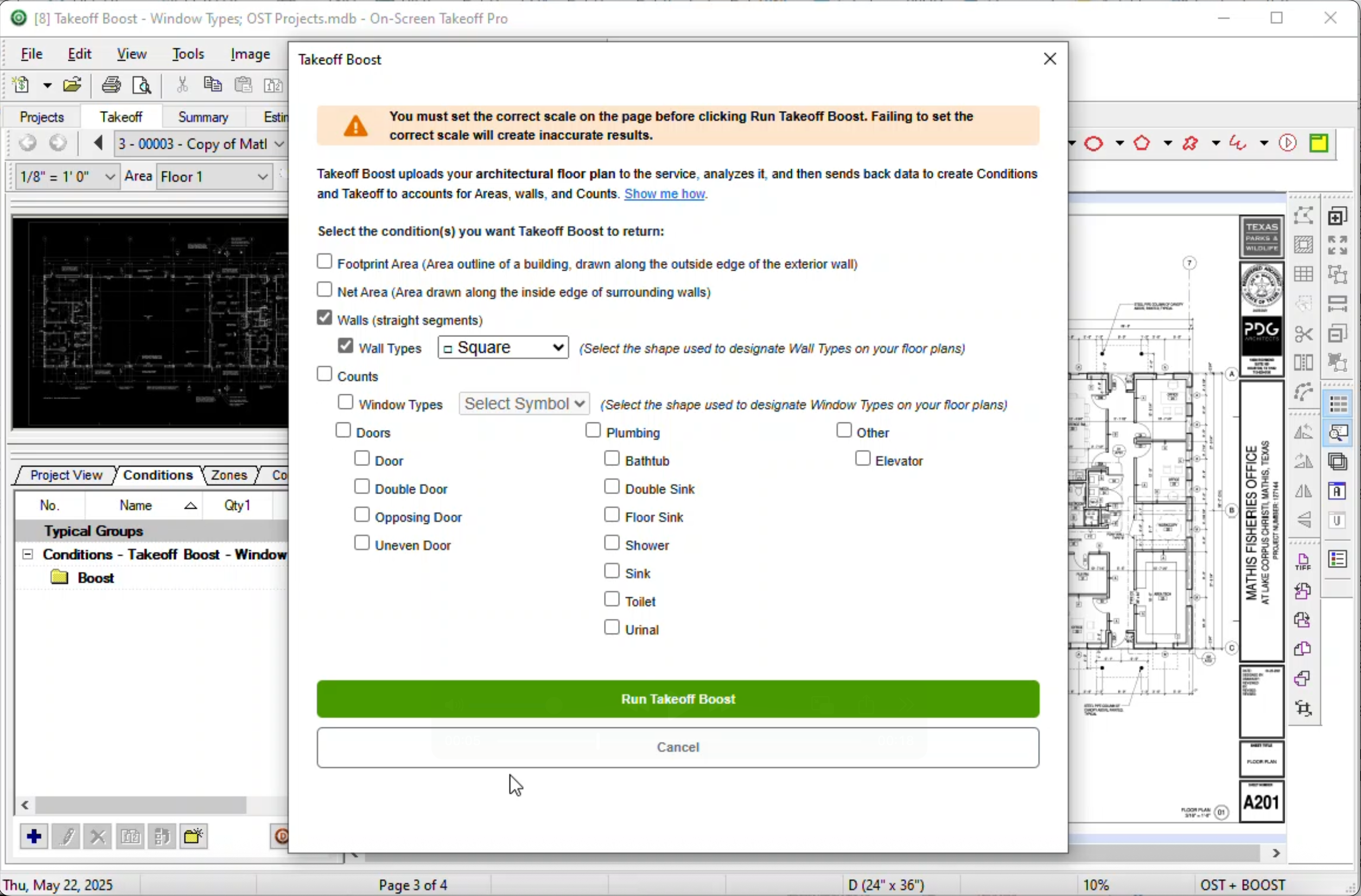
Screenshot of Screenshot of Screenshot of Screenshot of