
iBackup Extractor vs. NetApp SnapRestore
| Product | Rating | Most Used By | Product Summary | Starting Price |
|---|---|---|---|---|
 iBackup Extractor | N/A | N/A | iBackup Extractor — iPhone Backup Explorer and Data Recovery Tool for Windows & Mac Overview iBackup Extractor is a desktop application that helps users access and recover data stored in iPhone, iPad, and iPod touch backups created by iTunes, Apple Devices app, or Finder (macOS Catalina and later). Because iOS backups are not designed to be human-readable, iBackup Extractor provides a structured way to preview backup contents and… | $30 one-time fee |
 SnapRestore | Score8 out of 10 | N/A | NetApp SnapRestore software uses stored Snapshot copies to recover entire file systems or data volumes. Whether users want to recover a single file or a multi-terabyte data volume, the vendor states that SnapRestore software makes data recovery automatic and near instantaneous regardless of storage capacity or number of files. | N/A |
| iBackup Extractor | SnapRestore | |||||||||||||||
|---|---|---|---|---|---|---|---|---|---|---|---|---|---|---|---|---|
| Editions & Modules | No answers on this topic | No answers on this topic | ||||||||||||||
| Offerings |
| |||||||||||||||
| Entry-level Setup Fee | No setup fee | No setup fee | ||||||||||||||
| Additional Details | — | — | ||||||||||||||
| More Pricing Information | ||||||||||||||||
| iBackup Extractor | SnapRestore | |
|---|---|---|
| Likelihood to Recommend | - | 8.0 |
| iBackup Extractor | SnapRestore | |
|---|---|---|
| Likelihood to Recommend | No answers on this topic |
|
| Pros | No answers on this topic |
|
| Cons | No answers on this topic |
|
| Alternatives Considered | No answers on this topic |
|
| Return on Investment | No answers on this topic |
|
| ScreenShots | iBackup Extractor Screenshots  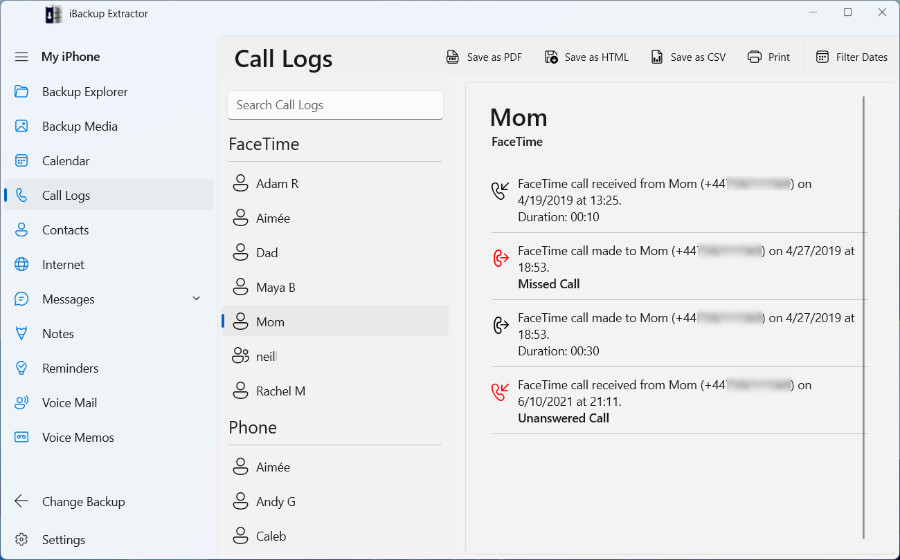 |
