
IBM Aspera on Cloud vs. SFTP To Go
| Product | Rating | Most Used By | Product Summary | Starting Price |
|---|---|---|---|---|
 IBM Aspera on Cloud | Score9.3 out of 10 | N/A | IBM Aspera on Cloud is an on-demand SaaS offering for global content transfer and exchange. It enables organizations to move large files and data sets securely and reliably across on-premises and multi-cloud environments at high speed. With Aspera on Cloud, organizations can store and access files and folders across multiple cloud-based and on-premises storage systems. Sharing among users is as simple as browsing or drag-and-drop — no matter where the files are stored — making… | $1.01 per month per GB transferred |
 SFTP To Go | Score6.1 out of 10 | Small Businesses (1-50 employees) | SFTP To Go is a cloud-based Managed File Transfer (MFT) platform that helps businesses securely send, receive, manage, and automate files without maintaining complex file servers or custom scripts. Built on AWS, it gives IT and security teams a scalable way to centralize file exchange, improve visibility, and reduce infrastructure overhead. The platform supports SOC 2, GDPR, HIPAA, GLBA, DORA, and FERPA requirements, with AES-256 encryption, audit logs, SAML SSO, MFA,… | $180 per month |
| IBM Aspera on Cloud | SFTP To Go | |||||||||||||||
|---|---|---|---|---|---|---|---|---|---|---|---|---|---|---|---|---|
| Editions & Modules |
|
| ||||||||||||||
| Offerings |
| |||||||||||||||
| Entry-level Setup Fee | No setup fee | No setup fee | ||||||||||||||
| Additional Details | — | — | ||||||||||||||
| More Pricing Information | ||||||||||||||||
| IBM Aspera on Cloud | SFTP To Go | |
|---|---|---|
| Considered Both Products | No answer on this topic | No answer on this topic |
| Key User Insights | ||
| Would buy again | ||
100% Would buy again 26 Answers | No answers on this topic | |
| Delivers good value for the price | ||
91% Delivers good value for the price 21 Answers | No answers on this topic | |
| Happy with the feature set | ||
100% Happy with the feature set 26 Answers | No answers on this topic | |
| Lived up to sales and marketing promises | ||
100% Lived up to sales and marketing promises 13 Answers | No answers on this topic | |
| Implementation went as expected | ||
100% Implementation went as expected 19 Answers | No answers on this topic | |
| IBM Aspera on Cloud | SFTP To Go | |
|---|---|---|
| Small Businesses |  FileZilla Score9.2 out of 10 | FileZilla Score9.2 out of 10 |
| Medium-sized Companies | FileZilla Score9.2 out of 10 | FileZilla Score9.2 out of 10 |
| Enterprises |  Fortra's GoAnywhere MFT Score7.7 out of 10 | Fortra's GoAnywhere MFT Score7.7 out of 10 |
| All Alternatives | View all alternatives | View all alternatives |
| IBM Aspera on Cloud | SFTP To Go | |
|---|---|---|
| Likelihood to Recommend | 9.3 | - |
| Likelihood to Renew | 8.6 | - |
| Usability | 7.9 | - |
| Availability | 9.1 | - |
| Performance | 9.1 | - |
| Support Rating | 1.0 | - |
| Implementation Rating | 9.1 | - |
| Configurability | 9.1 | - |
| Contract Terms and Pricing Model | 9.1 | - |
| Ease of integration | 8.2 | - |
| Product Scalability | 8.2 | - |
| Vendor post-sale | 9.1 | - |
| Vendor pre-sale | 8.2 | - |
| IBM Aspera on Cloud | SFTP To Go | |
|---|---|---|
| Likelihood to Recommend |
| No answers on this topic |
| Pros |
| No answers on this topic |
| Cons |
| No answers on this topic |
| Likelihood to Renew |
| No answers on this topic |
| Usability |
| No answers on this topic |
| Reliability and Availability |
| No answers on this topic |
| Performance |
| No answers on this topic |
| Support Rating |
| No answers on this topic |
| Implementation Rating |
| No answers on this topic |
| Alternatives Considered |
| No answers on this topic |
| Contract Terms and Pricing Model |
| No answers on this topic |
| Scalability |
| No answers on this topic |
| Return on Investment |
| No answers on this topic |
| ScreenShots | IBM Aspera on Cloud Screenshots   | SFTP To Go Screenshots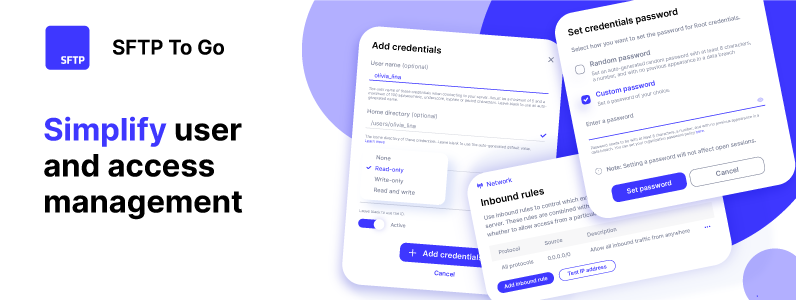 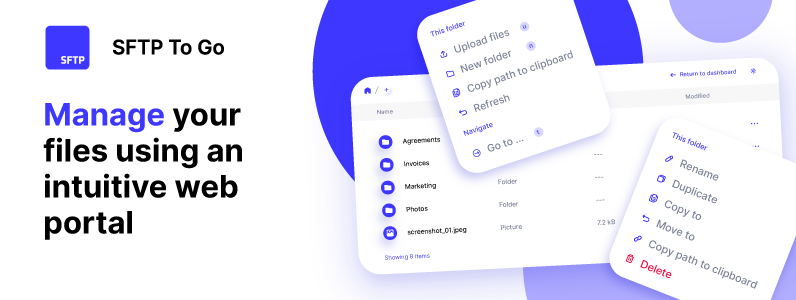 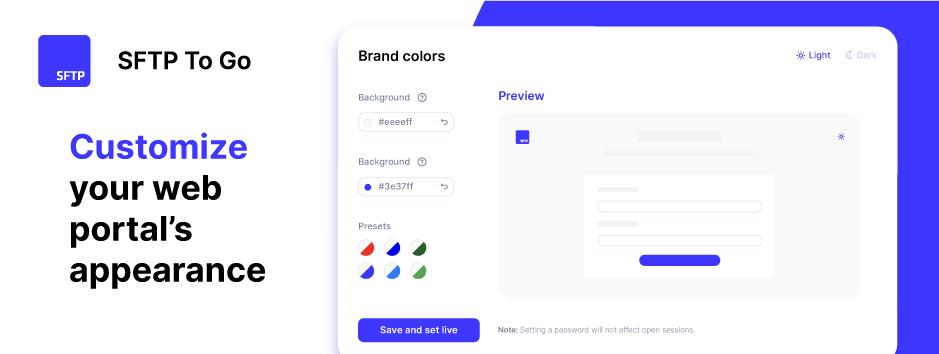  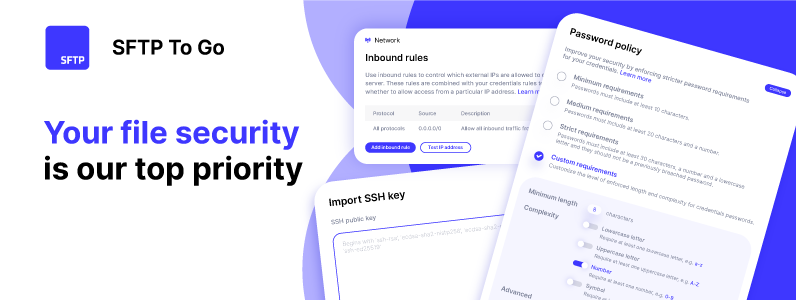 |

