IBM Watson Speech to Text supports conversion of audio and voice recordings to text in applications.
N/A
LingoHub
Score9.1 out of 10
N/A
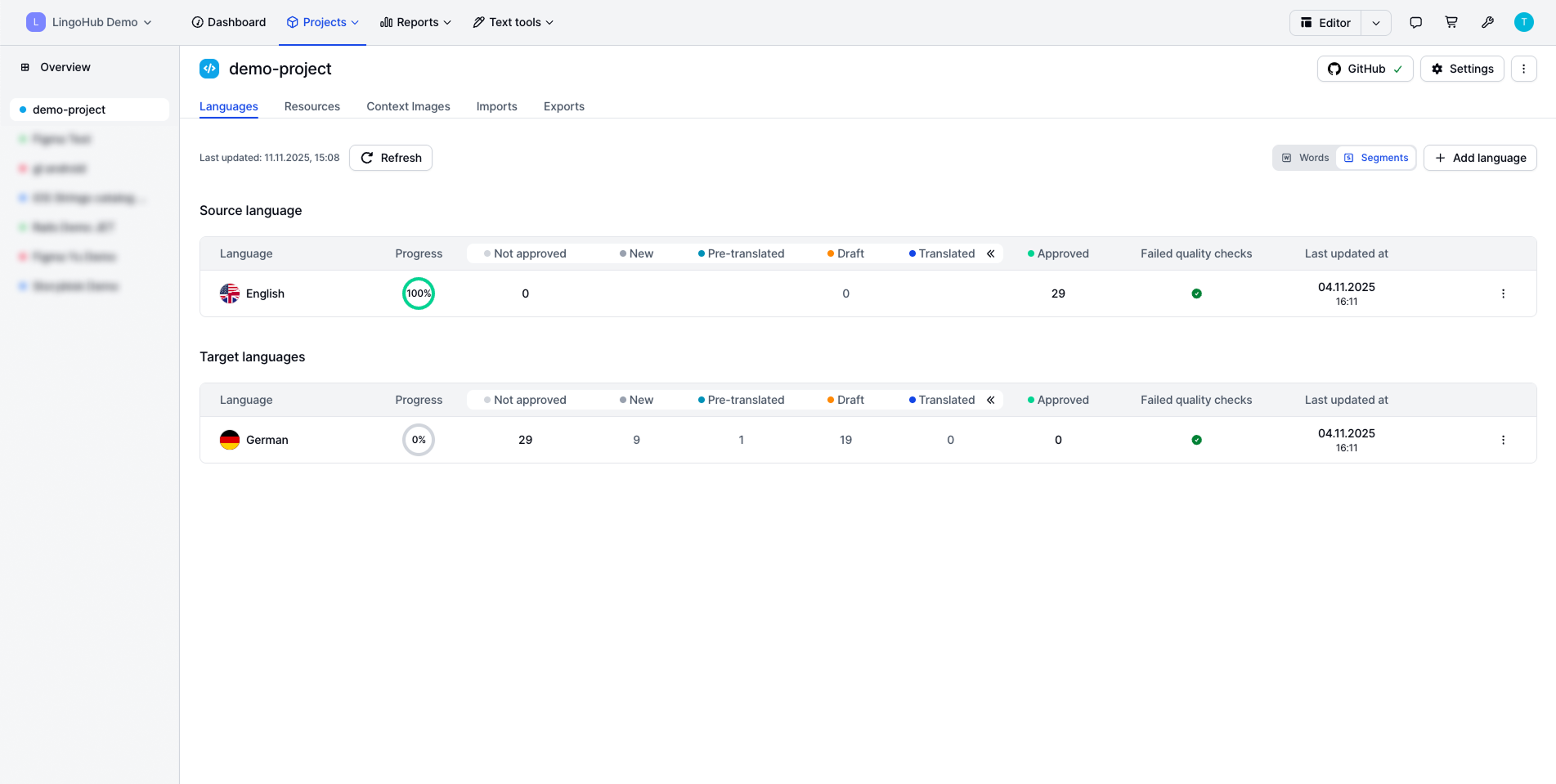
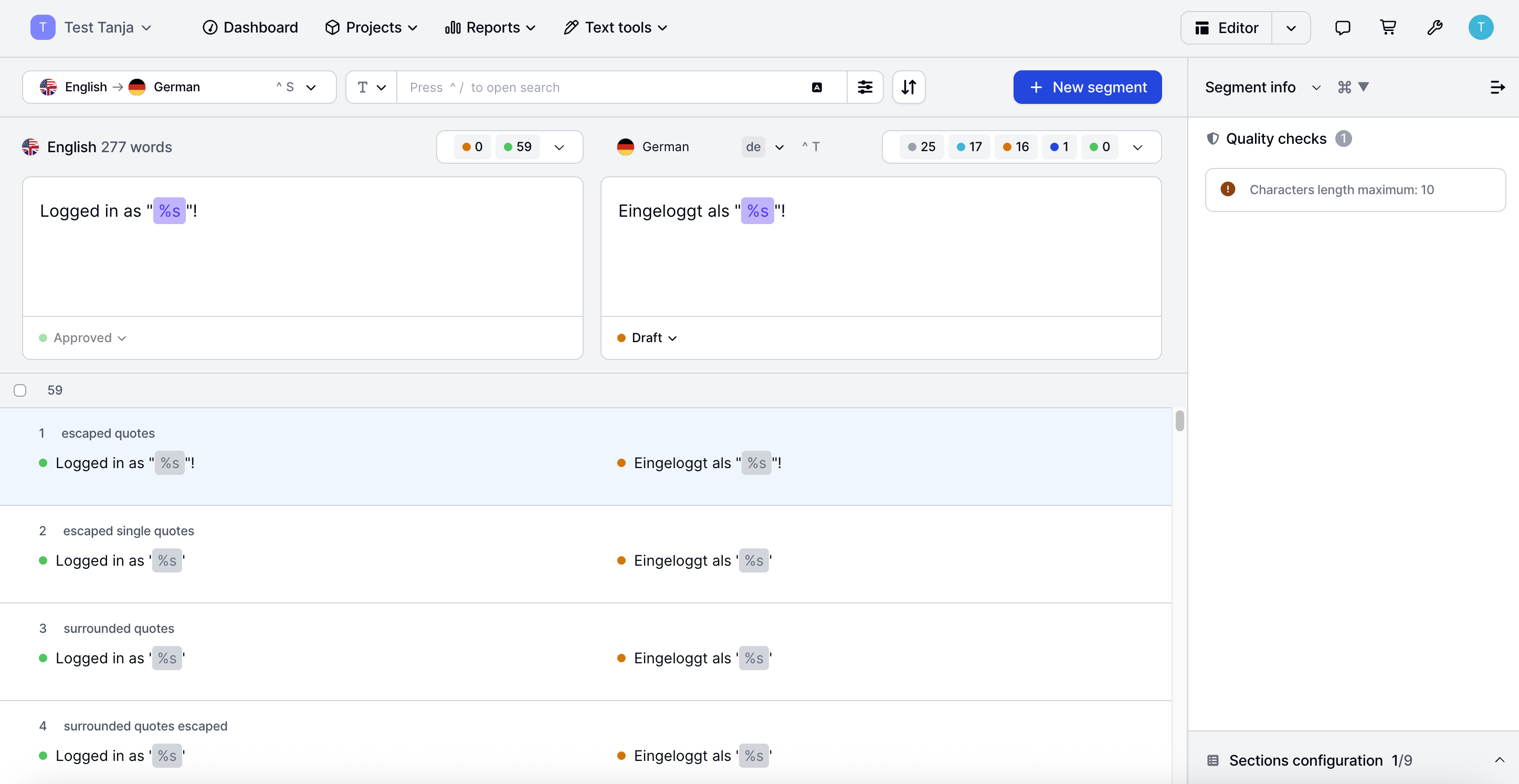
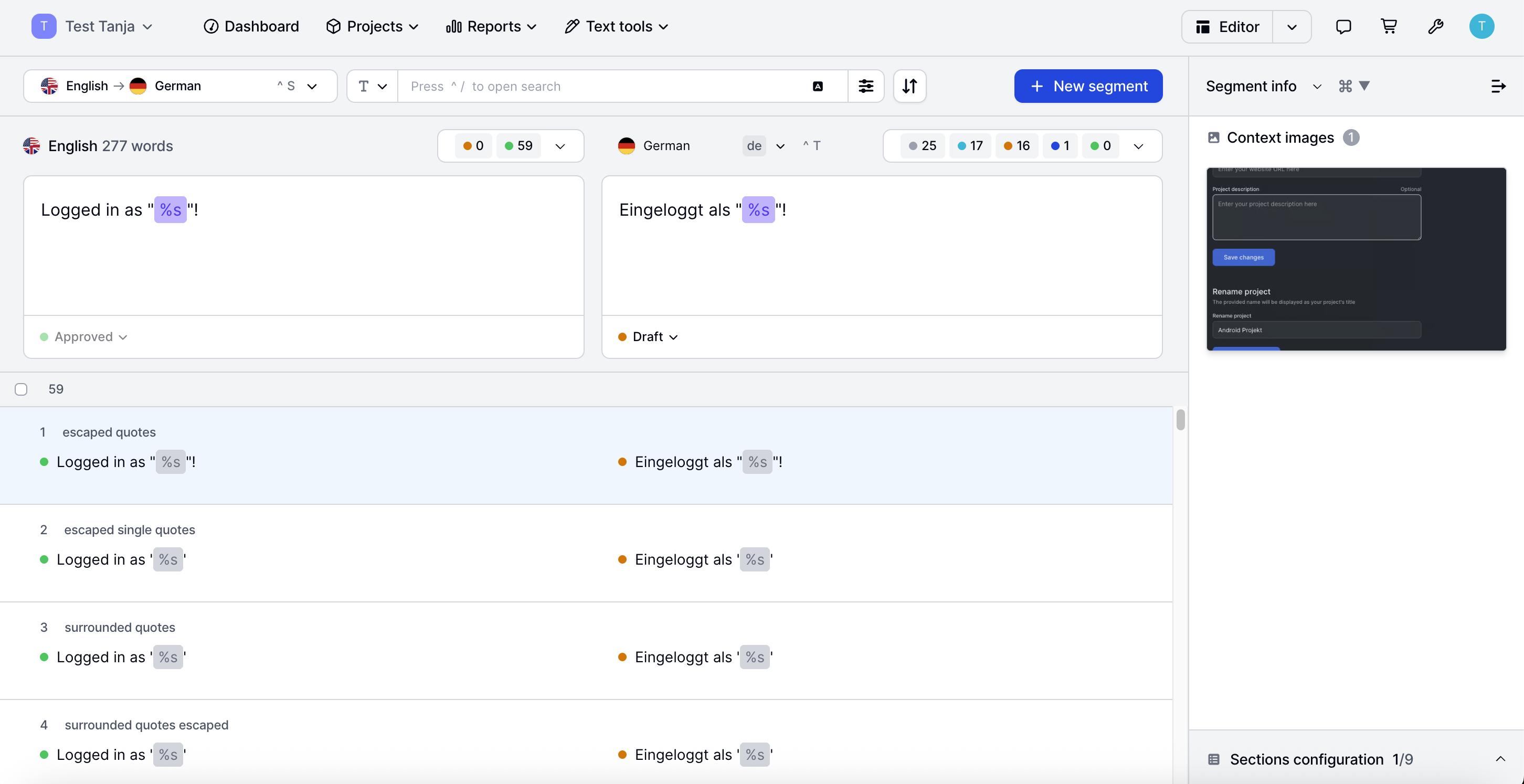
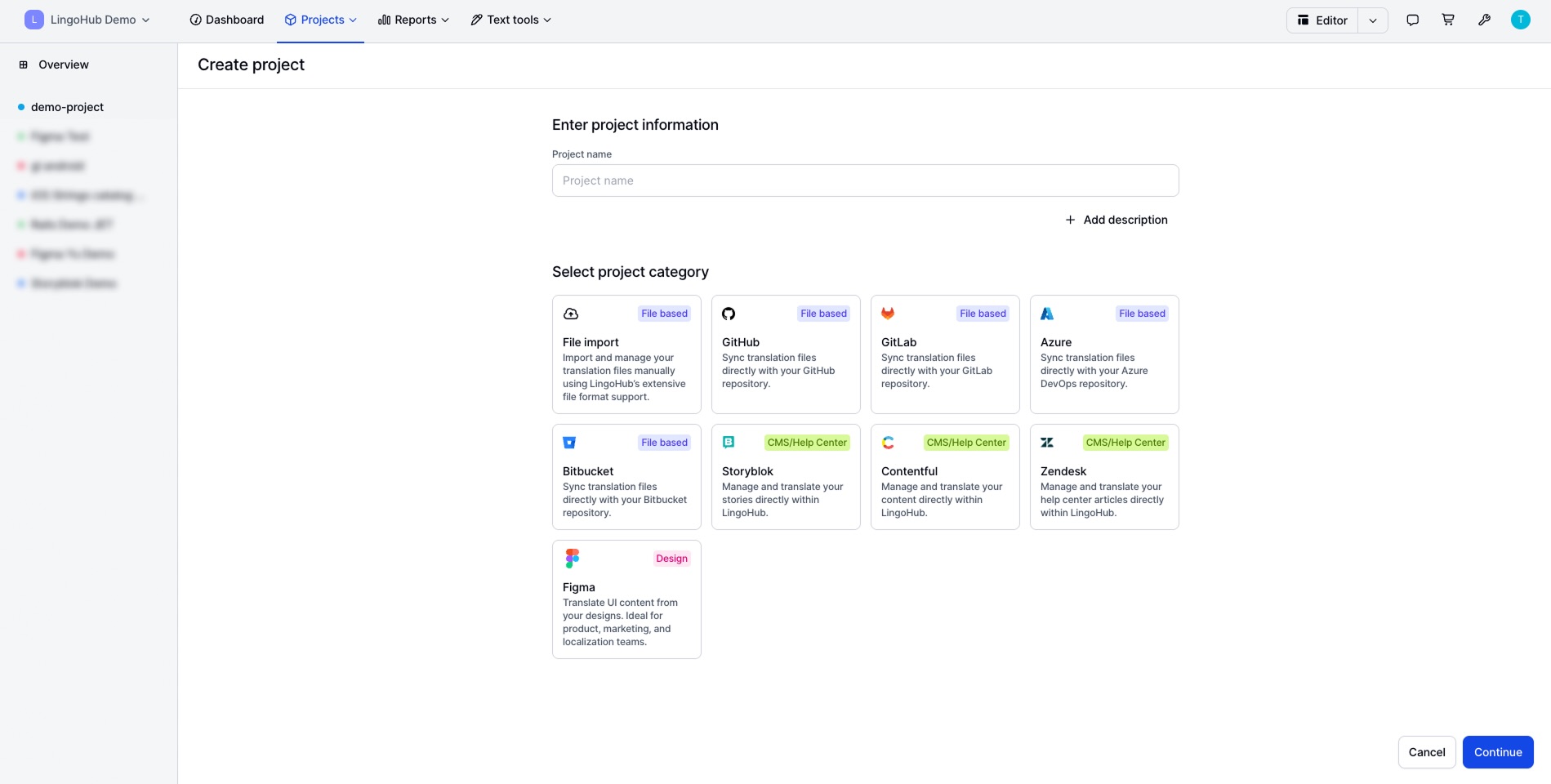
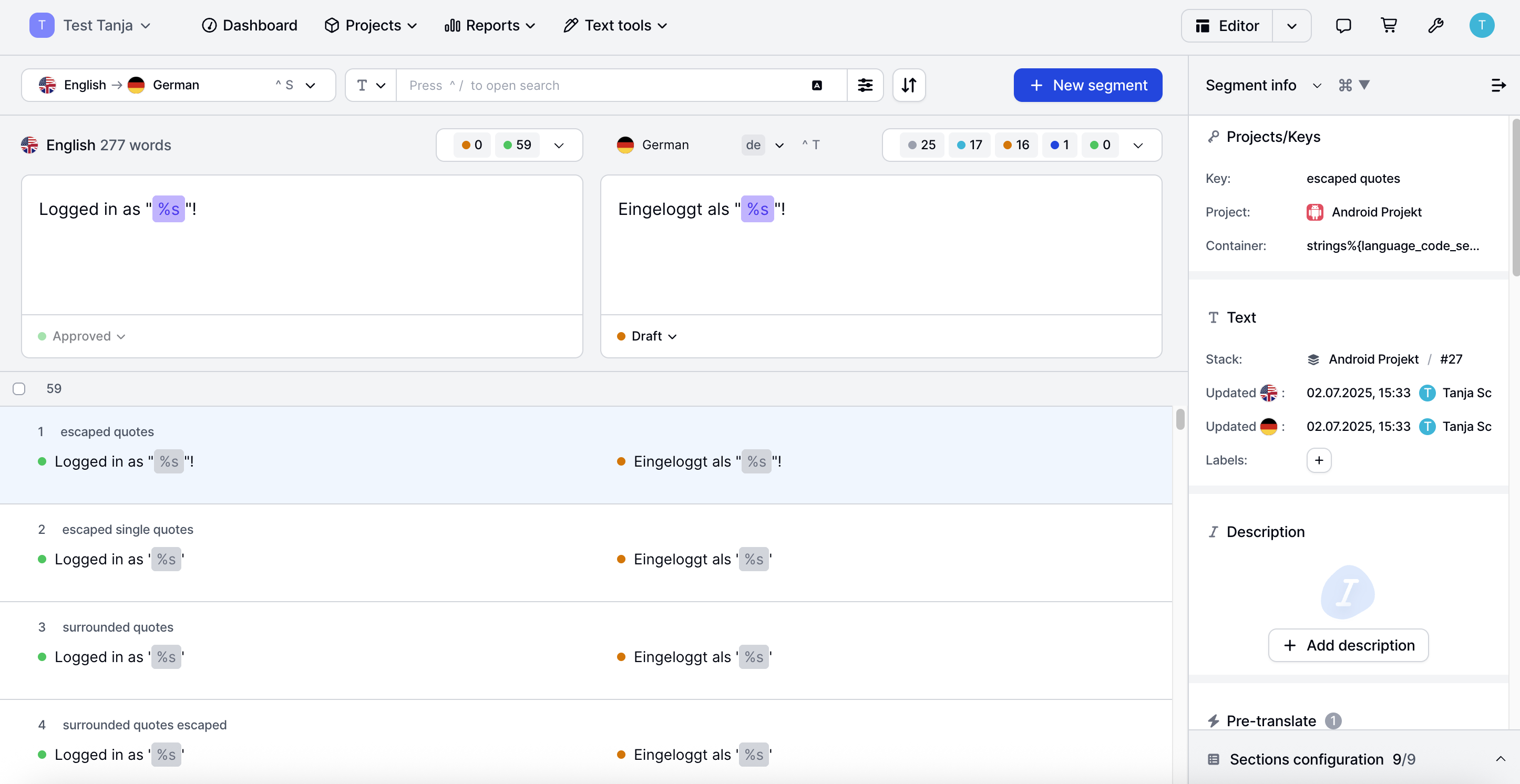
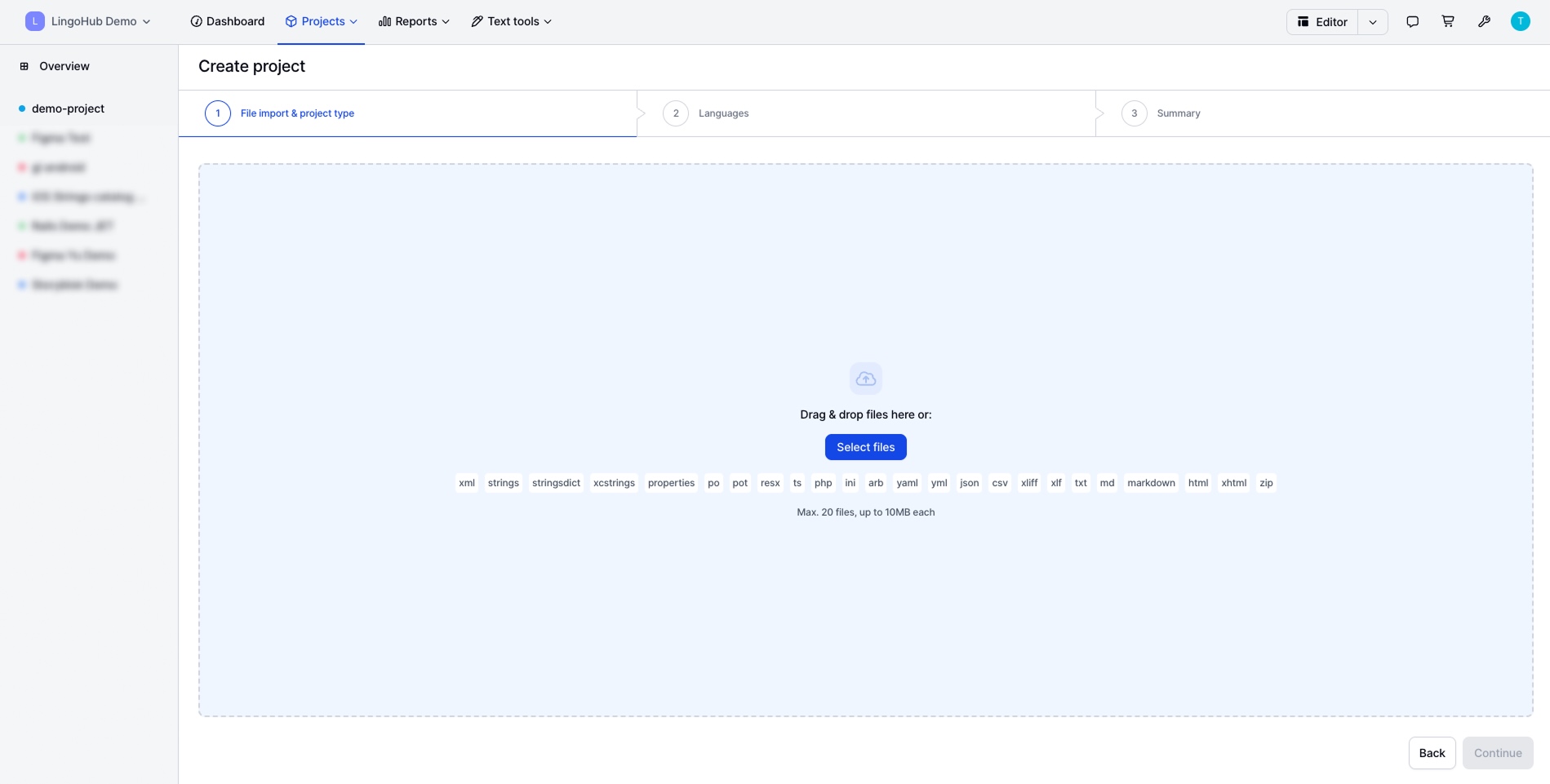
The LingoHub platform enables project managers, marketers, developers, and translators to work together, coordinating localization. Integrations with CMS, development, design, and support tools keep teams aligned, while CAT features, AI-driven workflows, and automated quality checks ensure reliable multilingual content.
I would definitely recommend it, as it is one of the best speech-to-text applications available on the market. I gave 7 out of 10 because of the integration with third-party tools. Most organizations don't use the IBM ecosystem and are limited to a single environment, so they need to be easily integrated without being overly complex.
A de minimis incentive was given to thank the reviewer for their time. The incentive was not used to bias or drive a particular response, nor was the incentive contingent on a positive endorsement. More Info
A multinational company is managing a large-scale localization project with translators, reviewers, and project managers spread across different countries. They need a platform that allows seamless collaboration, ensures translation consistency, and maintains version control without delays caused by time zone differences or manual file exchanges.
A de minimis incentive was given to thank the reviewer for their time. The incentive was not used to bias or drive a particular response, nor was the incentive contingent on a positive endorsement. More Info
A de minimis incentive was given to thank the reviewer for their time. The incentive was not used to bias or drive a particular response, nor was the incentive contingent on a positive endorsement. More Info
A de minimis incentive was given to thank the reviewer for their time. The incentive was not used to bias or drive a particular response, nor was the incentive contingent on a positive endorsement. More Info
IBM Watson Speech-to-Text usability is excellent, and I highly recommend it as well. It is faster, takes accurate notes, and summarizes the points accurately. Also, it is very easy to navigate through the transcripts. If there is a long team meeting, one can jump to the information without wasting much time, as it also reduces manual work.
A de minimis incentive was given to thank the reviewer for their time. The incentive was not used to bias or drive a particular response, nor was the incentive contingent on a positive endorsement. More Info
It provides more flexible plans as compared to others. These plans are affordable for Small and medium-scale enterprises. They also offer free trial. IBM Watson has wider integration support with the help of API. It has very low latency in real time transcription. Also there is a formatting feature to Transcribe dates, times, currency etc as per the desired format
A de minimis incentive was given to thank the reviewer for their time. The incentive was not used to bias or drive a particular response, nor was the incentive contingent on a positive endorsement. More Info
A de minimis incentive was given to thank the reviewer for their time. The incentive was not used to bias or drive a particular response, nor was the incentive contingent on a positive endorsement. More Info