TrustRadius: an HG Insights company

Save this comparison

Save this comparison

Add Product

Recommended Comparisons

    Overview
    ProductRatingMost Used ByProduct SummaryStarting Price

    iLovePDF

    Score8.6 out of 10
    N/AiLovePDF, headquartered in Barcelona, aims to solve PDF problems, so that tasks that once took minutes now take only seconds. Beyond merging and splitting, users can compress PDFs, extract images, and convert them into OFFICE file formats. iLovePDF's Premium plan also supports electronic signature request (with audit trail), and general features can be tried with iLovePDF's free plan.

    $7

    per month

    PDF Studio

    Score9.1 out of 10
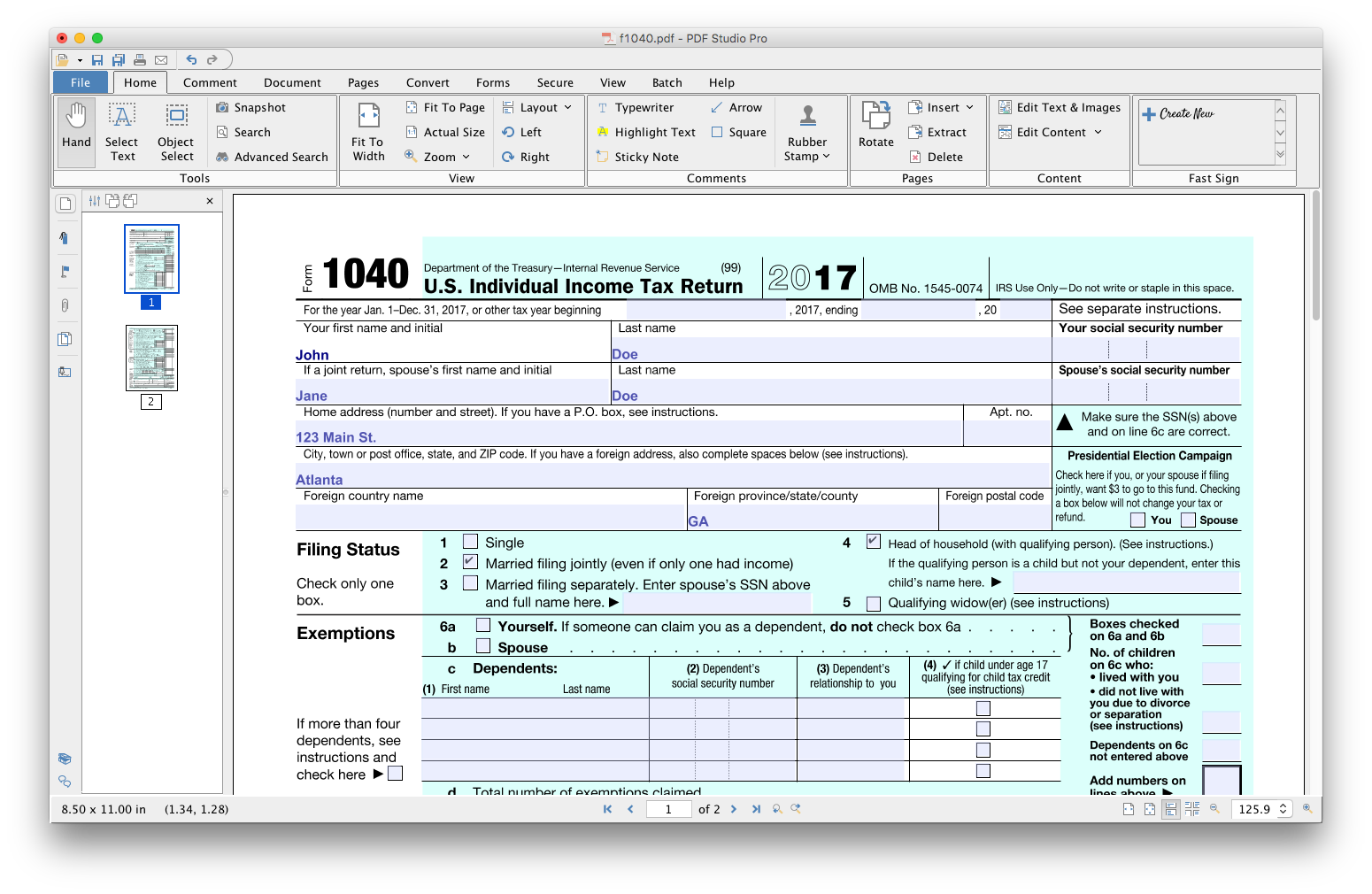
    N/APDF Studio is a PDF editor that aims to provides all PDF features needed at a low cost. PDF Studio maintains full compatibility with the PDF Standard. Users can: Create PDFs from Scan, MS Word, Text and Images Annotate PDFs with Comments & Text Markups Create, Fill In & Save PDF Forms Secure Documents with Passwords and Permissions Merge, Split & Assemble Documents Apply Watermarks, Headers and Footers Create Bookmarks / Table…

    $99

    one-time fee

    Pricing
    iLovePDFPDF Studio
    Editions & Modules
    Premium
    $48
    per year Or $7 month-to-month
    Desktop Tools and Reader - Premium
    $48
    per year or $7 month-to-month
    Desktop Reader
    Free
    No answers on this topic
    Offerings
    Pricing Offerings
    iLovePDFPDF Studio
    Free Trial
    NoYes
    Free/Freemium Version
    YesNo
    Premium Consulting/Integration Services
    NoNo
    Entry-level Setup FeeNo setup feeNo setup fee
    Additional Details—Each user license key can be used on 2 computers (for the same user) on any of the supported operating system (Windows, Mac, Linux). Each user license is perpetual and allows to continue using this major version of our software (version 2018) as long as it works on your operating system. Payment is a one-time fee, with no monthly or yearly subscription or commitment. Any upgrade to future major versions is optional.
    More Pricing Information
    Features
    iLovePDFPDF Studio
    PDF Editors
    Comparison of PDF Editors features of iLovePDF and PDF Studio
    Feature
    iLovePDF
    10.0
    1 Ratings
    15% above category average
    PDF Studio
    -
    Ratings
    Edit Text and Images10.01 Ratings00 Ratings
    Merge or Split PDFs10.01 Ratings00 Ratings
    Page Management10.01 Ratings00 Ratings
    Form Creation and Editing10.01 Ratings00 Ratings
    Convert to Different Formats10.01 Ratings00 Ratings
    Comment and Review Tools10.01 Ratings00 Ratings
    Best Alternatives
    iLovePDFPDF Studio
    Small Businesses
    Tungsten Power PDF
    Score9.8 out of 10
    Tungsten Power PDF
    Score9.8 out of 10
    Medium-sized Companies
    PDF Xchange Viewer and Editor
    Score9.3 out of 10
    PDF Xchange Viewer and Editor
    Score9.3 out of 10
    Enterprises
    Adobe Acrobat Reader
    Score8.6 out of 10
    Adobe Acrobat Reader
    Score8.6 out of 10
    All AlternativesView all alternativesView all alternatives
    User Ratings
    iLovePDFPDF Studio
    Likelihood to Recommend
    10.0
    (1 ratings)
    9.1
    (3 ratings)
    Usability
    10.0
    (1 ratings)
    8.2
    (1 ratings)
    Support Rating
    -
    (0 ratings)
    8.5
    (2 ratings)
    User Testimonials
    iLovePDFPDF Studio
    Likelihood to Recommend
    iLovePDF
    I have been searching for a platform that allows us to edit PDFs for free since this is not something we do daily. I am glad that iLovePDF offers tons of features for absolutely free.
    Incentivized
    Read full review
    Qoppa Software
    For Linux users it is without a doubt the best option and the most developed so far.
    Read full review
    Pros
    iLovePDF
    • Converting files in different formats.
    • Editing PDFs.
    • Merging or splitting PDFs.
    Incentivized
    Read full review
    Qoppa Software
    • Editing PDF pages easily.
    • Organizing PDF pages quickly.
    • Adding comments to particular items within a PDF.
    Read full review
    Cons
    iLovePDF
    • I do not see any problem with the app. I wouldn't change anything.
    • N/A
    Incentivized
    Read full review
    Qoppa Software
    • I would like to be able to generate indexes of the documents that I am adding to a file.
    • To be able to scan a file and convert it from a PDF simply having the scan parameters.
    Read full review
    Usability
    iLovePDF
    We need to visit the website and choose the feature we want to use. It is straightforward to use.
    Incentivized
    Read full review
    Qoppa Software
    As I answered before, the graphical interface is the best developed of the options that exist for Linux.
    Read full review
    Support Rating
    iLovePDF
    No answers on this topic
    Qoppa Software
    Anytime I have had questions they have been able to be found in the forums of PDF Studio.
    Read full review
    Alternatives Considered
    iLovePDF
    ILovePDF is the easiest to use compared to all other platforms.
    Incentivized
    Read full review
    Qoppa Software
    PDF Studio doesn't involve an expensive subscription, plus has all the features without the cluttered UI. It is intuitive to use and I prefer it to Adobe Acrobat, Foxit, PDF XChange, AcePDF, and others. Minimal design with refined tools. Frankly, I am just relieved to have a perpetual license for a product that just works.
    Incentivized
    Read full review
    Return on Investment
    iLovePDF
    • iLovePDF saves us a lot of time by editing all PDFs.
    • It has all PDF-related features, so we don`t need to go look for any other platform for different use cases.
    • My most favorite feature is add text. I am able to fill PDF format forms easily.
    Incentivized
    Read full review
    Qoppa Software
    • Allowed me to get a customer a quote faster.
    • Won business proposition due to the ability to organize and sort through customer documentation quickly.
    Read full review
    ScreenShots

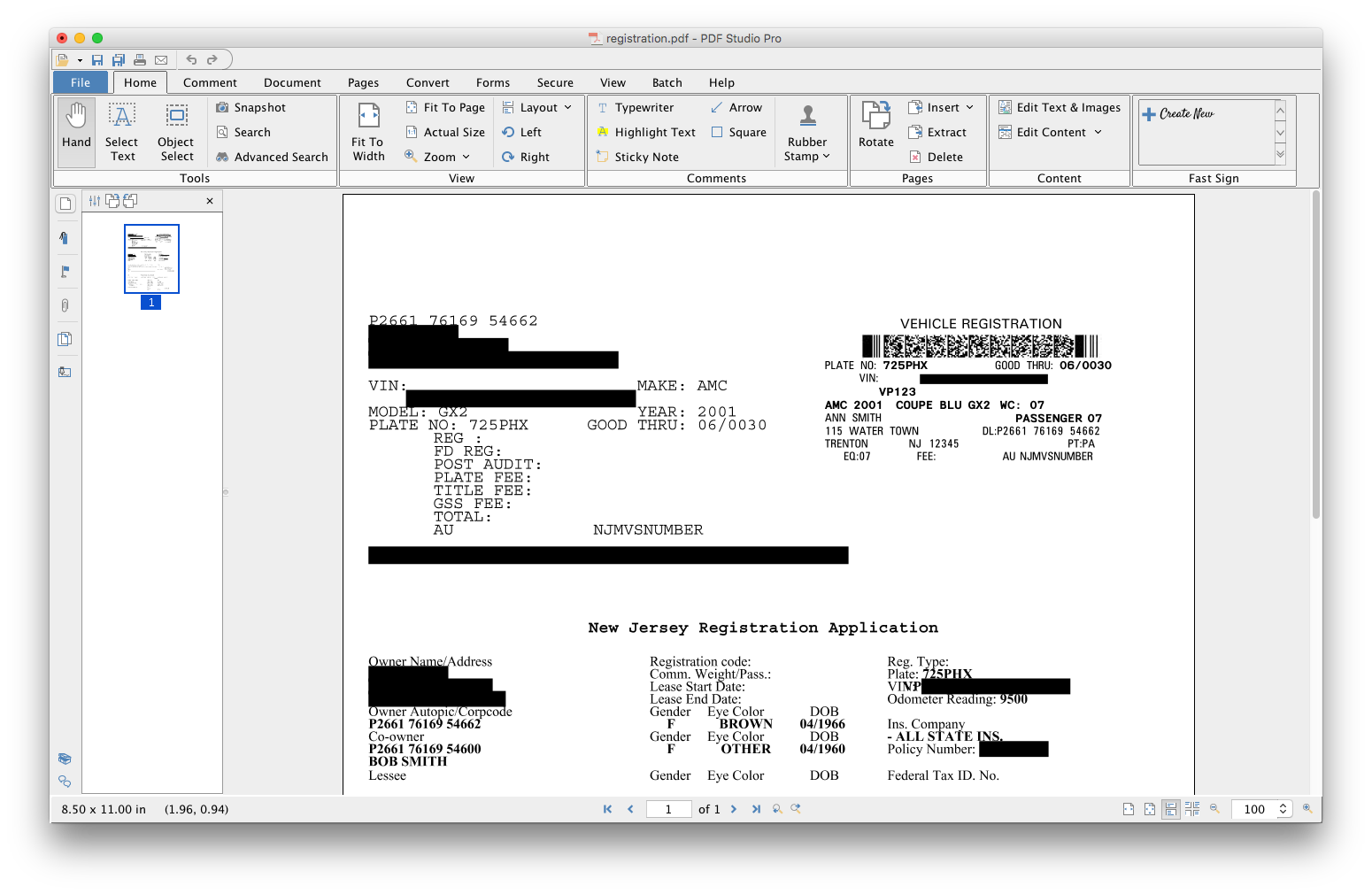
    PDF Studio Screenshots

    Product screenshotProduct screenshotProduct screenshotProduct screenshotProduct screenshotProduct screenshot