TrustRadius: an HG Insights company

Ignite UI vs. Office Server Document Converter

Save this comparison

Save this comparison

Add Product

Recommended Comparisons

    Overview
    ProductRatingMost Used ByProduct SummaryStarting Price

    Ignite UI

    Score7 out of 10
    N/ANew Jersey based Infragistics offers .NET controls.

    $1,295

    per year per user

    Office Server Document Converter

    N/AN/AOffice Server Document Converter (OSDC) is a server-side conversion library designed by Antenna House for Microsoft Word, Excel, PowerPoint and RTF documents. It is used to convert documents to PDF, SVG, TIFF, JPEG, PNG, TIFF, INX, XPS files with high-precision conversions, even in environments where Microsoft Office and Adobe software are not installed. OSDC supports .NET, COM, Java, and C/C++ as standard application interfaces. Additionally, the system can create thumbnails, tagged PDF, and…

    $1,080

    per year

    Pricing
    Ignite UIOffice Server Document Converter
    Editions & Modules
    No answers on this topic
    OSDC Docx2HTML - Non-Poduction - Annual
    $370
    per year
    OSDC Standard - Non-Poduction - Annual
    $540
    per year
    OSDC Docx2HTML - Non-Poduction - Perpetual
    $700
    one-time fee
    OSDC Docx2HTML - Server - Annual
    $750
    per year
    OSDC Web Interface - Annual
    $750
    per year
    OSDC Plus - Non-Poduction - Annual
    $810
    per year
    OSDC Standard - Non-Poduction - Perpetual
    $1,000
    one-time fee
    OSDC Standard - Server - Annual
    $1,080
    per year
    OSDC Docx2HTML - Server - Perpetual
    $1,400
    one-time fee
    OSDC Web Interface - Perpetual
    $1,400
    one-time fee
    OSDC Plus - Non-Poduction - Perpetual
    $1,500
    one-time fee
    OSDC Plus- Server - Annual
    $1,620
    per year
    OSDC Standard - Server - Perpetual
    $2,000
    one-time fee
    OSDC Intergrated - Server - Annual
    $2,130
    per year
    OSDC Plus - Server - Perpetual
    $3,000
    one-time fee
    OSDC Intergrated - Server - Perpetual
    $3,960
    one-time fee
    Offerings
    Pricing Offerings
    Ignite UIOffice Server Document Converter
    Free Trial
    YesYes
    Free/Freemium Version
    NoYes
    Premium Consulting/Integration Services
    NoYes
    Entry-level Setup FeeNo setup feeNo setup fee
    Additional Details$1080- is the starting price for a Standard 1-year full production license for a server.(Maintenance included) The software can also be purchased outright with a 1-time payment of $2000 (12-month Maintenance included) Non-production/ Non-Server License versions are available at discounted prices. Premium features including upgraded conversion abilities (CGM inputs & HTML/INX/XPS outputs) and a Web Interface are available with additional prices. *Prices are per license, and there is no limit on the number of users per license.
    More Pricing Information
    Best Alternatives
    Ignite UIOffice Server Document Converter
    Small Businesses
    Syncfusion Essential Studio
    Score7.3 out of 10
    Syncfusion Essential Studio
    Score7.3 out of 10
    Medium-sized Companies
    Progress Telerik
    Score9.4 out of 10
    Progress Telerik
    Score9.4 out of 10
    Enterprises
    Progress Telerik
    Score9.4 out of 10
    Progress Telerik
    Score9.4 out of 10
    All AlternativesView all alternativesView all alternatives
    User Ratings
    Ignite UIOffice Server Document Converter
    Likelihood to Recommend
    10.0
    (1 ratings)
    -
    (0 ratings)
    User Testimonials
    Ignite UIOffice Server Document Converter
    Likelihood to Recommend
    Infragistics
    Angular is our framework of choice for a number of reasons. Business data is almost always displayed in a grid format. It makes sense to start with a strong widget that is powerful and fast when building applications. Ignite UI provides a complete toolset of widgets for other frameworks, but Angular is our focus. Ignite UI is helping us deliver a great UX/UI.
    Incentivized
    Read full review
    Antenna House
    No answers on this topic
    Pros
    Infragistics
    • The examples are great and close enough to real-life usage to be truly helpful
    • The OOB configuration and themes are good. They are very configurable.
    • The touch support and response web are built in, allowing the same code to work well on desktop and phone.
    Incentivized
    Read full review
    Antenna House
    No answers on this topic
    Cons
    Infragistics
    • I would like to see examples with security tokens. It really isn't an Ignite UI issue, but would be helpful.
    • Some of the examples are over-simplified, not how the products would be used in real life.
    Incentivized
    Read full review
    Antenna House
    No answers on this topic
    Alternatives Considered
    Infragistics
    We tried DevExpress when we started a project a couple of years ago. At the time, the documentation and ease of use went to Infragistics. When trying new or updated tools, the documentation and samples are everything. Having minimal documentation or documentation that seems to be written for people that already know how to use the product is just plain frustrating. Samples need to be something close to the real-life usage of the product.
    Incentivized
    Read full review
    Antenna House
    No answers on this topic
    Return on Investment
    Infragistics
    • There is a learning curve, of course, but the comparisons between the projects with and without Ignite UI are worth it.
    • The time savings on development is very real. The built-in functionality is amazing.
    • We are able to focus on features rather than getting the look and feel of our deliverable.
    Incentivized
    Read full review
    Antenna House
    No answers on this topic
    ScreenShots

    Ignite UI Screenshots

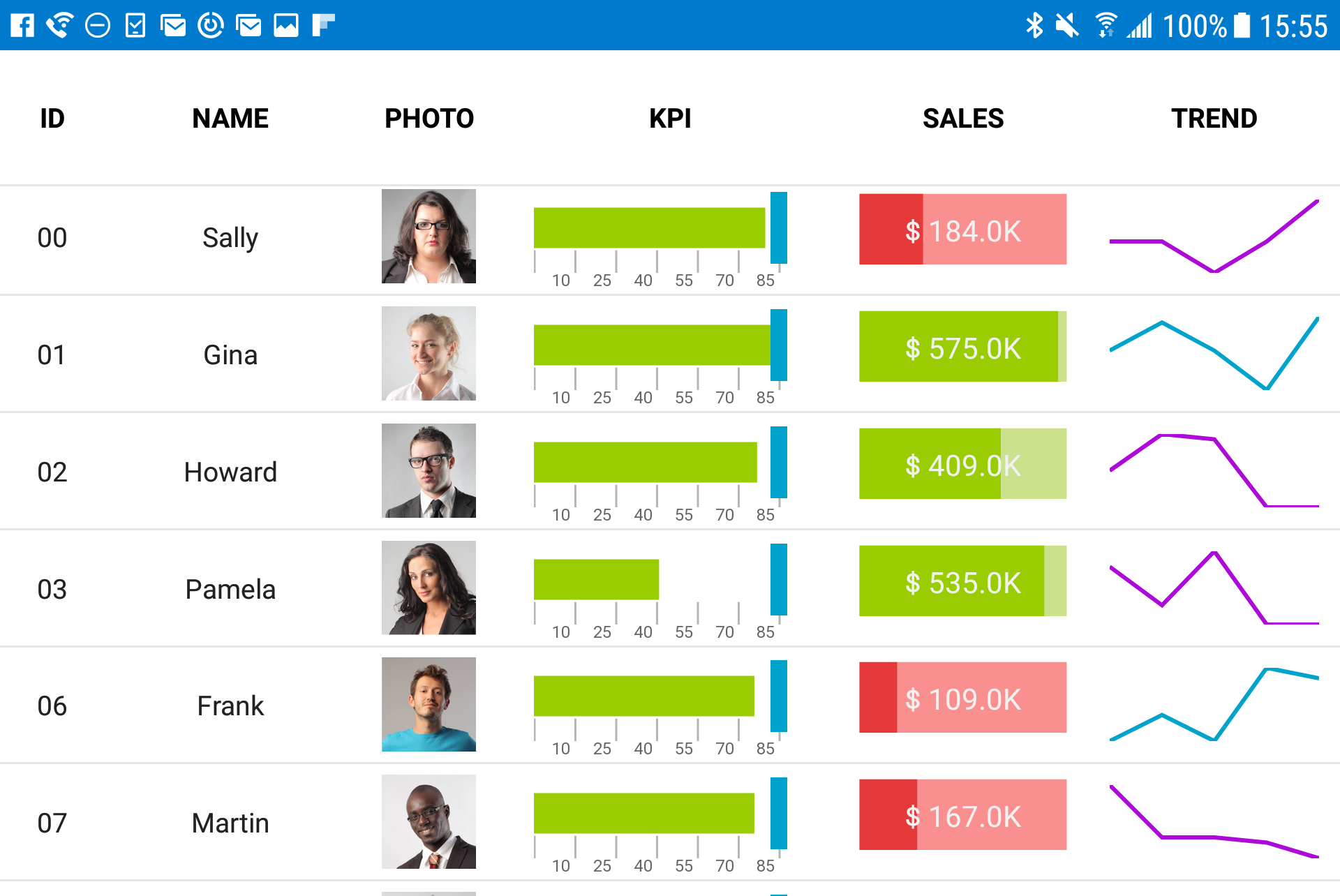
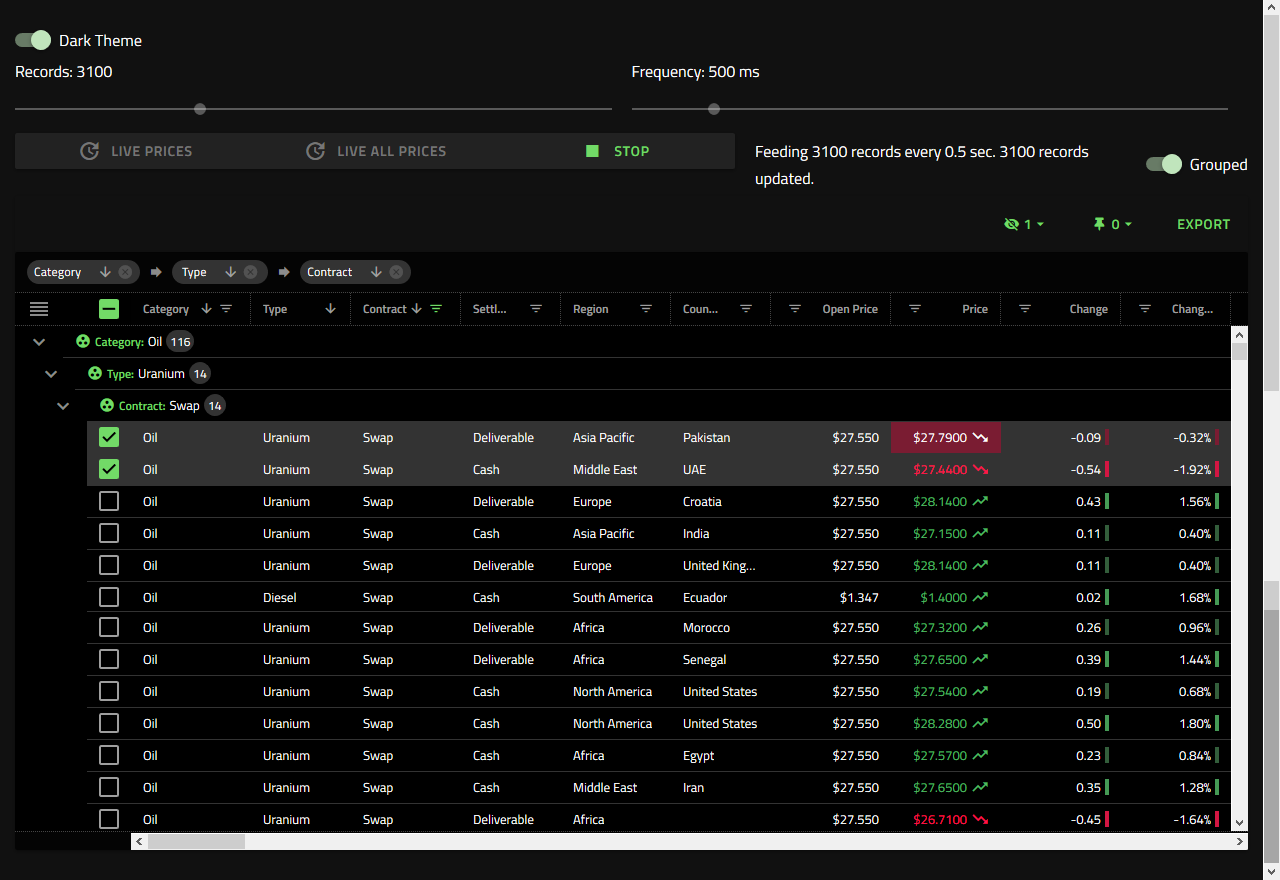
    Screenshot of Visualize industry, business, or scientific data in real-time interactive charts.Screenshot of Fast grids, providing line of business features, touch support, and responsive web design features. Works with popular open-source libraries and data sources.Screenshot of Improve usability and ensure accessibility for all users, regardless of how they are navigating pages.

    Office Server Document Converter Screenshots

    Product screenshot