Chose Insightful
While evaluating different software we checked different software but Workpuls seems user-friendly and cost-efficient, also the customer support is very active and as compared to other software we found it easy.

| Product | Rating | Most Used By | Product Summary | Starting Price |
|---|---|---|---|---|
 Insightful | Mid-Size Companies (51-1,000 employees) | Insightful is a Work Intelligence platform designed to help organizations analyze how work occurs across personnel, processes, and artificial intelligence (AI) to improve operational Performance, optimize Workflows, and reduce waste. | $8 per month per seat | |
 orgvue | Enterprise companies (1,001+ employees) | orgvue is an organizational design and workforce planning platform. orgvue enables businesses to analyze, design, plan and monitor their organizations as they change and grow. | N/A |
| Insightful | orgvue | |||||||||||||||
|---|---|---|---|---|---|---|---|---|---|---|---|---|---|---|---|---|
| Editions & Modules |
| No answers on this topic | ||||||||||||||
| Offerings |
| |||||||||||||||
| Entry-level Setup Fee | No setup fee | Optional | ||||||||||||||
| Additional Details | Each device an employee uses for work counts as one seat. Additionally, users with Admin, Manager and Client access won’t be charged, unless Insightful is used to track their activities as well. Discount is available for annual and multi-year billing. | — | ||||||||||||||
| More Pricing Information | ||||||||||||||||
| Insightful | orgvue | |
|---|---|---|
| Considered Both Products |  Insightful |  orgvue No answer on this topic |
| Insightful | orgvue | |
|---|---|---|
| Small Businesses |  Rippling Score 8.9 out of 10 |  Canva Score 9.1 out of 10 |
| Medium-sized Companies |  Predictive Index Behavioral Assessment Score 9.5 out of 10 | Canva Score 9.1 out of 10 |
| Enterprises | Predictive Index Behavioral Assessment Score 9.5 out of 10 |  Lucid Visual Collaboration Suite Score 9.0 out of 10 |
| All Alternatives | View all alternatives | View all alternatives |
| Insightful | orgvue | |
|---|---|---|
| Likelihood to Recommend | 9.0 (0 ratings) | - (0 ratings) |
| Insightful | orgvue | |
|---|---|---|
| Likelihood to Recommend |
| No answers on this topic |
| Pros |
| No answers on this topic |
| Cons |
| No answers on this topic |
| Alternatives Considered |
| No answers on this topic |
| Return on Investment |
| No answers on this topic |
| ScreenShots | Insightful Screenshots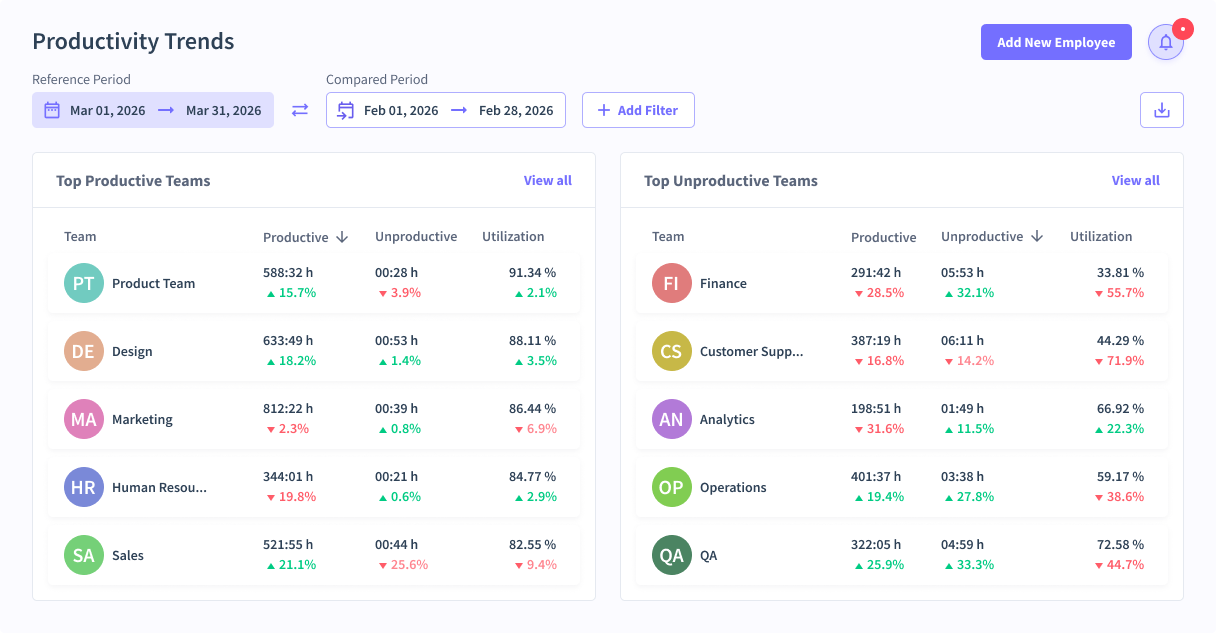 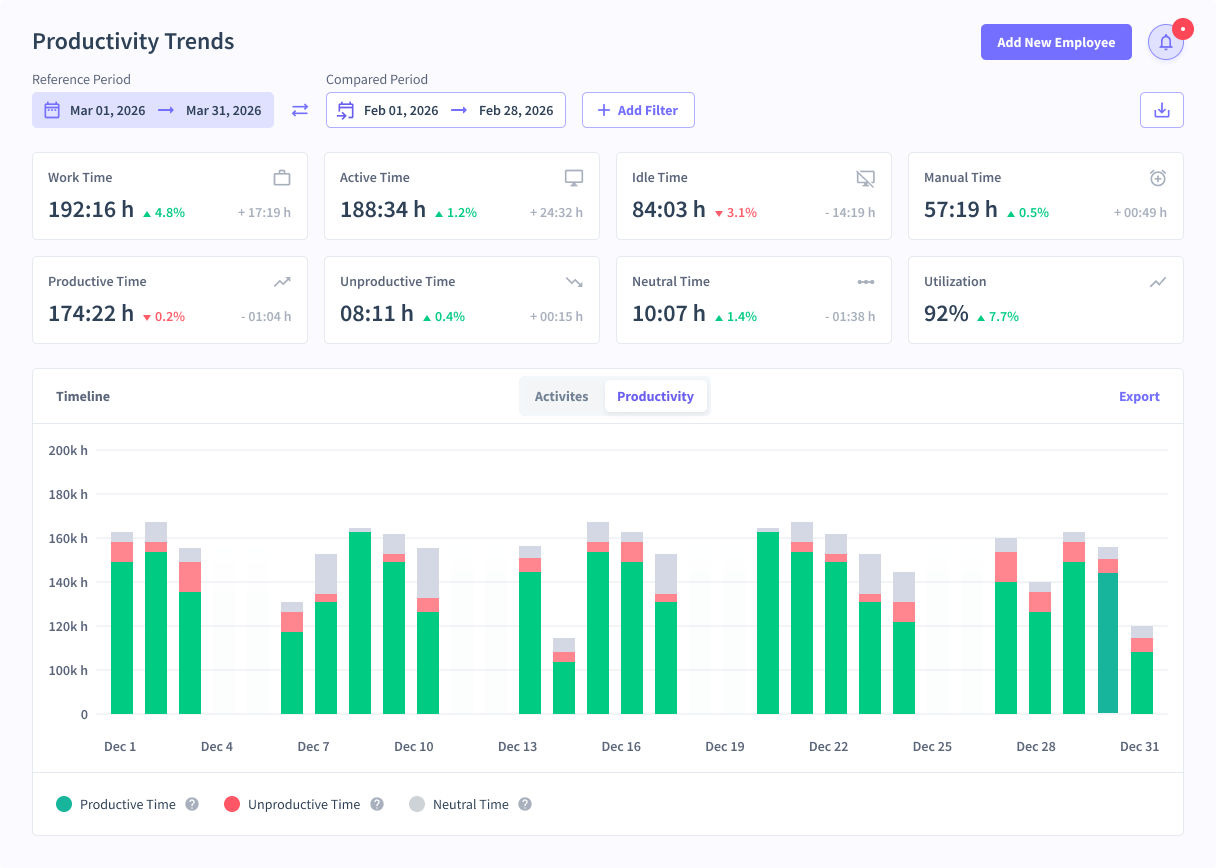 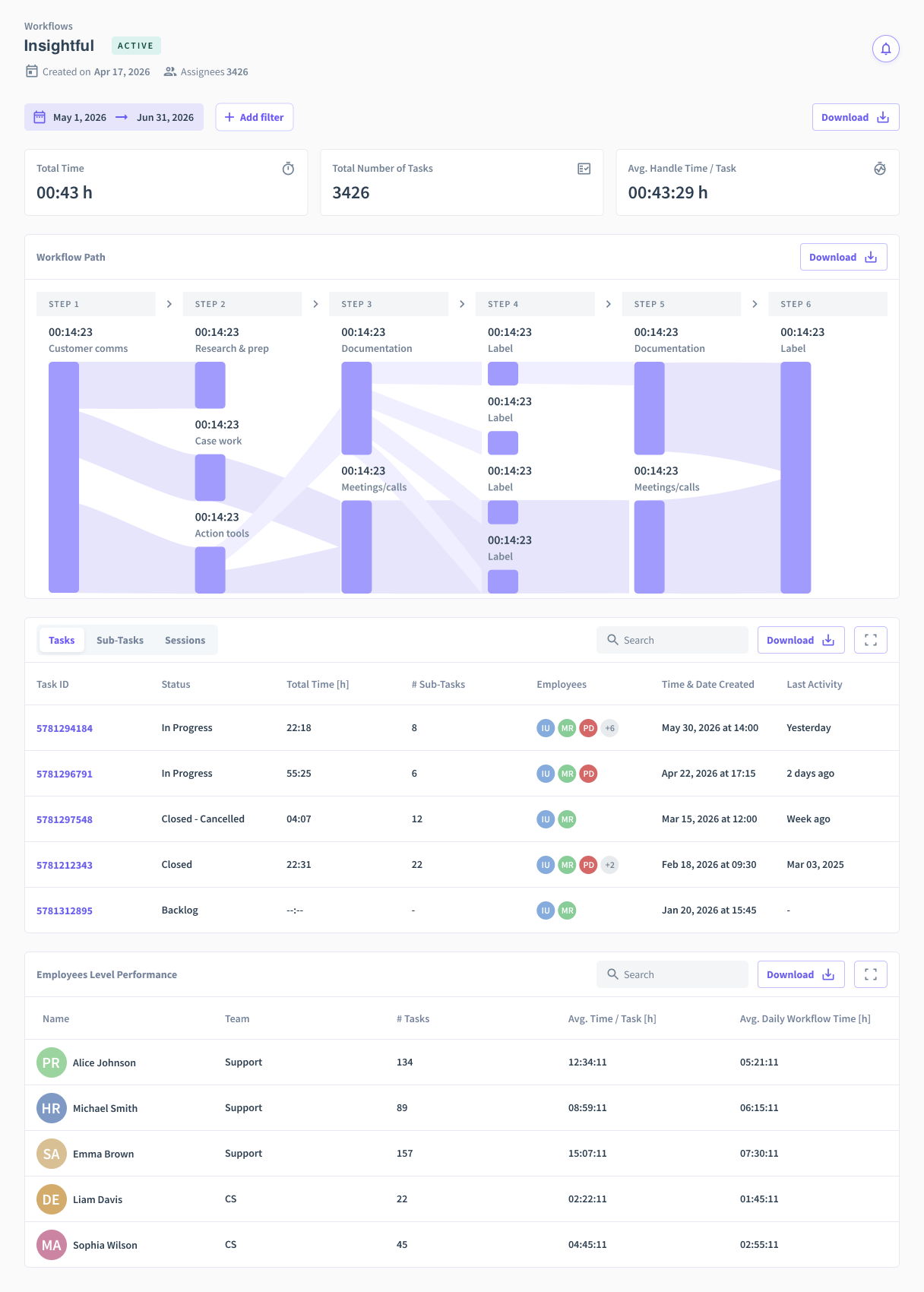 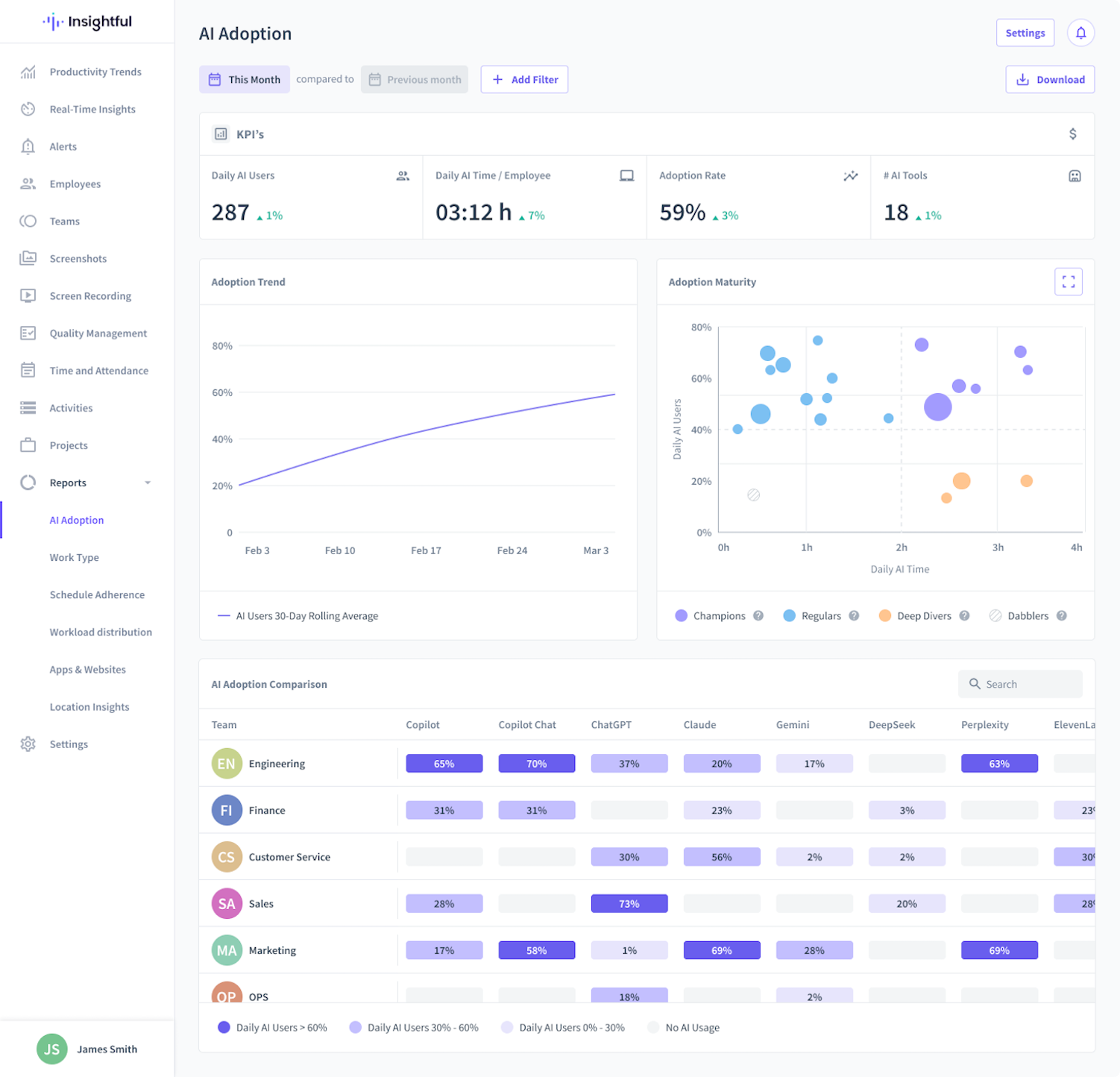   | orgvue Screenshots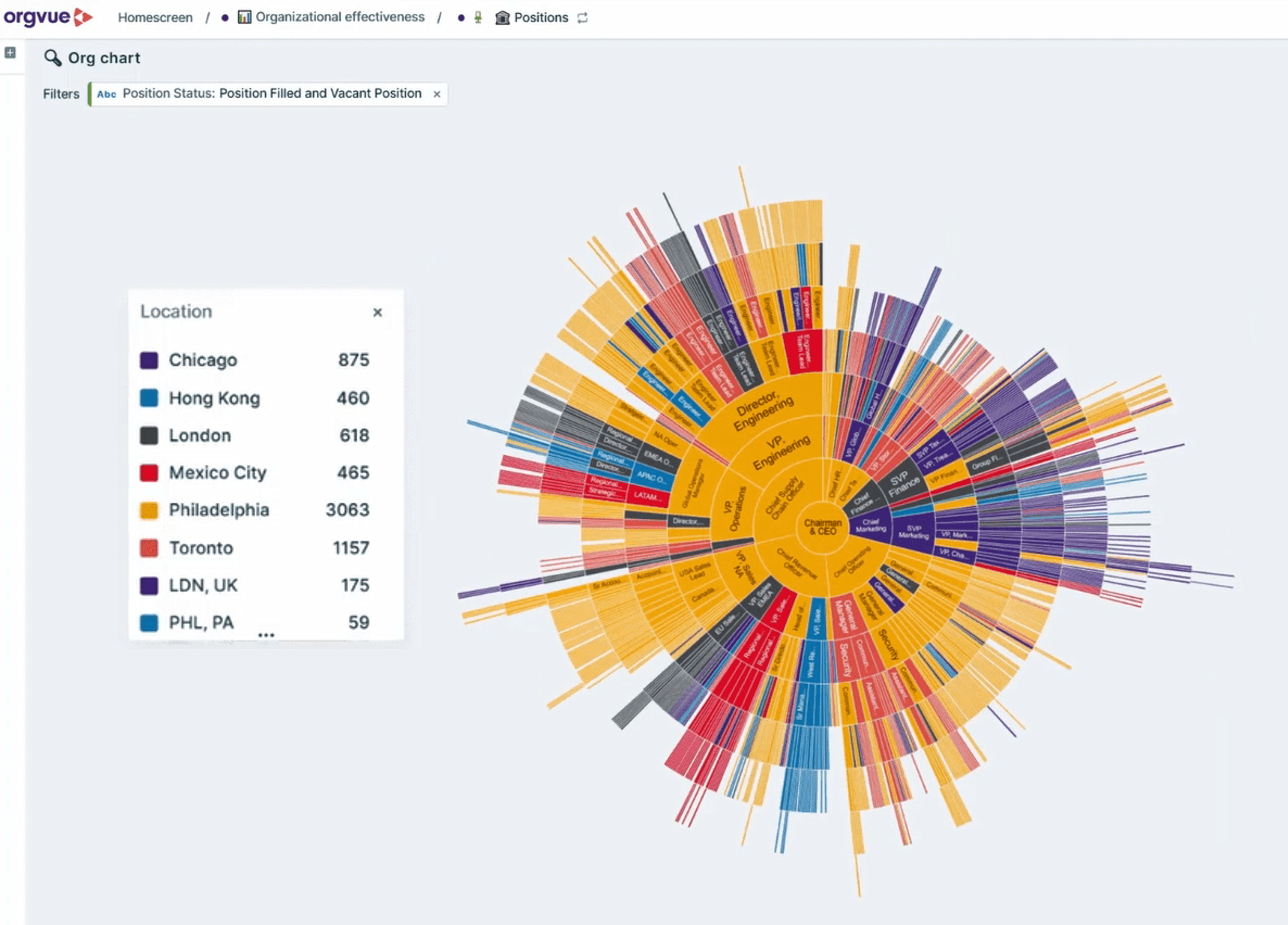 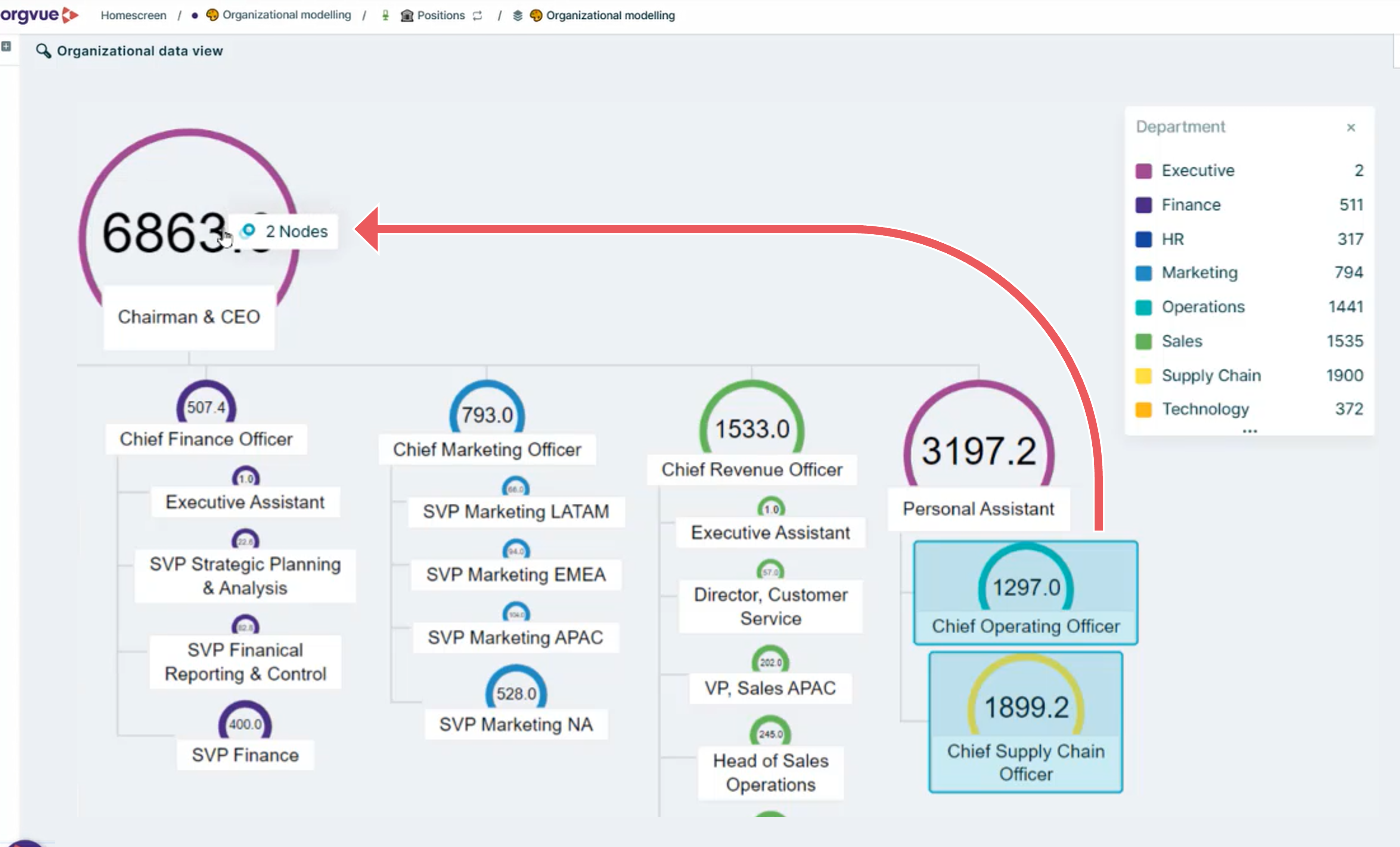 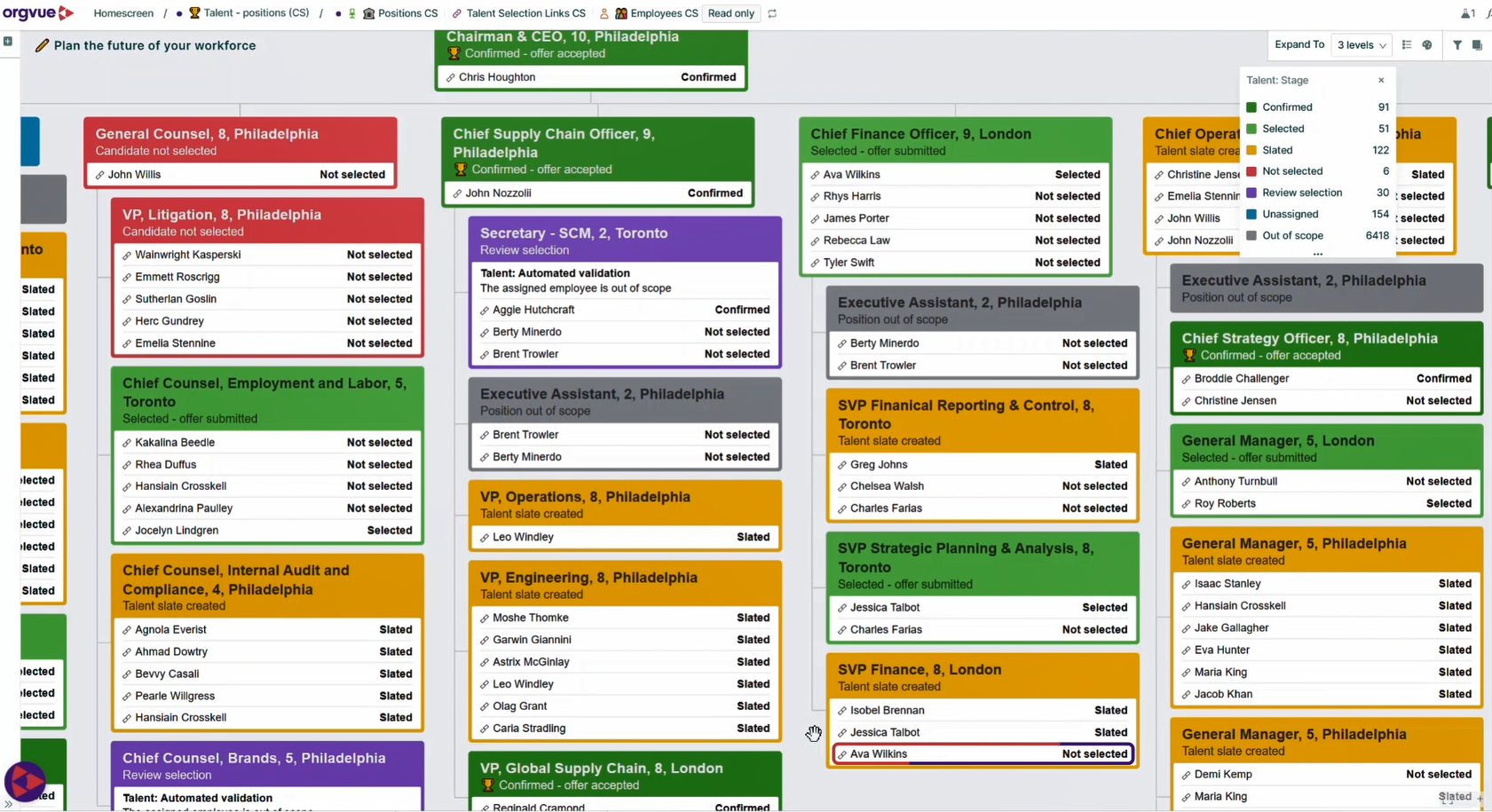 |