Joan Workplace vs. OptiSigns

Overview
ProductRatingMost Used ByProduct SummaryStarting Price
Joan Workplace
Score 6.8 out of 10
N/A
Joan is a meeting room booking system from Slovenian company Visionect.
$62
per month per user
OptiSigns
Score 9.0 out of 10
N/A
OptiSigns offers Digital Signage content for in-store screen projection. Content can be assigned and screens can be managed remotely, while playlists can be assigned to individual screens. OptiSigns recommends setting up this software with Amazon Fire TV Stick.
$10
per month
Pricing
Joan WorkplaceOptiSigns
Editions & Modules
Team
$62
per month per user
Business
$288
per month per user
Organization
$639
per month per user
Enterprise+
$1339
per month per user
No answers on this topic
Offerings
Pricing Offerings
Joan WorkplaceOptiSigns
Free Trial
YesYes
Free/Freemium Version
NoNo
Premium Consulting/Integration Services
YesNo
Entry-level Setup FeeNo setup feeNo setup fee
Additional DetailsUp to a 20% discount is available for annual billing.Starting prices run from $10 to $15 on the monthly plan, and $108 to $162 on yearly subscriptions. Customized Enterprise plans are also available. An Audience Intelligence AI add-on is available for $5 per month or $54 per year (per screen).
More Pricing Information
Best Alternatives
Joan WorkplaceOptiSigns
Small Businesses

No answers on this topic

No answers on this topic

Medium-sized Companies
Zoom Rooms
Zoom Rooms
Score 8.7 out of 10
Zoom Rooms
Zoom Rooms
Score 8.7 out of 10
Enterprises

No answers on this topic

No answers on this topic

All AlternativesView all alternativesView all alternatives
User Ratings
Joan WorkplaceOptiSigns
Likelihood to Recommend
-
(0 ratings)
7.0
(2 ratings)
User Testimonials
Joan WorkplaceOptiSigns
Likelihood to Recommend
Visionect
No answers on this topic
OptiSigns
OptiSigns has made it incredibly simple and practical to manage digital signs. The mobile app functions nicely, and video playback is far superior to the other signage software competitors. Extremely fast to set up. The system's simplicity of use and cloud compatibility is what I like best. It is incredibly simple and intuitive to upload files and switch screens. The TV stick is plug-and-play and requires little to no technical expertise. And less appropriate for me is I believe the scheduling should be improved to allow for more spontaneous additions to the schedule. It would also be helpful if there was a feature that allowed the screen to turn on and off according to a timetable. The sync play feature may be improved. I find it annoying that YouTube playlists must be timed to exactly match their duration to appear correctly. The mobile app should get an emergency message feature.
Read full review
Pros
Visionect
No answers on this topic
OptiSigns
  • Creativity
  • Easy to use
  • Convenient
Read full review
Cons
Visionect
No answers on this topic
OptiSigns
  • I believe there is room for improvement. I believe the scheduling should be improved to allow for more spontaneous additions to the schedule.
  • It would also be helpful if there was a feature that allowed the screen to turn on and off according to a timetable. The sync play feature may be improved.
  • I find it annoying that YouTube playlists must be timed to exactly match their duration to appear correctly and also the mobile app should get an emergency message feature.
Read full review
Alternatives Considered
Visionect
No answers on this topic
OptiSigns
We have chosen OptiSigns because Its application's installation instructions are simple and easy to understand.OptiSigns has made it incredibly simple and practical to manage digital signs. The mobile app functions nicely, and video playback is far superior than other signage software competitors. Another reason Time and money saving is another reason why we have chosen OptiSigns over the other competitors of present age signage software.
Read full review
Return on Investment
Visionect
No answers on this topic
OptiSigns
  • Positive impact was more clients were able to see the information.
  • Saved time on answering questions about prices.
  • Saved money on having to print out papers.
Read full review
ScreenShots

Joan Workplace Screenshots

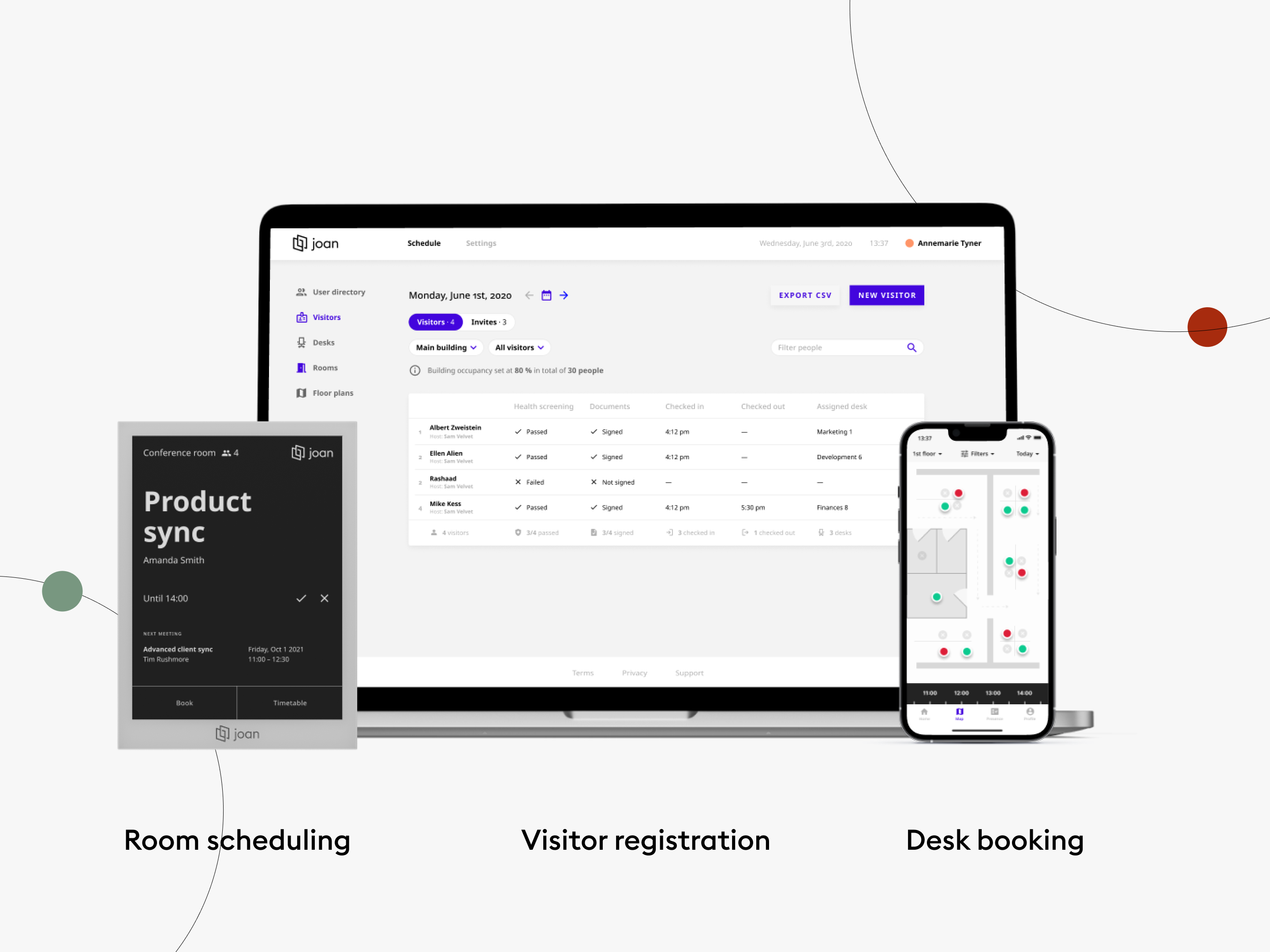
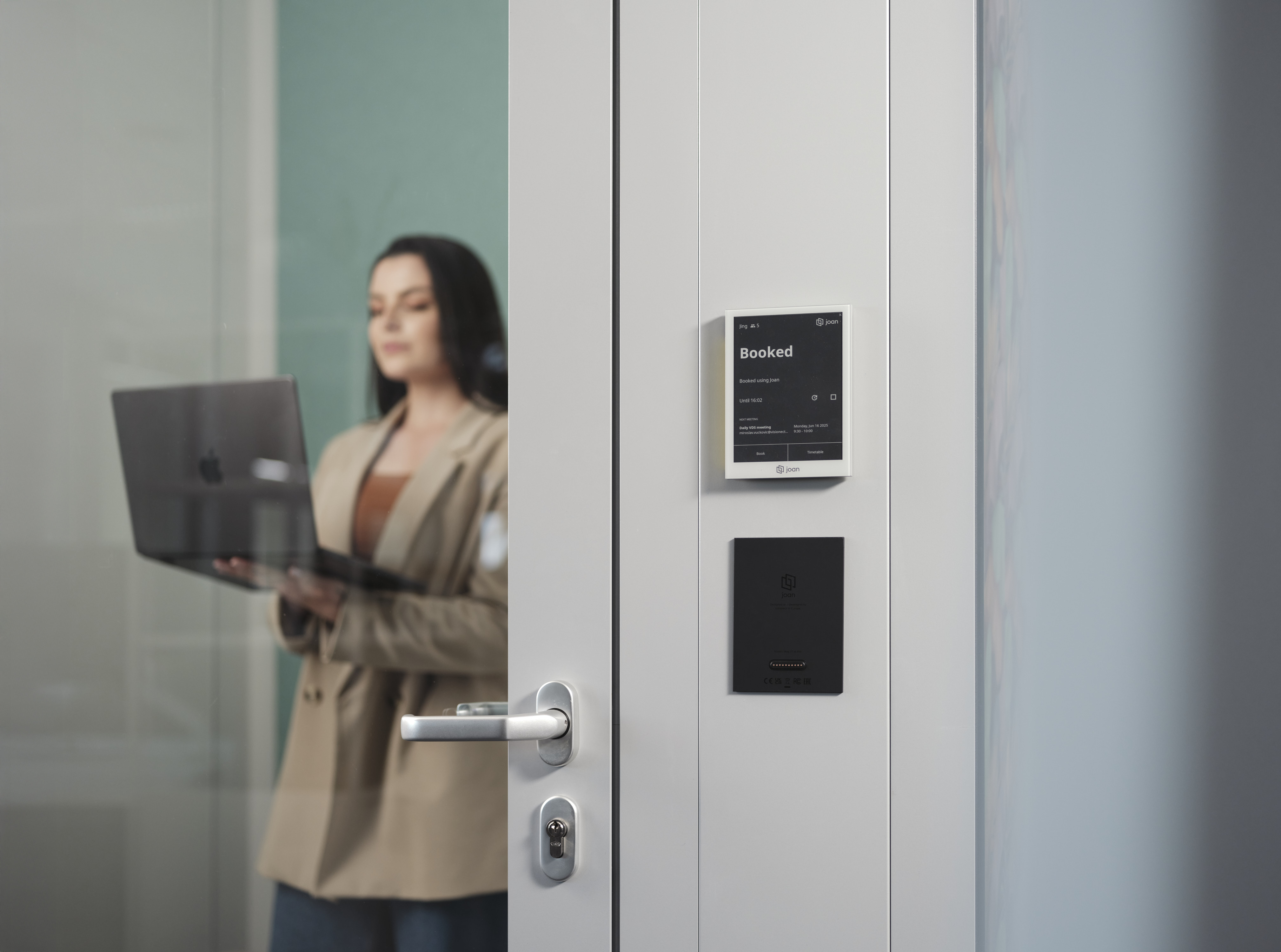
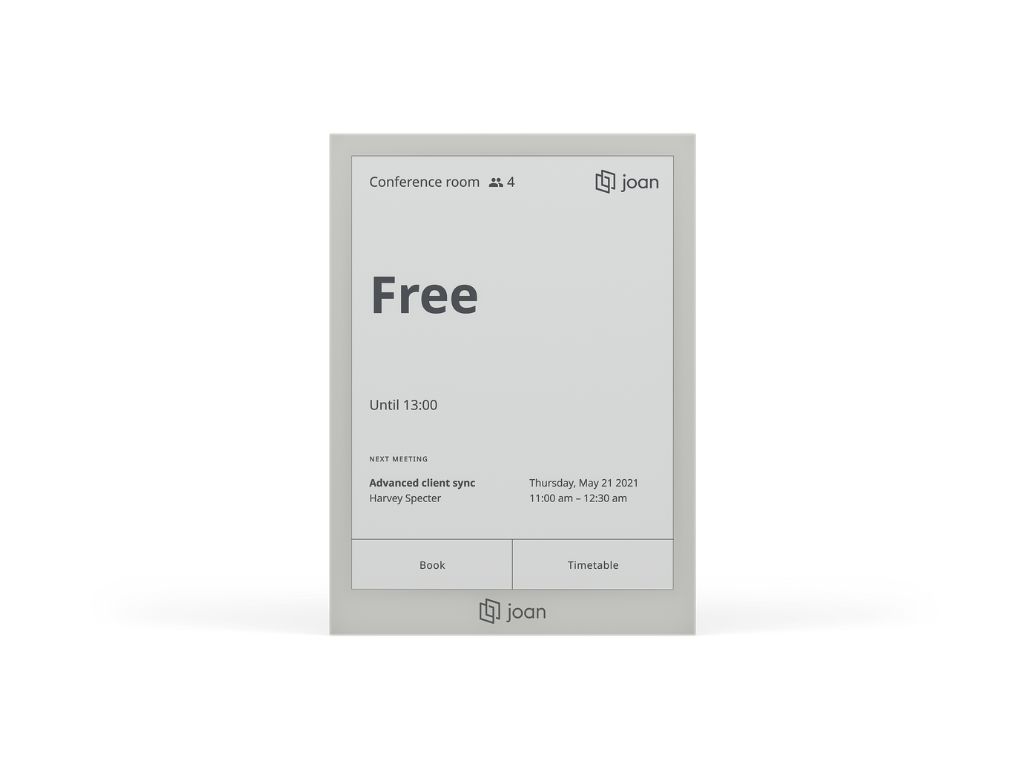
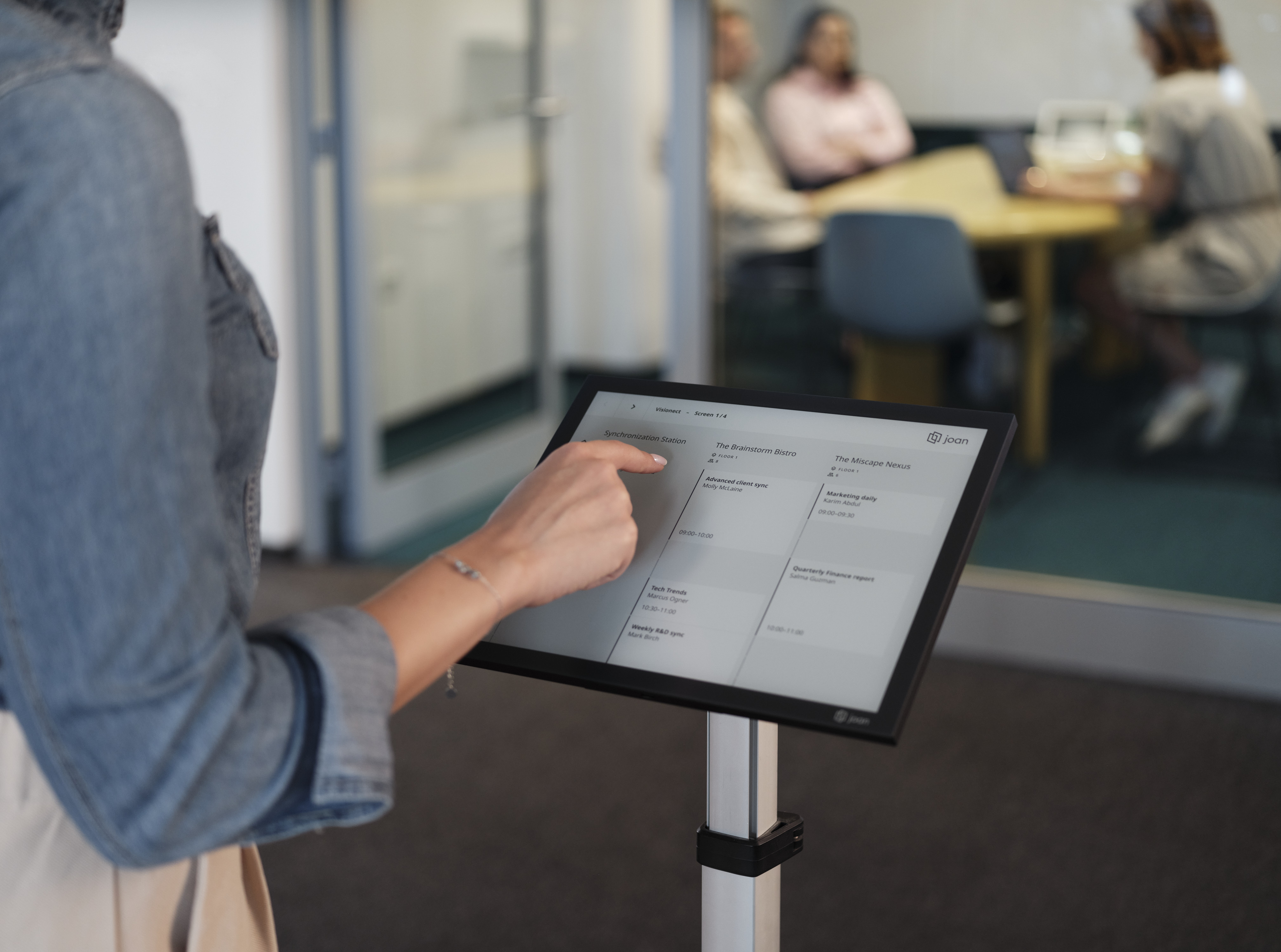
Screenshot of the Joan office management solution as it appears across devices. This interface is used to manage desk bookings, equipment reservations, and parking space allocation, ensuring employees have what they need for optimal performance.Screenshot of the Joan workplace solution as it appears on mobile, designed to present a one-stop solution that redefines efficiency in hybrid working. It features real-time tracking, bookings for desks, equipment, and parking.Screenshot of the next generation, low-power, touch screen ePaper device, designed for advanced meeting room management of enterprises. It is mounted wirelessly with the Smart magnet or use a fully wired PoE dock.Screenshot of the next generation, ultra low-power, touch screen ePaper device, designed for advanced meeting room management of enterprises. Mount it wirelessly with the Smart magnet or use a fully wired PoE dock.Screenshot of a Joan display for large conference rooms, also used for boardrooms, lobbies, and everywhere else an overview is needed. It offers a comprehensive overview of meetings, and current information for up to 9 rooms.Screenshot of a Joan display for large conference rooms, also used for boardrooms, lobbies, and everywhere else an overview is needed. It offers a comprehensive overview of meetings, and current information for up to 9 rooms.