
ManageEngine Vulnerability Manager Plus vs. Microsoft Defender for Cloud
| Product | Rating | Most Used By | Product Summary | Starting Price |
|---|---|---|---|---|
 ManageEngine Vulnerability Manager Plus | Score8.7 out of 10 | N/A | ManageEngine Vulnerability Manager Plus is an exposure management solution that helps organizations proactively detect, prioritize, and fix vulnerabilities from one console. It combines asset discovery, AI-powered vulnerability assessment and threat prioritization with built-in patching to speed up remediation. It discovers and manages desktops, laptops, servers, virtual machines, DMZ servers, and network devices, giving real-time visibility into known, unknown, zero-day, and actively exploited… | $90 per month 1 technician |
 Microsoft Defender for Cloud | Score8.6 out of 10 | N/A | Microsoft Defender for Cloud is a Cloud Security Posture Management (CSPM) and Cloud Workload Protection Platform (CWPP) for Azure, on-premises, and multicloud (Amazon AWS and Google GCP) resources. | N/A |
| ManageEngine Vulnerability Manager Plus | Microsoft Defender for Cloud | |||||||||||||||
|---|---|---|---|---|---|---|---|---|---|---|---|---|---|---|---|---|
| Editions & Modules | No answers on this topic | No answers on this topic | ||||||||||||||
| Offerings |
| |||||||||||||||
| Entry-level Setup Fee | Optional | No setup fee | ||||||||||||||
| Additional Details | — | — | ||||||||||||||
| More Pricing Information | ||||||||||||||||
| ManageEngine Vulnerability Manager Plus | Microsoft Defender for Cloud | |
|---|---|---|
| Considered Both Products | No answer on this topic | No answer on this topic |
| Key User Insights | ||
| Would buy again | ||
No answers on this topic | 97% Would buy again 66 Answers | |
| Delivers good value for the price | ||
No answers on this topic | 95% Delivers good value for the price 61 Answers | |
| Happy with the feature set | ||
No answers on this topic | 96% Happy with the feature set 65 Answers | |
| Lived up to sales and marketing promises | ||
No answers on this topic | 100% Lived up to sales and marketing promises 55 Answers | |
| Implementation went as expected | ||
No answers on this topic | 98% Implementation went as expected 57 Answers | |
| ManageEngine Vulnerability Manager Plus | Microsoft Defender for Cloud | |||||||||||||||||||||||||
|---|---|---|---|---|---|---|---|---|---|---|---|---|---|---|---|---|---|---|---|---|---|---|---|---|---|---|
| Threat Intelligence |
| |||||||||||||||||||||||||
| Vulnerability Management Tools |
| |||||||||||||||||||||||||
| ManageEngine Vulnerability Manager Plus | Microsoft Defender for Cloud | |
|---|---|---|
| Small Businesses | No answers on this topic | No answers on this topic |
| Medium-sized Companies |  Tenable Nessus Score8.8 out of 10 |  Palo Alto Networks Prisma Cloud Score9 out of 10 |
| Enterprises | Tenable Vulnerability Management Score8.9 out of 10 | Palo Alto Networks Prisma Cloud Score9 out of 10 |
| All Alternatives | View all alternatives | View all alternatives |
| ManageEngine Vulnerability Manager Plus | Microsoft Defender for Cloud | |
|---|---|---|
| Likelihood to Recommend | 8.7 | 8.6 |
| Likelihood to Renew | 10.0 | 8.9 |
| Usability | 8.9 | 7.8 |
| ManageEngine Vulnerability Manager Plus | Microsoft Defender for Cloud | |
|---|---|---|
| Likelihood to Recommend |
|
|
| Pros |
|
|
| Cons |
|
|
| Likelihood to Renew |
|
|
| Usability |
|
|
| Alternatives Considered |
|
|
| Return on Investment |
|
|
| ScreenShots | ManageEngine Vulnerability Manager Plus Screenshots 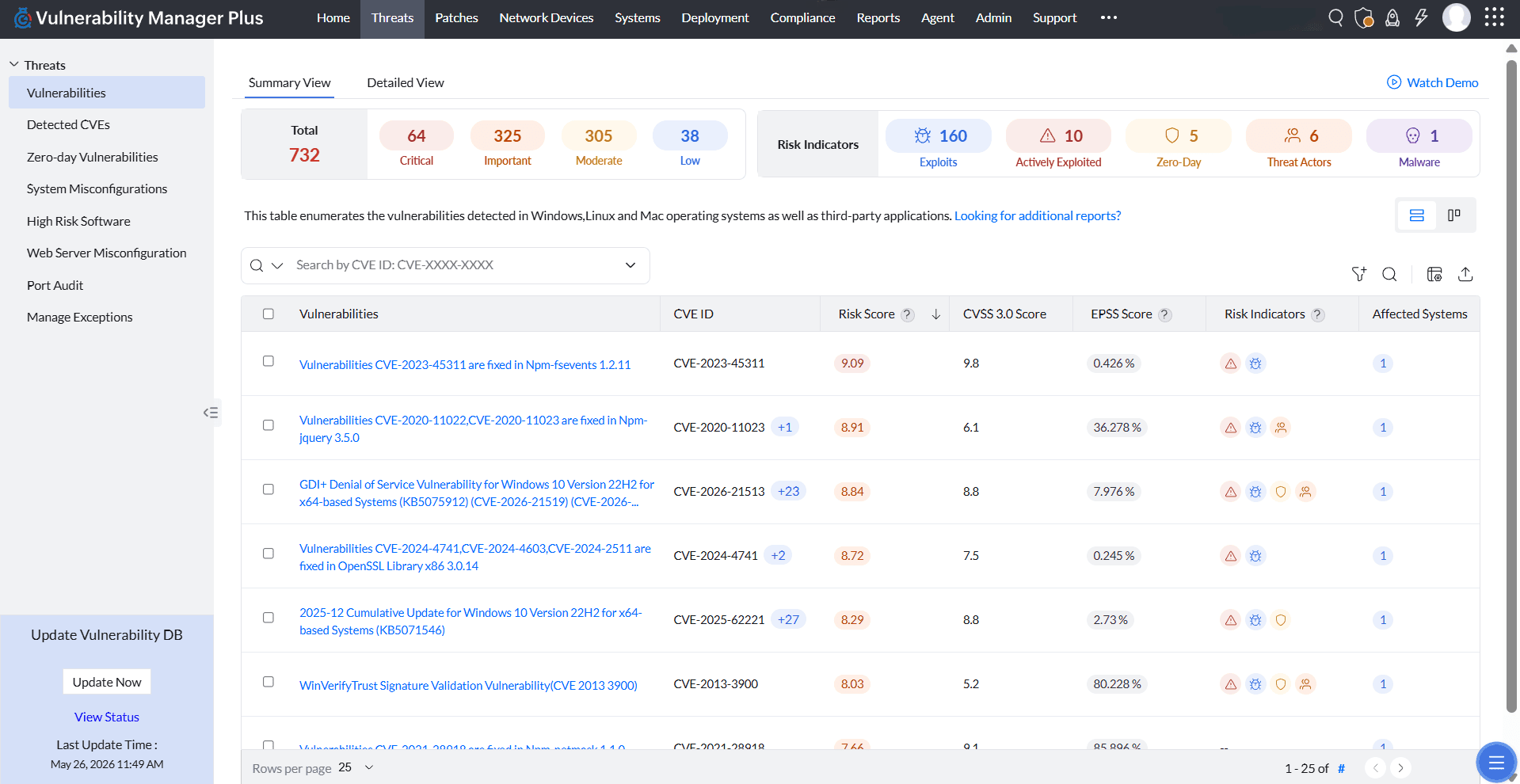 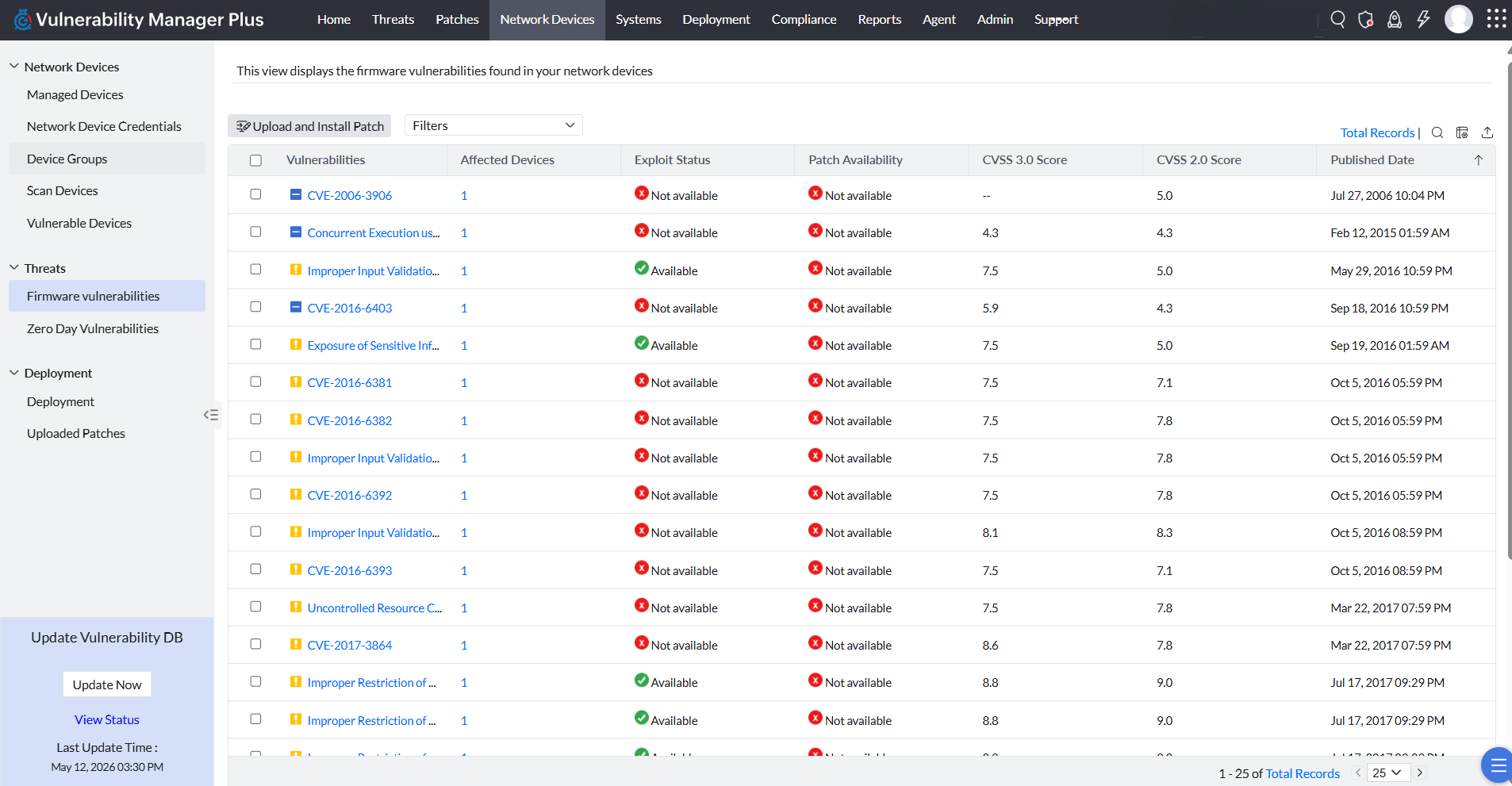 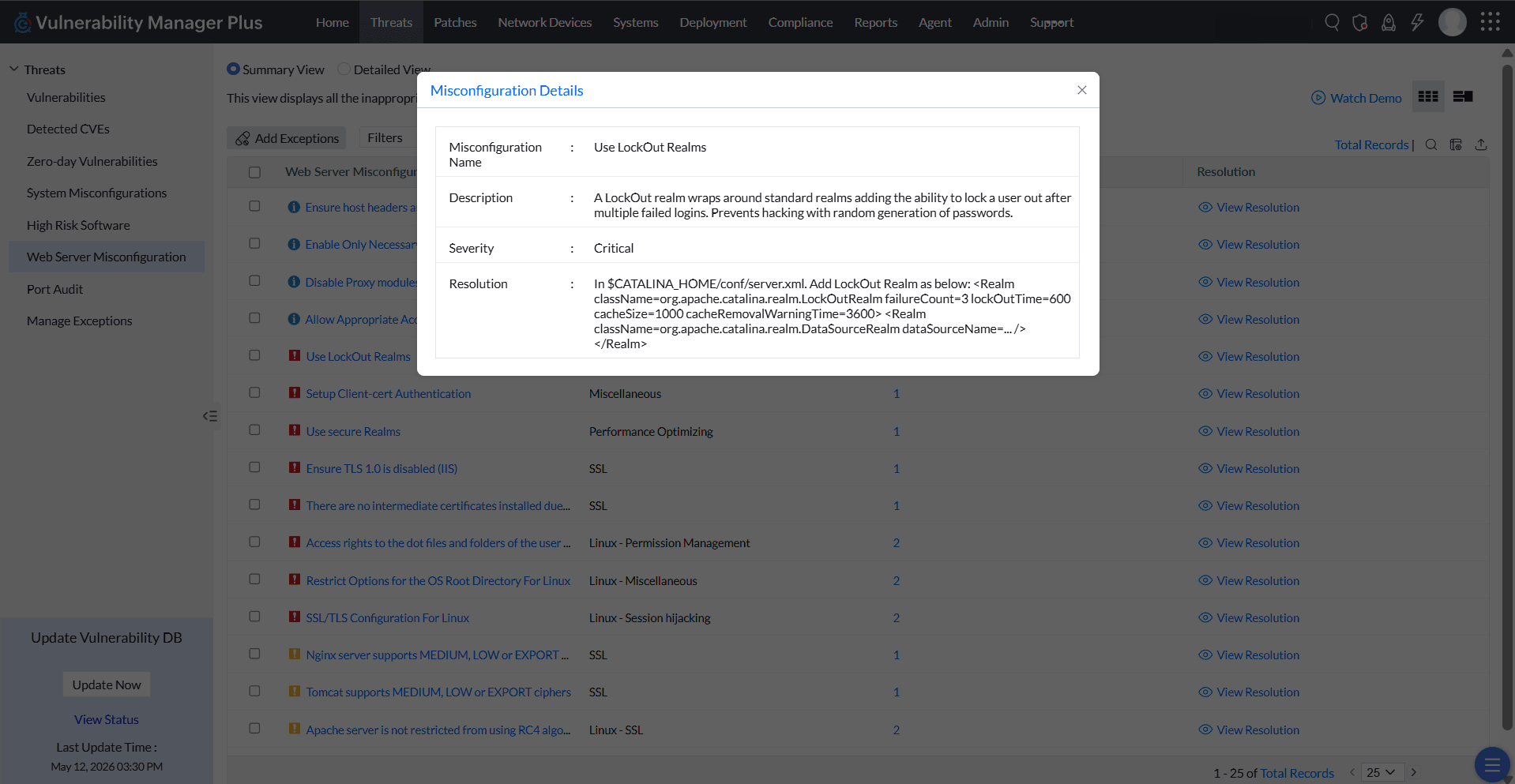  | Microsoft Defender for Cloud Screenshots   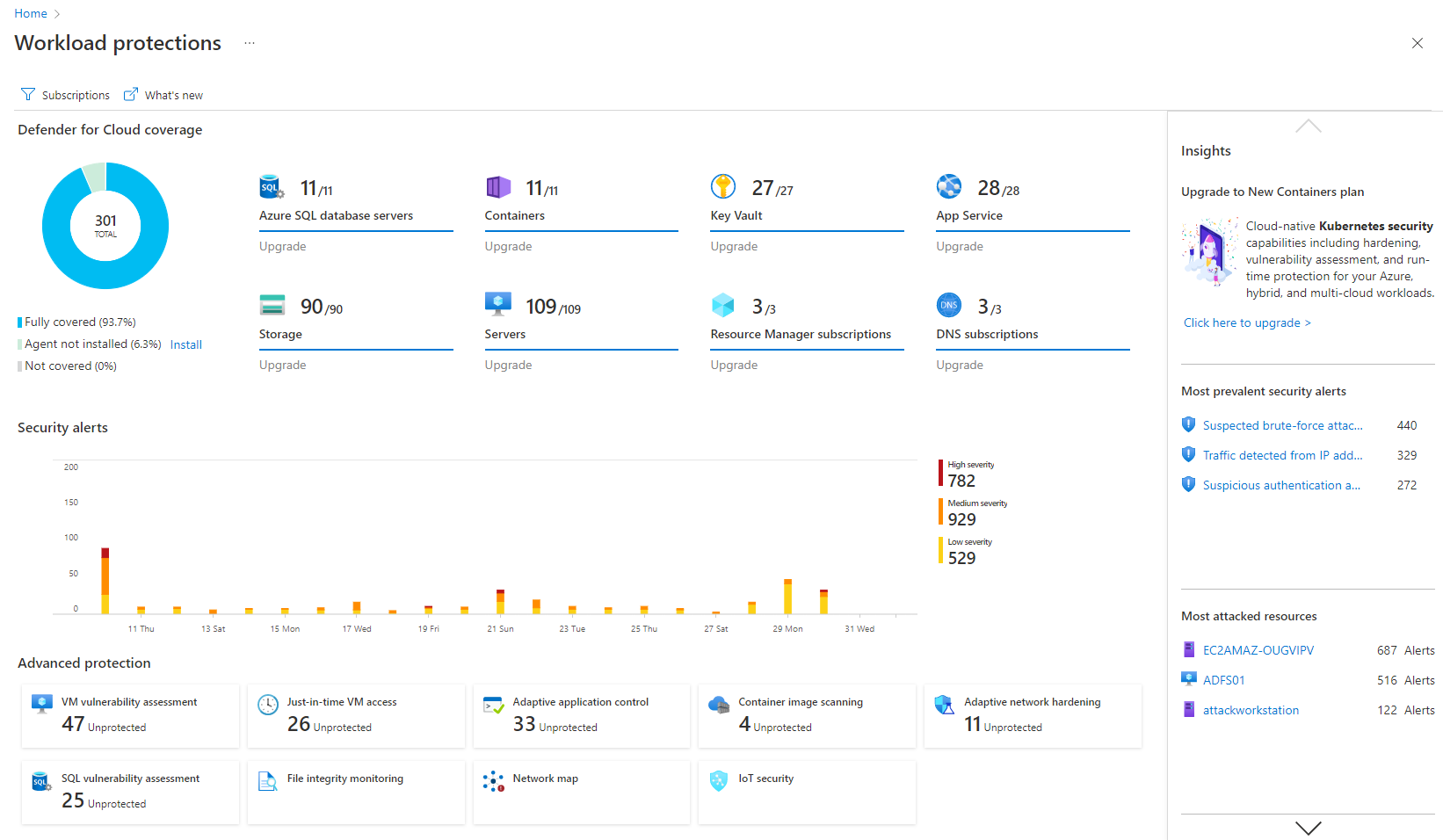   |


