TrustRadius: an HG Insights company

Save this comparison

Save this comparison

Add Product

Recommended Comparisons

    Overview
    ProductRatingMost Used ByProduct SummaryStarting Price

    Nmap

    Score8.7 out of 10
    N/ANmap is a free, open source network discovery, mapper, and security auditing software. Its core features include port scanning identifying unknown devices, testing for security vulnerabilities, and identifying network issues.

    $49,980

    one-time fee

    Pandora FMS

    Score9.1 out of 10
    Enterprise companies (1,001+ employees)
    Pandora FMS is a monitoring solution. It is presented as ideal for medium and big-sized environments with at least 100 devices. Users can monitor any device, infrastructure, application, IT as well as business processes and services. It allows business users to obtain information from their concerns in real time, visualizing the data in a direct way. The solution boasts users among companies and organizations in more than 40 countries around the world, who according…

    $2,990

    100 nodes

    Pricing
    NmapPandora FMS
    Editions & Modules
    Nmap OEM Small/Startup Company Redistribution License - Quarterly Term Maintenance Fee
    $7,980
    Every Three Months per license
    Nmap OEM Mid-Sized Company Redistribution License - Quarterly Term Maintenance Fee
    $11,980
    Every Three Months per license
    Nmap OEM Enterprise Redistribution License - Quarterly Term Maintenance Fee
    $13,980
    Every Three Months per license
    Nmap OEM Small/Startup Company Redistribution License - Annual Maintenance Fee
    $14,980
    per year per license
    Nmap OEM Mid-Sized Company Redistribution License - Annual Maintenance Fee
    $19,980
    per year per license
    Nmap OEM Enterprise Redistribution License - Annual Maintenance Fee
    $23,980
    per year per license
    Nmap OEM Small/Startup Company Redistribution License - Perpetual License
    $49,980
    one-time fee per license
    Nmap OEM Small/Startup Company Redistribution License - 5 year prepay Maintenance Fee
    $59,920
    Every Five Years per license
    Nmap OEM Mid-Sized Company Redistribution License - 5 year prepay Maintenance Fee
    $79,920
    Every Five Years per license
    Nmap OEM Mid-Sized Company Redistribution License - Perpetual License
    $79,980
    one-time fee per license
    Nmap OEM Enterprise Redistribution License - 5 year prepay Maintenance Fee
    $95,920
    Every Five Years per license
    Nmap OEM Enterprise Redistribution License - Perpetual License
    $98,980
    one-time fee per license
    NMS Edition
    $2,990
    100 nodes
    Enterprise Edition
    $4,250
    100 nodes
    Offerings
    Pricing Offerings
    NmapPandora FMS
    Free Trial
    NoYes
    Free/Freemium Version
    NoYes
    Premium Consulting/Integration Services
    NoYes
    Entry-level Setup FeeNo setup feeRequired
    Additional DetailsAll perpetual licenses include a six-month trial period during which you can cancel for any reason and receive a full refund of all money paid (including maintenance). The term license is only a 3-month commitment and cal also be terminated with full refund during the first 30 days of the initial quarter.Licensed for individual nodes (agents), starting from 100 nodes.
    More Pricing Information
    Community Pulse
    NmapPandora FMS
    Considered Both Products
    Open Source
    No answer on this topic
    Pandora FMS
    No answer on this topic
    Key User Insights
    Would buy again
    100%
    Would buy again
    14 Answers
    No answers on this topic
    Delivers good value for the price
    100%
    Delivers good value for the price
    14 Answers
    No answers on this topic
    Happy with the feature set
    100%
    Happy with the feature set
    14 Answers
    No answers on this topic
    Lived up to sales and marketing promises
    100%
    Lived up to sales and marketing promises
    11 Answers
    No answers on this topic
    Implementation went as expected
    100%
    Implementation went as expected
    13 Answers
    No answers on this topic
    Features
    NmapPandora FMS
    Network Performance Monitoring
    Comparison of Network Performance Monitoring features of Nmap and Pandora FMS
    Feature
    Nmap
    5.3
    17 Ratings
    40% below category average
    Pandora FMS
    -
    Ratings
    Automated network device discovery5.011 Ratings00 Ratings
    Network monitoring10.012 Ratings00 Ratings
    Baseline threshold calculation9.06 Ratings00 Ratings
    Alerts3.04 Ratings00 Ratings
    Network capacity planning6.07 Ratings00 Ratings
    Packet capture analysis2.07 Ratings00 Ratings
    Network mapping10.016 Ratings00 Ratings
    Customizable reports1.010 Ratings00 Ratings
    Wireless infrastructure monitoring2.08 Ratings00 Ratings
    Hardware health monitoring5.06 Ratings00 Ratings
    Best Alternatives
    NmapPandora FMS
    Small Businesses
    Auvik
    Score8.8 out of 10
    No answers on this topic
    Medium-sized Companies
    PingPlotter
    Score9 out of 10
    Logz.io
    Score8.3 out of 10
    Enterprises
    PingPlotter
    Score9 out of 10
    NetBrain Technologies
    Score8.8 out of 10
    All AlternativesView all alternativesView all alternatives
    User Ratings
    NmapPandora FMS
    Likelihood to Recommend
    10.0
    (18 ratings)
    9.0
    (2 ratings)
    Likelihood to Renew
    -
    (0 ratings)
    9.0
    (1 ratings)
    Usability
    10.0
    (1 ratings)
    9.0
    (1 ratings)
    Support Rating
    8.4
    (7 ratings)
    9.0
    (2 ratings)
    Implementation Rating
    -
    (0 ratings)
    8.0
    (1 ratings)
    User Testimonials
    NmapPandora FMS
    Likelihood to Recommend
    Open Source
    If you're a sysadmin, or anyone who's had to deploy network services, you've almost certainly had to use Nmap at some point or other. Need to see what devices are on your LAN? Nmap can tell you that. Want to check which ports your web server has open to the internet? Nmap is your friend.
    Nmap is a powerful command-line tool and has many options that require some reading of documentation to get the best out of (although generally straightforward). If the thought of working at the command-line scares you (presumably not if you're reading this review), then you may want a much simpler tool, or at least check out Zenmap GUI.
    Incentivized
    Read full review
    Pandora FMS
    I believe Pandora FMS is a solution that adapts to any type of scenario; it's useful for small businesses as well as large organizations. It more than meets the need to have a comprehensive monitoring system capable of sending alerts instantly and consulting historical data, logs, and trends. Additionally, for small businesses, the free version will be more than sufficient in most cases. And for those who do not want to deploy the service on-premise, there is an option for MaaS (Monitoring as a Service).
    Incentivized
    Read full review
    Pros
    Open Source
    • NMap provides a very fast and a very thorough network "sweep" that allows you to quickly map out exactly what's on your network.
    • NMap is highly configurable. The "canned" choices are very good in most instances, but using various switches and options, you can create a very specific scan and get exactly the results you're looking for.
    • NMap is easy to use. Even a new administrator will be able to use the graphical version (Zenmap) with efficiency right away.
    Incentivized
    Read full review
    Pandora FMS
    • All-in-one software
    • Flexible and easy configuration
    • Multi-platform
    • Design in PERL, CCS and HTML5
    Read full review
    Cons
    Open Source
    • The GUI version on Nmap could use some improvement with the options that are available to do scans. For example, they could make it easier to select options for the different types of scanning for people who are beginners
    • There are no abilities to schedule a scan in the Nmap tool.
    • An intensive scan sometimes takes too much time to complete.
    Incentivized
    Read full review
    Pandora FMS
    • The interface is not intuitive due to the number of options it has and its organization.
    • It has a free version with limitations, and another paid version. The commercial one has a quite high cost.
    • It has a certain learning curve.
    Incentivized
    Read full review
    Usability
    Open Source
    Nmap uses are very practical and I don't think there is a better tools for what Nmap does. It is open-sources that therefore there is no cost to use it. It offers a number of benefits, including but not limited to network mapping, port scanning and more. It is very reliable as a network scanning tool.
    Incentivized
    Read full review
    Pandora FMS
    The solution is very complete, and even includes extras such as IPAM.
    Deployment can be a bit unintuitive at first, but once you become familiar with the solution and thanks to its automatic deployment options it ends up being easier than it seemed. The power and options of the solution are its greatest virtue.
    Incentivized
    Read full review
    Support Rating
    Open Source
    There is a very large support community and a robust selection of add-ons and scripts. Once you get the use down this is one of the most powerful tools and you can find anything you are looking for as far as examples on the web. While not having official support its not lacking by any means.
    Incentivized
    Read full review
    Pandora FMS
    The support team answers very quickly. They are always willing to find a solution to any need that is required by us or one of our clients.
    Read full review
    Alternatives Considered
    Open Source
    Alternatives to Nmap (other IP scanners) are often much more limited in what they can do; They often only allow you to scan a specific subset of ports or a limited number of IP addresses in one command. Nmap is unrestricted in that regard. What makes Nmap stand out above the rest, is the complete network analysis package you get with it. It allows IP scanner, network deep-dives, hardware analysis, vulnerability analysis, encryption detailing, and so much more, in one free application
    Incentivized
    Read full review
    Pandora FMS
    Before using Pandora FMS, tests were carried out with all these tools:
    • Nagios
    • Zabbix
    • System Center Operations Manager (SCOM)
    • IBM Tivoli
    • PRTG
    • SolarWinds
    Pandora FMS allows simple customization by making adjustments to text files, developing agent add-ons without the need to be a programmer, there is no scenario where we could not take data and save it in PandoraFMS, IoT, industrial products, and everything that any client needs to monitor.
    Read full review
    Return on Investment
    Open Source
    • Nmap with Wireshark is free, so it's been a great combo team to gather info and test.
    • It's allowed us to avoid fines from false positives and to fix actual issues ourselves.
    • Great for finding hosts, helps keep the network secure.
    Incentivized
    Read full review
    Pandora FMS
    • Substantial improvement in monitoring service. Detecting alerts on time always results in economic savings.
    • Improvement in the periodic report associated with the capacity plan. The tool is indispensable in decision-making.
    • Centralization and tool savings. Pandora FMS's versatility allows centralizing several functions into a single tool.
    Incentivized
    Read full review
    ScreenShots

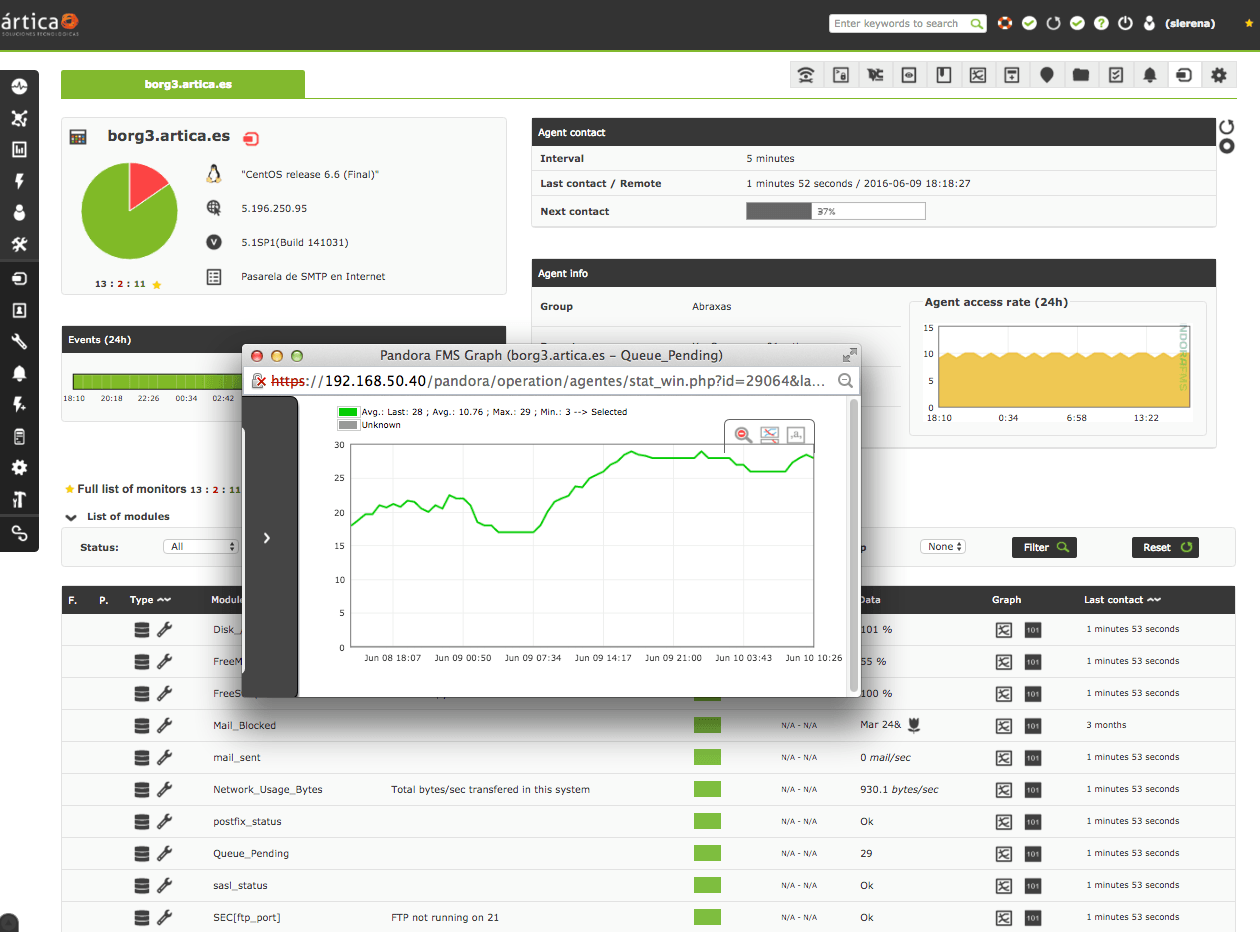
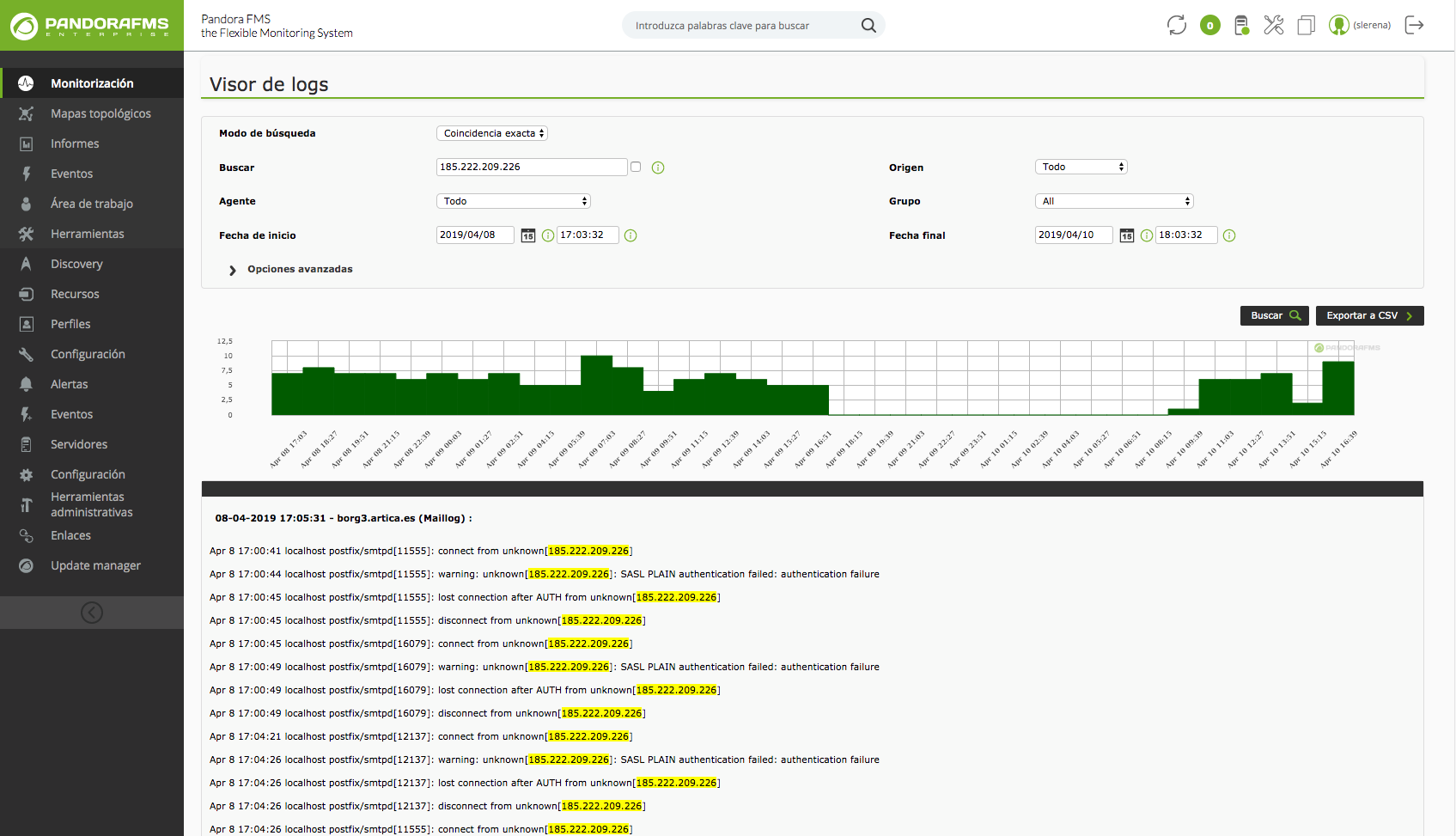
    Pandora FMS Screenshots

    Screenshot of the operation viewScreenshot of the dashboardScreenshot of an SLA report sampleScreenshot of a log visualizationScreenshot of an SLA report viewScreenshot of Netflow usage