Noibu vs. Sentry

Overview
ProductRatingMost Used ByProduct SummaryStarting Price
Noibu
Score 0.0 out of 10
N/A
The Noibu ecommerce performance and error monitoring platform helps ecommerce teams detect, investigate, prioritize, and resolve revenue impacting errors on their website.N/A
Sentry
Score 8.7 out of 10
N/A
Sentry provides engineering teams with tools to detect and solve user-impacting bugs and other issues.
$26
per month
Pricing
NoibuSentry
Editions & Modules
No answers on this topic
Team
$26
per month
Business
$80
per month
Developer
Free
Enterprise
Contact sales team
Offerings
Pricing Offerings
NoibuSentry
Free Trial
NoYes
Free/Freemium Version
NoYes
Premium Consulting/Integration Services
NoNo
Entry-level Setup FeeNo setup feeNo setup fee
Additional Details
More Pricing Information
Community Pulse
NoibuSentry
Best Alternatives
NoibuSentry
Small Businesses
SolarWinds Pingdom
SolarWinds Pingdom
Score 9.5 out of 10
GitLab
GitLab
Score 8.7 out of 10
Medium-sized Companies
Cisco ThousandEyes
Cisco ThousandEyes
Score 8.9 out of 10
GitLab
GitLab
Score 8.7 out of 10
Enterprises
Cisco ThousandEyes
Cisco ThousandEyes
Score 8.9 out of 10
GitLab
GitLab
Score 8.7 out of 10
All AlternativesView all alternativesView all alternatives
User Ratings
NoibuSentry
Likelihood to Recommend
-
(0 ratings)
9.0
(15 ratings)
Usability
-
(0 ratings)
8.0
(3 ratings)
User Testimonials
NoibuSentry
Likelihood to Recommend
Noibu
No answers on this topic
Sentry
Great for standard web application performance monitoring, analytics and error reporting. Shows line level code errors, gives insight into performance issues (plugins, API issues, etc.). Automation and scheduled scanning in production gives client visibility into 'after deployment' value. Also lets a relatively small number of developers keep tabs on a handful of different site/applications without needing a bunch of tools. The UI is pretty complicated and can be overwhelming for new users. Documentation could be better for the learning curve,
Read full review
Pros
Noibu
No answers on this topic
Sentry
  • Great web interface. Lots of data available in a really clean format, with filtering options and more.
  • Per-user exception tracking. User is complaining about something being broken? Look up their account ID in Sentry and you can see if they've run into any exceptions (with device information included, of course).
  • Source map uploading. Took a little while to figure this out but now we have our deploy script upload sourcemaps to Sentry on each deployment, meaning we get to see stack traces that aren't obfuscated!
  • Very generous free tier – 10,000 events per month. We're nowhere near that yet.
Read full review
Cons
Noibu
No answers on this topic
Sentry
  • Alert Configuration. Would be really helpful to have multiple logical groupings within the "If" section of a single configurable alert.
  • Alert Copying. Being able to copy an alert from one project to another would be super beneficial.
  • Alert Tags. Better UI around how we select which tags are getting sent with each alert instead of a tiny text box.
Read full review
Usability
Noibu
No answers on this topic
Sentry
Its incredibly versatile, but that leads to complexity for the uninitiated, which can be intimidating. Nevertheless its a well polished product, in our case leading to only using it for a focus on frontend is still more cost effective than buying a one-to-rule-them-all tool...
Read full review
Alternatives Considered
Noibu
No answers on this topic
Sentry
It is cheaper and offers better support for front-end applications for enterprise large environments with more then 30 scrum teams and hundreds of micro frontend applications. The configuration options, both with the agent and from the user interface, are superior to other tools, and the documentation is also very easy to use.
Read full review
Return on Investment
Noibu
No answers on this topic
Sentry
  • So it has helped us for quick error resolutions.
  • From dashboard we are able to assign errors to particular member and see when its resolved.
  • Without customer informing us about errors we know what happened in real time helps in customer service also.
Read full review
ScreenShots

Noibu Screenshots

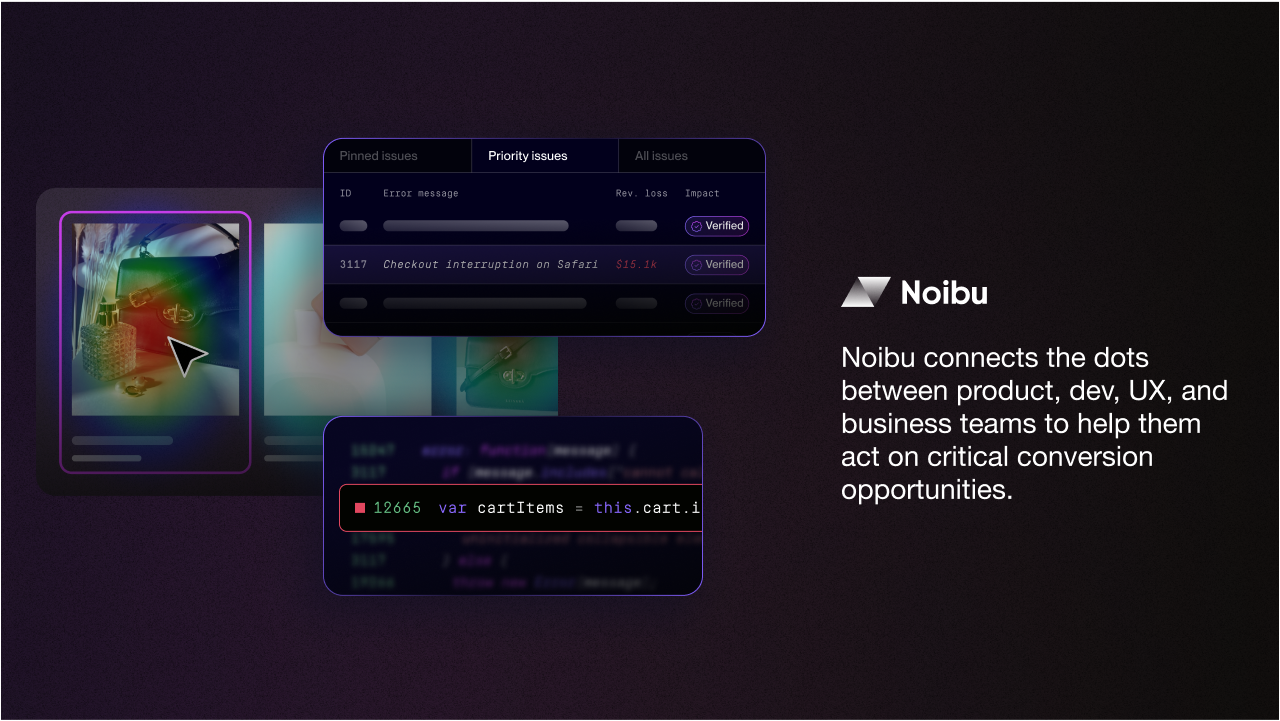
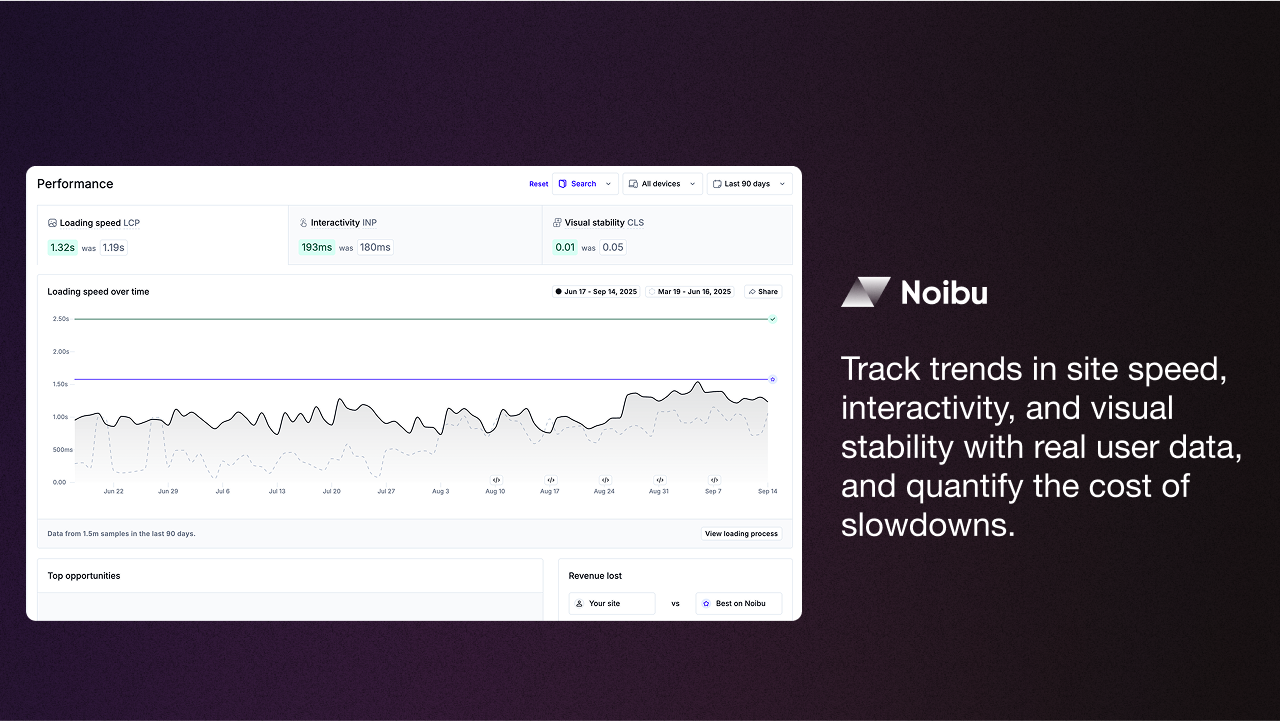
Screenshot of how Noibu offers insights into what’s blocking conversions on an ecommerce site, how much it’s costing, and what to fix first.Screenshot of the interface to automatically detect every conversion-blocking issue, and prioritize what to fix with AI and expert verification.Screenshot of where to see friction through the eyes of the customer, pinpoint frustration signals, and trace blockers to their root cause.Screenshot of how to track trends in site speed, interactivity, and visual stability with real user data, and quantify the cost of slowdowns.Screenshot of a visualization showing where customers click, how they engage, and where they drop off using heat maps, scroll maps, and page-level diagnostics.