
PDF Studio vs. Zoho PDF Editor
| Product | Rating | Most Used By | Product Summary | Starting Price |
|---|---|---|---|---|
 PDF Studio | Score9.1 out of 10 | N/A | PDF Studio is a PDF editor that aims to provides all PDF features needed at a low cost. PDF Studio maintains full compatibility with the PDF Standard. Users can: Create PDFs from Scan, MS Word, Text and Images Annotate PDFs with Comments & Text Markups Create, Fill In & Save PDF Forms Secure Documents with Passwords and Permissions Merge, Split & Assemble Documents Apply Watermarks, Headers and Footers Create Bookmarks / Table… | $99 one-time fee |
 Zoho PDF Editor | N/A | N/A | Zoho PDF Editor is an online PDF editor used to edit, fill out, sign, and manage PDF documents online. Highlights of PDF Editor: Add text to PDFs with layered editing Share PDFs and edit them as a team Customize font, text size, and color with rich-text formatting Highlight important details Insert, resize, and annotate images Provide access to related information by adding… | N/A |
| PDF Studio | Zoho PDF Editor | |||||||||||||||
|---|---|---|---|---|---|---|---|---|---|---|---|---|---|---|---|---|
| Editions & Modules | No answers on this topic | No answers on this topic | ||||||||||||||
| Offerings |
| |||||||||||||||
| Entry-level Setup Fee | No setup fee | No setup fee | ||||||||||||||
| Additional Details | Each user license key can be used on 2 computers (for the same user) on any of the supported operating system (Windows, Mac, Linux). Each user license is perpetual and allows to continue using this major version of our software (version 2018) as long as it works on your operating system. Payment is a one-time fee, with no monthly or yearly subscription or commitment. Any upgrade to future major versions is optional. | — | ||||||||||||||
| More Pricing Information | ||||||||||||||||
| PDF Studio | Zoho PDF Editor | |
|---|---|---|
| Small Businesses |  Tungsten Power PDF Score9.8 out of 10 | Tungsten Power PDF Score9.8 out of 10 |
| Medium-sized Companies |  PDF Xchange Viewer and Editor Score9.3 out of 10 | PDF Xchange Viewer and Editor Score9.3 out of 10 |
| Enterprises |  Adobe Acrobat Reader Score8.6 out of 10 | Adobe Acrobat Reader Score8.6 out of 10 |
| All Alternatives | View all alternatives | View all alternatives |
| PDF Studio | Zoho PDF Editor | |
|---|---|---|
| Likelihood to Recommend | 9.1 | - |
| Usability | 8.2 | - |
| Support Rating | 8.5 | - |
| PDF Studio | Zoho PDF Editor | |
|---|---|---|
| Likelihood to Recommend |
| No answers on this topic |
| Pros |
| No answers on this topic |
| Cons |
| No answers on this topic |
| Usability |
| No answers on this topic |
| Support Rating |
| No answers on this topic |
| Alternatives Considered |
| No answers on this topic |
| Return on Investment |
| No answers on this topic |
| ScreenShots | PDF Studio Screenshots 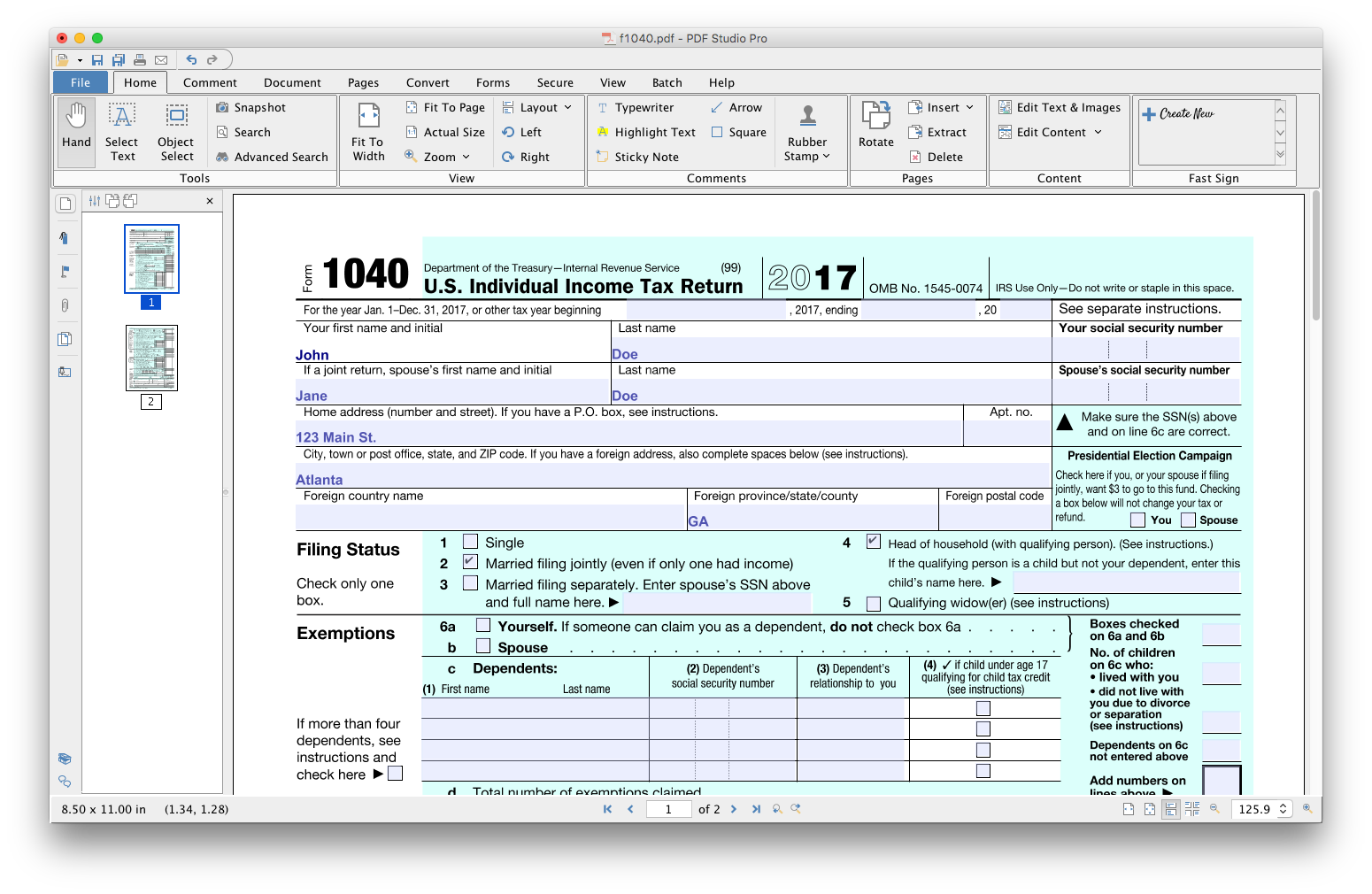 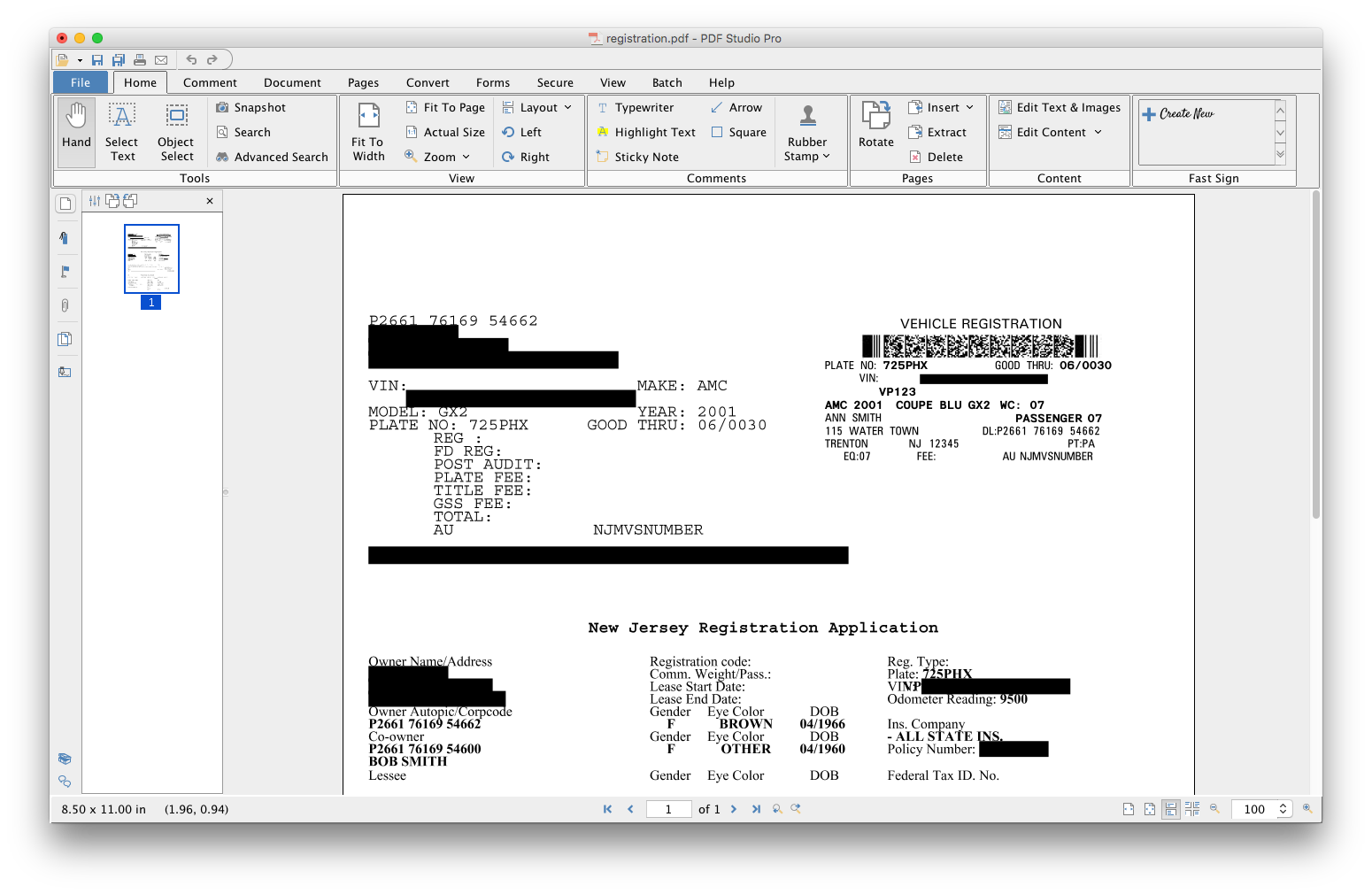    | Zoho PDF Editor Screenshots  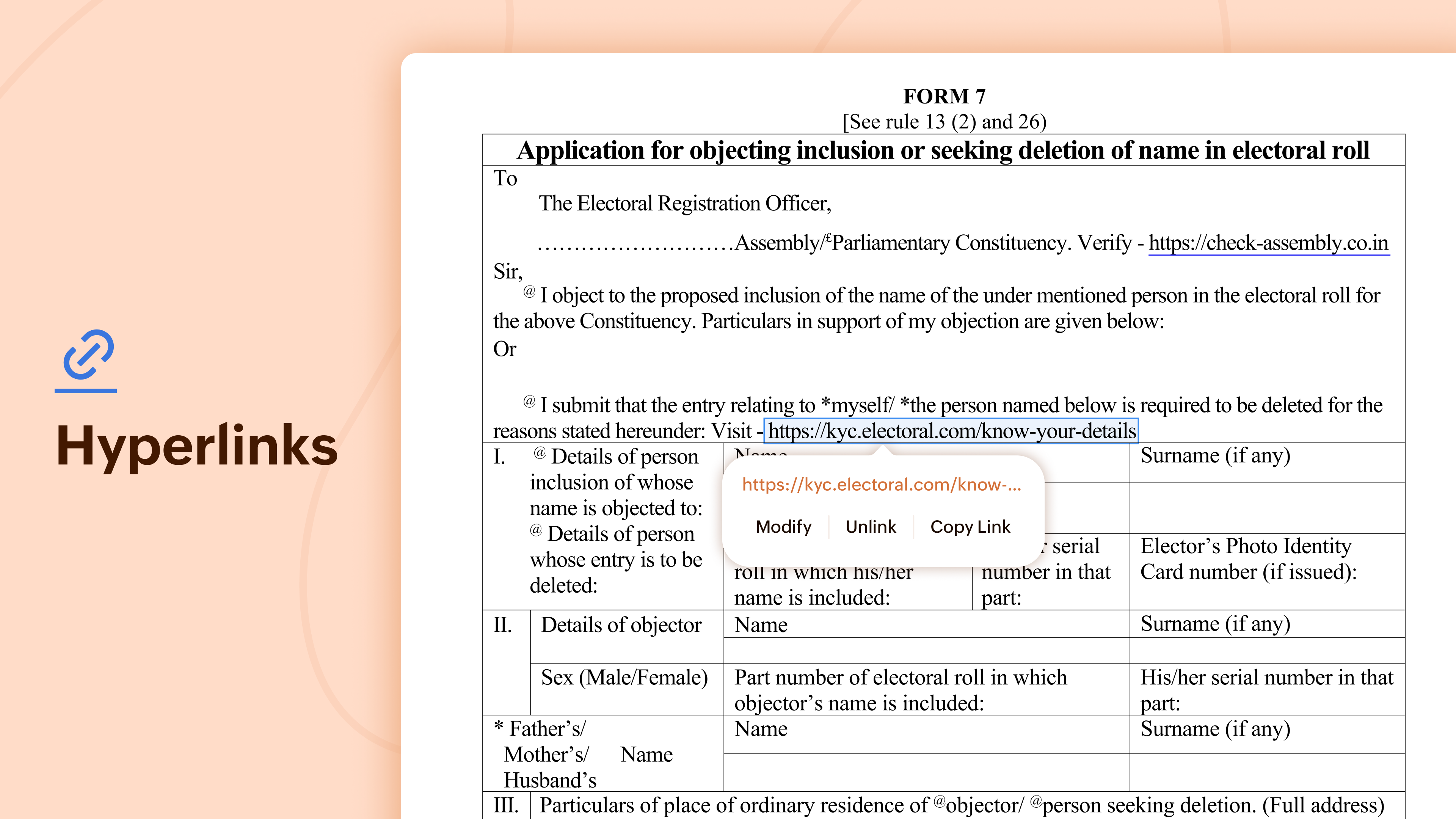 |
