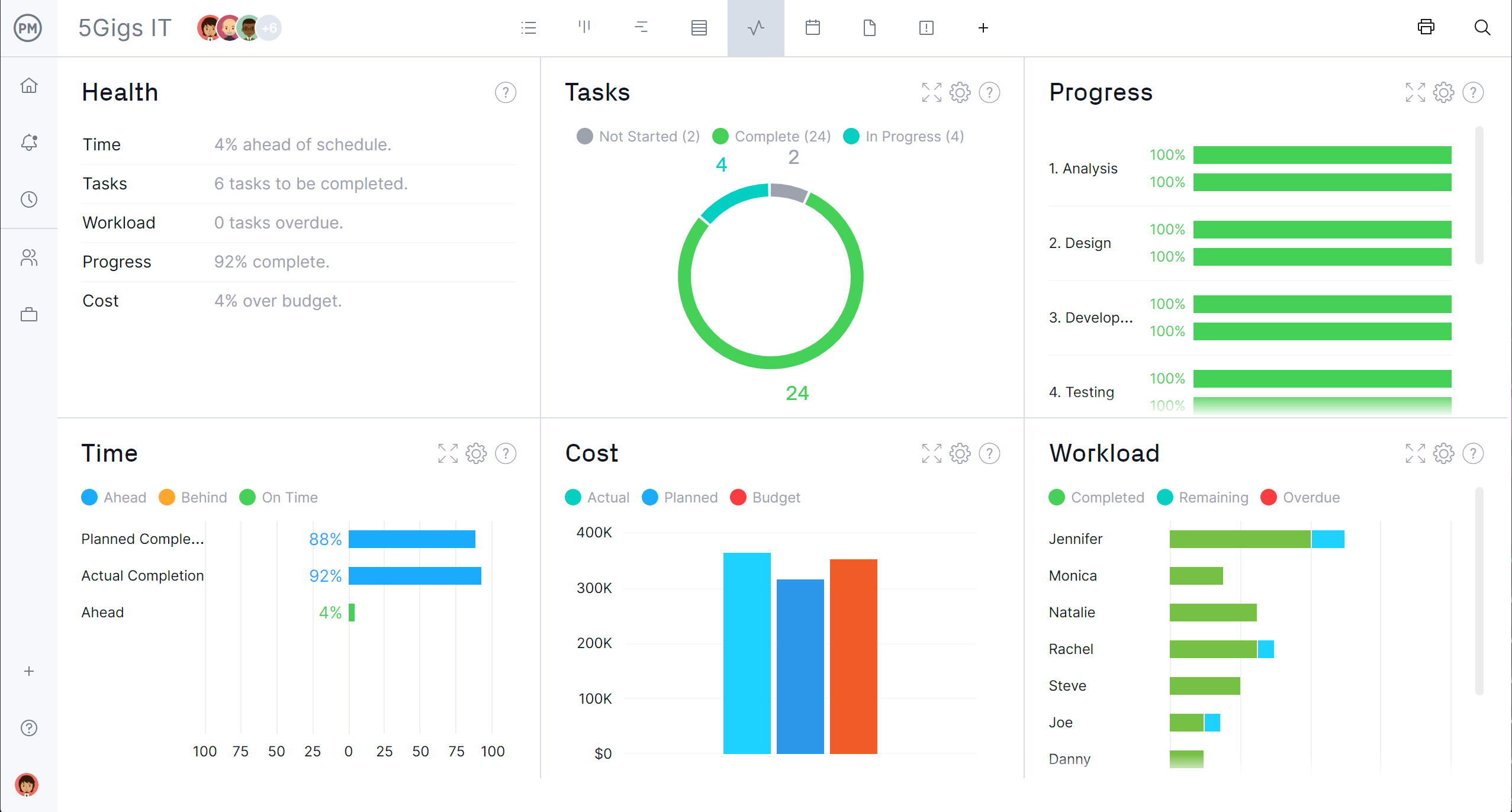
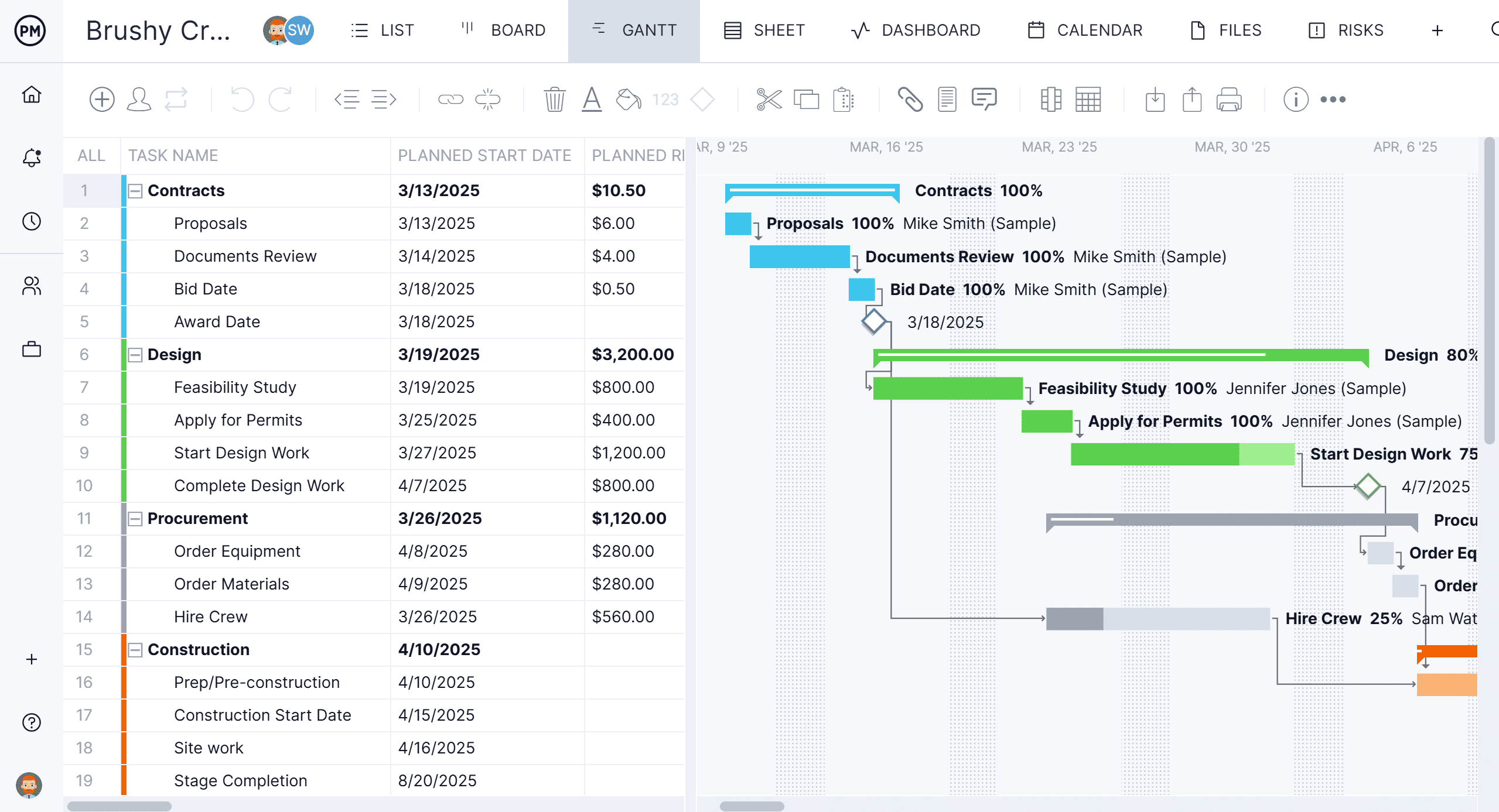
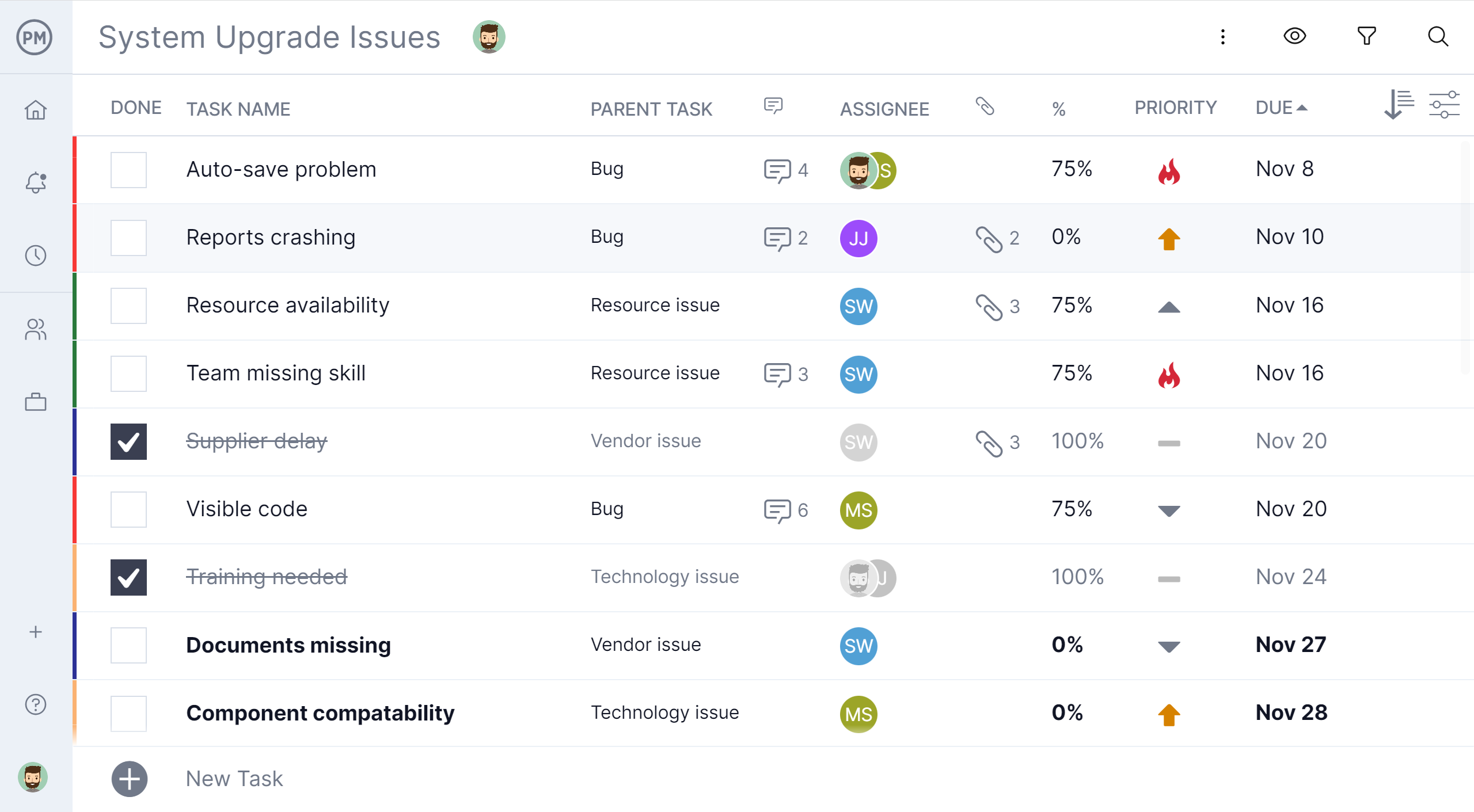
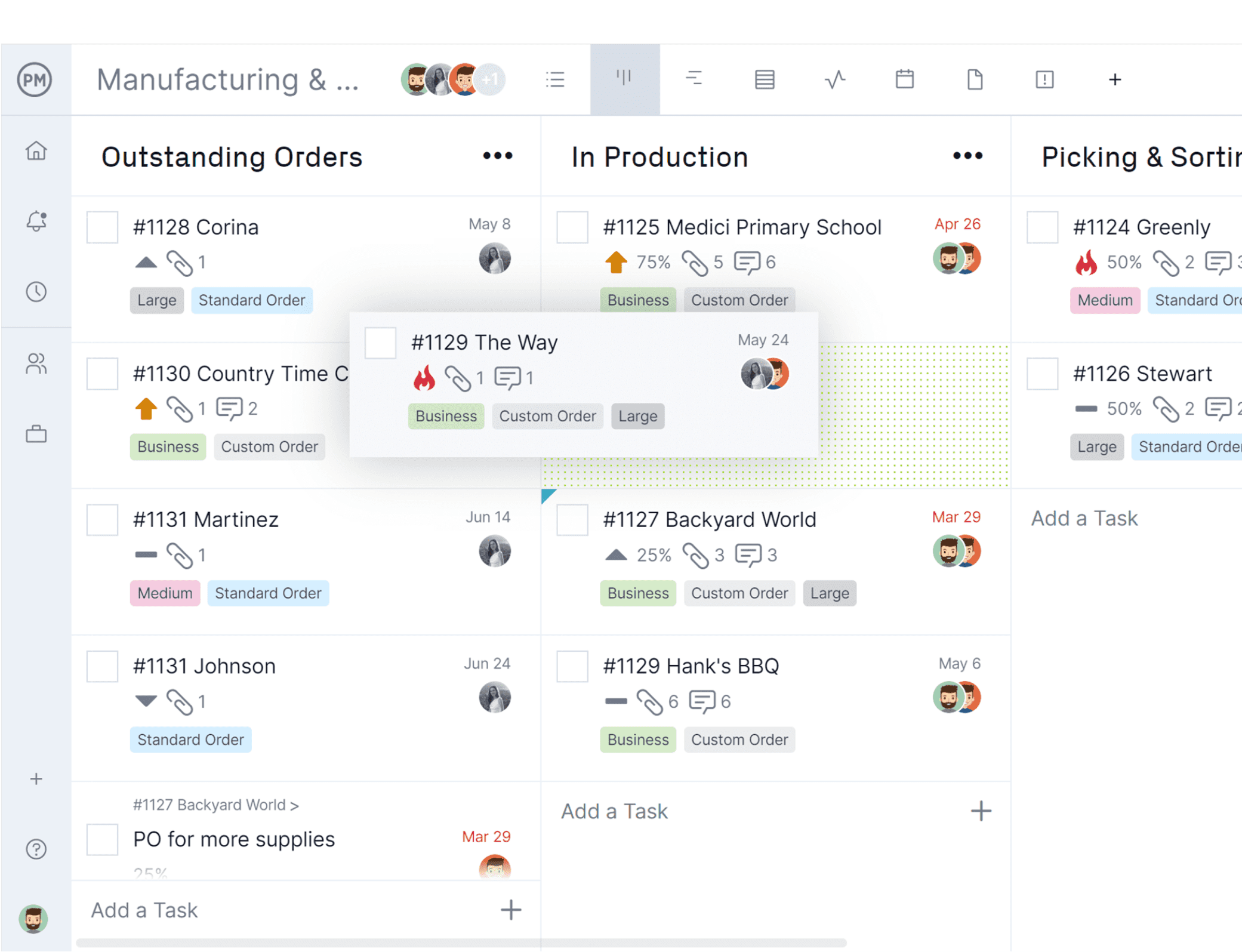
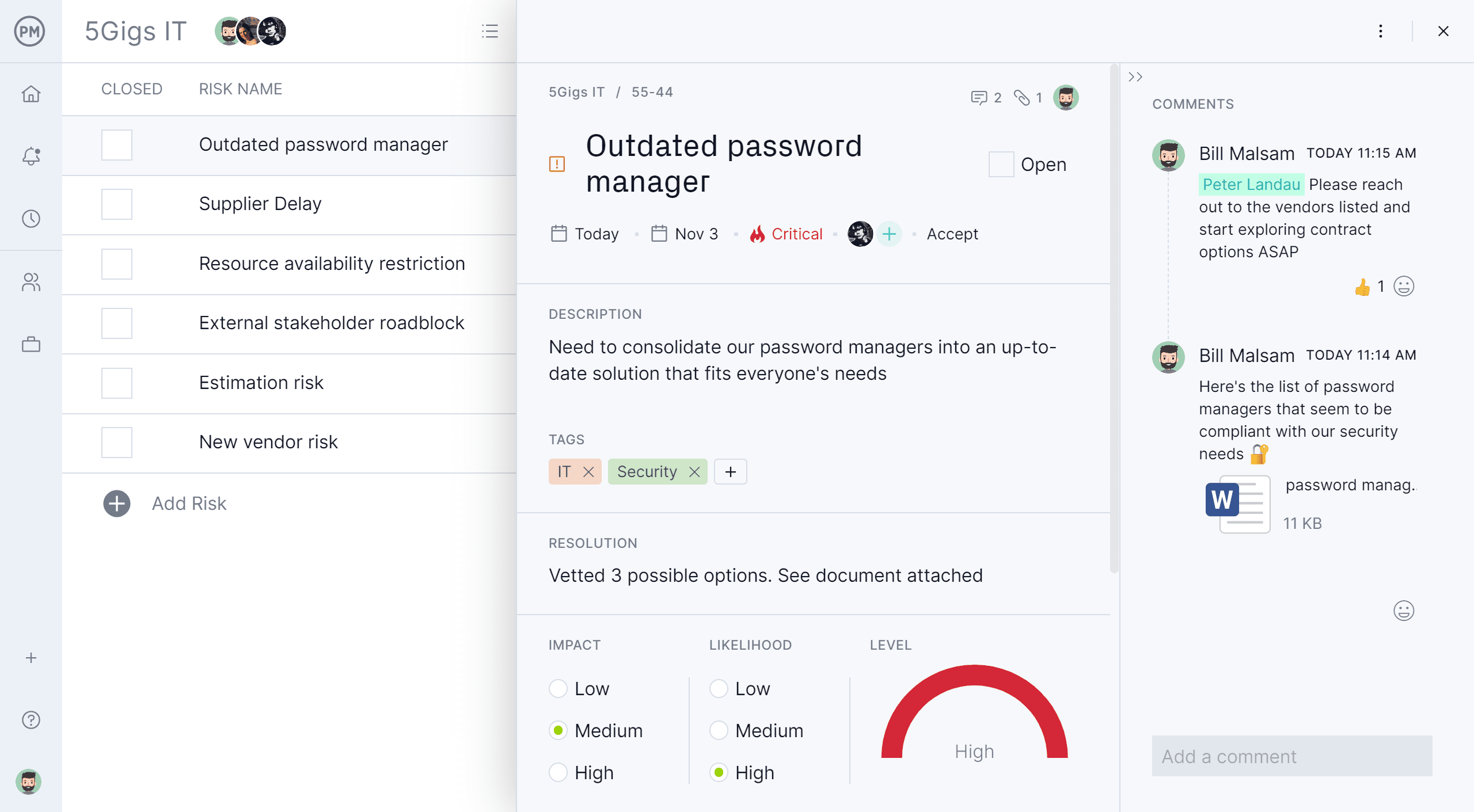
ProjectManager is a cloud-based project management software. Features include file storage, client logins, unlimited projects and integration with Google Apps, Microsoft Word, Excel and Project.
$18
per month per user
SeaTable
Score8.1 out of 10
N/A
With SeaTable, teams can organize tasks, assets, projects and ideas. It looks like a spreadsheet but structures any type of information, in the cloud or on the user's own server. SeaTable is a web solution to design business processeses and workflows. SeaTable is designed to give teams the information that is currently needed. Individual views provide the freedom to organize work as it is needed. SeaTable can be linked with other business applications and…
$0
up to 3 users
Pricing
ProjectManager
SeaTable
Editions & Modules
Team
$18
per month per user
Business
$32
per month per user
Enterprise
Custom
Free Version
$0
up to 3 users
Free Version
$0
per user, per year
Plus - monthly
$11
per user, per month
Enterprise - monthly
$22
per user, per month
General license
$84
per user, per year
Plus - yearly
$101
per user, per year
Enterprise - yearly
$203
per user, per year
Small Business Package #1
$483
for 10 users. per year
Small Business Package #2
$1,811
for 25 users, per year
Offerings
Pricing Offerings
ProjectManager
SeaTable
Free Trial
Yes
No
Free/Freemium Version
No
Yes
Premium Consulting/Integration Services
Yes
Yes
Entry-level Setup Fee
Optional
No setup fee
Additional Details
Discount available for annual billing.
—
More Pricing Information
Features
ProjectManager
SeaTable
Project Management
Comparison of Project Management features of ProjectManager and SeaTable
Feature
ProjectManager
10.0
2 Ratings
26% above category average
SeaTable
7.5
3 Ratings
2% below category average
Task Management
10.02 Ratings
9.13 Ratings
Resource Management
10.02 Ratings
9.13 Ratings
Gantt Charts
10.02 Ratings
1.01 Ratings
Scheduling
10.02 Ratings
4.73 Ratings
Workflow Automation
10.02 Ratings
8.22 Ratings
Team Collaboration
10.02 Ratings
9.13 Ratings
Support for Agile Methodology
10.02 Ratings
6.01 Ratings
Support for Waterfall Methodology
10.02 Ratings
6.01 Ratings
Document Management
10.02 Ratings
9.12 Ratings
Email integration
10.02 Ratings
7.32 Ratings
Mobile Access
10.02 Ratings
8.01 Ratings
Change request and Case Management
10.02 Ratings
10.01 Ratings
Budget and Expense Management
10.02 Ratings
8.22 Ratings
Timesheet Tracking
00 Ratings
9.01 Ratings
Professional Services Automation
Comparison of Professional Services Automation features of ProjectManager and SeaTable
Because I work with many people for whom Project Management is new, I wanted to use software that was user-friendly, fairly intuitive, and not filled with jargon. I like the fact I can use existing templates that (mostly) work for our needs, and I look forward to more things being added. They say support is 72 hours, but I’ve never waited for more than a few.
A de minimis incentive was given to thank the reviewer for their time. The incentive was not used to bias or drive a particular response, nor was the incentive contingent on a positive endorsement. More Info
It does well as a CRM for a company to see all of their candidates or clients or whatever they are tracking. The sorting and grouping ability as well as the inclusion of many formula integrations is also helpful to organize content more meaningfully. If you don't have a lot of information that you need to track, this might have more than you require but it is still a great software to use.
A de minimis incentive was given to thank the reviewer for their time. The incentive was not used to bias or drive a particular response, nor was the incentive contingent on a positive endorsement. More Info
Creating job schedules and milestones, which we provide to our clients as well as our vendors.
A one stop shop for downloading/uploading any job/site specific documents (issues, daily reports, photos, signoffs, etc.).
Real time communication with your clients. As soon as an issue has been raised within ProjectManager.com, everyone attached to that job with get an email notification of what has been communicated or what document has been uploaded.
A de minimis incentive was given to thank the reviewer for their time. The incentive was not used to bias or drive a particular response, nor was the incentive contingent on a positive endorsement. More Info
A de minimis incentive was given to thank the reviewer for their time. The incentive was not used to bias or drive a particular response, nor was the incentive contingent on a positive endorsement. More Info
SeaTable is a young company, and I have nothing to criticise, for now. - No solution will fit all use cases, in any event. --- I have found this one to be the most adaptable and complex on the European market. Due to the data location, I am reassured on the subject of GDPR compliance.
A de minimis incentive was given to thank the reviewer for their time. The incentive was not used to bias or drive a particular response, nor was the incentive contingent on a positive endorsement. More Info
A de minimis incentive was given to thank the reviewer for their time. The incentive was not used to bias or drive a particular response, nor was the incentive contingent on a positive endorsement. More Info
For the value, you get much more with SeaTable including the statistics and the number of records that can be utilized on the free version. I also thoroughly enjoy the ease of adding formulas and having the reference right inside of the platform to ensure the selection of the correct formula to meet your needs.
A de minimis incentive was given to thank the reviewer for their time. The incentive was not used to bias or drive a particular response, nor was the incentive contingent on a positive endorsement. More Info
A de minimis incentive was given to thank the reviewer for their time. The incentive was not used to bias or drive a particular response, nor was the incentive contingent on a positive endorsement. More Info
Positive: Savings in administrative staffing needs.
Positive: Customisation allows for real-life workflow management
Positive: Automation is a goal that SeaTable supports very well.
Negative: Not many people are familiar with solutions like SeaTable. They are used to working with inflexible (and often not-fit for purpose) administrative systems. They are adept at finding ways to circumvent the issues by using secondary tools, or they wait passively for web developers to deliver the functionality they need. - It is quite difficult to convey the opportunities that SeaTable offers to people who have not used it before. SeaTable cannot be blamed for this, but it creates work in needing to convey this to the organisation's stakeholders. --- I would recommend one person to be assigned the role of SeaTable specialist in an organisation, so that any issues can be quickly resolved.
A de minimis incentive was given to thank the reviewer for their time. The incentive was not used to bias or drive a particular response, nor was the incentive contingent on a positive endorsement. More Info