PTC Mathcad Prime is a digital engineering notebook enabling engineers, mathematicians, and scientists to solve, analyze, document, and share their calculations. It helps users to solve problems accurately the first time numerically and/or symbolically, and then reuse important intellectual property with templates to save time on the next project.
$735
per year
RSTAB 9
Score 0.0 out of 10
N/A
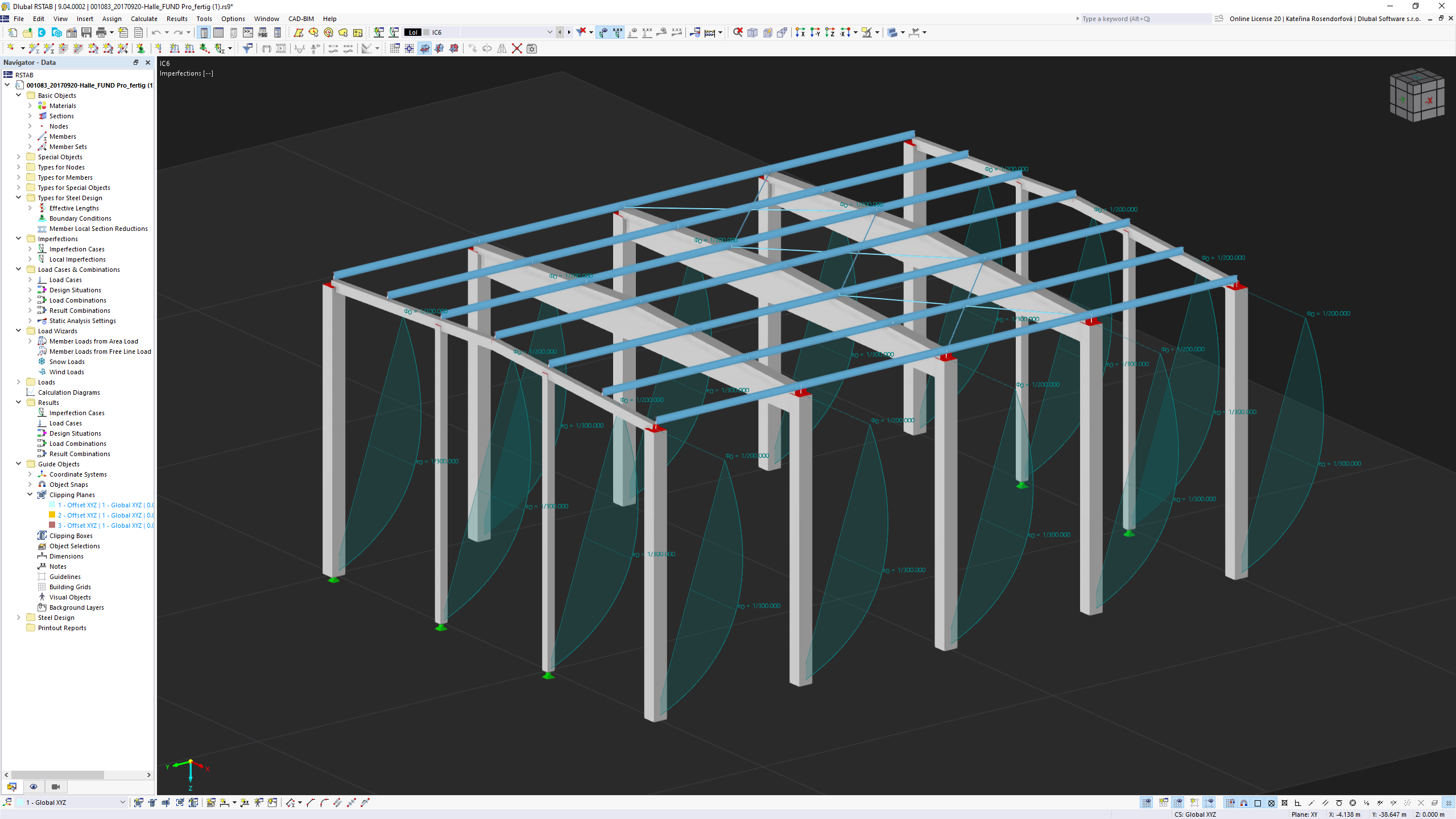
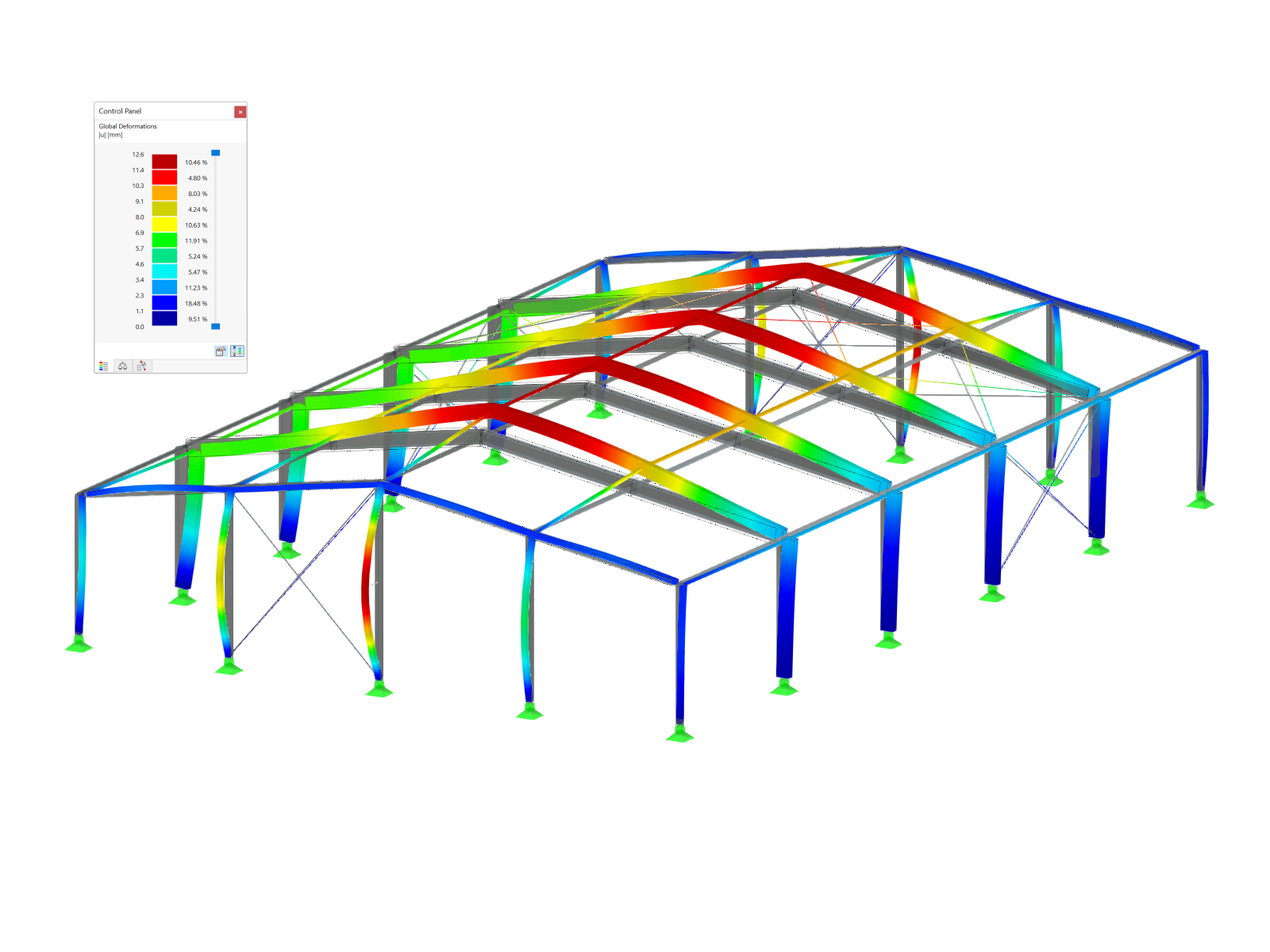
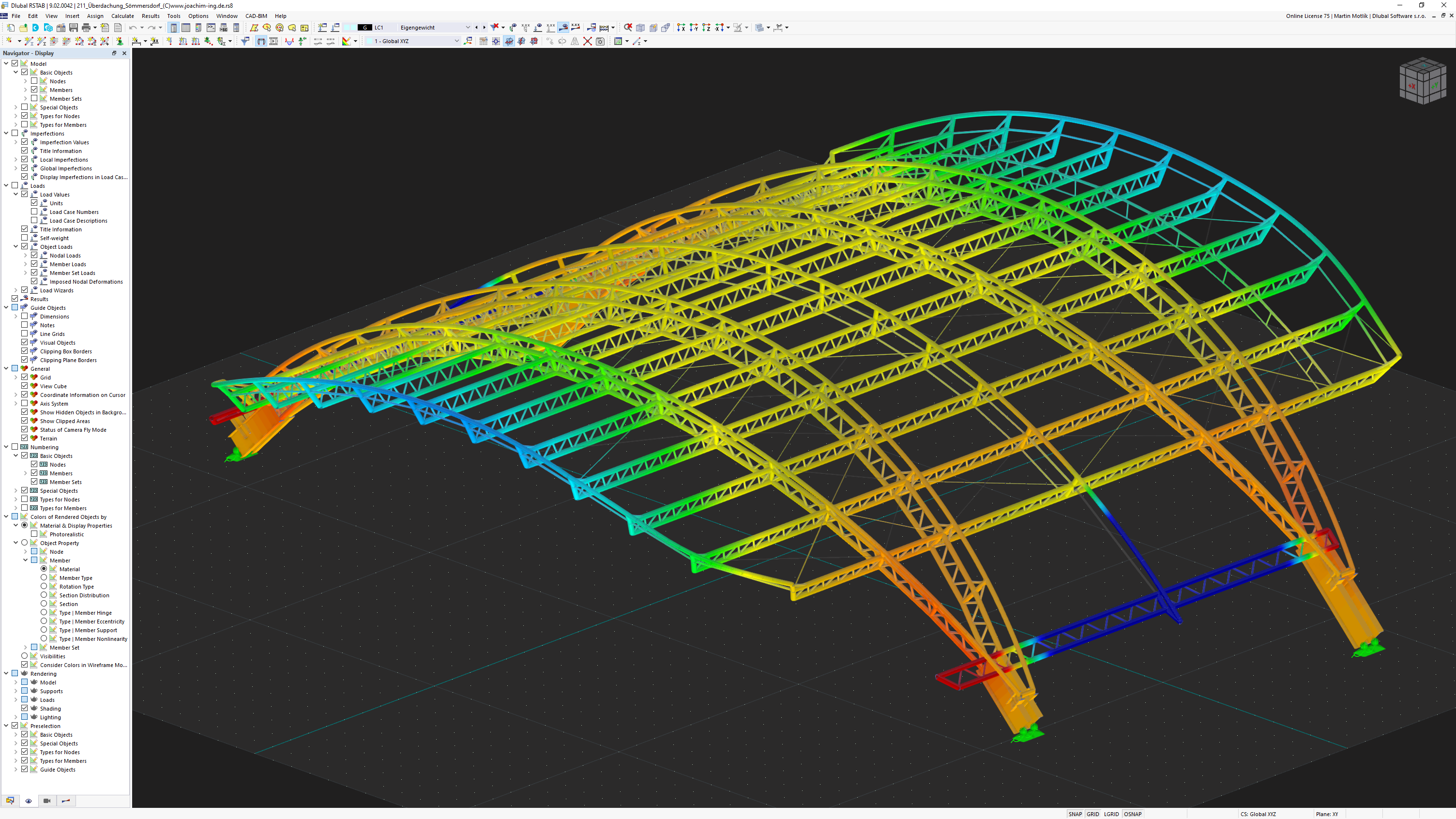
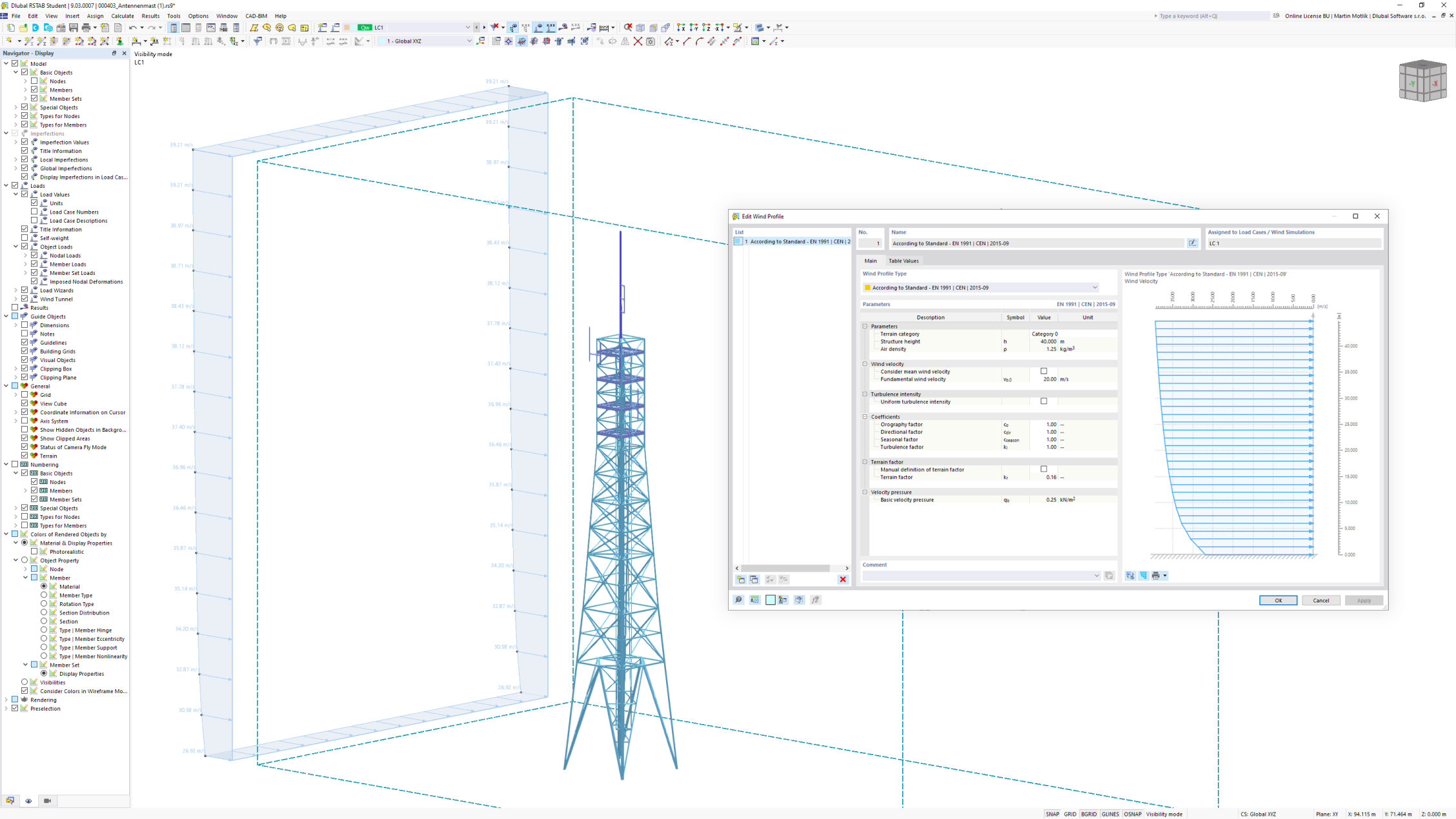
The 3D structural frame analysis program RSTAB is the ideal tool for the design of beam, frame, or truss structures consisting of steel, reinforced concrete, timber, aluminum, or other materials. RSTAB can be used to quickly define a structural model and then calculate the internal forces, deformations, and support reactions. Various add-ons that take into account the material and standard-specific requirements are available for the design.
N/A
Pricing
PTC Mathcad
RSTAB 9
Editions & Modules
Mathcad Prime 10 License
$735
per year
No answers on this topic
Offerings
Pricing Offerings
PTC Mathcad
RSTAB 9
Free Trial
Yes
Yes
Free/Freemium Version
Yes
No
Premium Consulting/Integration Services
No
No
Entry-level Setup Fee
No setup fee
No setup fee
Additional Details
—
—
More Pricing Information
Community Pulse
PTC Mathcad
RSTAB 9
Considered Both Products
PTC Mathcad
Verified User
Anonymous
Chose PTC Mathcad
The most obvious and frequent alternative is Microsoft Excel which allows entering formulas. I certainly prefer Mathcad as it permits writing the formulas in the expanded form inside a detailed worksheet. Excel does not offer the same report writing functionality as Mathcad …
Unlike Matlab, MathCad has an interface that resembles more like a sheet of paper rather than a line-by-line coding tool. This enables are more intuitive math building process. However, some may argue that debugging a complicated MathCad program takes more effort than …
MathCAD is easier to learn and faster to start with. It has more user-friendly interface and conventional style toolbox and GUI. It is really good for the beginners and those who are afraid of complex math.
It is definitely a must have for every design engineer. The formulas can be written in the expanded format which facilitates the process. The measurement unit feature is very useful and helps prevent errors in formulas. Mathcad is now equipped with a decent spell checker which is also very helpful.
Higher-order math, despite symbolics, become tedious and variable nomenclature isn't as forgiving as other programs. Due to it's sheet-like nature, the greater the complexity the more bothersome the screen usage becomes. But it's a trade-off between a sketchpad-like interface or lines and lines of code. Pick your poison but MathCad was our choice.
Mathcad has allowed us to take legacy hand written calculations and document them in an electronic format. Now we can quickly run different design scenarios using the legacy calculations. It allows us to quickly vet new design options.
Sharing new design concepts is quicker and easier within our various design groups.