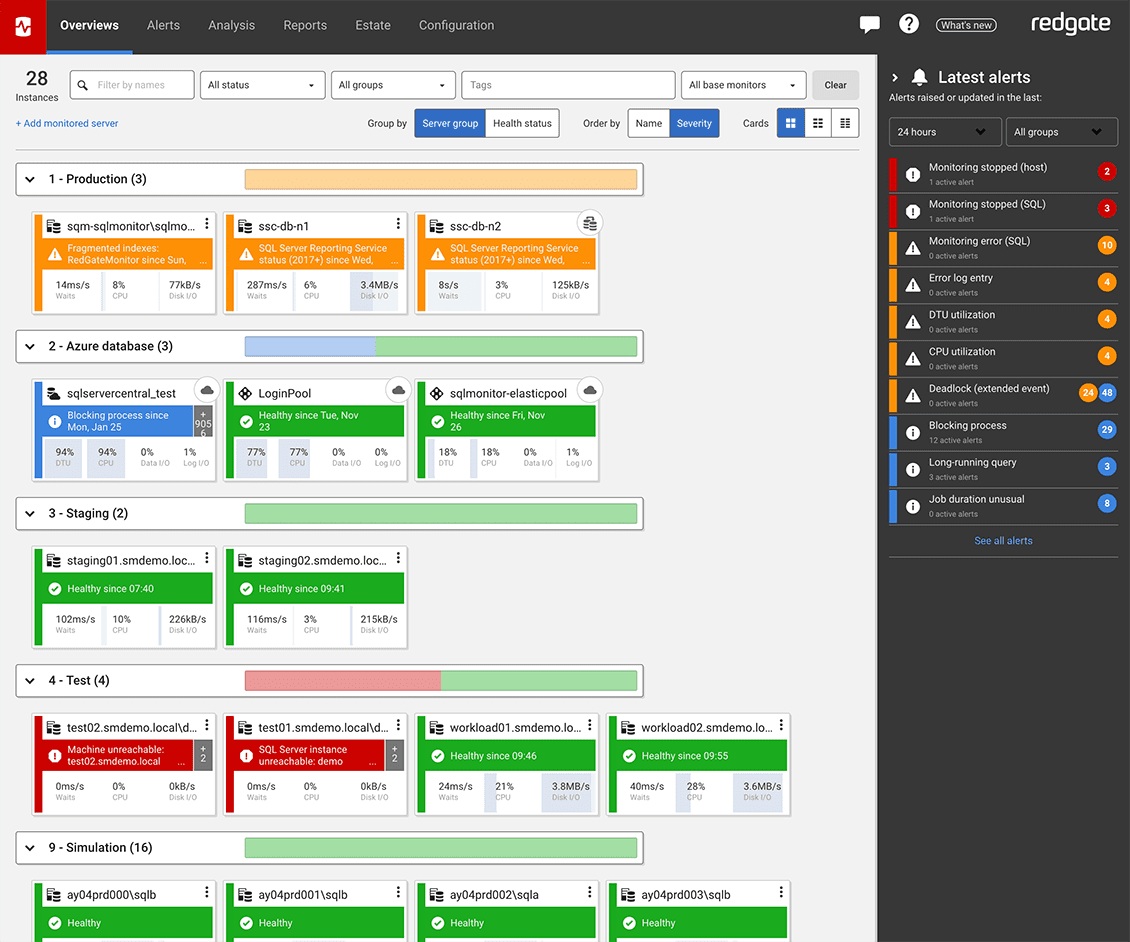
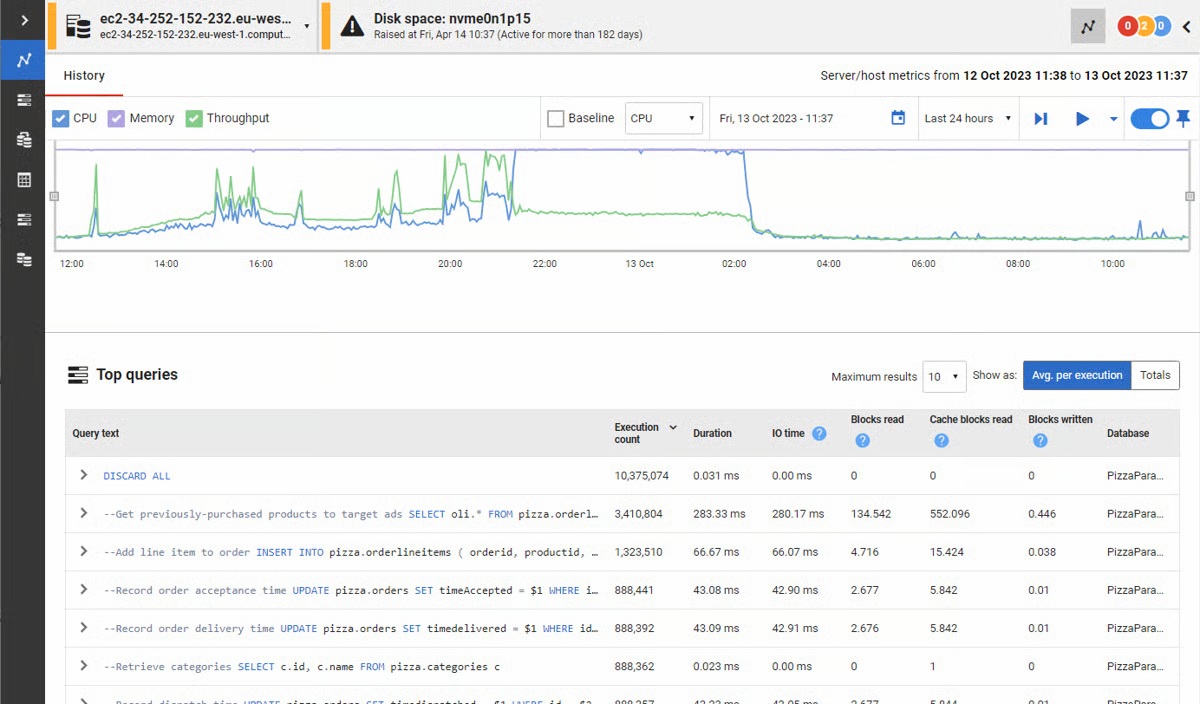
Redgate’s SQL Monitor helps teams looking after SQL servers be more proactive. SQL Monitor enables monitoring environments custom to the user’s SQL server to recognize issues before they impact users. It supports monitoring on-premises and cloud-based servers from a single interface.
$1,164
per year per server
Redgate SQL Toolbelt Essentials
Score 9.5 out of 10
N/A
Redgate's SQL Toolbelt Essentials includes industry-standard tools for SQL Server development & deployment, enabling users to include SQL Server databases in agile processes and enabilng developers to embed robust and scalable development practices.
$1,209
per year per user (1-4 users)
Pricing
Redgate Monitor
Redgate SQL Toolbelt Essentials
Editions & Modules
No answers on this topic
No answers on this topic
Offerings
Pricing Offerings
Redgate Monitor
Redgate SQL Toolbelt Essentials
Free Trial
Yes
Yes
Free/Freemium Version
No
No
Premium Consulting/Integration Services
Yes
No
Entry-level Setup Fee
Optional
No setup fee
Additional Details
All prices are per server and include one year’s support and upgrades.
With mission-critical SQL Server instances at multiple physical locations and in the cloud, it's critical for us to know immediately when there are performance issues or outages. The Redgate SQL Monitor provides an intuitive dashboard that allows for detailed resource monitoring. Perhaps not as useful in a 100% managed SQL environment.
We use SQL Compare to troubleshoot performance problems quite a bit since our data model is more like a template and not everything is 100% in sync and customization occurs between different client databases. We continually get pulled into performance issues and the developers will say Client A is performing different than Client B, why? Using SQL Compare, we usually find that one client was tuned and had indexes altered or added that weren't deployed to all clients or other objects weren't deployed correctly during the release. On the other hand, since our data model practices allow client databases to drift I tried to create a new golden image by trying to compare multiple databases based on the same data model and found it to be a very difficult process to complete using SQL Compare. SQL Compare gave me too much information and doesn't allow enough filtering to eliminate a lot of the noise.
Simple and easy comparison of database schemas and data. Differences can be copied or synced from one database to another with a click of a button.
You can save "projects" so that you can easily rerun a previous comparison whenever you need to.
It has a very simple, easy to learn interface. I've never needed to read any documentation or watch any tutorials in order to figure out how to do something.
Openness - They are too attached to their Intellectual Property to the detriment of usability, stability and reliability. So once its is installed and working leave it alone. Best run it on a VM as that can be restored quickly for when it breaks.
If they exposed an API/SDK that allowed you to leaver their products life would be far sweeter, it would feel less of a battle.
Add WebHooks to SQL Monitor to enhance integration to other subsystems.
Make it easy to install in default mode. So you are not forced to use TomCat Use as ASP.Core Selfl Hosting options.
Pricing.... I wish there was an inexpensive developer version I could buy for myself.
Portability.... I would like to use it from a flash drive so I can use it where ever I am asked to work.
Unbundled.... This may be available already but I dont' recall I can buy it cheaply as a stand-alone product. Its only part of the bundle - cost effectively.
In general, the Redgate dashboard is one of the most thorough yet intuitive products I've had the pleasure of using. Compared to other vendors in different verticals, the Redgate dashboard's deployment, configuration, monitoring, and reporting is second to none
I've used Visual Studio Database Projects for this type of work in the past with some success, but Redgate SQL Compare is faster, more transparent, and simply easier to use. Faster is self explanatory. More transparent, means that it's much easier to set up your desired options for schema change deployment scripts. Easier to use, It's really dead simple. Start a project, connect your source, connect destination, click compare.