Redlist vs. Sage Fixed Assets

Overview
ProductRatingMost Used ByProduct SummaryStarting Price
Redlist
Score 9.1 out of 10
Enterprise companies (1,001+ employees)
Redlist is a platform that combines Enterprise Asset Management, Health Safety & Environmental, andN/A
Sage Fixed Assets
Score 8.1 out of 10
N/A
Sage Fixed Assets provides simplified fixed-asset tracking with comprehensive depreciation calculations, including over 300,000 U.S. and Canadian regulations for businesses, governments and nonprofits.N/A
Pricing
RedlistSage Fixed Assets
Editions & Modules
No answers on this topic
Offerings
Pricing Offerings
RedlistSage Fixed Assets
Free Trial
NoNo
Free/Freemium Version
NoNo
Premium Consulting/Integration Services
YesNo
Entry-level Setup FeeRequiredNo setup fee
Additional Details
More Pricing Information
Community Pulse
RedlistSage Fixed Assets
Best Alternatives
RedlistSage Fixed Assets
Small Businesses

No answers on this topic

No answers on this topic

Medium-sized Companies
IFS Applications
IFS Applications
Score 7.6 out of 10
IFS Applications
IFS Applications
Score 7.6 out of 10
Enterprises
IFS Applications
IFS Applications
Score 7.6 out of 10
IFS Applications
IFS Applications
Score 7.6 out of 10
All AlternativesView all alternativesView all alternatives
User Ratings
RedlistSage Fixed Assets
Likelihood to Recommend
-
(0 ratings)
10.0
(3 ratings)
Usability
-
(0 ratings)
10.0
(1 ratings)
Support Rating
-
(0 ratings)
3.0
(1 ratings)
User Testimonials
RedlistSage Fixed Assets
Likelihood to Recommend
Redlist
No answers on this topic
Sage
The app is best suited to managing audits of assets and financial reporting, supporting asset control, and serving small businesses, but less suitable for large businesses that rely heavily on online operations. Limited to real-time businesses, but probably better for physical-based or physical asset tracking.
Read full review
Pros
Redlist
No answers on this topic
Sage
  • Managing Fixed Assets
  • Calculating Depreciation
  • Depreciation Schedule
Read full review
Cons
Redlist
No answers on this topic
Sage
  • Adding new users with multiple company access
  • Copying users
Read full review
Usability
Redlist
No answers on this topic
Sage
Well, it's effective enough for managing asset depreciation, tracking, managing business, and sometimes reporting. It helps us save time by avoiding errors. However, the UI can become complex, and reporting can be clunky. It may take some time to get used to, so it's not always for beginners. Also, not intuitive enough for the modern era in the subject of integration and cloud-based management.
Read full review
Support Rating
Redlist
No answers on this topic
Sage
Rather lackluster. Our account manager generally works with Sage's support team and oftentimes finds herself frustrated with a lack of understanding from the support team. Additionally, when IT is attempting to update the system (which from my understanding is a bear of epic complex proportions) they often times find themselves frustrated and at a loss for what needs done.
Read full review
Alternatives Considered
Redlist
No answers on this topic
Sage
Sage was overall a much simpler product to understand. Our users were able to wrap their heads around how it worked and the learning curve was very short. Meanwhile the other products we looked at seemed so complicated for what were needing. I am glad that we chose Sage in the end.
Read full review
Return on Investment
Redlist
No answers on this topic
Sage
  • No positive or negative influence
Read full review
ScreenShots

Redlist Screenshots

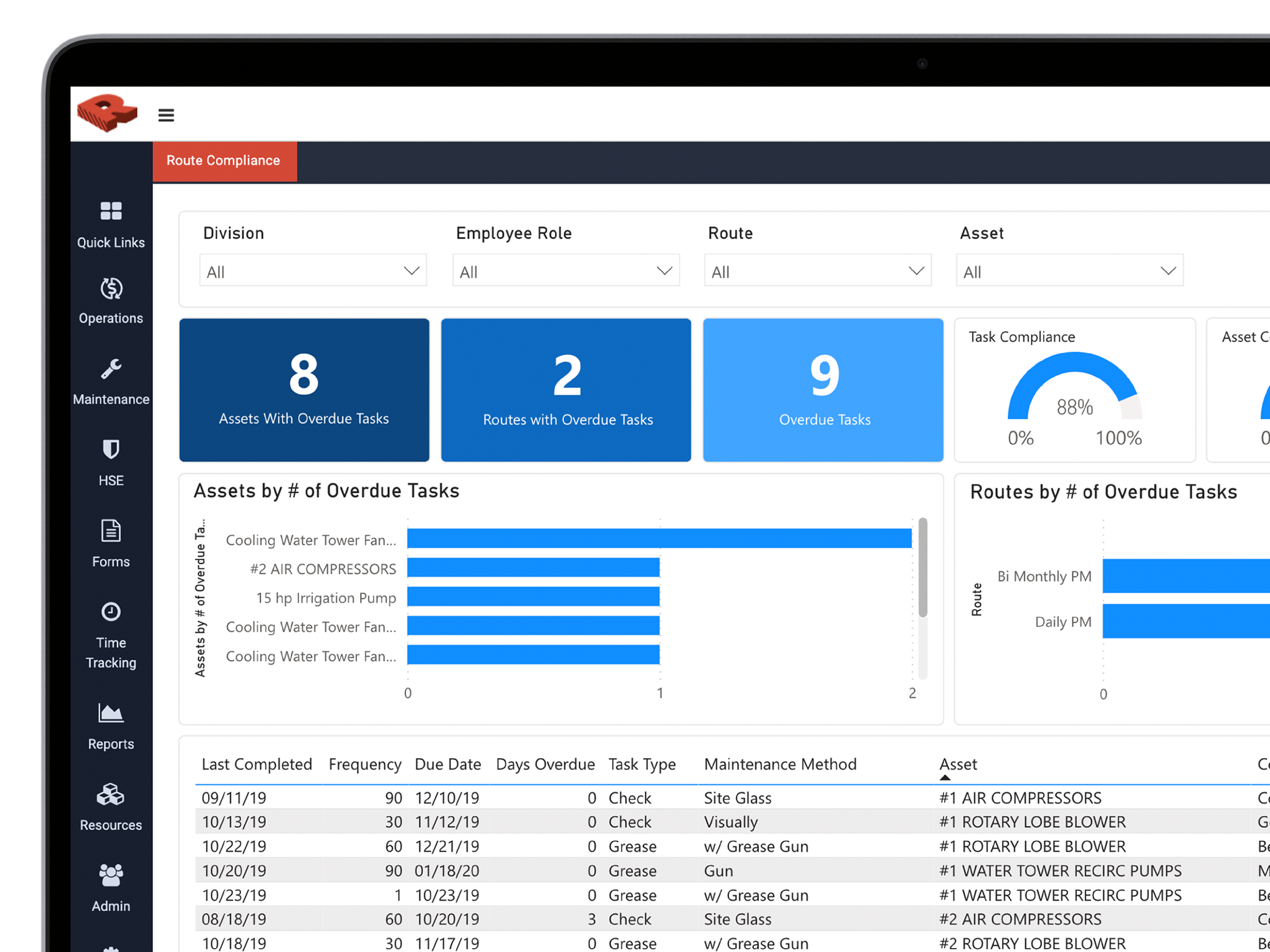
Screenshot of Keep track of all your tools, parts and expensive equipment with check-in and check-outScreenshot of Instead of working in multiple systems you can leverage the all-in-one solution that allows you to see data from every aspect of your business.Screenshot of Organize your inventory and always have the parts, products and tools that you need to keep your business running.Screenshot of Automate the creation of purchase orders based on inventory thresholds.Screenshot of Leverage the data that you collect to recognize trends and optimize your business.Screenshot of Use the drag and drop scheduler to ensure everyone knows what they will be working on that day.