TrustRadius: an HG Insights company

Save this comparison

Save this comparison

Add Product

Recommended Comparisons

    Overview
    ProductRatingMost Used ByProduct SummaryStarting Price

    S-Docs

    Score8 out of 10
    Small Businesses (1-50 employees)
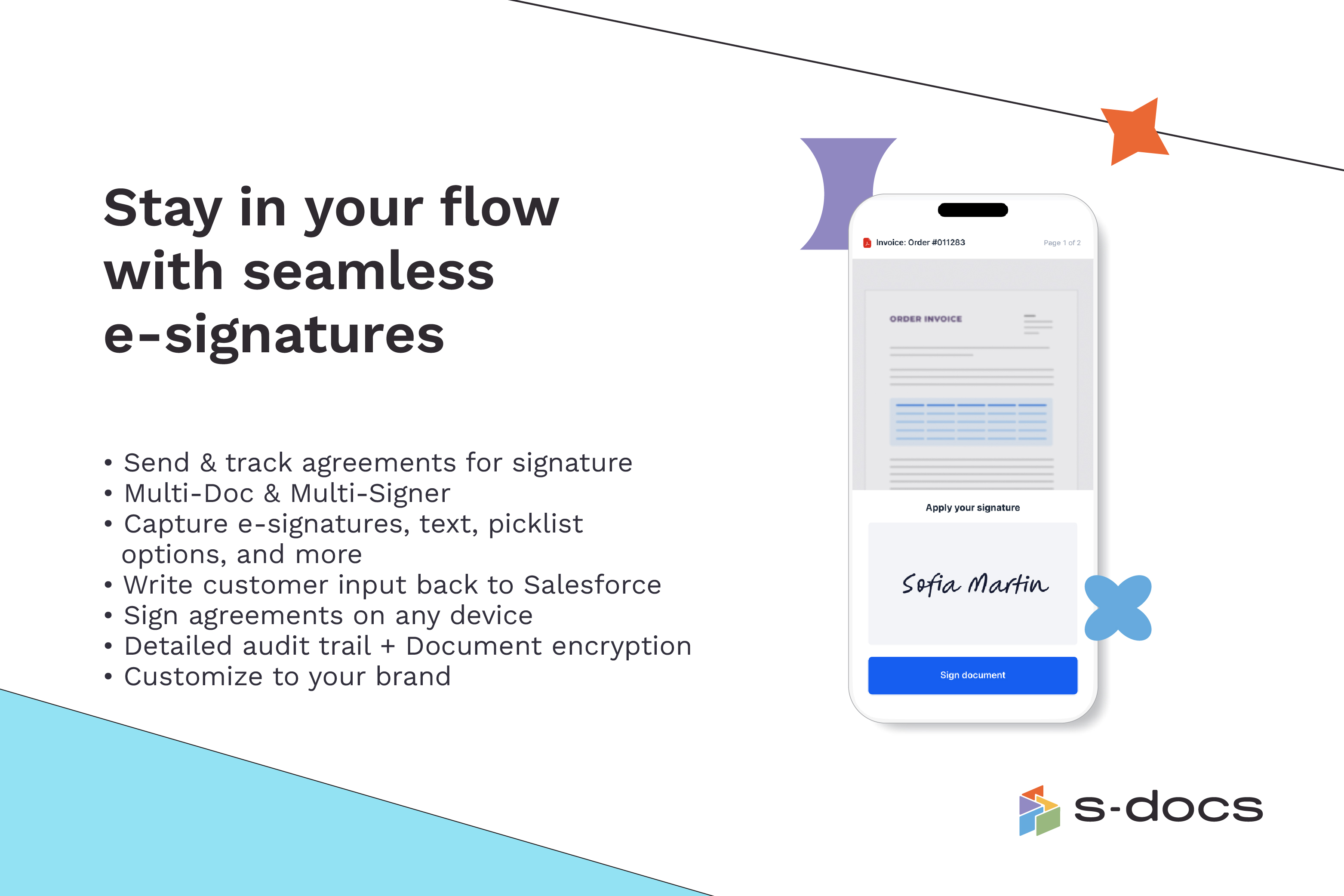
    S-Docs headquartered in New York offers what they present as a secure document generator and E-signature solution built on the Salesforce Platform. It aims to help users to create and e-sign sophisticated documents that improve efficiency, reduce errors and eliminate tedious work.

    $25

    per month per user

    Smokeball

    Score8.2 out of 10
    N/ASmokeball in Chicago offers their flagship cloud-based legal case management application featuring time tracking, file and document management, billing, and legal form generation.N/A
    Pricing
    S-DocsSmokeball
    Editions & Modules
    S-Docs for Salesforce
    $25
    per month (billed annually) per user
    No answers on this topic
    Offerings
    Pricing Offerings
    S-DocsSmokeball
    Free Trial
    YesNo
    Free/Freemium Version
    YesNo
    Premium Consulting/Integration Services
    NoNo
    Entry-level Setup FeeOptionalNo setup fee
    Additional DetailsS-Docs for Salesforce is priced by seat. Organizations that are interested in the enterprise edition - including per-document pricing and Experience Cloud plans, can reach out to sales. S-Docs for HubSpot is priced by usage. S-Docs for HubSpot Team Edition comes with 500 documents and 250 e-Signature requests per year. S-Docs for HubSpot Professional Edition comes with 2,500 documents and 800 e-Signature requests per year. Nonprofit discounts are available.—
    More Pricing Information
    Best Alternatives
    S-DocsSmokeball
    Small Businesses
    Formstack for Salesforce
    Score7.1 out of 10
    No answers on this topic
    Medium-sized Companies
    Formstack for Salesforce
    Score7.1 out of 10
    No answers on this topic
    Enterprises
    Conga Composer
    Score7.9 out of 10
    No answers on this topic
    All AlternativesView all alternativesView all alternatives
    User Ratings
    S-DocsSmokeball
    Likelihood to Recommend
    9.0
    (1 ratings)
    8.0
    (3 ratings)
    Usability
    -
    (0 ratings)
    7.5
    (2 ratings)
    User Testimonials
    S-DocsSmokeball
    Likelihood to Recommend
    S-Docs Inc.
    S-Docs would be great for anyone looking to make the process of getting signatures more seamless and less time intensive. You can get a signature in minutes no matter where the signee is located. No more having to worry about printing, scanning, and emailing over important and time-sensitive documents.
    Incentivized
    Read full review
    Smokeball
    1. Small and medium-sized law firms: Smokeball is specifically designed for small and medium-sized law firms, making it well suited for this type of organization. 2. Firms looking to streamline their workflow: Smokeball's range of features, including document management, time tracking, email management, calendar management, and task management, make it well suited for firms looking to streamline their operations and increase efficiency. 3. Firms looking to improve collaboration: Smokeball's centralized document repository and task management system make it easy for teams to collaborate and access information, making it well suited for firms looking to improve collaboration among team members.
    Incentivized
    Read full review
    Pros
    S-Docs Inc.
    • onboarding
    • approval of marketing spend
    • approval of travel expenses
    Incentivized
    Read full review
    Smokeball
    • Document Management: Smokeball provides a centralized document repository where users can store and organize all their case-related documents. This helps to improve document accessibility and collaboration among team members.
    • Time Tracking: Smokeball automatically tracks time spent on a case, eliminating the need for manual time tracking. This results in improved billing accuracy and helps the firm to accurately bill clients for the time spent on their cases.
    • Email Management: Smokeball integrates with a user's email account and automatically categorizes emails as they come in. This helps users to quickly find and access important emails, reducing the amount of time spent searching for information.
    Incentivized
    Read full review
    Cons
    S-Docs Inc.
    No answers on this topic
    Smokeball
    • User Interface: Some users have reported that the user interface could be improved to make it more user-friendly and intuitive.
    • Customer Support: Some users have reported long response times and inconsistent quality of customer support, which could be improved to provide better service to users
    • Mobile Accessibility: Currently, Smokeball does not have a mobile app, which limits accessibility for users who are frequently on the go.
    Incentivized
    Read full review
    Usability
    S-Docs Inc.
    No answers on this topic
    Smokeball
    Smokeball just works! It's very user-friends and they have techs and videos to help you with everything
    Incentivized
    Read full review
    Alternatives Considered
    S-Docs Inc.
    just as easy to use as dousign. Since I do not make the purchasing decisions, I am not sure how these prices compare to each other
    Incentivized
    Read full review
    Smokeball
    Smokeball felt simpler for us because the automatic time tracking works better than Clio’s.
    Incentivized
    Read full review
    Return on Investment
    S-Docs Inc.
    • increased efficiency
    • increased security
    Incentivized
    Read full review
    Smokeball
    • Keeping track of time lets us spend more time on law and less on tracking!
    Incentivized
    Read full review
    ScreenShots

    S-Docs Screenshots

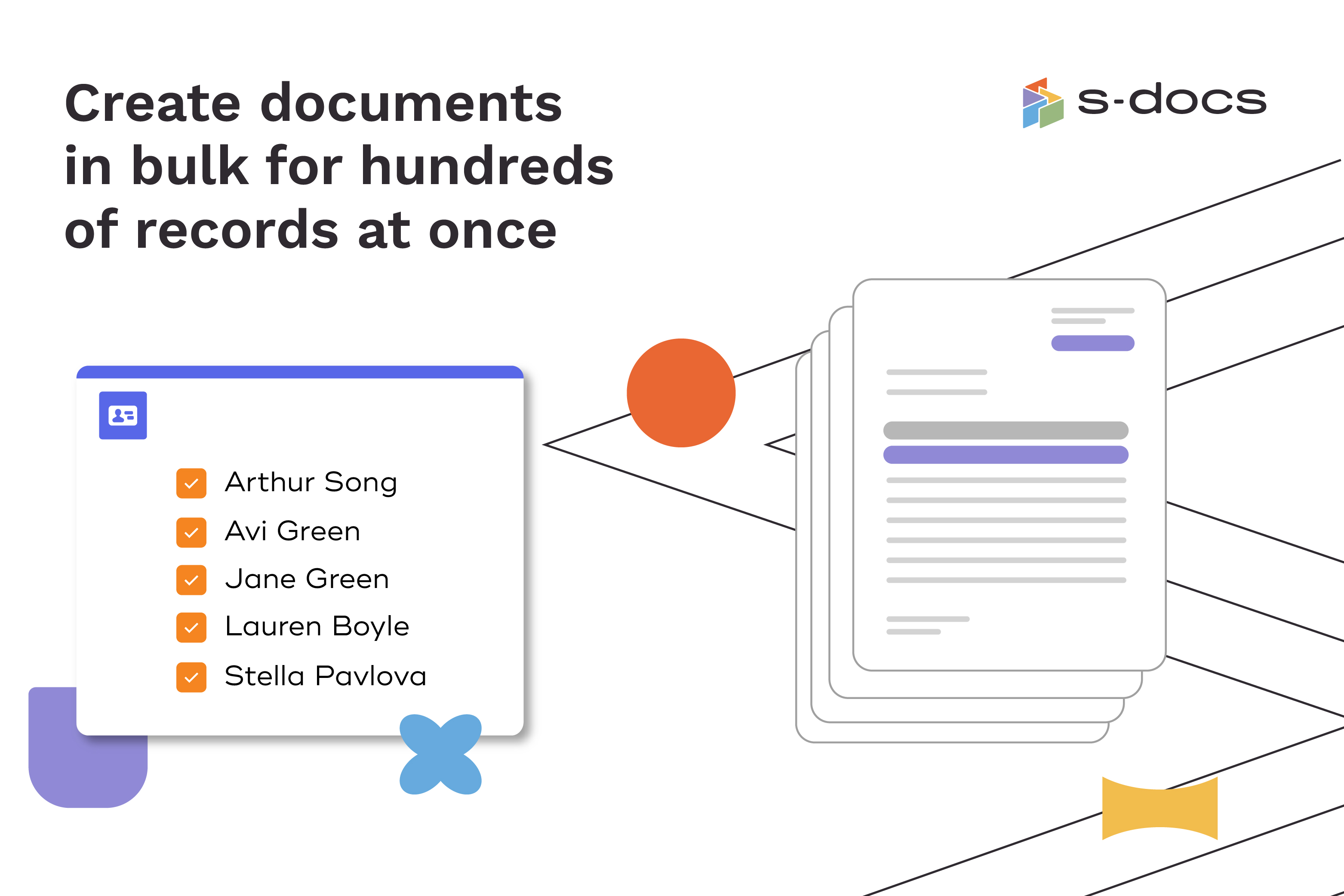
    Screenshot of how to create business documents in flexible formatsScreenshot of how to create documents via clicks or automaticallyScreenshot of how to generate documents in bulk for hundreds of records at onceScreenshot of how to edit generated documents without downloading external programsScreenshot of how to request secure e-Signatures via email or in personScreenshot of how to create templates with the drag-and-drop interface