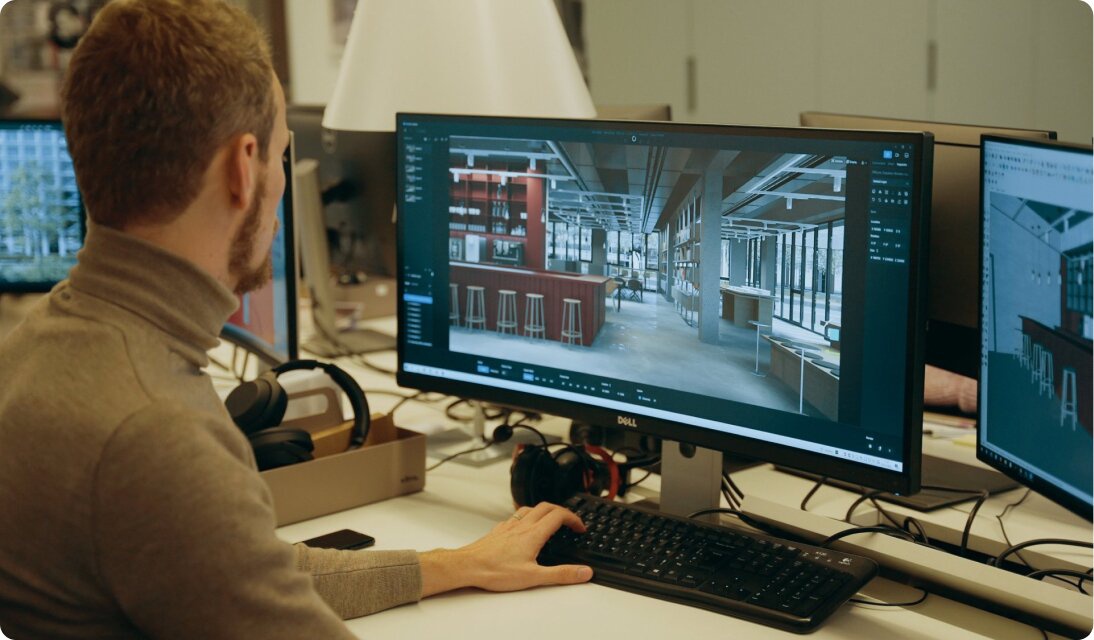
Azure Virtual Desktops are a comprehensive desktop and app virtualization service running in the cloud.
N/A
Shadow PC
Score 0.0 out of 10
N/A
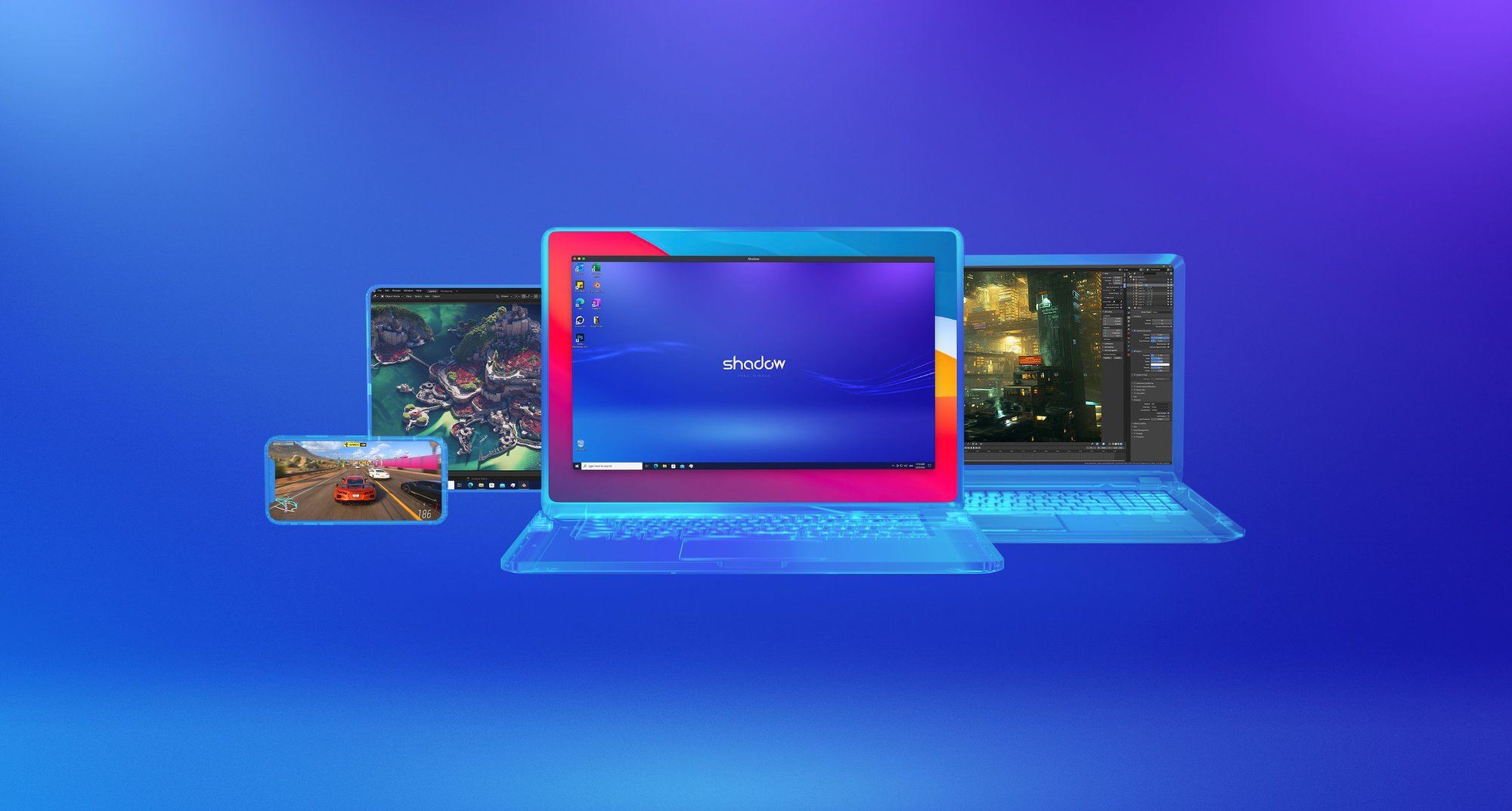
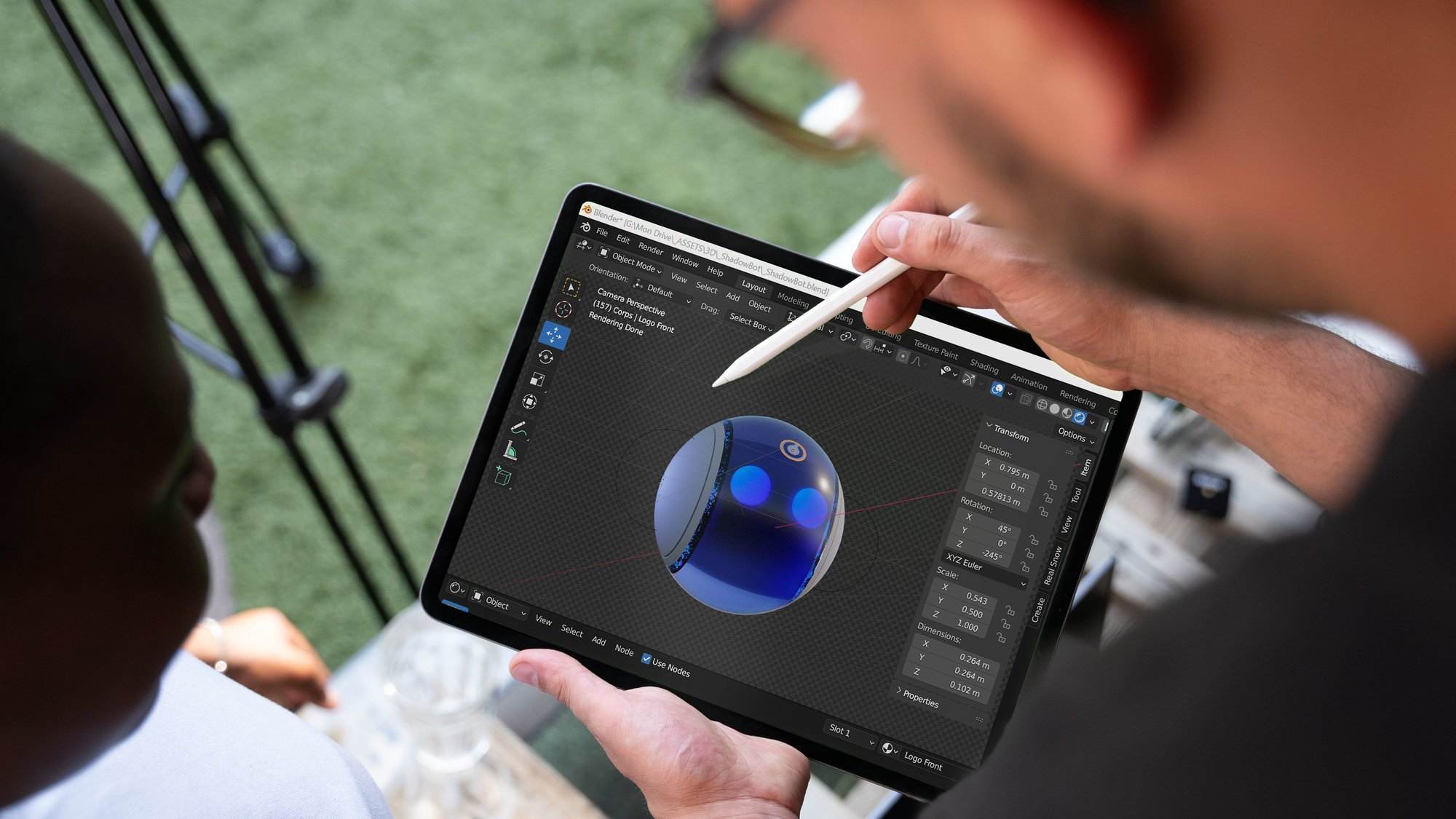
Shadow PC is a remote desktop solution designed to cater to a wide range of professional and everyday use cases. It provides users with access to a Windows environment from virtually any device, including older hardware and mobile platforms. Key features include: Compatibility: Works on Windows, MacOS, Linux, iOS, Android, and Raspberry Pi. Performance Options: Offers various packages from Essential to Expert, tailored for lightweight tasks to demanding professional…
$9.99
per month per user
Pricing
Azure Virtual Desktop
Shadow PC
Editions & Modules
No answers on this topic
Essential
$9.99
per month per user
Pro - Standard
$34.99
per month per user
Pro - Advanced
$54.99
per month per user
Offerings
Pricing Offerings
Azure Virtual Desktop
Shadow PC
Free Trial
Yes
No
Free/Freemium Version
No
No
Premium Consulting/Integration Services
No
No
Entry-level Setup Fee
No setup fee
Required
Additional Details
—
Standard starts at $24.99 for the first month;
Advanced starts at $39.99 for the first month.
No real competition, Azure Virtual Desktop has a lot fewer problems and is much more usable than Citrix DaaS in my experience. I found my time with Citrix DaaS quite unsettling and issues were flagged daily. I would select Azure Virtual Desktop any day and likely stick to it if …
Licensing is much more cost effective as our users are not regularly using remote access. Having to purchase user cal's "just in case" was expensive. Citrix over the last few years has become more difficult with licensing and support. We were glad to move away. As our users …
As I've mentioned before, The license cost for Citrix is higher atm. Plus, hosting and infrastructure also added up in up front cost. With AVD Plus enterprise licensing, we are just paying what we are using withing Azure network. It's not complete solution but it's best if you …
For us Parallels RAS is still more a "onpremise" solution, with Azure Virtual Desktop we can really leverage the power of the cloud. We can spin up additional hosts if the load is too high and spin down hosts in the night to cut costs. Not being bound to onpremise hardware makes …
The most important reason to select the Azure Virtual Desktop solution for our client was the cloud infrastructure. We had already switched the Azure Active Directory with many other Servers as Virtual Machines in the Azure platform as well as total Office 365 implementation. …
This is primary virtualization tool I have used. Have experience with VMWare suite and this has similar features and ease of use. Pricing was slightly lower and one of the factors. We also use Azure for our M365 deployment and was a easier carry over to stay in the Microsoft …
The above-mentioned are only single-purpose software and no doubt they do the job but, AVD itself is a whole suit of services. easy use of UI makes it a greater choice among others. the best thing about AVD is the ability to let multiple users connect rather than one instance …
We also tested Nutanix Frame and VMware Horizon Cloud, but it turned out that using Nerdio together with Azure Virtual Desktop is the best combination that is saving us a lot of time (for setup, configuration, and management), but also with this combination we are also saving a …
I have not used any other services similar to Azure Virtual Desktop. I have only seen demos and videos but have not tried them or tried implementing them into our environment at the office. I know there are plenty of options available but security is our biggest concern to us
We moved most of our workflow to Microsoft
Azure and it is wise to choose AVD and It very well suits for virtual environment requirements and application
access.
It is better manageability of the resources to reduce the cost. Easy to configure the virtual desktop and access anywhere at any time. Autoscale up the VM on high demands time and then reduce it automatically. Azure Virtual Desktop provides the best security to our application …
All exploring options for virtual desktops, Azure Windows Virtual Desktop, has a significant advantage with ease of use as most users are familiar with the windows operating system. This makes it possible for any user to do their best work, and with Azure Windows Virtual …
I think that the cloud based [Azure] Windows Virtual Desktop is the future and sets the precedent for how these should be configured in the future. I've used cheap options and other more expensive options, but VD is the best when compared to Citrix or freeware. I would …
Azure lab services is excellent for small scale classes but once you reach a particular density or need to serve entire school or district level resources you need to move into WVD.
Currently Azure Virtual Desktop enviroments are our first choice for all customers. Especially because most of our customers already have a M365 License which includes Azure Virtual Desktop usage. We deploy it for both RemoteApp and Full desktop solutions. This gives us the flexibility to "lift and shift" a specific workload of more legacy customers towards the cloud and provide them with a secure solution to use their apps in the cloud from anywhere.
You can publish as many host pools as you need to accommodate your diverse workloads
Brings your own image for production workloads or test from the Azure Gallery
Reduces costs with pooled, multi-session resources.
With the new Windows 10 Enterprise multi-session capability exclusive to Windows Virtual Desktop and Remote Desktop Session Host (RDSH) role on Windows Server, you can greatly reduce the number of virtual machines and operating system (OS) overhead while still providing the same resources to your users.
Troubleshooting bit limited as it's running on MS cloud. You don't have that level of access to get the logs data.
App or ISO update management also complex compare to user management. It also hard to predict cost when you have inflex of usage. not really straightforward to tell which group/users are using most of the resources.
as I mention earlier, troubleshooting is limited. When you have peak hour usage, user may see some performance issues.
Stability and latency complaints are common, but not experienced by all users. A drop in overall productivity can be seen in contributors who rely on a lot of copy-pasting for editing, so some such commands are not instantaneous. Set up is intuitive and the tool is simple enough. It was quick to adopt and stick to.
Licensing is much more cost effective as our users are not regularly using remote access. Having to purchase user cal's "just in case" was expensive. Citrix over the last few years has become more difficult with licensing and support. We were glad to move away. As our users use Azure Virtual Desktop as a fallback, it proved to be a much more cost effective solution, and FSLogix and W11 provide a better end user experience.