TeamDynamix
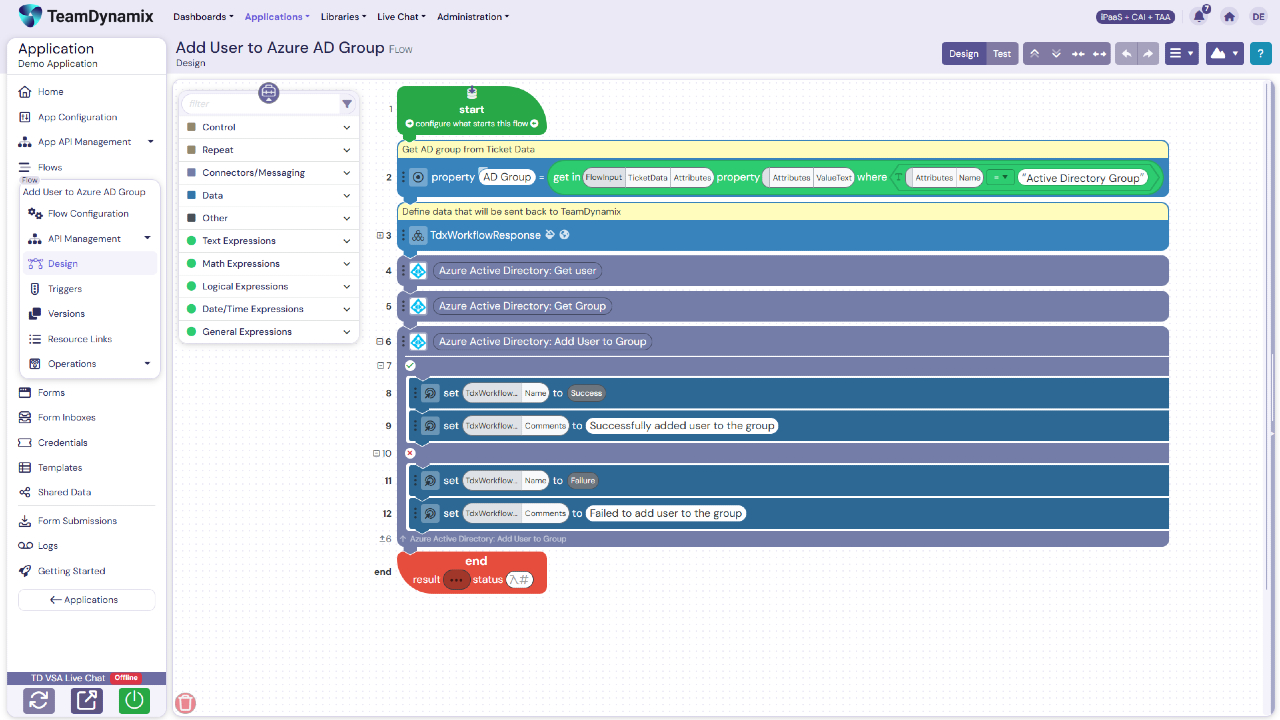
iPaaS is a no-code Integration Platform as a Service that
combines enterprise-grade integration, no-code automation, and AI-powered
agents on one governed platform. iPaaS clears the typical integration backlog
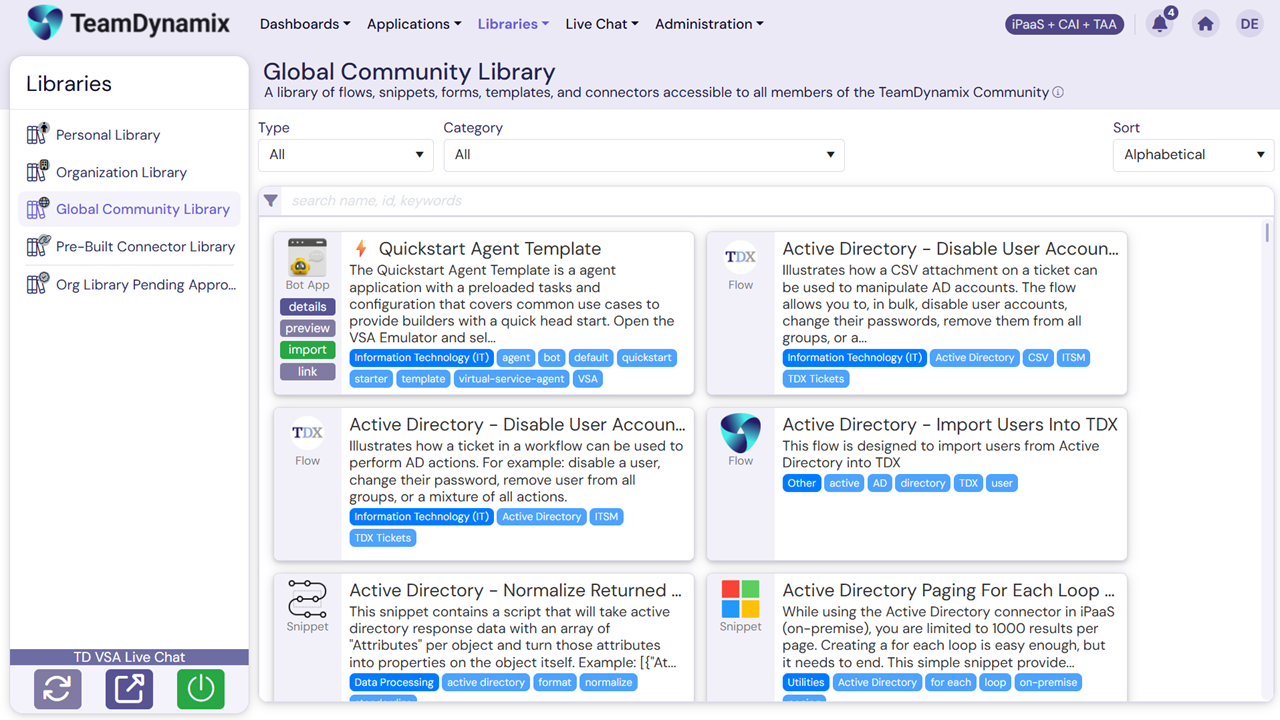
and unlocks digital transformation. It features a library of pre-built
connectors and a visual drag-and-drop flow builder to enable citizen developers
while AI Form Builder Agents create dynamic forms in minutes. Centralized API
management governs the ecosystem, and an MCP…
A de minimis incentive was given to thank the reviewer for their time. The incentive was not used to bias or drive a particular response, nor was the incentive contingent on a positive endorsement. More Info
Verified User
Chose TeamDynamix iPaaS
Boomi is expensive, has limited connector licenses, and is harder to write an integration.
A de minimis incentive was given to thank the reviewer for their time. The incentive was not used to bias or drive a particular response, nor was the incentive contingent on a positive endorsement. More Info
Its great for enhancing integration and automation capabilities. It has a relatively friendly interface, though needs some improvement. It can feel overwhelming at times. It empowers both IT and business leaders to drive digital transformation effectively.
A de minimis incentive was given to thank the reviewer for their time. The incentive was not used to bias or drive a particular response, nor was the incentive contingent on a positive endorsement. More Info
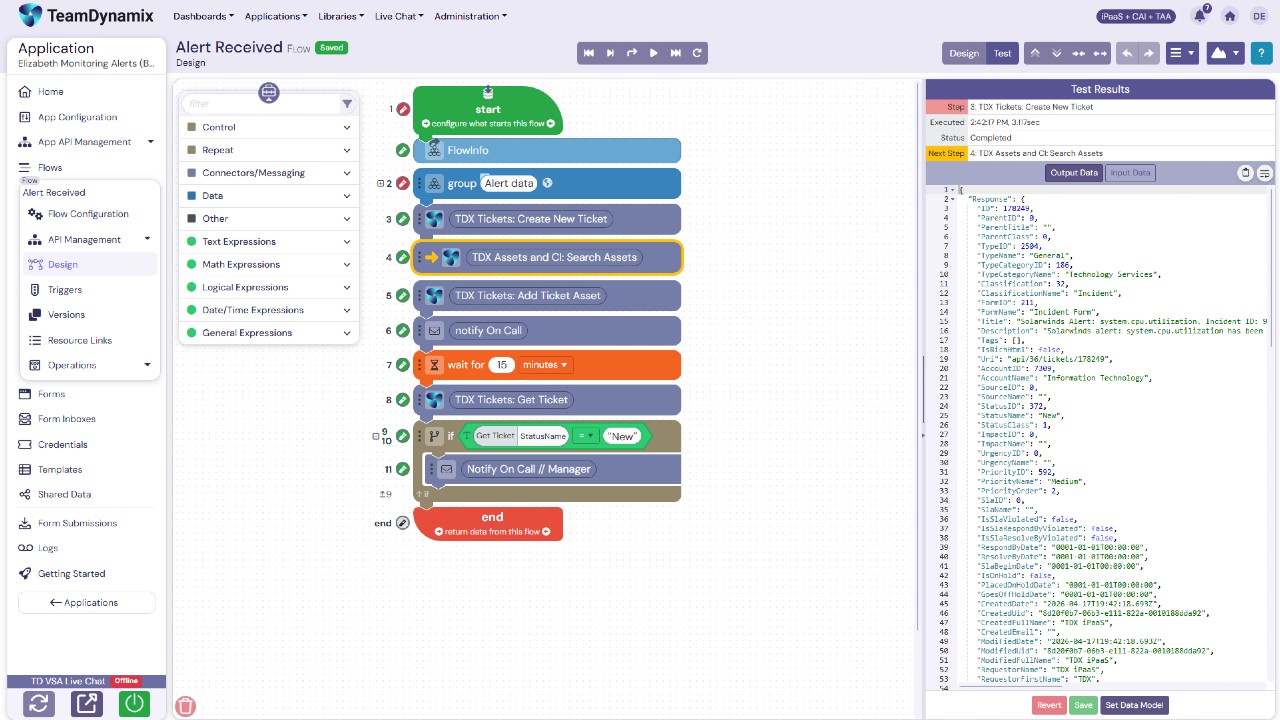
Intuitive "Pill-Based" Data Transformation: Moving and formatting data across disparate platforms has traditionally been a syntax headache. TeamDynamix simplifies this by utilizing selectable data "pills," allowing users to click and visually bind fields—such as stitching a "First Name" and "Last Name" payload together—in seconds.
Create automated and tailored responses to tickets.
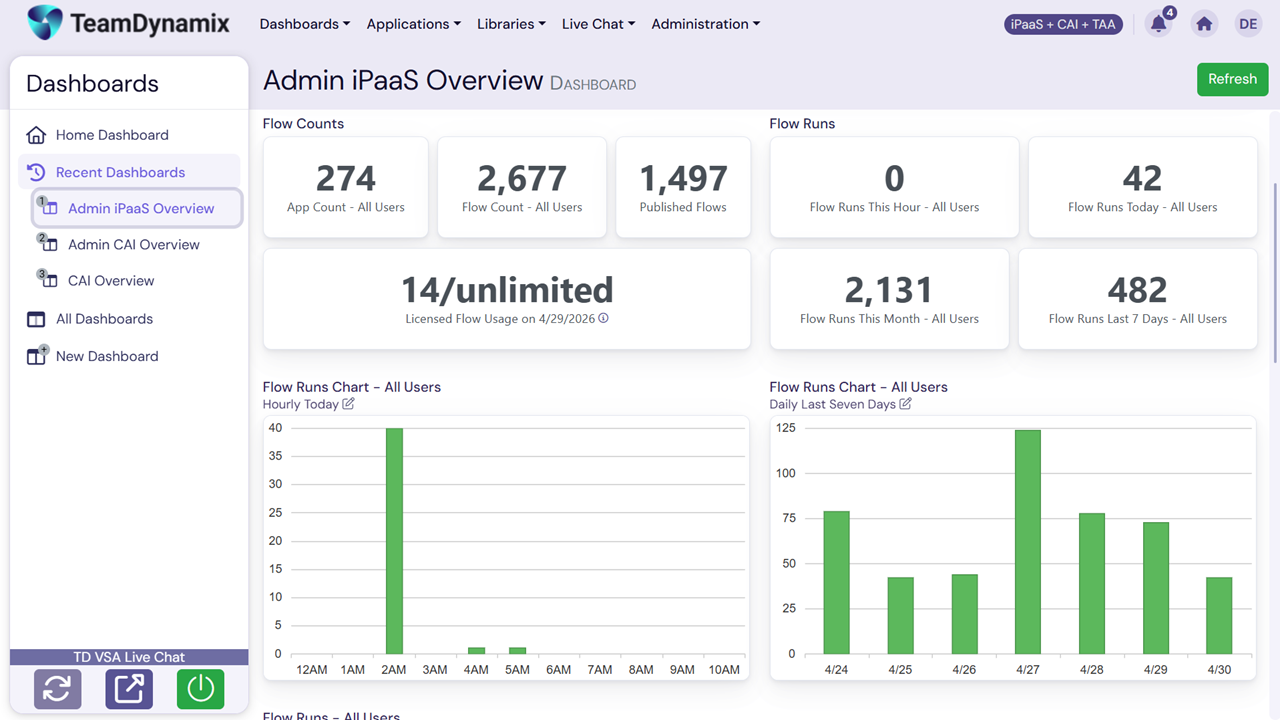
Gain insights and data on our device activation tickets (we found that 25% of our tickets are for a single ticket, and we created a better-worded KB to facilitate fixes).