



Aiwozo Making Work Way Easier

Use Cases and Deployment Scope
Using Aiwozo Automation Suite we can build and deploy bots easily without much coding. It has a simple interface and works well with our existing applications. The main business problems it solves are manual workload, process delays, and accuracy issues. It helps us save time and reduce manual effort in tasks like data entry, report generation, and system updates. Earlier, these processes took a lot of time and were prone to human errors
Pros
- Aiwozo handles data entry really well. For example, it can pull data from Excel or emails and enter it into different systems automatically. It also checks the data for mistakes, so we don’t have to do that manually.
- It’s great for creating daily or weekly reports. Instead of collecting data from different sources ourselves, Aiwozo bots gather everything, prepare the report, and even send it to the team by email.
Cons
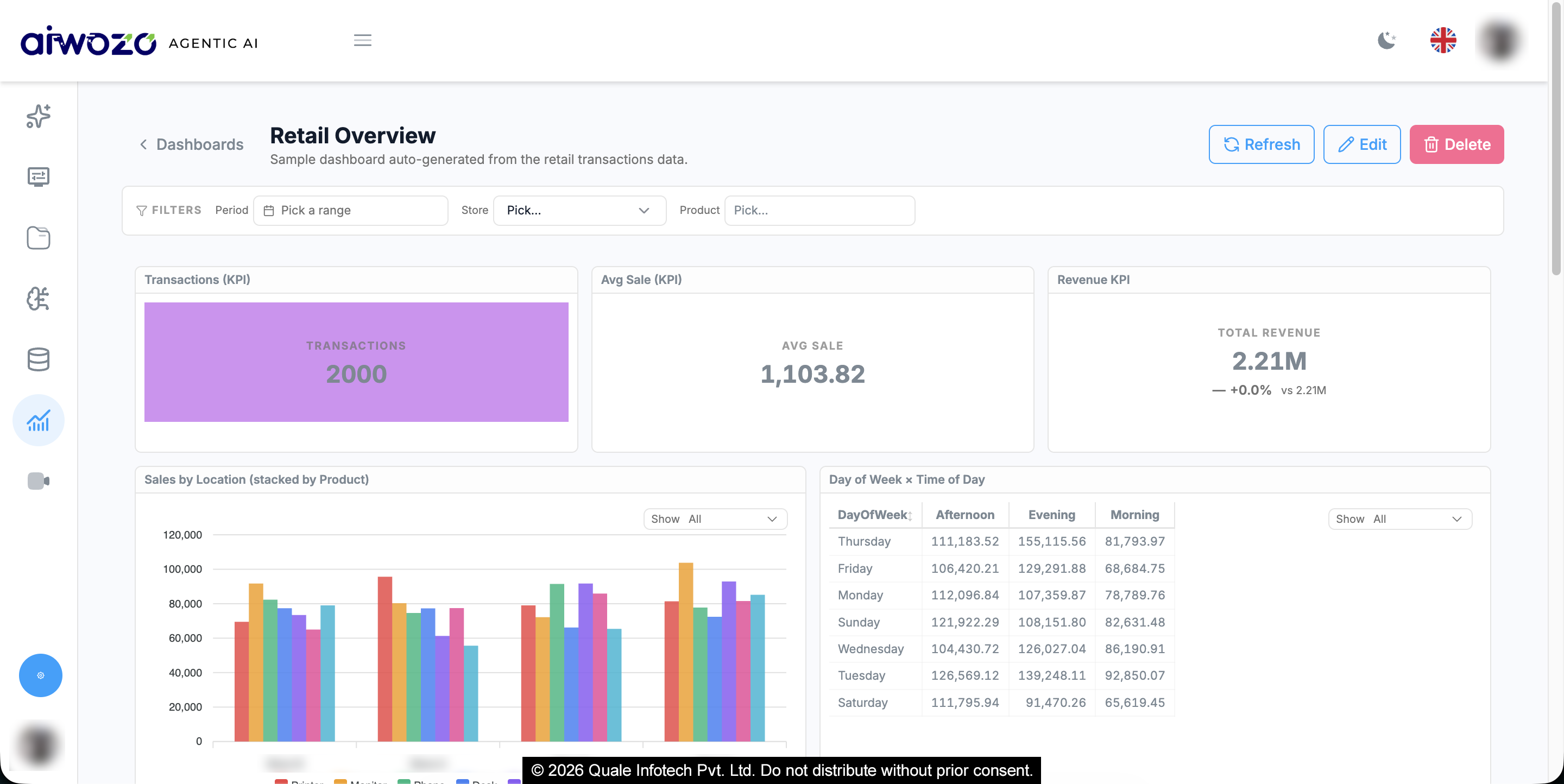
- Sometimes scheduling bots or tracking their status isn’t very smooth. It would be nice if the dashboard gave more clear, real-time updates or alerts when a bot fails.
- Aiwozo works well with common apps, but integrating with some third-party tools still takes extra effort. Having more built-in connectors would make things easier.
Return on Investment
- Aiwozo has definitely saved us a lot of time by cutting down manual work.
- It’s helped improve accuracy and speed in daily tasks.
- Overall, we’ve seen better productivity and quicker turnaround on many processes.
Usability
Alternatives Considered
Automation Anywhere
Other Software Used
UiPath Automation Platform, Microsoft Power Automate, Automation Anywhere


