

BOLDSuite Analytics
What is BOLDSuite Analytics?
Data Connector with Data Warehouse: For clients who prefer or require a data warehouse for advanced data processing and analytics, this option integrates NetSuite with Power BI through a data warehousing layer, accommodating more complex data handling and storage needs.
Dashboards
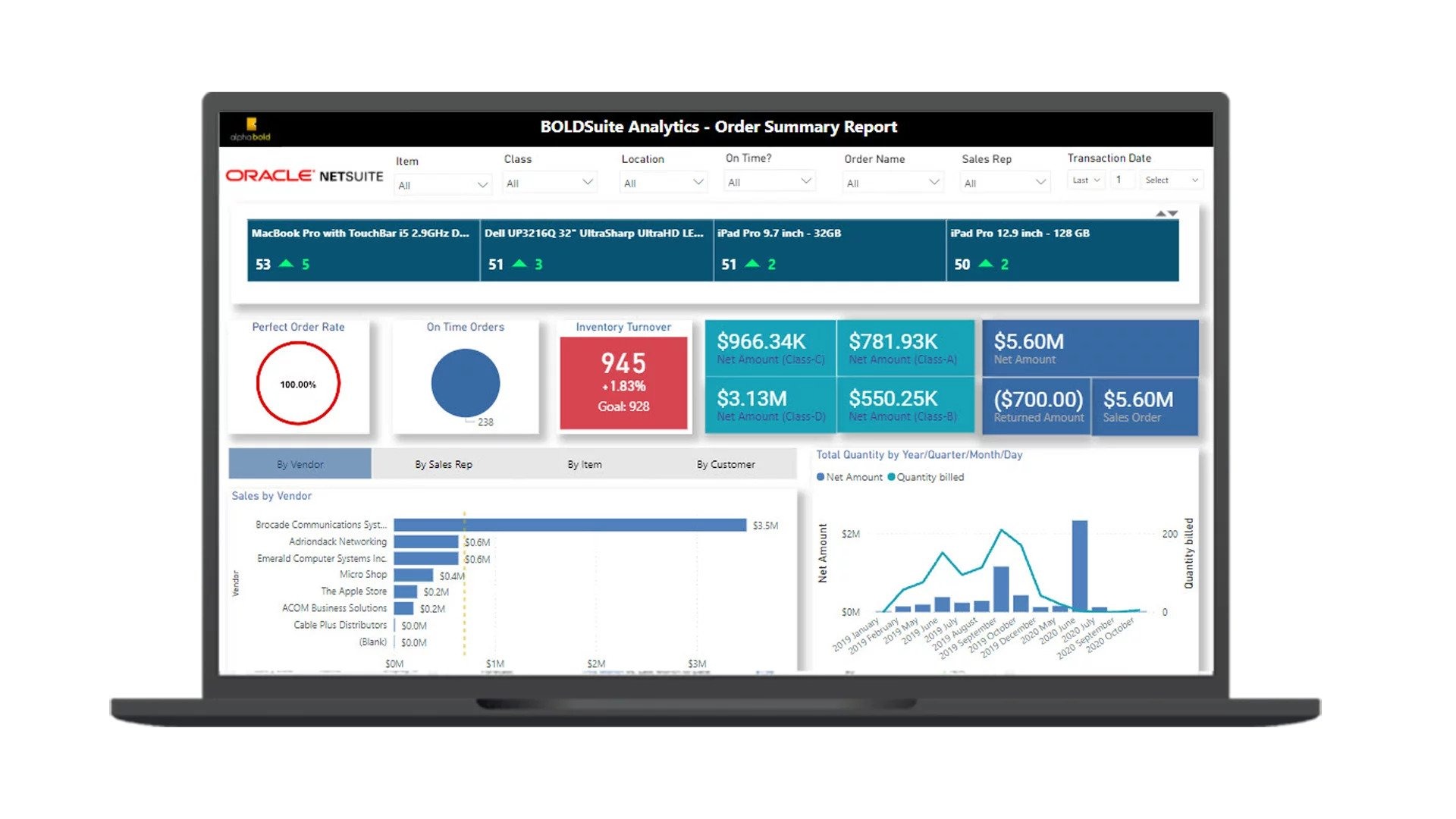
The NetSuite Power BI connector helps C-levels understand data in a simple dashboard. Its interactive, Power BI-driven visuals offer a centralized view with additional insights that help make sense of NetSuite data. It offers:
- Near real-time insights with multiple out-of-the-box reports.
- Dashboards designed for users at all levels.
- Simplification of complex datasets with data-handling capabilities.
- An integration process with out-of-the-box features.
Key Features
- REST-based NetSuite connection.
- Token-based authentication.
- Data pulling from Workbook Analytics.
- Proficient at handling large datasets.
- Built-in dashboards tailored for common business use cases.
- Fully equipped for self-service BI, allowing for custom reports and visualizations.
With BOLDSuite Analytics, sharing data with external organizations doesn't require an additional NetSuite license. The solution offers incremental refresh for timely data synchronization and includes a built-in Snapshot capability, allowing for the capture of the business's current state. Additionally, it doesn't require SuiteAnalytics Connect for integration or functionality.
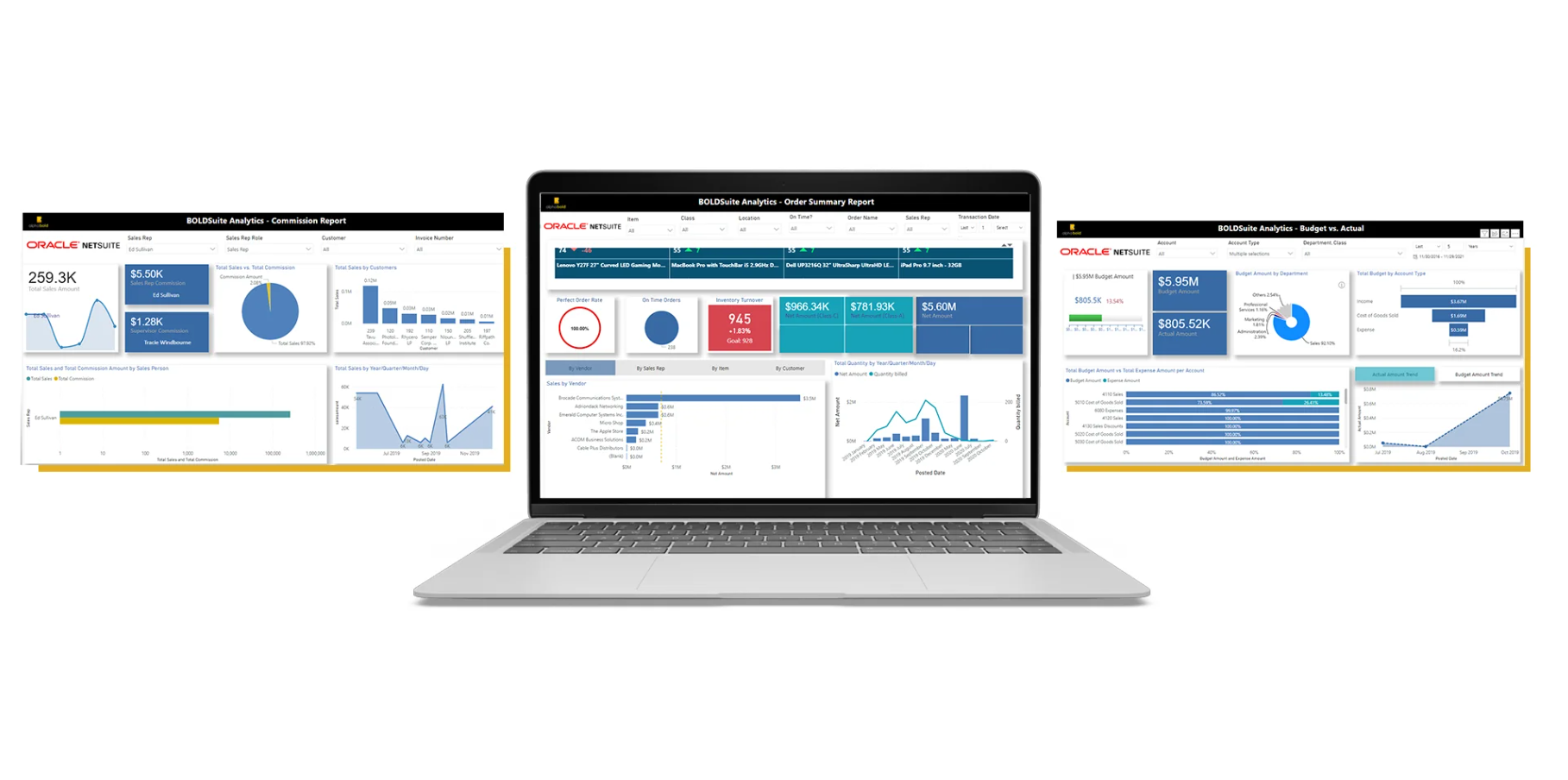
Its multiple out-of-the-box reports to cater to the needs of clients across industries:
- The Budget vs. Actuals Report
- The Order Summary Report
- The Sales Commission Report
- The Project Management Report
Prerequisites
- An active NetSuite account.
- An active Azure VM account (for data warehouse-based connector).
- Power BI Gateway (for native Power BI Connector)
Support and Pricing
- Comprehensive support channels and training resources.
- Regular updates for performance optimization.
- No cost for NetSuite customers; detailed licensing terms are available.
Supported Editions
NetSuite ERP and CRM: Fully compatible with NetSuite ERP and CRM.
Categories & Use Cases
Videos
Screenshots
1 / 2
Screenshot of the BOLDSUITE ANALYTICS data connector platform
Product Demos
Technical Details
| Deployment Types | SaaS |
|---|---|
| Mobile Application | No |
| Supported Countries | United States, United Kingdom, Canada, UAE, Australia and more. |
| Supported Languages | English |