
Cisdem Duplicate Finder
What is Cisdem Duplicate Finder?
Cisdem Duplicate Finder is a duplicate file and photo finder that finds and removes duplicate files and similar photos to free up space and improve organization. It delivers duplicate file identification and AI-powered similar image detection on computers, external drives, and cloud accounts.
Key Features:
- Accurate Duplicate File Identification: Uses the advanced XXH3 checksum algorithm to pinpoint exact duplicates for all file types, comparing content instead of relying on file names.
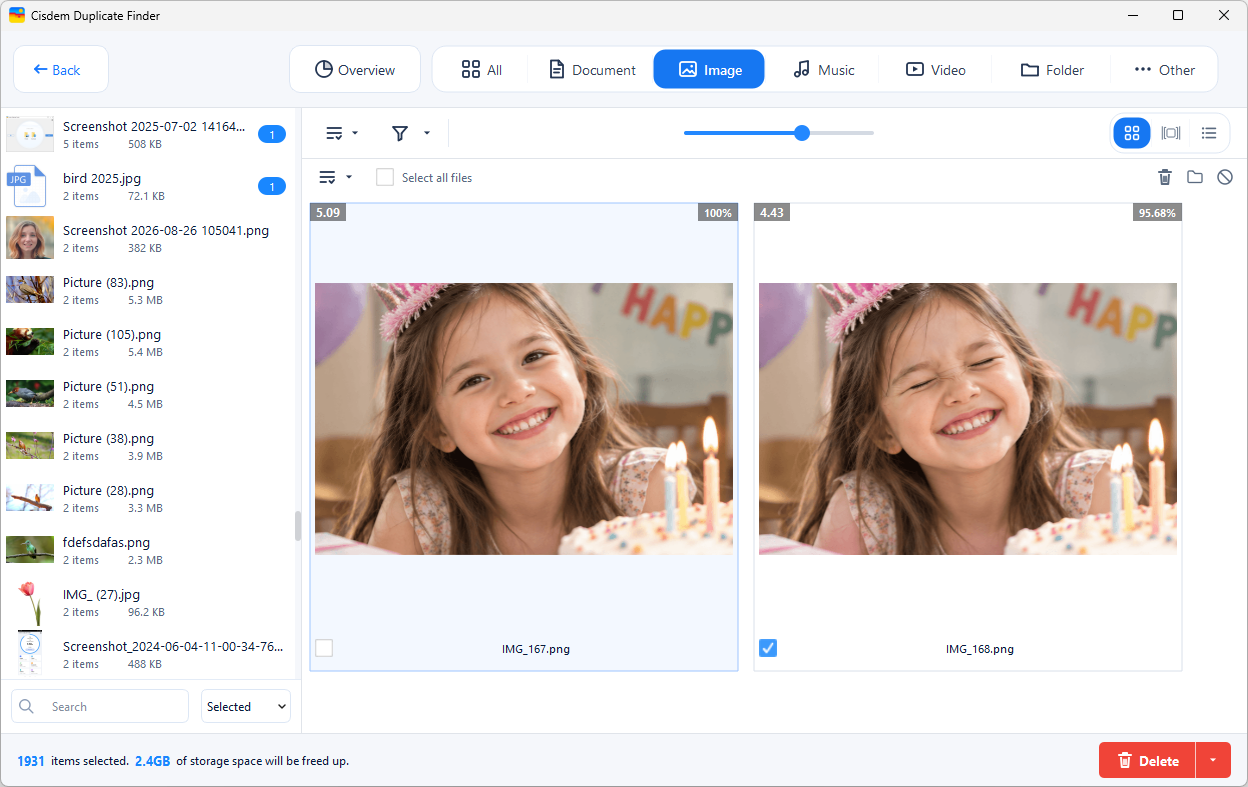
- AI-Powered Similar Image Detection: Uses Meta AI’s DINOv2 Small model to detect similar photos like burst shots, resized versions, and different angles. The AI runs 100% locally on the device, meaning no photos are uploaded to any server or cloud, keeping data completely private.
- Direct Online Cloud Scanning: Directly scans OneDrive and Dropbox online without downloading or syncing files locally first, saving both disk space and internet bandwidth.
- AI-Powered Photo Quality Scoring: Uses on-device AI models NIMA Technical, NIMA Aesthetic, and MediaPipe Face Landmarker to score photos and help automatically select photos for deletion with the Select by Score rule.
Key Features:
- Exact Duplicate Matching: Identifies duplicate files based on their content, catching duplicates even if they have different file names.
- AI Similar Image Detection: Recognizes similar pictures, burst shots, edited versions, and format variations using on-device vision model from Meta AI.
- Wide Compatibility: Works smoothly with Windows PCs, Mac, external storage devices, OneDrive, and Dropbox.
- Scan Multiple Folders: Supports scanning multiple local directories or external drives at the same time to clear clutter in one go.
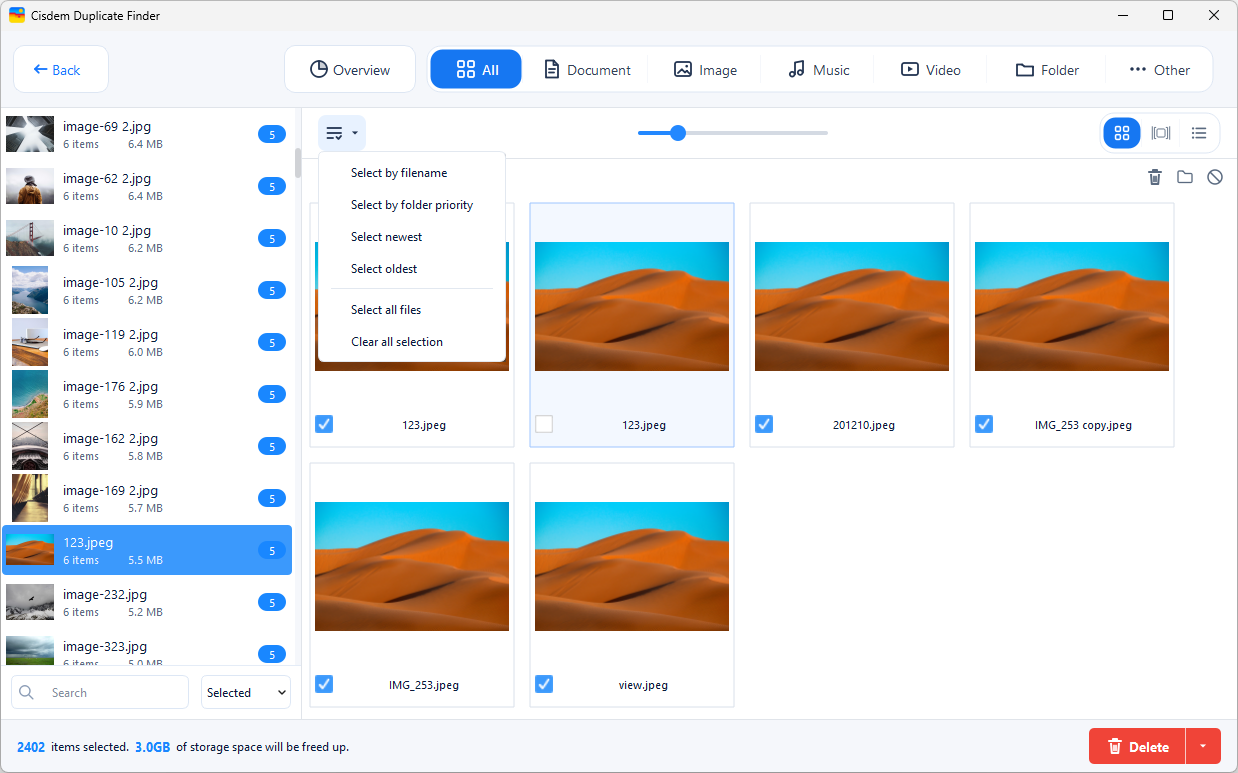
- Side-by-Side Preview: Offers 3 view modes with clear, side-by-side image previews to let users review results easily before deletion.
- Automatic Selection: Automatically checks duplicate copies for fast removal while always leaving original files safe and untouched.
- Various Selection Rules: Offers multiple rules to help auto-select duplicates and similar photos, such as Select Newest, Select by Filename, and Select by Score (a rule based on on-device AI-powered photo quality scoring).
- Manual Selection Controls: Allows users to easily override automatic selections based on their preference.
- Safe Deletion Methods: Provides 3 ways to clean up: Move to Recycle Bin/Trash, Delete Permanently, or Move to Folder.
- Custom Filters & Settings: Includes options to ignore specific folders or file formats, and adjust the similarity level for comparing images.
Categories & Use Cases
Media




1 / 6
Screenshot of the interface to add local/external folders or cloud account to scan