

Macro
1 Reviews and Ratings
What is Macro?
Macro is an open-source workspace that combines email, team messaging, documents, task management, calls, and customer relationship management (CRM) in one application. Its modules, called Macro Blocks, use a shared AI context layer that allows the platform’s agents to reference information across supported workspace activities.
Key Capabilities
- Shared Context Layer: Email, messages, documents, tasks, calls, and CRM records contribute to a common context layer. Macro’s AI agents can use this information when searching for content or performing supported tasks.
- Keyboard-Based Navigation: Users can open documents, create channels, add tasks, access search, and move between workspace modules with keyboard shortcuts.
- Bidirectional Linking: People, documents, tasks, channels, and calls can be connected through mentions. Linked records provide references in both directions, making related workspace information easier to locate.
- Macro Docs: The document editor uses Markdown and supports real-time collaboration through a conflict-free replicated data type (CRDT) architecture. Additional functions include agent activity indicators and version history for reviewing or restoring earlier document states.
- Macro Chat: The messaging module provides channels, inline replies, and an inbox for organizing conversations that require attention.
- Macro Tasks: Tasks can be created from messages and linked back to their source conversations. A bidirectional GitHub integration can synchronize task status with associated branches and pull requests.
- Macro Calls: Calls can be recorded, transcribed, and separated by speaker. Transcripts are added to the shared context layer for subsequent search and agent-assisted workflows.
- Macro CRM: The CRM module maintains customer and pipeline records. Macro can update and enrich these records using information available within connected workspace activities, reducing duplicate data entry.
Audience and Use Cases
- Audience: Startups and teams that want to manage communication, documents, work items, meetings, and customer records within a shared workspace.
- Knowledge Retrieval: Teams can search across related documents, conversations, calls, tasks, and CRM records.
- Project Coordination: Messages can be converted into tasks and linked with the documents, conversations, or GitHub activity that provide their context.
- Meeting Documentation: Recorded calls can be transcribed and made available to Macro’s agents for search and follow-up tasks.
- Customer Management: Teams can connect customer records with relevant email, messaging, task, and call activity.
Technical Specifications
- Deployment model: Open-source software
- Document format: Markdown
- Collaboration architecture: CRDT-based real-time editing
- Development integration: Bidirectional GitHub linking
- Supported workspace functions: Email, messaging, documents, tasks, calls, and CRM
Categories & Use Cases
Screenshots




1 / 6
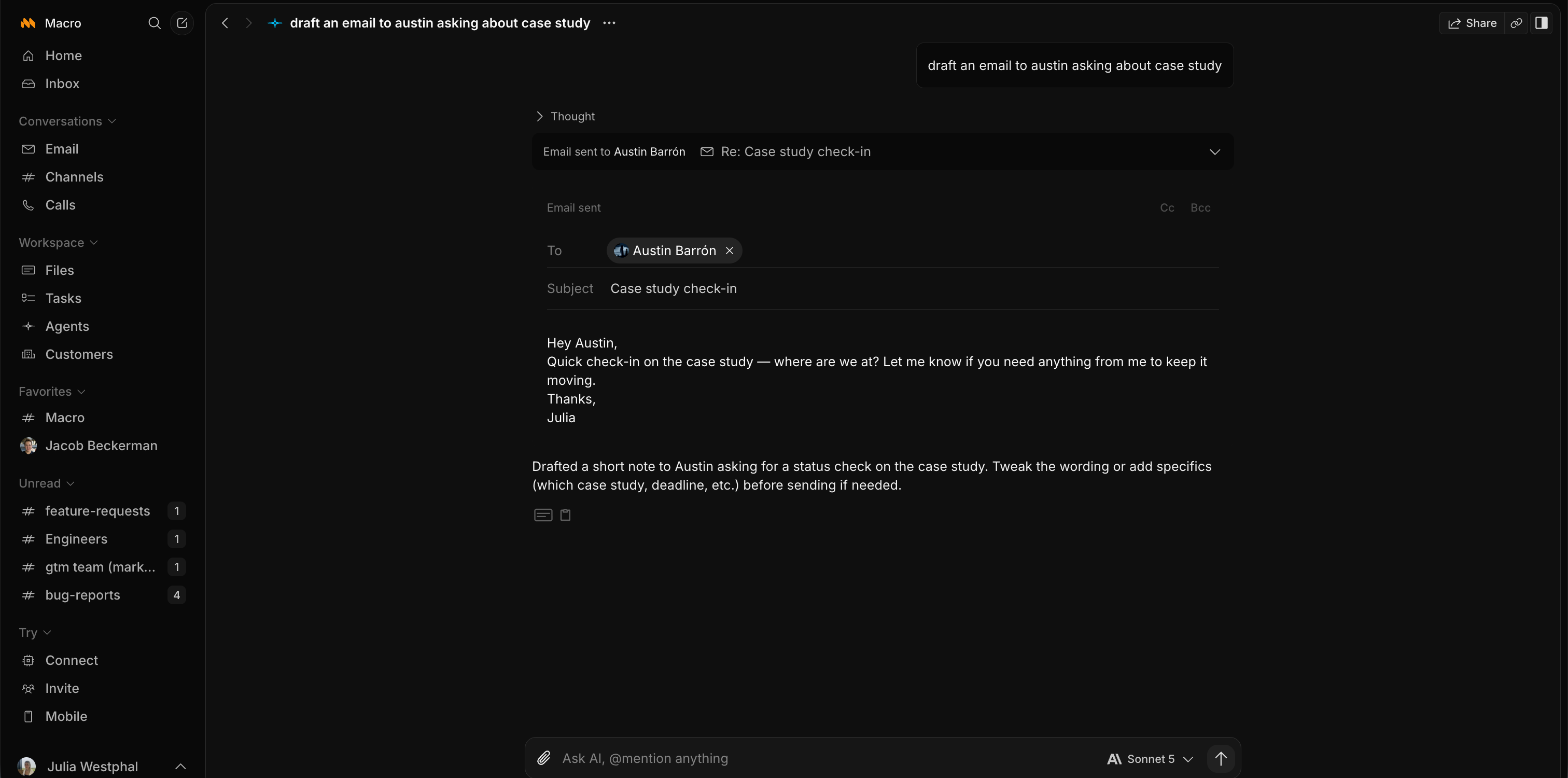
Screenshot of Macro's home page where you can interact with an agent and get a summary of recent work.
Product Demos
Technical Details
| Deployment Types | SaaS |
|---|---|
| Mobile Application | Apple iOS |
FAQs
How much does Macro cost?
Macro starts at $40.
What are Macro's top competitors?
Slack, Notion, and Linear are common alternatives for Macro.