

resynced.io
What is resynced.io?
resynced.io is a platform used to keep data in sync across different tools like monday.com, Google Sheets, Notion, and Smarsheet. It supports both one-way and two-way synchronization, so that the user decides whether changes flow in a single direction or stay in sync across both platforms.
The goal of resynced.io is to reduce the need for manual data copying or repetitive updates between tools. For example, if a team manages tasks in monday.com but builds reports in Google Sheets, resynced.io ensures both stay up to date without needing to transfer values manually. It also allows external collaboration, for instance, letting clients or vendors update information in Google Sheets, which then syncs with an internal monday.com board.
The setup process allows you to configure:
- Which columns or fields should be synchronized
- Sync directions for each field (one-way or two-way)
- Permissions for creating, updating, or deleting records in each tool
resynced.io handles record updates and supports item creation and deletion if configured. It provides flexibility for keeping data in sync across different systems without requiring custom scripts or integrations.
Some common use cases include:
- Using Google Sheets as a calculation engine for monday.com boards and syncing the results back
- Syncing personal and work Notion accounts to manage access and workflows
- Sharing filtered data views from internal tools with clients or contractors
- Importing structured data from spreadsheets into project management tools and keeping it updated
resynced.io is built for teams who rely on multiple tools but want to avoid double work and reduce manual errors. It’s offered as most useful in cross-team or cross-company collaboration, where different people work on different platforms.
Categories & Use Cases
Screenshots


1 / 3
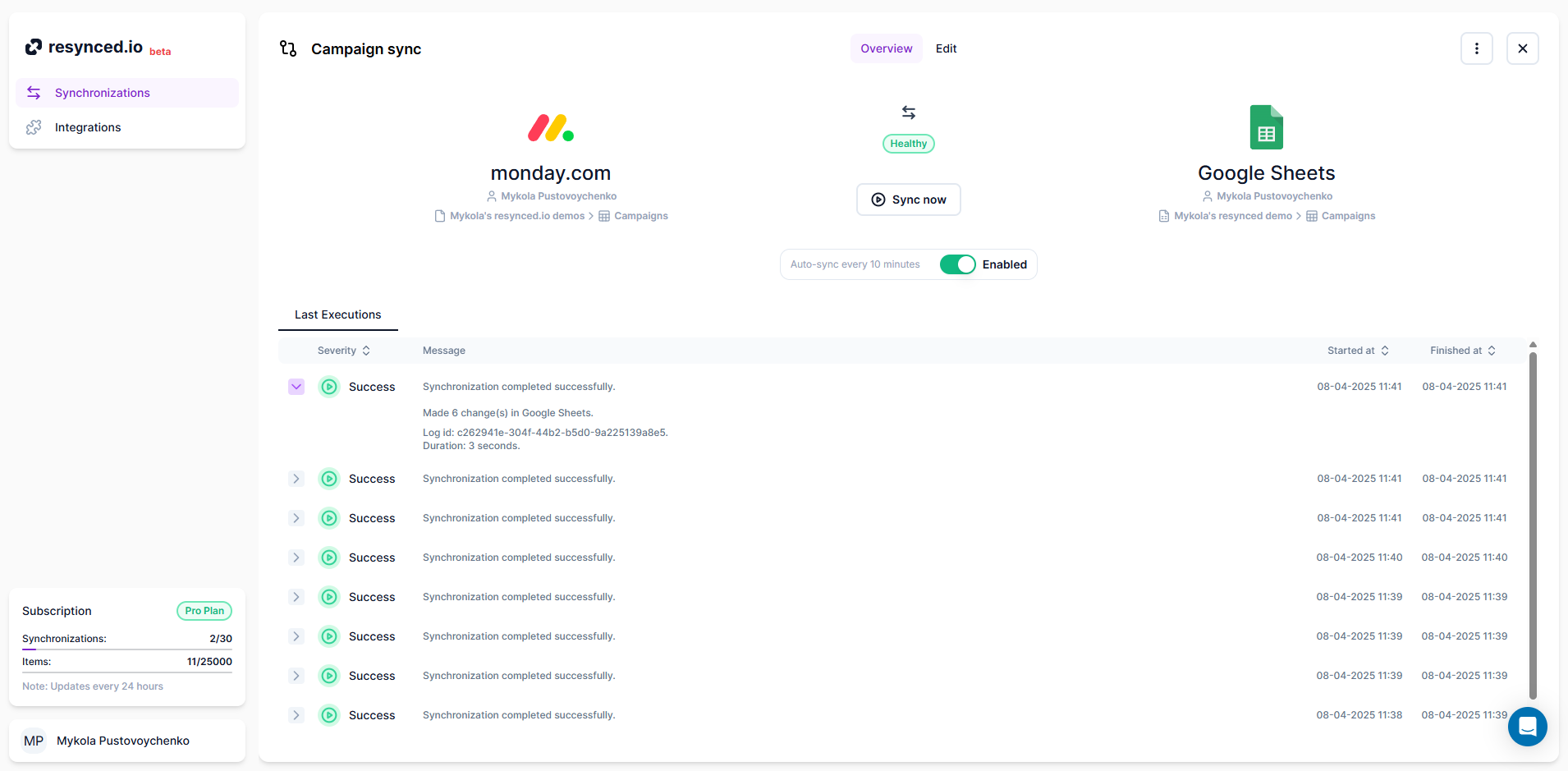
Screenshot of the synchronization editor, which is the heart of resynced.io This is how the synchronization is created. Here, the user can decide on sync sources, sync direction, and map columns between their tools.
Technical Details
| Deployment Types | SaaS |
|---|---|
| Mobile Application | No |
| Supported Countries | Global |
| Supported Languages | English |