TrustRadius: an HG Insights company

V2 Cloud

Score9 out of 10

8 Reviews and Ratings

What is V2 Cloud?

V2 Cloud is a Desktop-as-a-Service (DaaS) platform that delivers managed Windows cloud desktops to users through a browser or client app. It keeps business applications, files, and desktop environments in centrally managed cloud infrastructure, allowing employees, contractors, and remote teams to access a consistent workspace from their own devices.

Alongside cloud desktops, V2 Cloud supports application hosting, cloud servers, storage, and managed environments for business workloads. Organizations can use the platform to make legacy or line-of-business applications available remotely, provision dedicated workspaces for temporary staff, and manage user access and computing resources from a web-based console.

The platform includes options for identity and access controls, endpoint management, backups, monitoring, and security services. MSPs can manage client environments through a shared console and offer white-label services, while ISVs can deliver preconfigured application environments to customers.

V2 Cloud is aimed primarily at small and midsize businesses, managed service providers, and software vendors that want to deliver cloud desktops and hosted applications without operating their own virtualization infrastructure.

Media

Screenshot of the employee management page. Here, users can scale-up and down their cloud computers.
Screenshot of the web browser management interface.
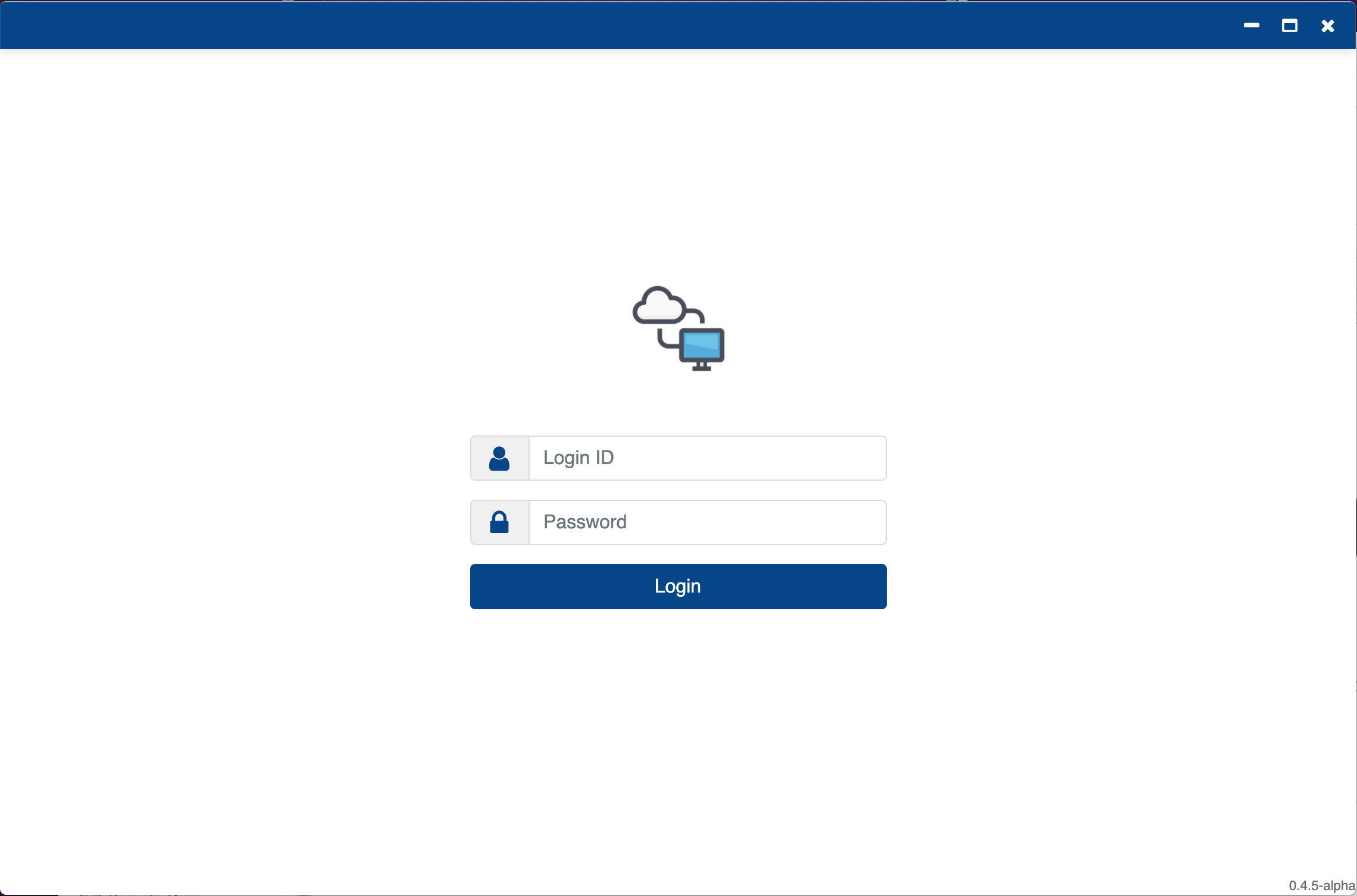
Screenshot of the downloadable app that can be white labeled. It can also be personalized through multiple settings.

1 / 3

Screenshot of the employee management page. Here, users can scale-up and down their cloud computers.

Who Buys & Uses V2 Cloud

Great for Remote Desktop Needs

Pros

  • Reliability.
  • Speed.
  • Support.

Cons

  • Ease of log on could be better.
  • There is a slight lag when typing and scrolling through pages compared with a regular desktop.
  • Sometimes I am logged out of the cloud desktop for no apparent reason.

Return on Investment

  • Improves efficiency.
  • I would say that it will save me money on hardware.
  • I do not think overall it will save much money.

Alternatives Considered

Citrix Gateway (formerly NetScaler Unified Gateway)

Other Software Used

AdvancedPM (formerly ADP AdvancedMD), Meditech Electronic Health Records

Great product for those that need a little or no IT specialists or want to outsource their back office

Pros

  • Excellent after sales customer service.
  • Ease of uploading and populating the virtual desktop.
  • A solution that allows us to focus on what we do best and takes care of the back end.

Cons

  • Download process could be more efficient by allowing files to be cleaned out of the download folder in the virtual environment without cloning files.

Return on Investment

  • Improved security issues around document integrity.
  • Audit friendly

Alternatives Considered

Amazon RDS on VMware, Oracle Enterprise Manager and Fortinet on IBM Cloud

Affordable & efficient for our small practice

Pros

  • Affordable
  • User friendly
  • Accessible
  • Good support

Cons

  • Set up of root files/folders in a shared drive accessible by everyone and not a cloud drive

Return on Investment

  • increased efficiency

Definitely would recommend

Pros

  • Screen share with dual control
  • Administrative control over all desktops/users
  • Customer service

Cons

  • Display management

Return on Investment

  • So far no negatives

Excellent no-fuss virtual machine creation/provision

Pros

  • Customer service
  • Setup
  • Admin excess
  • Technical support
  • Price

Cons

  • Had issues with iOS application for connecting to the VM; however, I prefer using remote desktop connection

Return on Investment

  • Increased productivity
  • Ease of use
  • Mobility
  • Professionalism

Usability