

What is Videolink?
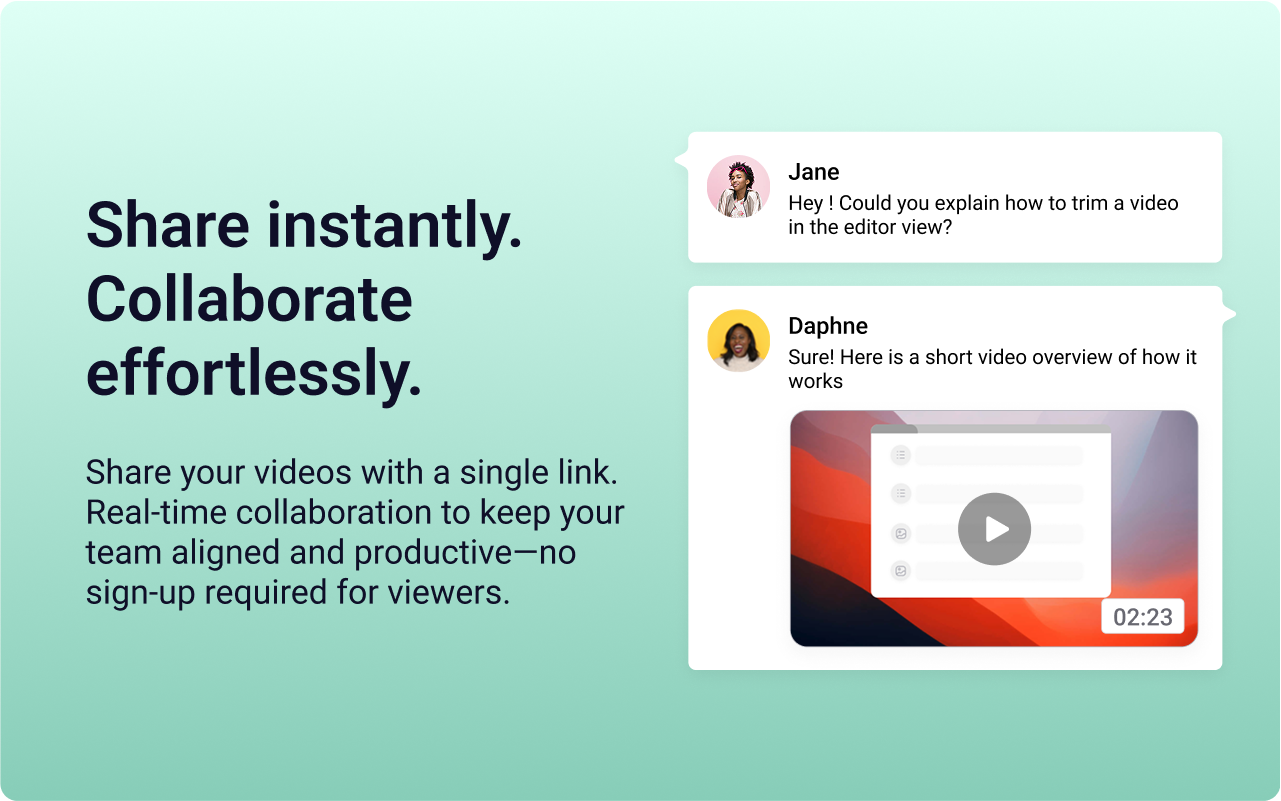
Videolink brings clarity and collaboration to team conversations through video recording, sharing and instant playback.
It can be used to record a screen or camera in seconds, send a link, and add visual context to information – whether it’s customer feedback, internal updates, or product walkthroughs. Instead of chasing down details in chat logs or ambiguous tickets, Videolink lets teams share ideas that are clear, direct, and searchable.
Key Features:
✔ One‑click screen & webcam capture – create clear video explanations instantly, without writing a wall of text
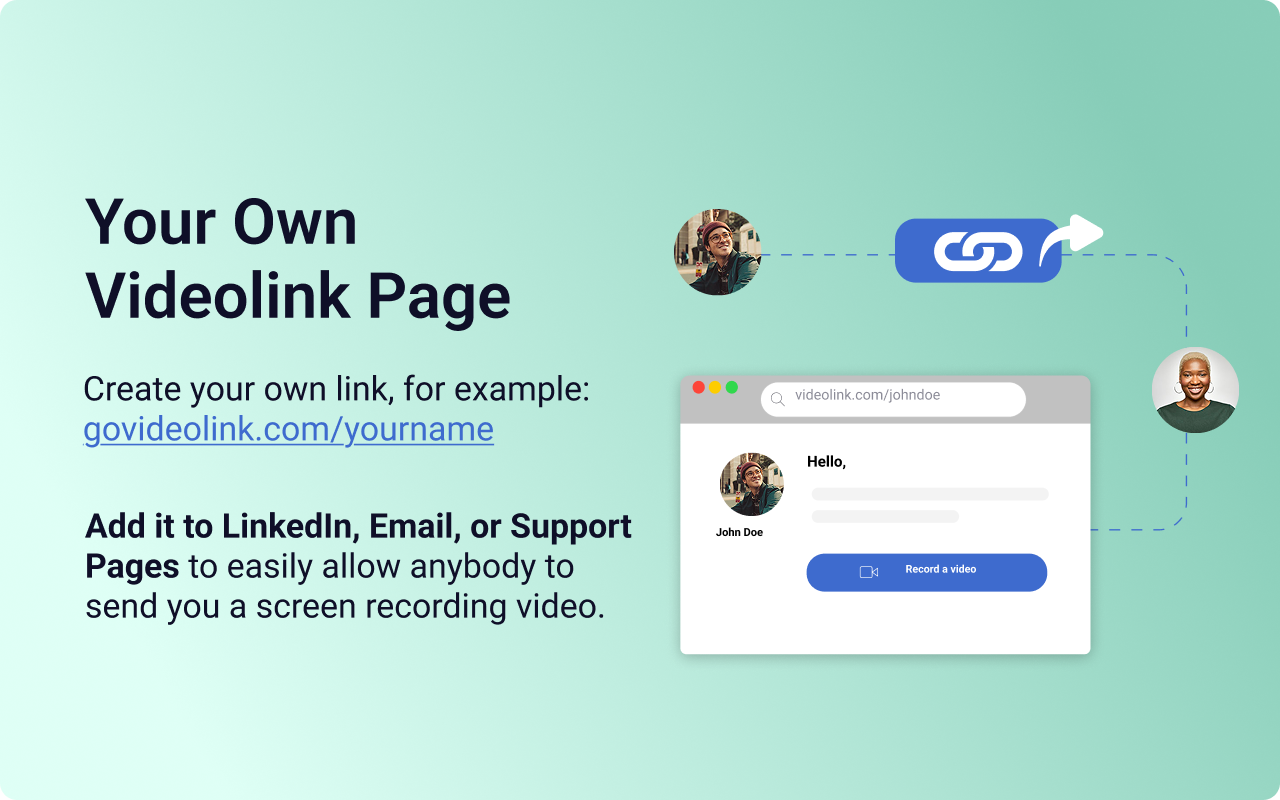
✔ Personal video request page – share a private link where others can send you video messages automatically – no account needed and full sender info included
✔ Browser extension – record videos directly within tools like Gmail, Notion, and Trello
✔ Unlimited team accounts – no per‑seat fees; everyone in an organization gets a full Videolink account
Whether it is used for gathering feedback, delivering customer replies, or collaborating on complex issues, Videolink aims to enhance communication with speed, context, and impact – without limits on user access.
Categories & Use Cases
Videos
Screenshots
1 / 3
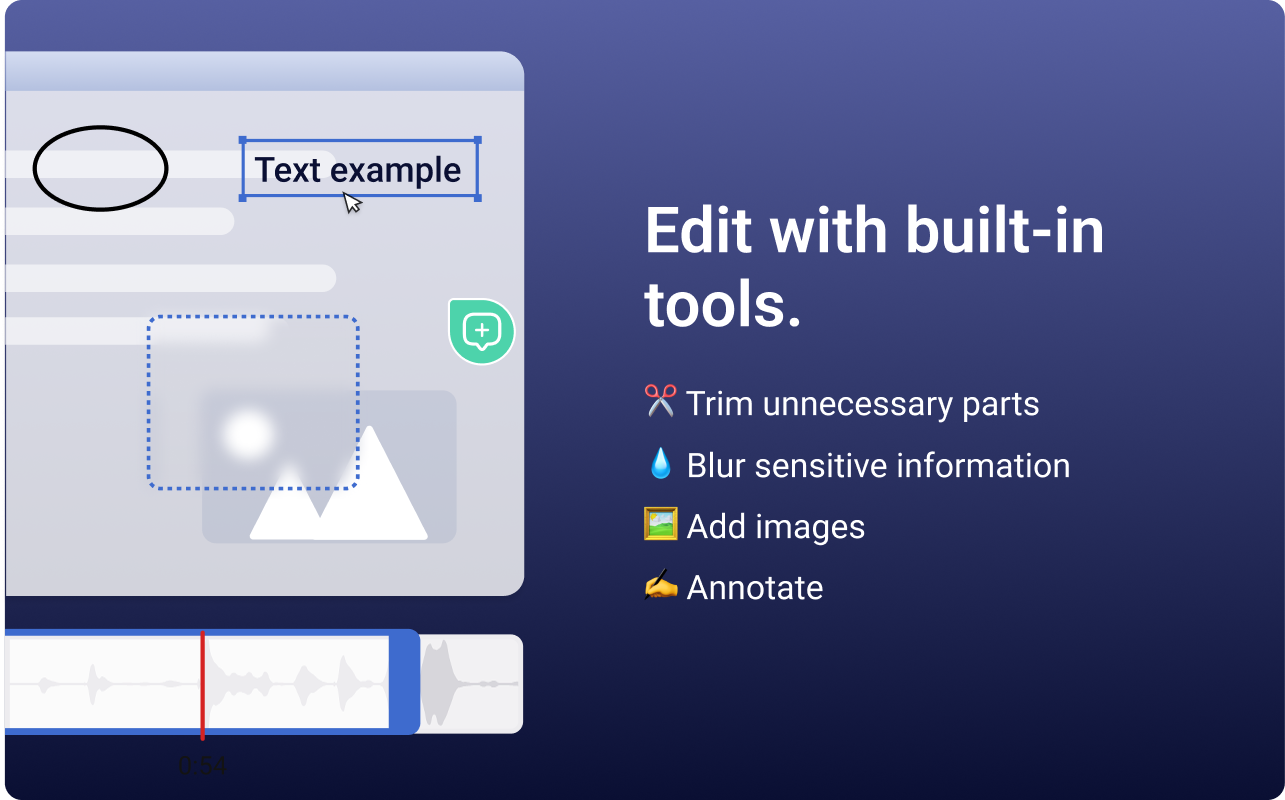
Screenshot of the Videolink editor, used to trim out excess content, blur sensitive info, annotate key areas, and insert images.
Product Demos
Technical Details
| Deployment Types | On-Premise, SaaS |
|---|---|
| Operating Systems | Windows, Linux, Mac |
| Mobile Application | No |
FAQs
How much does Videolink cost?
Videolink starts at $0.
What are Videolink's top competitors?
Vidyard, Atlassian Loom, and Sendspark are common alternatives for Videolink.
Who uses Videolink?
The most common users of Videolink are from B2C.